

When you purchase through links on our site, we may earn an affiliate commission. Here’s how it works.
4 Best Chinese Kodi Addons in 2022
Last updated January 5, 2022

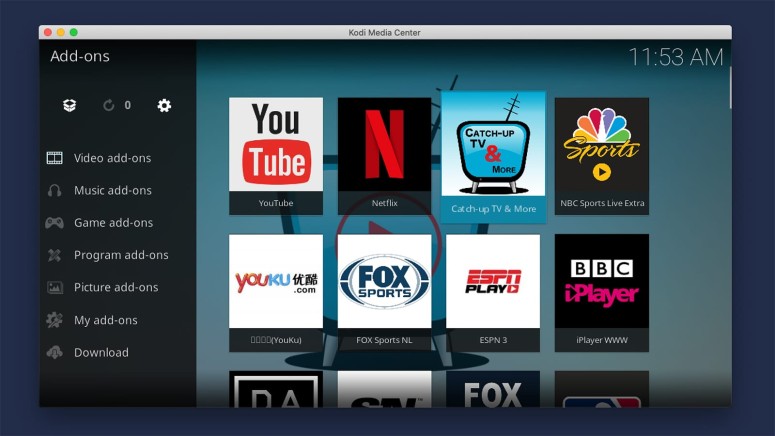
At first, it might look like Kodi doesn’t offer plenty of content in Chinese. However, digging a bit deeper will reveal both live and on-demand content, with plenty to watch. So, if you’re wondering what the best Chinese Kodi addons in 2022 are, you’ve come to the right place.
After spending plenty of time trying out various addons, we gave our best to find those that are worth your time. This means you won’t find malicious addons here. Instead, we’ll offer safe-to-use and legal Kodi addons only. With that said, let's jump right in!
Do You Really Need a VPN When Using Chinese Kodi Addons?
Yes, using a VPN when accessing Kodi's Chinese addons is required - if you want to bypass geo-blocks and get access to any addon out there.
Kodi's addons are very similar to streaming services in relation to licensing deals. That's why they are typically available in select countries only, which is especially true for Chinese addons for Kodi, as that type of content can be pretty restricted in many parts of the world.
With that said, know that a capable VPN app will help you unblock Kodi. That means you'll get to download any addon, access its content, and stream without any buffering.
There are also other reasons to use a Kodi VPN. You'll get to avoid potential legal troubles, as Kodi is often associated with piracy. You'll also make Kodi more secure while regaining your anonymity and preventing data logging.
To see which VPN services and apps you should use, here are the best VPNs for Kodi. Besides that, don't forget to learn how to use a VPN with Kodi.
Best-Working Chinese Kodi Addons in 2022
After plenty of testing and trying out dozens of addons, we strongly believe the following to be the 4 best Chinese addons for Kodi in 2022. Take a look below.
- Catch-Up TV & More (Compatible with Kodi 19)
- Netflix (Compatible with Kodi 19)
- YouKu TV (Compatible with Kodi 19)
- YouTube (Compatible with Kodi 19)
1. Catch-Up TV & More

You might hear people saying that turning to illegal Kodi addons is the only way to watch TV live. However, that can’t be further from the truth. There’s an excellent selection of Kodi addons offering live TV – starting with 'Catch-Up TV & More.'
As soon as you open this addon, you’ll see a long list of countries, showing you various TV channels from those individual countries. You need to go with 'China,' where you’ll find more than 15 CCTV channels available for streaming. And no, you won’t find any dead links here.
Sadly, you can’t watch any of that content on-demand. However, considering that we’re talking about watching plenty of CCTV channels live, you won’t lose much. And on top of that, there are hundreds of other (international) channels.
2. Netflix
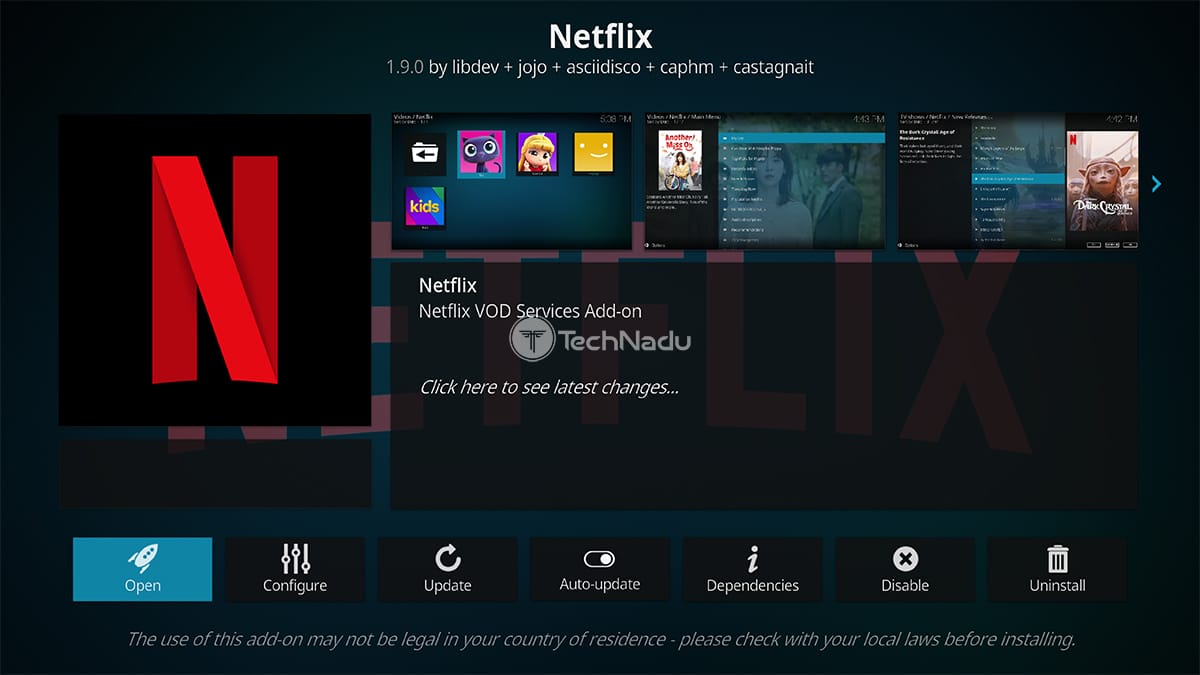
The truth is that Netflix isn’t available in China. However, we’re sure that many of you are reading this article outside of China, looking for a way to add Chinese content to Kodi. That’s why we’ve decided to recommend the Netflix addon for Kodi.
During the last couple of years, Netflix has done a marvelous job acquiring international movies and TV shows. And yes, that includes content from Asian countries. When it comes to the most popular Chinese films on Netflix, you’ll find titles such as The Wandering Earth, Cities of Last Things, This Is Not What I Expected, and countless more.
Lastly, you should know that the Netflix addon has been updated for Kodi v19. That means you use it on both the latest available version - and version 18 as well.
3. YouKu TV
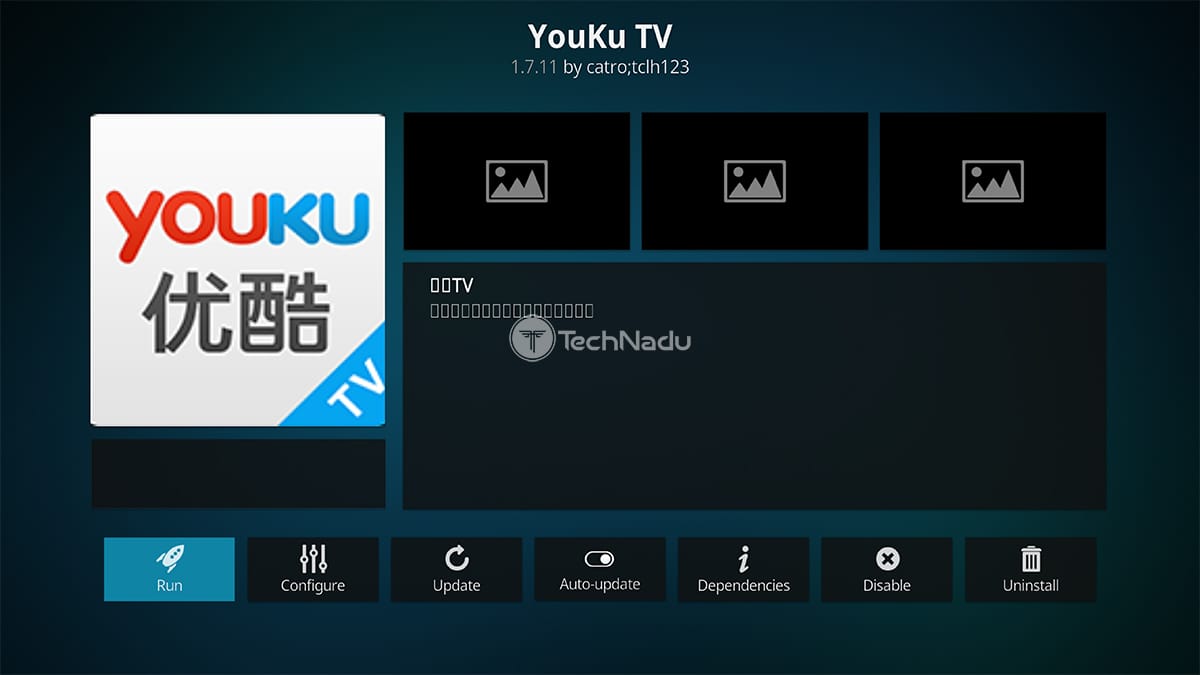
The world’s most popular streaming platform (YouTube) isn’t available in China. Instead, you’ll find plenty of alternatives in this country, with YouKu being the most popular one.
The YouKu TV addon does a great job of displaying the platform’s content. You will see a nicely designed grid of featured videos on the home page, including original programming. As you’d expect, the addon is in Chinese – and there appears to be no English translation, which isn’t as surprising.
All in all, we do believe that YouKu TV is one of the best Chinese Kodi addons right now. It might not be the most stable one, but it brings a massive volume of content. Therefore, it’s worth trying it out.
4. YouTube
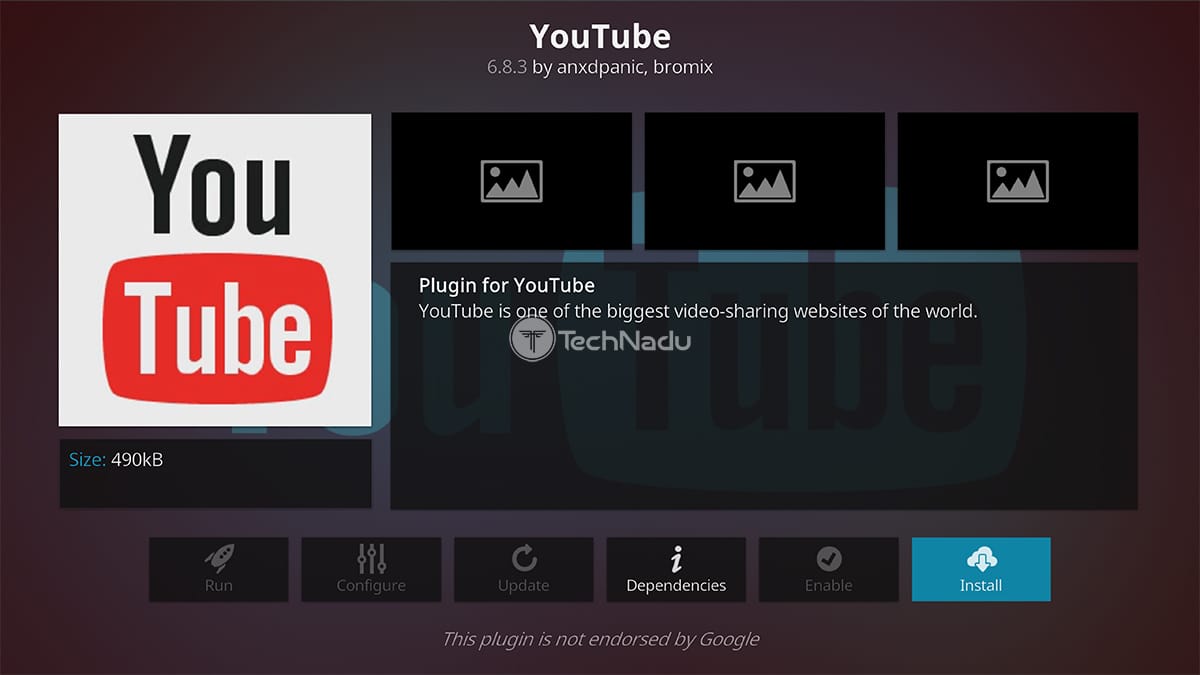
You’re probably surprised to see us recommend YouTube in this article. However, even though this platform is blocked in China, it caters to a worldwide audience. Therefore, it’s not surprising to find plenty of Chinese content here, including clips, movies, TV shows, news, and plenty more.
Besides, we’re talking about an addon found in Kodi’s official repository. This means you’ll get the full functionality of YouTube on your Kodi. Even installing the addon should not take more than a few moments of your time.
Right now, some of the most popular Chinese movies on YouTube include Operation Mekong, The Great Hypnotist, Detective Chinatown 2, Monster Hunt, and more. As you can see, it’s worth using YouTube on Kodi.
How to Find & Install Chinese Addons on Kodi (v19, v18, and Older)?
There are several ways to install addons on your Kodi, depending on where those addons originate. So, here's how to install those from Kodi's official repository:
- Open Kodi and click on 'Add-ons' using the application's main menu.
- Then, select 'Download' and click on 'Video Add-ons.'
- Pick any addon and click on its name (such as Catch-Up TV & More, YouTube, or any other).
- You should now see the selected addon's overview. Proceed to click on 'Install.'
- Then, return to Kodi's 'Add-ons' section and open the newly installed addon. That's it!
In case you need more detailed instructions with screenshots, here's our full guide on installing addons from Kodi's official repository. However, know that some addons (such as Netflix and YouKu TV) come from GitHub - so here's how to install addons from GitHub as well.
Chinese Kodi Addons Not Working? Try This!
When trying to install a Kodi addon, the last thing you want to see is an error message. Still, keep in mind that no matter the problem you're facing, there's plenty you can do to resolve it. So, we offer a group of quick and easy fixes, just below.
- You'd be surprised by how many errors can be resolved by deleting Kodi's cache files. We recommend doing that first, no matter if you can't install addons or if they don't work.
- Then, you should update your Kodi. Use the provided link to learn how that's done - but beware that Kodi v19 still doesn't work with most Chinese Kodi addons (which are yet to be updated).
- Since a group of Chinese addons for Kodi come from online sources, installing them could lead to dependency-related errors. So, here's how to resolve dependency issues with Kodi.
- And lastly, know that non-English Kodi addons can often be geo-restricted. The only way to access those is to use a VPN. Here's how to install a VPN on Kodi, along with our VPN picks.
In case you'd like to take a deeper dive into resolving issues with Kodi, the provided link will take you to our central troubleshooting guide to Kodi. Make sure to take a look.
Which Chinese Addons for Kodi No Longer Work - Or Have Shut Down Permanently?
Just like it happens often, Kodi addons can stop working without any warning. That's precisely what has happened with the following Chinese addons for Kodi.
- AzDrama
- ICDrama
- Drama24H
- One242415
- Nemesis
- Lord JD Movies
- Exodus (the original version)
- Covenant (the original version)
Make Sure to Avoid These Illegal Chinese Kodi Addons!
You'll see that many websites recommend Chinese addons such as AzDrama, ICDrama, Halow Live TV, Drama GO, and CCTV Replay. However, know that all those are illegal to use.
Those addons are illegal because they bring pirate IPTV streams, as well as movies and TV shows that are distributed without any licensing rights. Consuming that content constitutes copyright infringement, punishable by law in many countries.
With that said, make sure to stick to Kodi's official repository only - which is where you'll find legal and safe addons. And of course, you can also rely on our recommendations.
That would be all on the best Chinese Kodi addons in 2022. If you have any suggestions, make sure to post a comment below. And also, don't forget to stay on top of the latest Kodi news by following our website. Thank you for reading!
Related





Get expert insights on threats, breaches, scams, and security trends — delivered every Monday.
Most Popular


Get expert insights on threats, breaches, scams, and security trends — delivered every Monday.
Most Popular