When you purchase through links on our site, we may earn an affiliate commission. Here’s how it works.
How to Watch Freevee for Free Online from Anywhere
Last updated November 19, 2024


Previously known as IMDb TV, Amazon’s Freevee brings an interesting mix of movies and TV shows, as well as some original programming - free of charge. However, it’s available in the United States and the United Kingdom only. Worry not, as there’s a way to watch Freevee for free online from anywhere, with the help of a VPN.
If you're outside Freevee's supported regions, an error message will appear on its site, saying: “Travelling or based outside United States? Video availability outside of United States varies. Sign in to see videos available to you.”
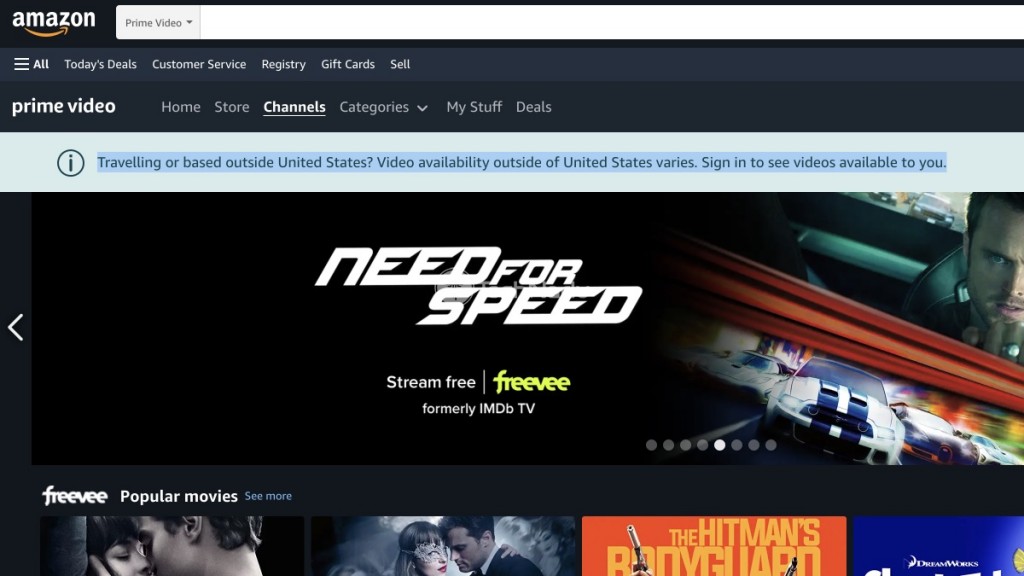
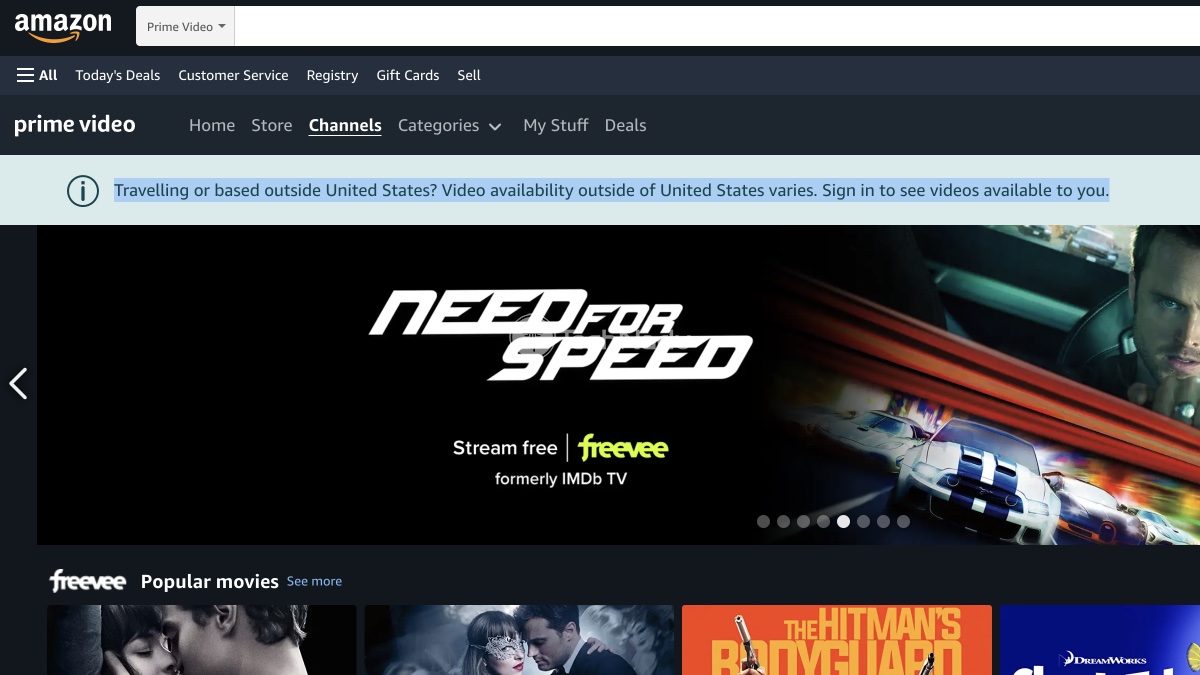
Amazon has a way to determine your location, primarily based on your IP address. With that said, you can change your IP using a VPN, which is the most effective solution currently available. Then you can watch Amazon Freevee in Canada or anywhere else in the world.
Aside from supporting Freevee, your chosen VPN must offer servers in the streaming service's supported regions, provide fast speeds, and a smooth streaming experience overall. As you can guess, we know which VPNs will help you watch Freevee online from anywhere without your having to pay for the streaming service itself. Therefore, keep reading to learn more!
How to Watch Freevee for Free from Anywhere with a VPN
A capable VPN will help you unblock and watch Freevee from abroad in less than a minute. Here are the instructions on how to make that happen:
- Pick a VPN that works with Freevee, such as ExpressVPN. (You can try it risk-free for 30 days.)
- Download and install ExpressVPN on the device(s) you’ll use to watch Freevee.
- Once you launch the VPN, reach its home screen by logging in to your account.
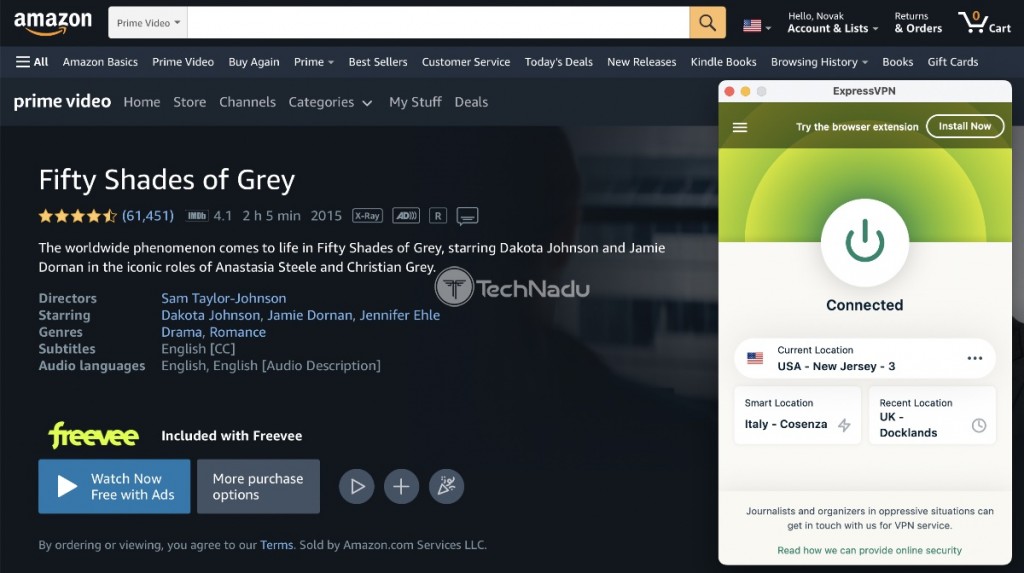
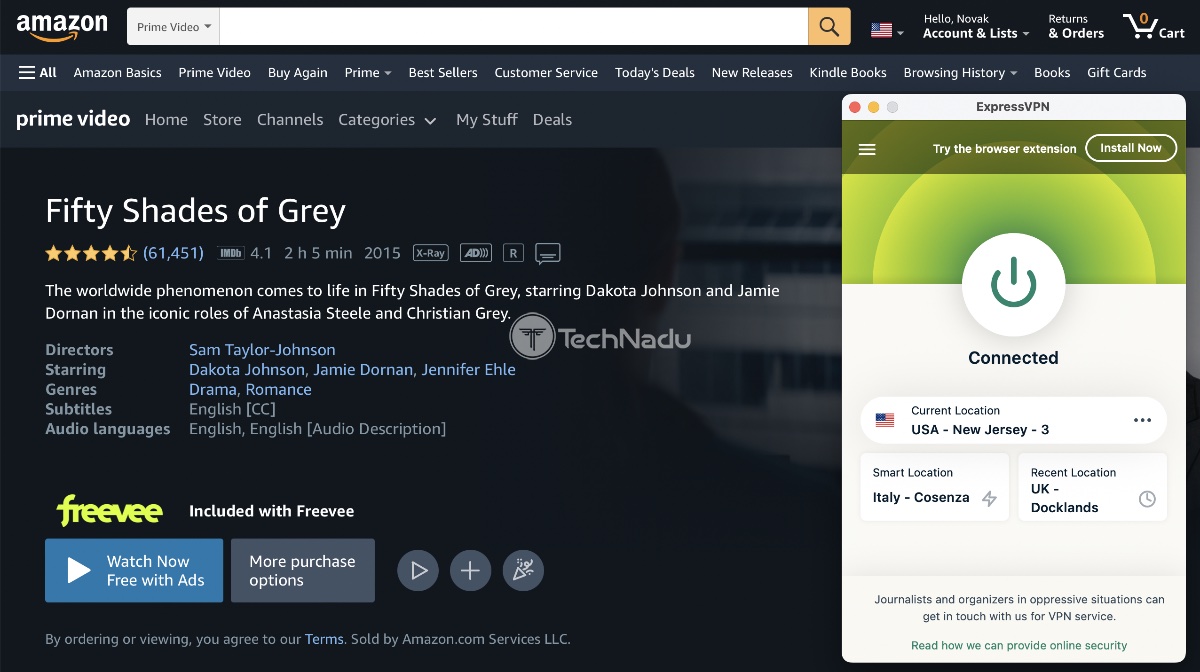
- Connect to any server in the United States.
- Using your favorite Web browser, navigate to Freevee’s website.
- Log in to your Amazon account or create a new one (you need a US or UK account).
- Feel free to pick any title you’d like to stream. That’s it!
Best VPN to Watch Freevee from Anywhere
To unblock Freevee, you need a VPN that supports that streaming service, has servers in the US (or the UK), and offers streaming-friendly speeds and apps for various devices and platforms.
Following the criteria mentioned just above, here’s our list of the top 3 VPNs that’ll let you watch Freevee online from anywhere:
- ExpressVPN – Best VPN Overall for Freevee
- NordVPN – Best Option for Advanced Users
- Surfshark VPN – Best Option for First-Time Users
1. ExpressVPN – Best VPN Overall for Freevee
If you’re after a hassle-free VPN that works with Freevee every single time, ExpressVPN should be your pick. Based on our hands-on tests, ExpressVPN is your best option at the moment, as it brings fast performance, has a range of apps, and includes plenty of extras.
In terms of its platform support, ExpressVPN offers apps for computers, phones, tablets, and streaming devices. On top of that, you can use it on game consoles and even smart TVs. So, unblocking Freevee’s apps should not be a problem, regardless of which platforms you use to access the streaming service.
You also get 3,000+ servers in 90+ countries. All ExpressVPN's servers are optimized for streaming, so you'll have a lot of options for connecting to various US- and UK-based servers. We also have to praise ExpressVPN’s performance, as you’ll get extra-fast speeds even without tinkering with your VPN connection.
Lastly, know that ExpressVPN is among the best VPNs overall. Aside from Freevee, it supports other free-of-charge platforms like Crackle, PlutoTV, and Popcornflix. However, it also works with premium services like Netflix, Amazon Prime, HBO Max, Disney Plus, and countless more.
To learn more, check our ExpressVPN review.
PROS
- Best-in-class VPN service.
- Unblocks Freevee from anywhere.
- Fast and optimized performance.
- Highly polished software.
CONS
- Limited fine-tuning.
2. NordVPN – Best Option for Advanced Users
NordVPN tries to do a bit of everything, and it mostly succeeds in its mission. It’s useful for privacy protection, but it also supports streaming, gaming, and even torrenting. And, of course, this VPN will help you watch Freevee overseas, as its network selection targets the US and the UK quite aggressively.
Like our other recommendations, NordVPN brings polished software for practically any device. It also has a SmartDNS feature for devices that don't support VPNs natively, such as smart TVs and game consoles. As per our tests, NordVPN's SmartDNS works with Amazon Prime, which means it also works with Freevee. So, all your devices should be covered more than well.
In terms of its server fleet, know that NordVPN offers 5,000+ servers in around 60 countries. However, despite having a massive number of servers, you won’t find any labeled as streaming-friendly. That’s because NordVPN improves its servers continuously, giving you a wide range of those that work with Freevee.
Lastly, let's mention that NordVPN is a solid option for streaming in general. It works with many other free and paid streaming services. Aside from that, it's convenient for privacy protection and unblocking the Web from more restrictive countries. It has obfuscated servers, which are helpful in accessing Freevee without leaving a single trace behind.
Want to learn more? Here’s our NordVPN review.
PROS
- Works on any device out there.
- Reliable and stable performance.
- Reliable Freevee unblocking.
- Advanced privacy protection.
CONS
- Streaming servers are not labeled.
3. Surfshark VPN – Best Option for First-Time Users
An ultra-capable VPN doesn’t have to be overly complex. So, if you want to watch Freevee from anywhere without having to learn how to use a VPN, Surfshark offers a handy solution. This is a highly streamlined VPN service that works without any input needed.
Of course, you'll need to install Surfshark on your device first. This VPN works on any device supported by Freevee and then some more. You can decide between using Surfshark's app(s) or SmartDNS, as both of those methods give you access to Freevee without a hitch.
Also, you’ll get 3,200+ servers in 65 countries. All of the popular “VPN destinations” are there, including the United States and the United Kingdom. Surfshark doesn’t offer a specific range of servers optimized for streaming because they all work for that purpose. And yes, this VPN comes with extra-smooth performance.
We’ve spent quite some time testing Surfshark, and we have to say we’re amazed by how well it performed. No matter if you use nearby or remote servers, you can expect minimal throttling. So, we recommend this VPN for watching Freevee even if you have a relatively slow connection.
Check what else to expect by reading our Surfshark VPN review.
PROS
- Great for first-time VPN users.
- Unblocks Freevee every single time.
- Great for streaming in general.
- Extra-fast performance.
CONS
- Can take a while to connect.
How to Sign-Up for Freevee Without the US or UK Payment Method?
Freevee comes free of charge. However, it requires you to have an Amazon account. So, here’s how to sign-up for Freevee even without the US or UK payment method:
1. Get a VPN that works with Freevee, like ExpressVPN.
2. Download, Install, and launch the VPN. Connect to a US- or UK-based server.
3. Use any Web browser to visit Amazon Freevee.
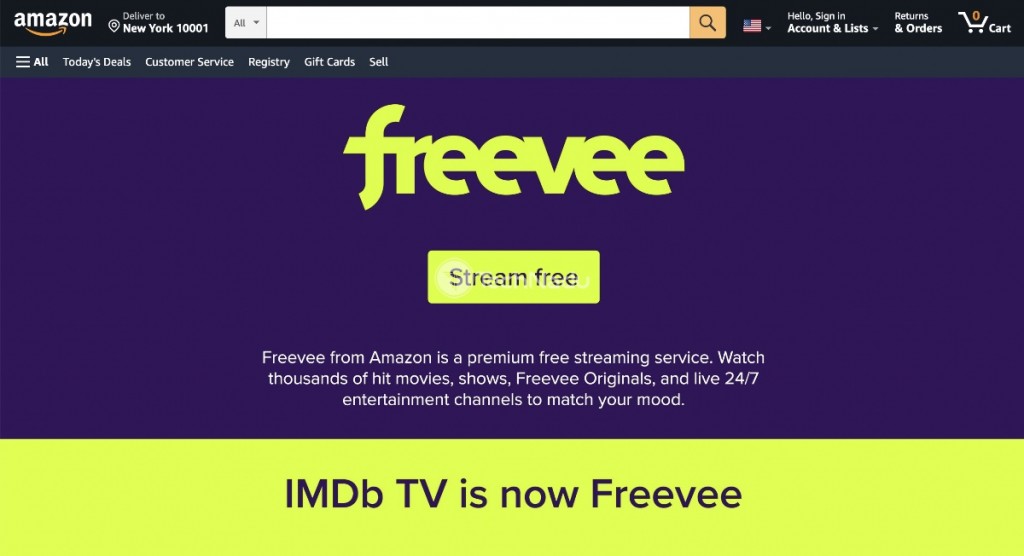
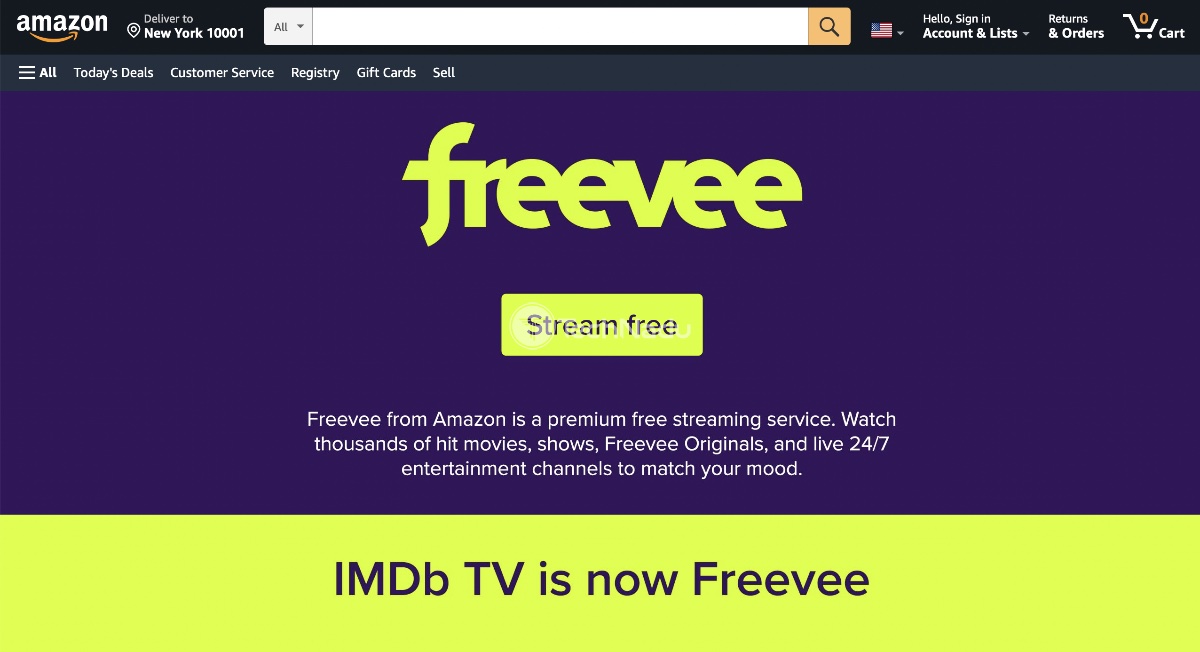
4. Click ‘Stream Free.’ Feel free to pick and start streaming any title.
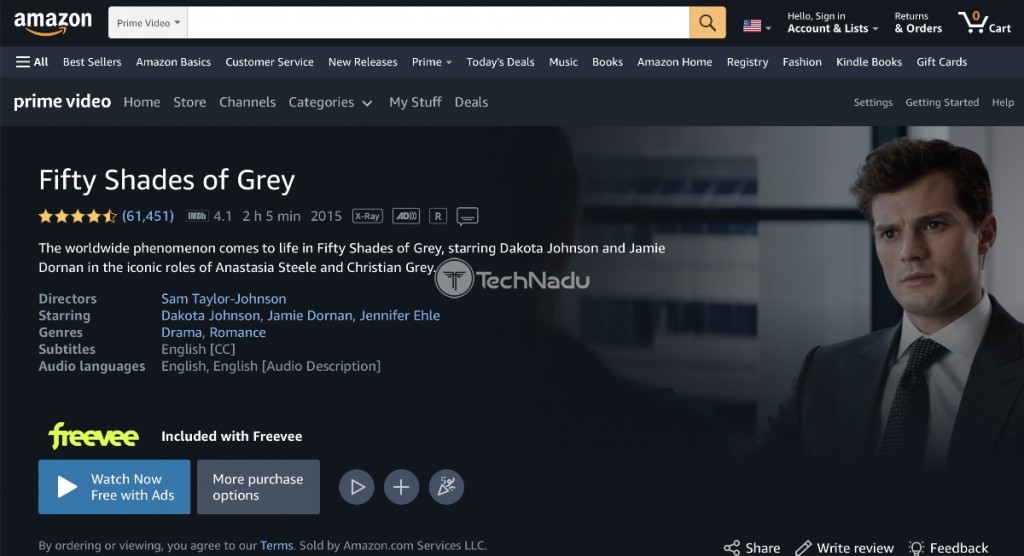
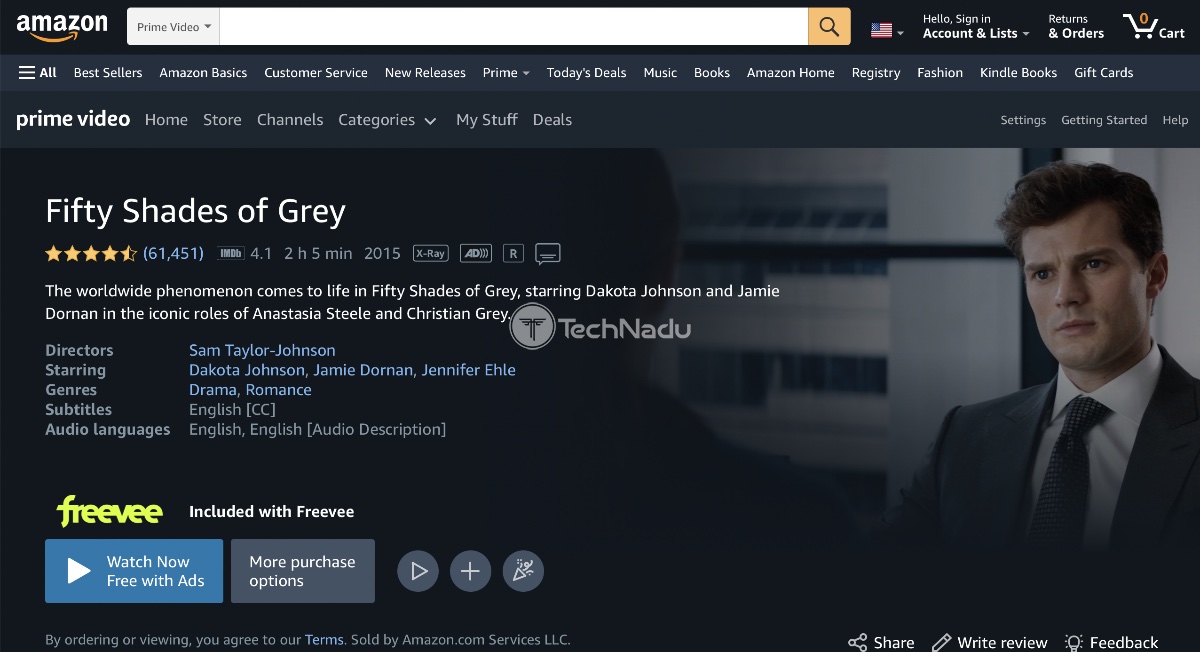
5. You’ll now see the ‘Sign-In’ page. Click ‘Create Your Amazon Account.’
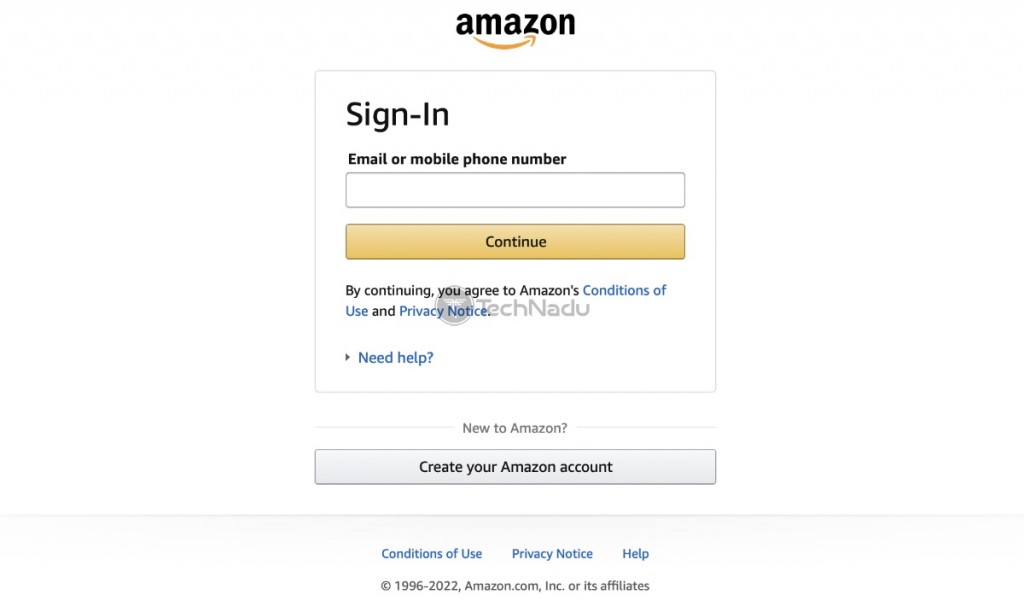
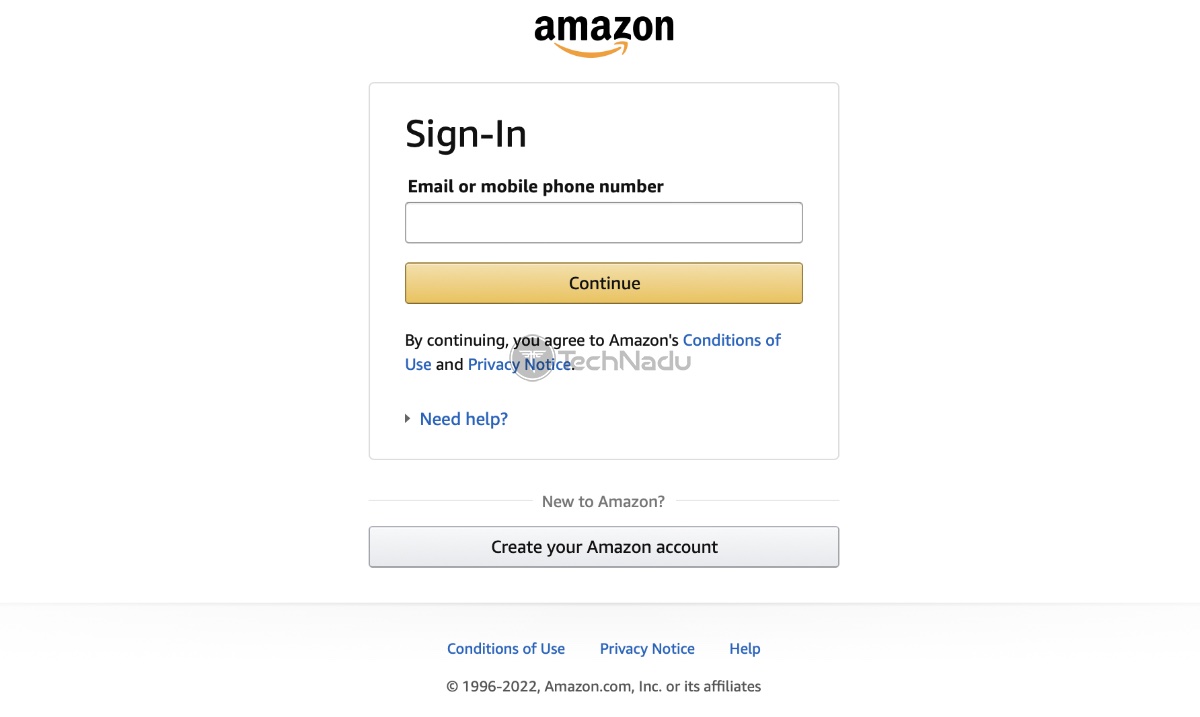
6. Input your name, email address, and create a password.
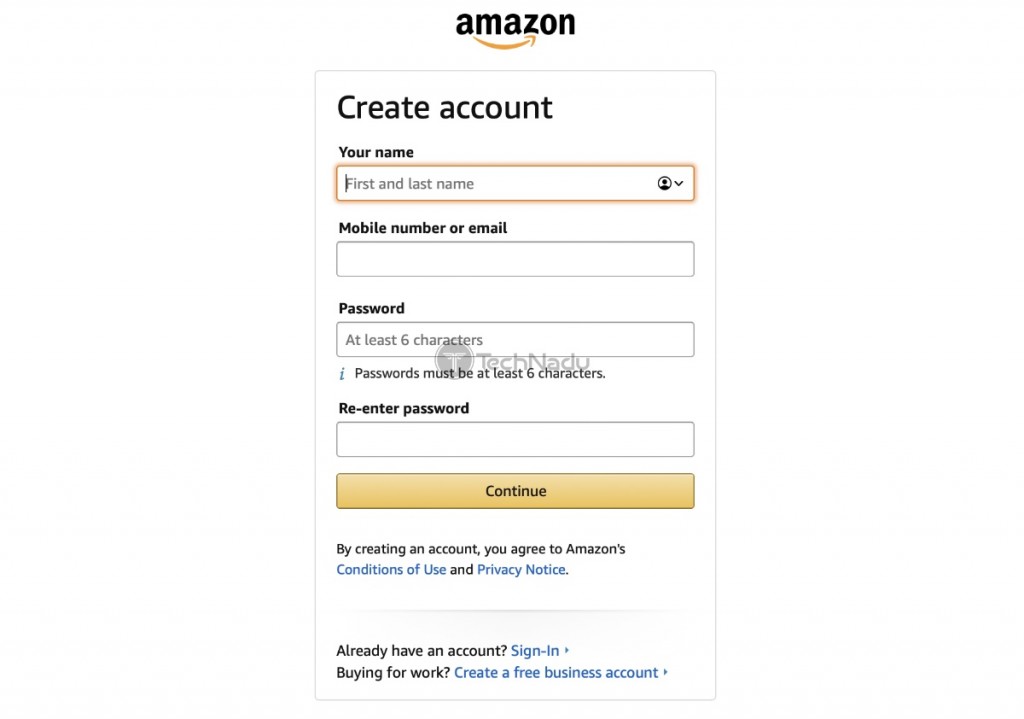
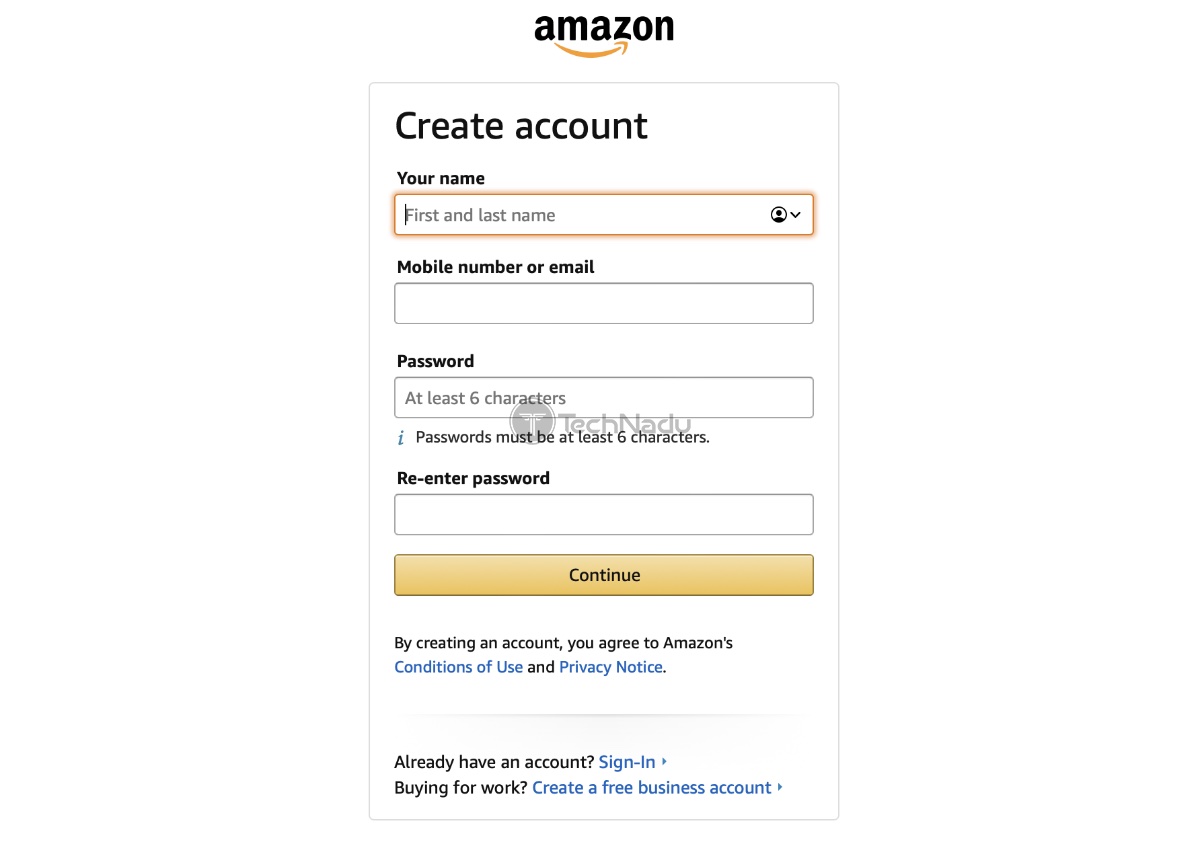
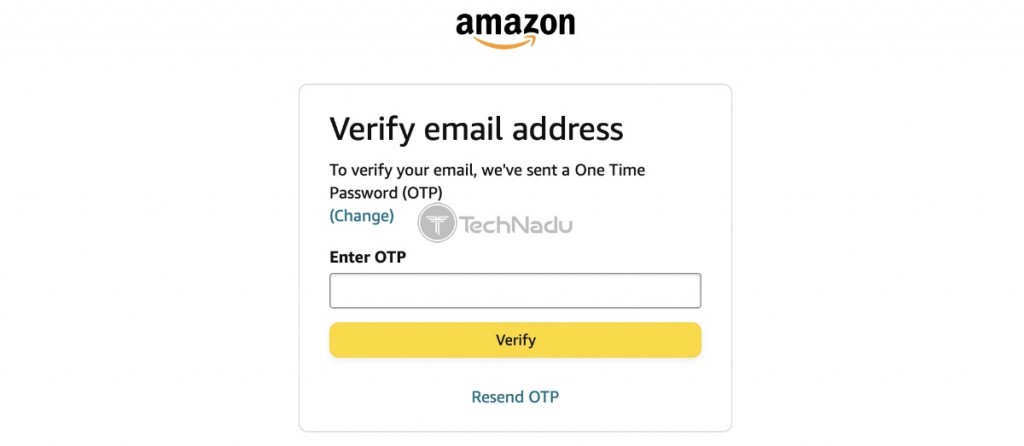
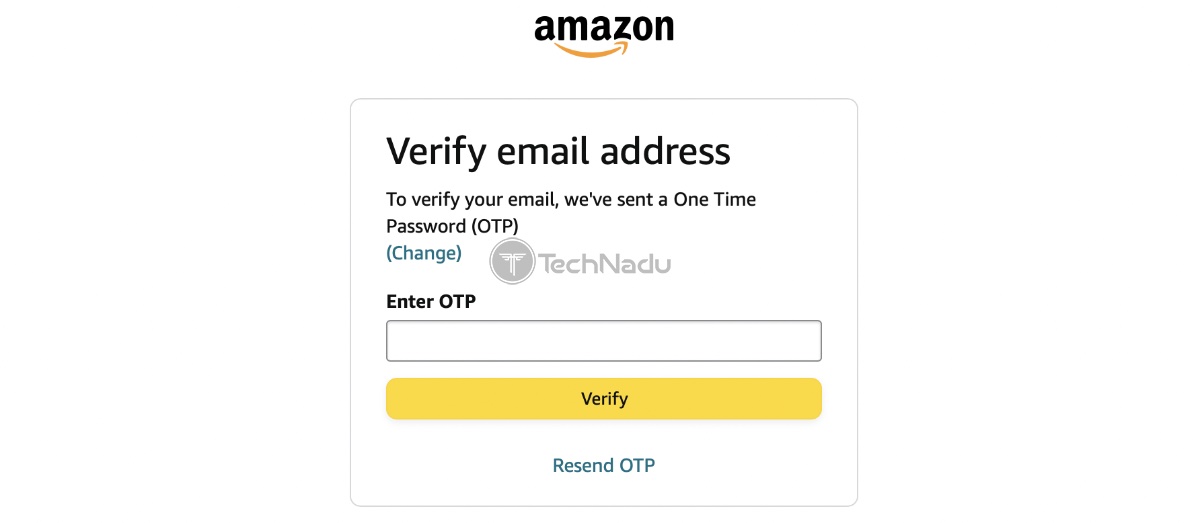
7. Click 'Verify Email' and then paste the code you'll receive.
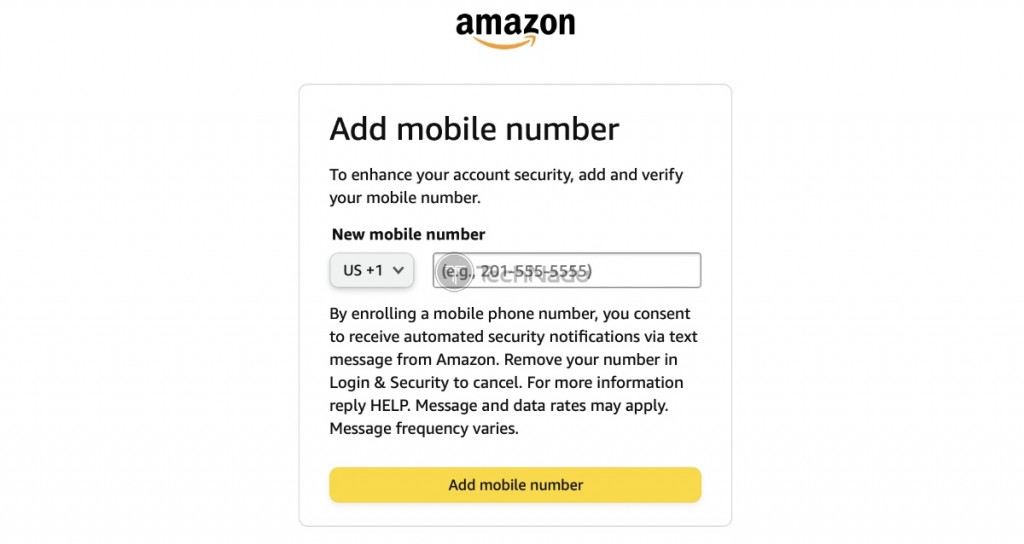
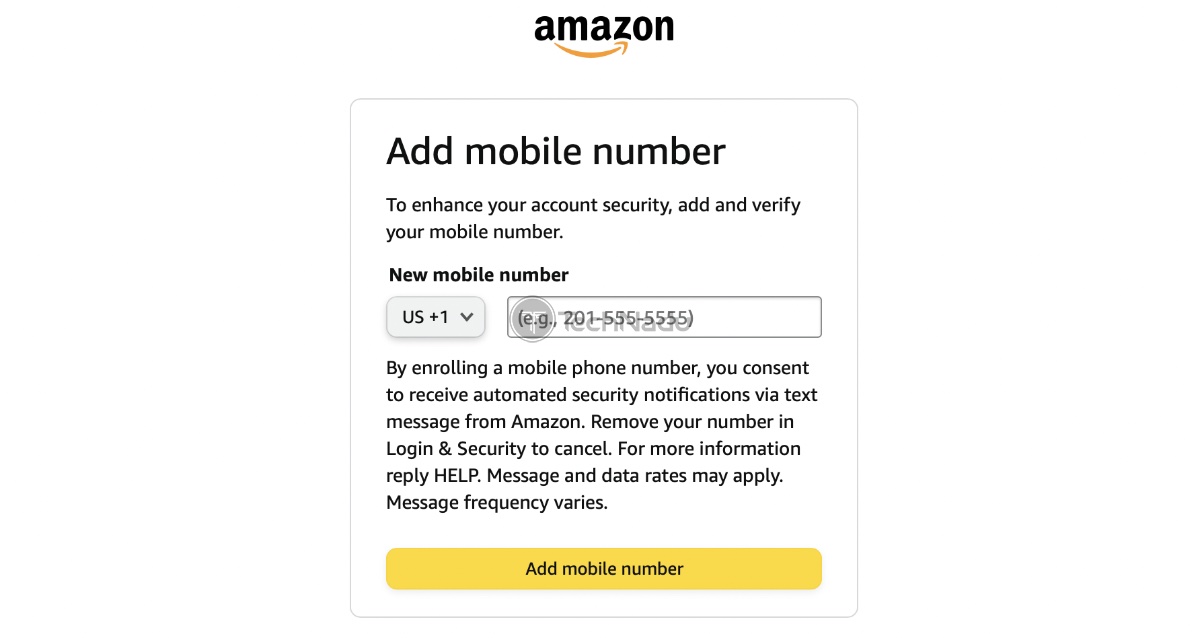
8. You'll now be asked to provide a phone number.
9. Provide your number. Even your non-US number will be just fine.
10. You’ll now receive a security code via SMS. Paste it to verify your account.
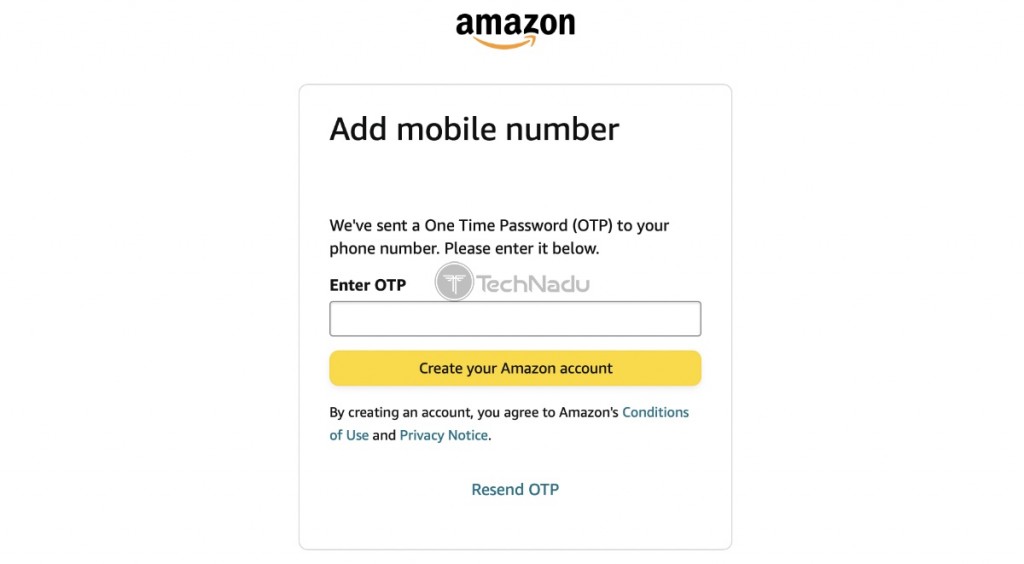
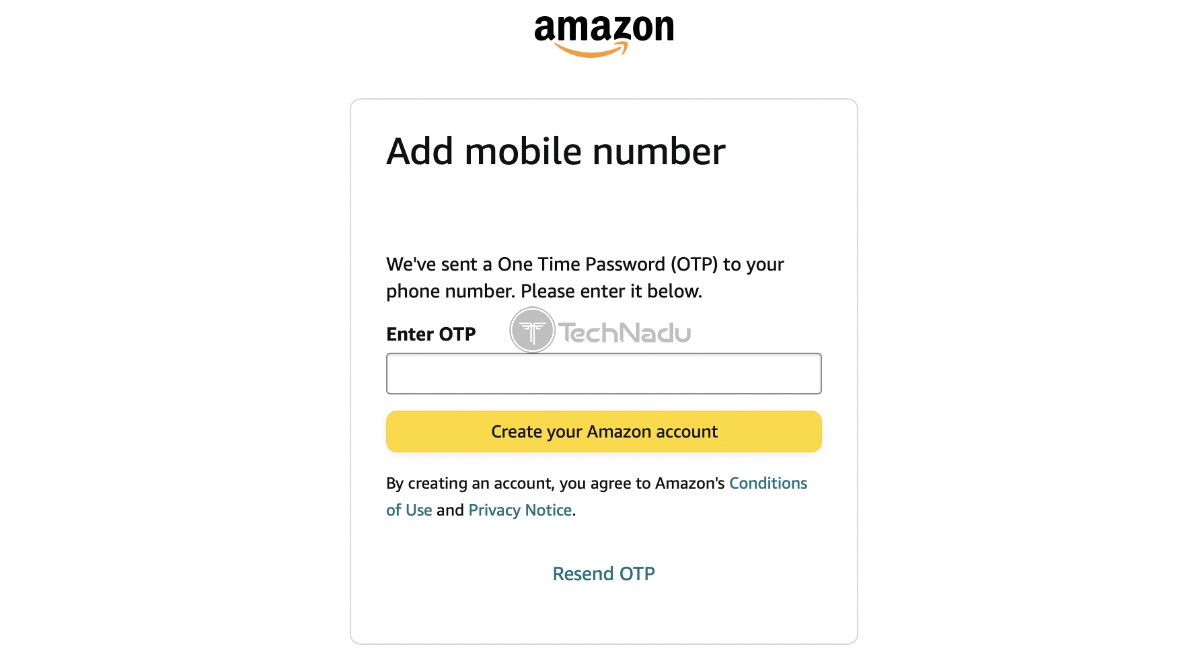
11. Finally, click ‘Create Your Amazon Account.’
12. You’ll now return to Freevee, where you can stream any title.
Why Do You Need a VPN to Watch Freevee Abroad?
Unless you’re in a region where Freevee is available, the only way to access the streaming service is by using a (reliable and capable) VPN app.
More precisely, Freevee is currently available across the United States as well as the United Kingdom. You don’t have to pay anything to access that streaming service – but you need to be in one of its supported countries. Of course, that applies to those without a VPN.
Once you start using a VPN, your IP address will change. In this specific case, you need a VPN with plenty of servers in the United States and/or the United Kingdom. That’s how you’ll get an IP associated with either of those countries, giving you unlimited access to Freevee.
Of course, VPNs also work with other free-of-charge streaming services. For example, you can use any of the VPNs recommended above to watch Crackle, Popcornflix, and Pluto TV. Also, we recommend checking out BBC iPlayer, which is a UK-based free-of-charge streaming service.
What Devices Does Freevee Support?
Freevee is available on a wide range of platforms, giving you multiple options regarding how you wish to stream. More precisely, you can access the Freevee app on these devices:
- Desktop Devices: Windows, macOS, and Linux.
- Mobile Devices: iOS/iPadOS, Android.
- Streaming Players: Android TV/Google TV, Roku, Amazon Fire TV.
- Smart TVs: LG (2018+) & Samsung TVs (2017+).
- Game Consoles: Xbox, PlayStation.
- Other: Xfinity, Echo Show, Kindle.
Freevee Not Working with a VPN – Here’s the Fix!
If Freevee doesn't work for you, even if you use a VPN, you can try a range of very quick and effective solutions. So, do the following:
- Step 1 – Switch to Another Server: You can watch Freevee for free online, from anywhere, but only if you connect to a US- or UK-based server. Your VPN probably offers at least a small group of servers in those two countries. So, launch your VPN and try to connect manually to another server.
- Step 2 – Switch to Another Protocol: Today’s VPNs offer at least a couple of VPN protocols, which means you can change the way your data is handled. We recommend trying OpenVPN first, as that one has always served us well for media streaming. If you decide to use ExpressVPN, you can try Lightway. And if you pick NordVPN, go with NordLynx. You can switch to another protocol using your VPN app’s settings.
- Step 3 – Restart Your Devices: The purpose of restarting your devices is to clear their cache, which is especially useful for phones, tablets, and streaming devices. We also recommend restarting your router by keeping it unplugged for about 30 seconds.
- Step 4 – Update Your Devices: Amazon Freevee doesn’t require you to have a brand-new device, but it requires you to keep your device up-to-date. Doing so can help resolve all kinds of technical issues with VPNs, so visit your device's settings and check if there's a software update available.
- Step 5 – Contact Your VPN: Lastly, when nothing else helps, turn to your VPN for support. All of our recommendations come with live chat available 24/7, which means you'll resolve your issue in no time. Ask your VPN provider for clear instructions on how to unblock Freevee outside the US.
If you’re willing to try other solutions, here’s our central VPN troubleshooting guide. Also, you’ll want to check our guide to resolving VPN error codes.
Final Thoughts
As you can see, it’s possible to watch Freevee for free – from practically any country. All you need is a powerful VPN that works with that streaming service, as well as with servers present in the countries where Freevee operates.
In the end, we’ll remind you that ExpressVPN is the best VPN for Freevee at the moment. We’re quite impressed by its capabilities, and we strongly believe you’ll be impressed as well.
You can explore more options via our guide to the best VPNs for streaming, especially if you’re looking for a VPN that works with multiple streaming services.
That would be all on how to watch Freevee for free from outside the US. Let us know if you have any questions by posting your comment below. Thanks for reading!
Related