

When you purchase through links on our site, we may earn an affiliate commission. Here’s how it works.
Documentary Heaven Kodi Addon: How To Install It on Kodi
Last updated January 17, 2022

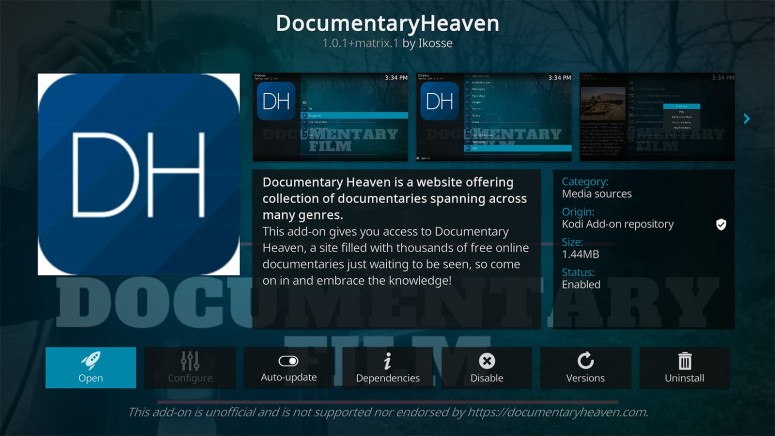
The Internet is full of amazing (and free) sources of content that let your act on your passions and deepen your knowledge. We've highlighted some of those sources in our guide on the best free movie streaming sites, where Documentary Heaven takes a very special place. As it turns out, this is also one of the best documentary addons for Kodi. So, let's talk more about the Documentary Heaven Kodi addon, including how to install it.
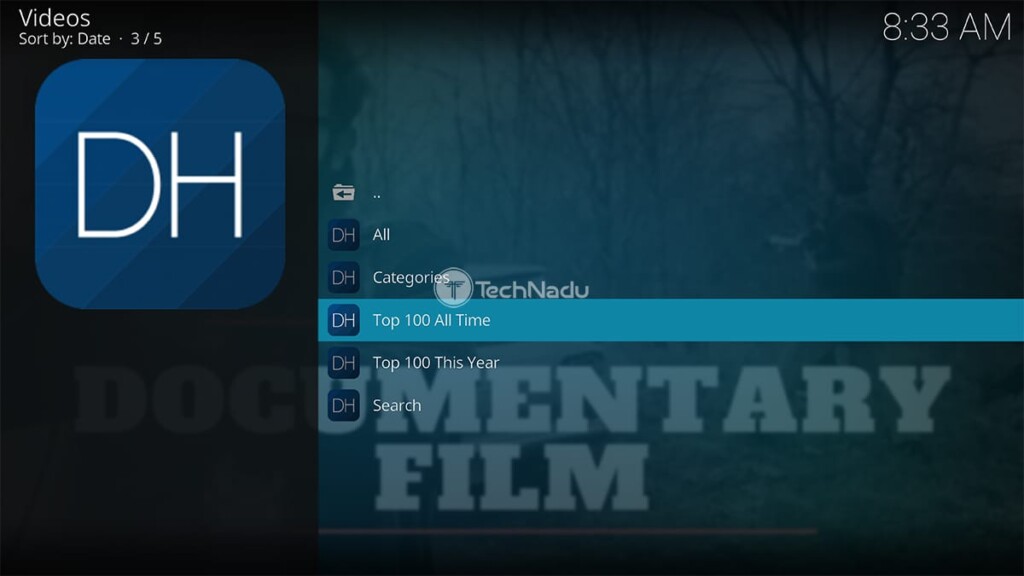
First and foremost, know that Documentary Heaven is compatible with the latest version of Kodi (we can't say the same for most other Kodi addons). And just like its website, the addon has a very simple structure, letting you check the most popular videos, different categories, and genres, or search for something specific. All of those are the options you’ll see on the addon’s home screen.
In terms of the expected video quality, know that Documentary Heaven relies on external sources (which means it doesn't host its content). So, things can be quite unpredictable in that sense. For the most part, you can count on 720p videos, but lower- and higher-quality videos await as well.
How to Install Documentary Heaven Addon on Kodi
And now, here are the steps to install Documentary Heaven on Kodi:
1. Open Kodi by double-clicking on its icon. Wait until you see its home screen.
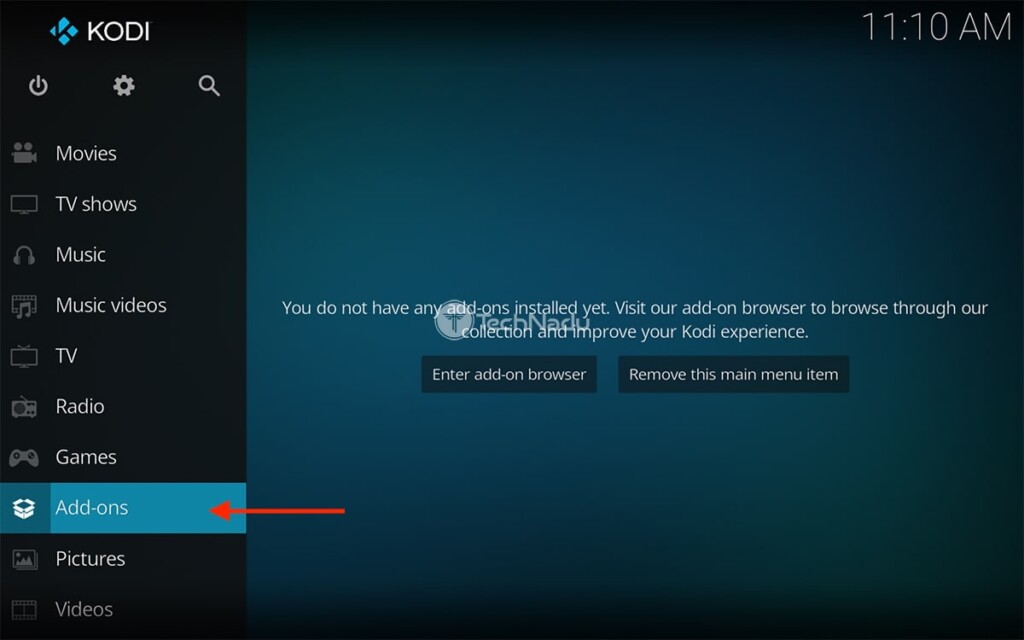
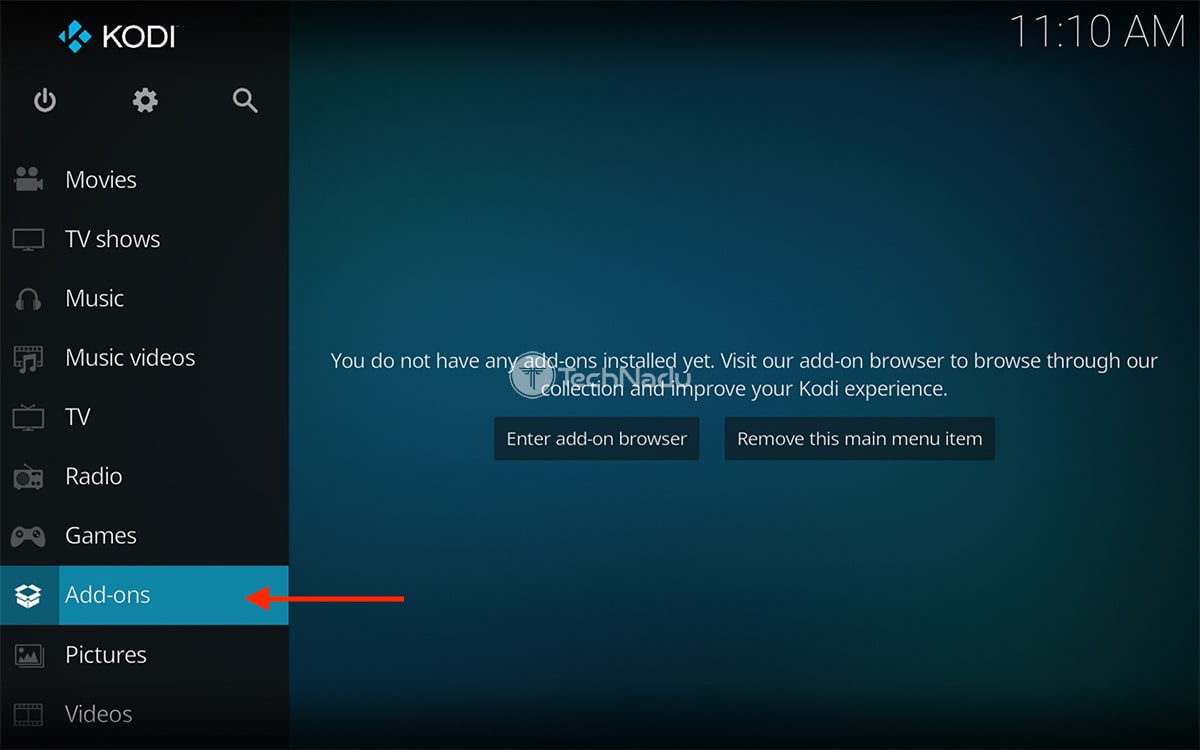
2. Pick 'Add-ons' using the application's main menu (on the left side).
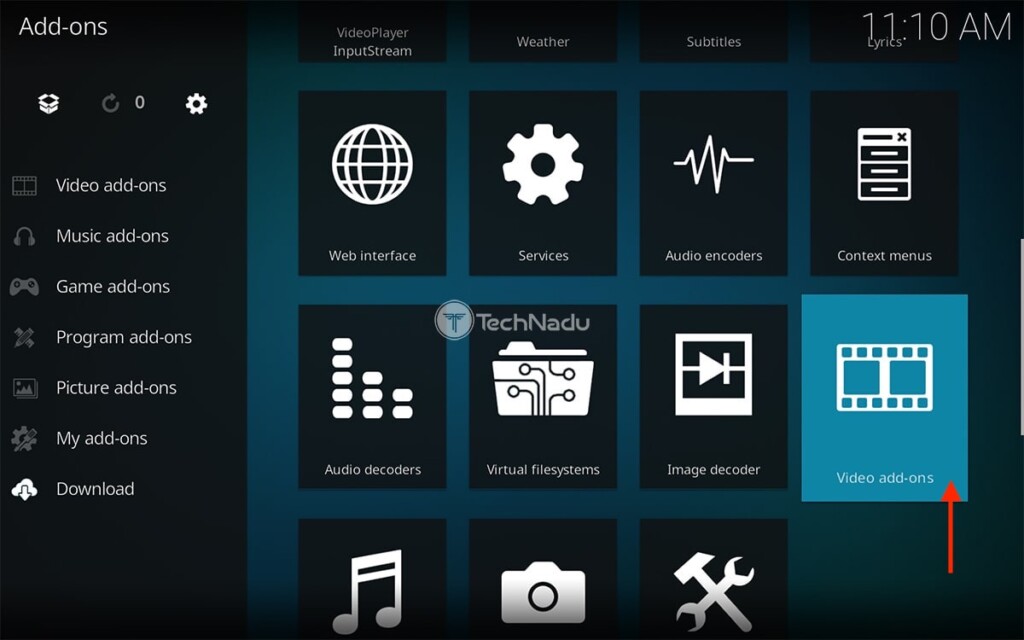
3. Hover over 'Download.' Then, on the right, select 'Video add-ons.'
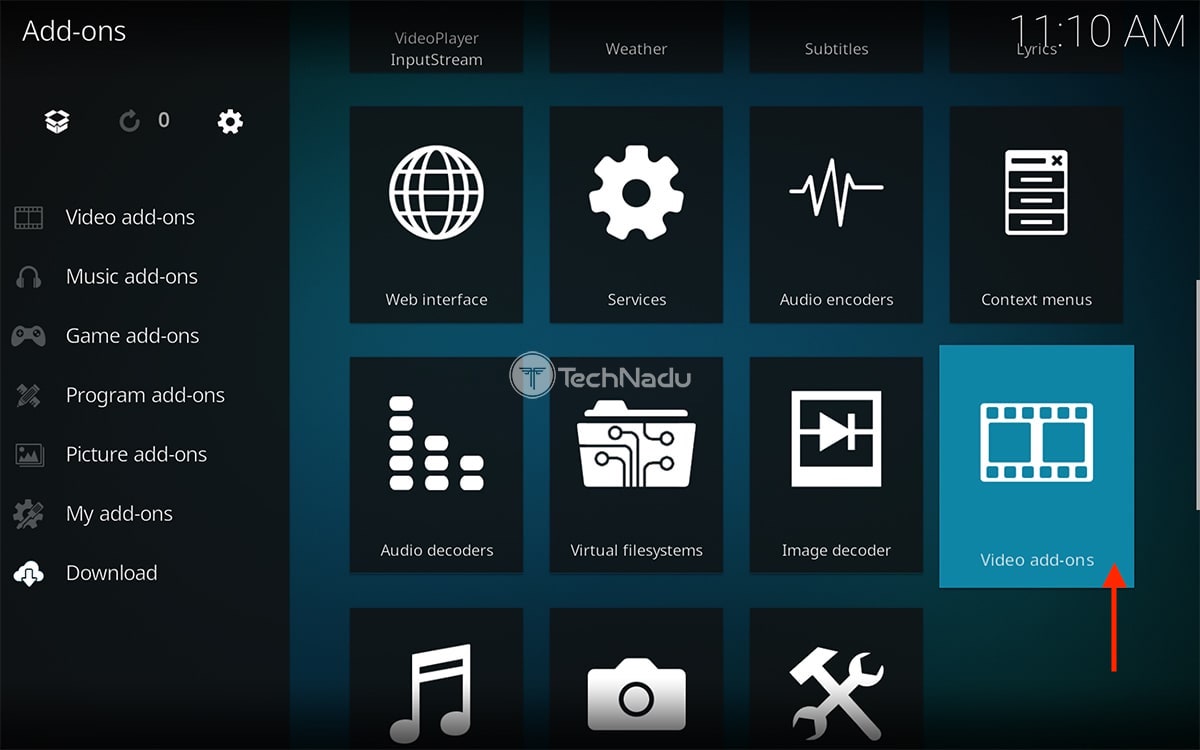
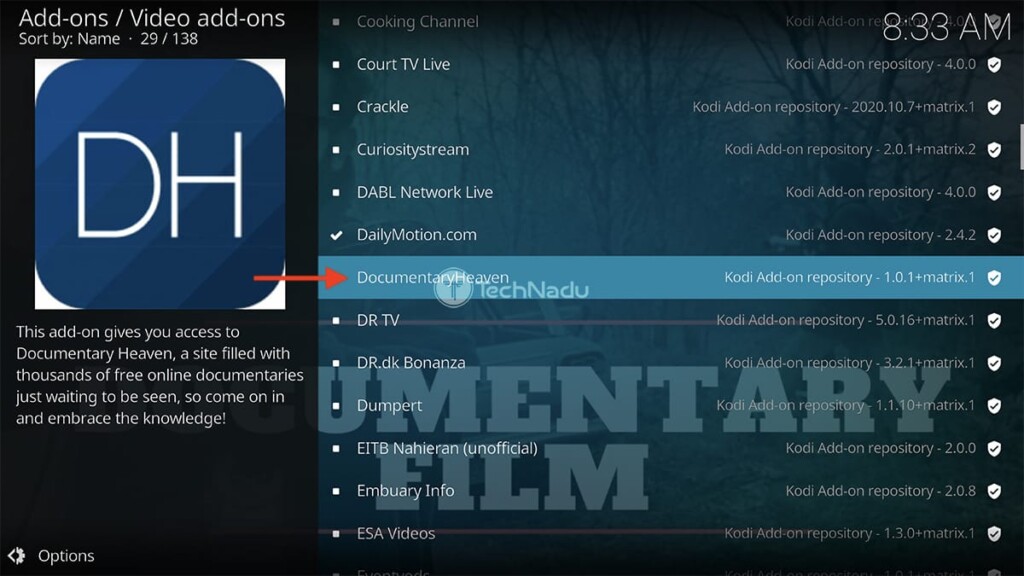
4. Navigate to Documentary Heaven and select the addon's name.

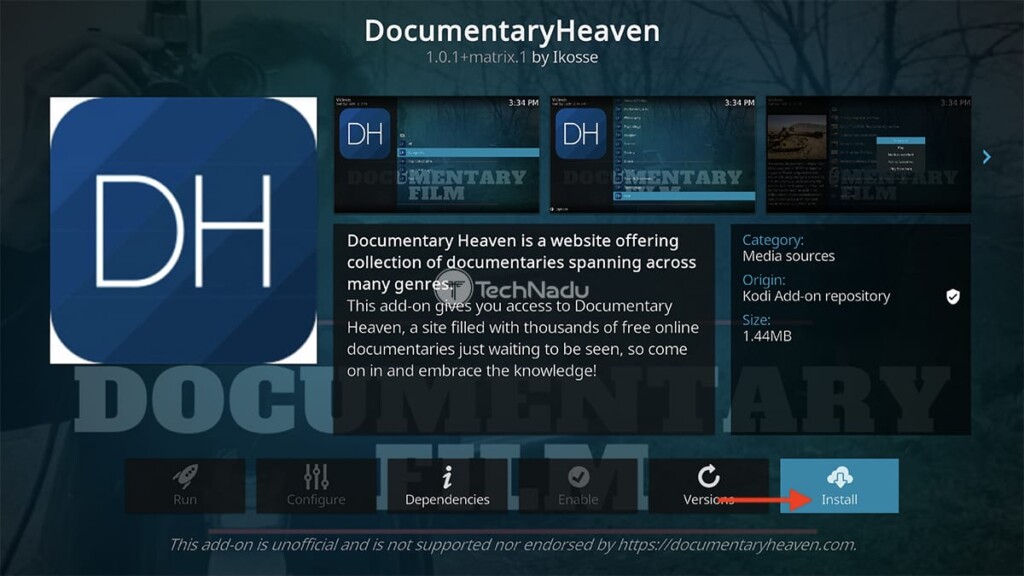
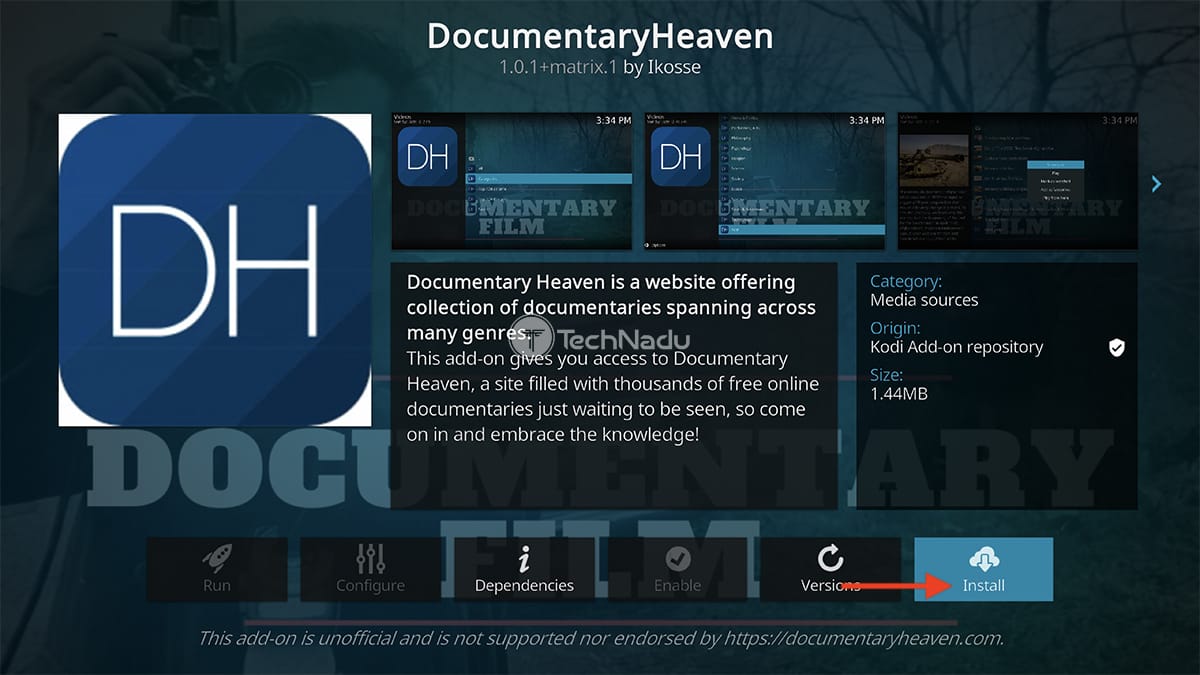
5. Once you open the addon’s overview, use the 'Install' button on the right.
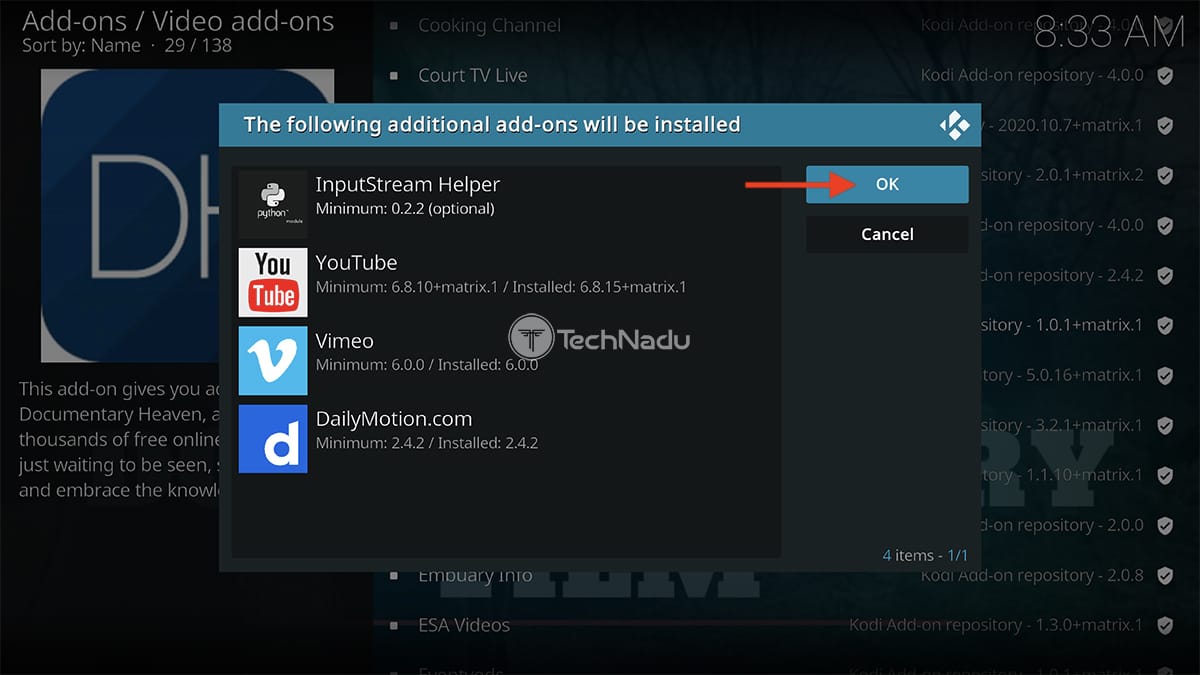
6. You’ll now see a list of dependencies. Feel free to click on 'OK.'
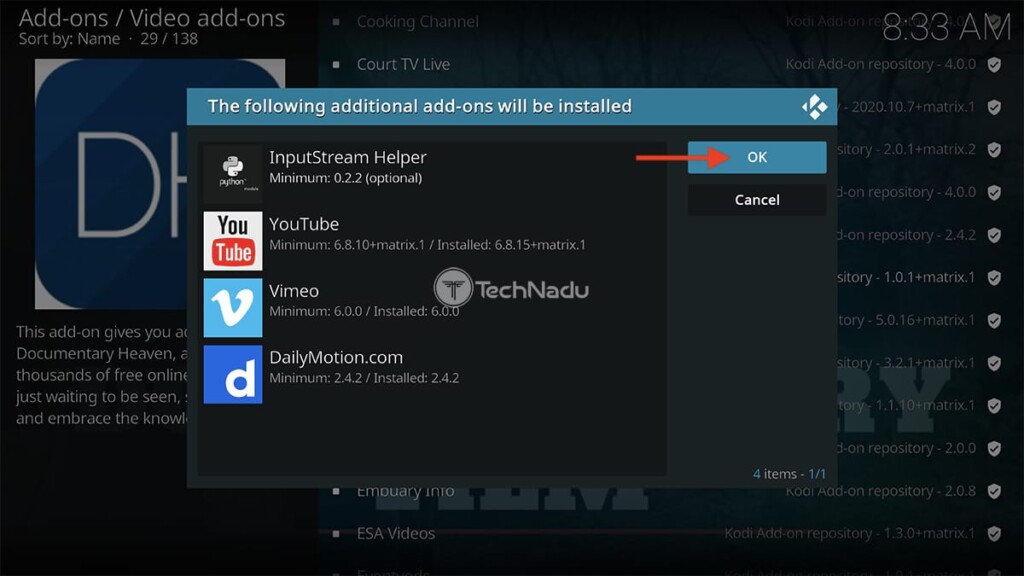
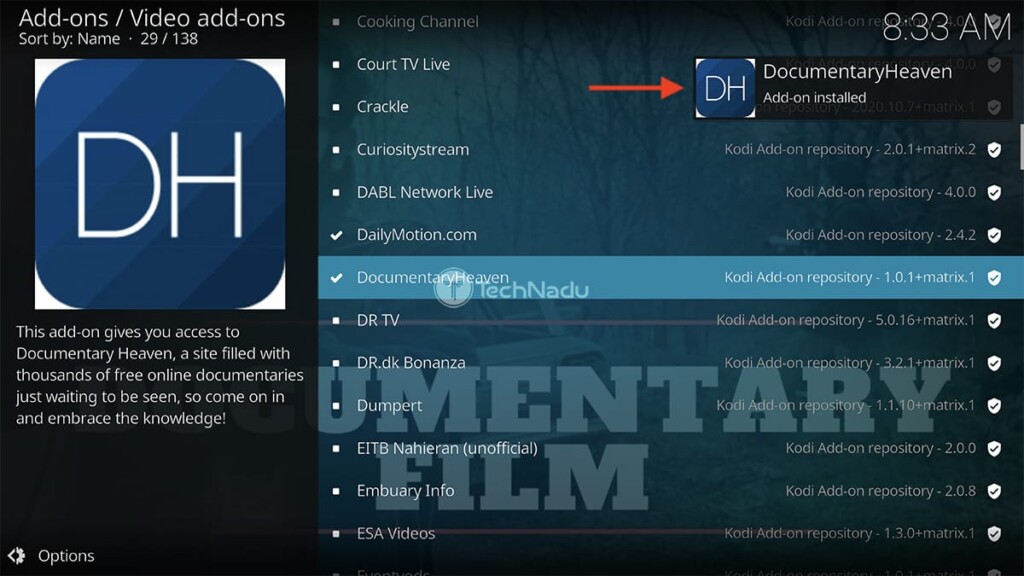
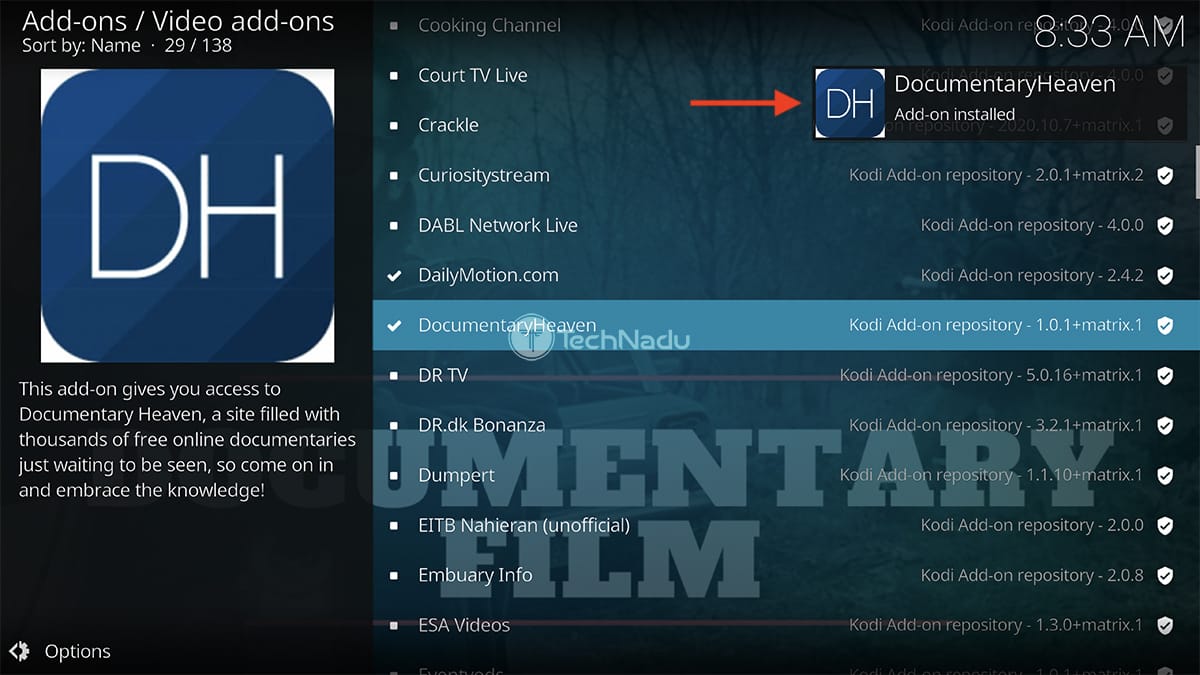
7. Wait for a notification saying that you’ve installed Documentary Heaven on Kodi.
8. Return to Kodi’s home screen. Once again, make sure to select 'Add-ons.'
9. Navigate to the 'Video add-ons' category on the left (using the main menu).
10. And lastly, launch Documentary Heaven. That’s it!
That would be all on how to install the Documentary Heaven Kodi addon. If you have any questions on your mind, make sure to post them below. And finally, thanks for reading!
Read Next: 60+ Best Kodi Addons You Should Try Right Now
Related






Get expert insights on threats, breaches, scams, and security trends — delivered every Monday.
Most Popular

Get expert insights on threats, breaches, scams, and security trends — delivered every Monday.
Most Popular