

When you purchase through links on our site, we may earn an affiliate commission. Here’s how it works.
TED Talks Kodi Addon: How To Install It on Kodi
Last updated January 17, 2022

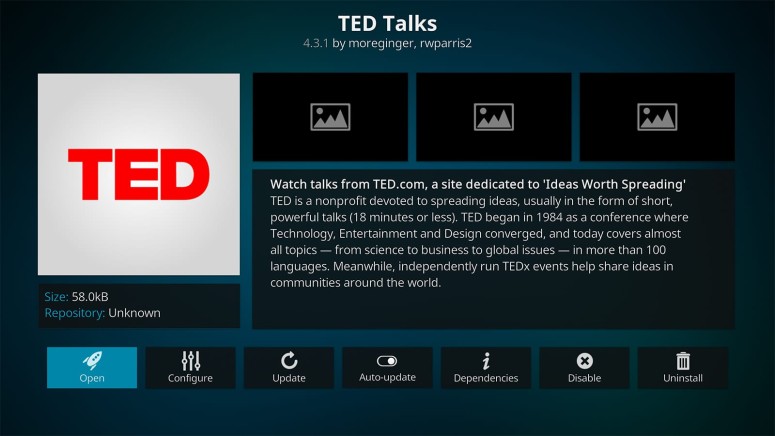
When you want to watch documentaries on Kodi, you can turn to free-of-charge addons such as iPlayer WWW, YouTube, Kurzgesagt, or paid streaming services like CuriosityStream. However, our list of the best Kodi addons for documentaries lists a few more options, including TED Talks. So, we'll use this article to introduce you to the TED Talks Kodi addon and show you how to install it.
First, a few words about this addon. As you probably know, TED Talks are highly educational lectures and presentations about a variety of topics. They're held throughout the world, inviting individuals to share their opinions and experiences. With that said, the TED Talks Kodi addon acts as a gateway to all those talks, where you can watch them on-demand.
We should also note that TED Talks for Kodi is a standalone addon. So, you can’t integrate your TED account with the addon, as there’s no syncing involved. However, the addon does give you plenty of content, which you can browse by topics or speakers, check out what’s new, or search for specific talks. So, there’s truly plenty to watch here.
How To Install TED Talks Addon on Kodi
Finally, here are the 10 steps to install TED Talks addon on Kodi:
1. Launch Kodi and wait a couple of seconds until you see its home screen.
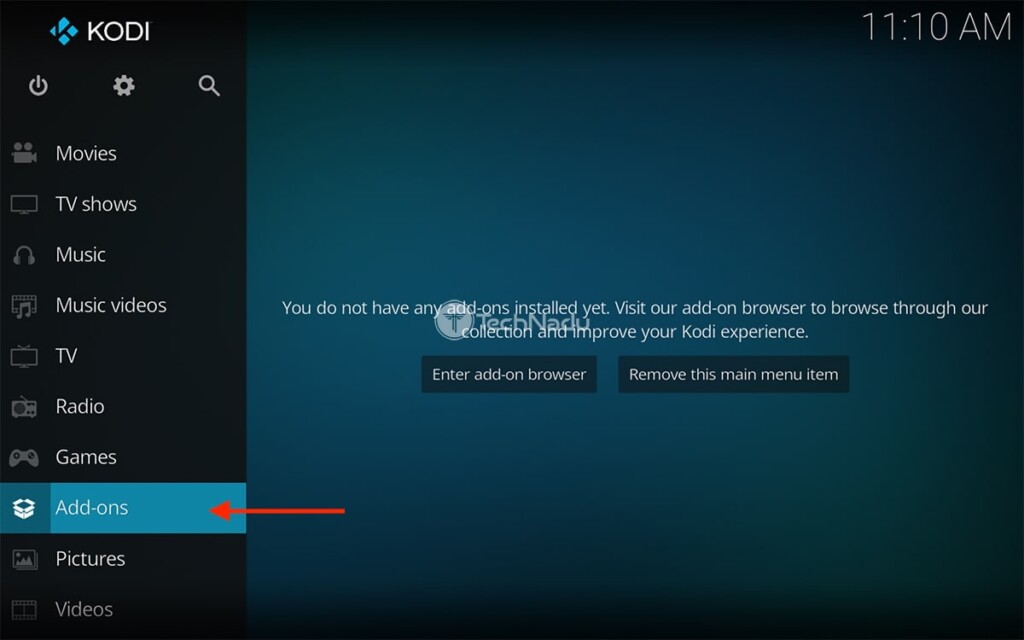
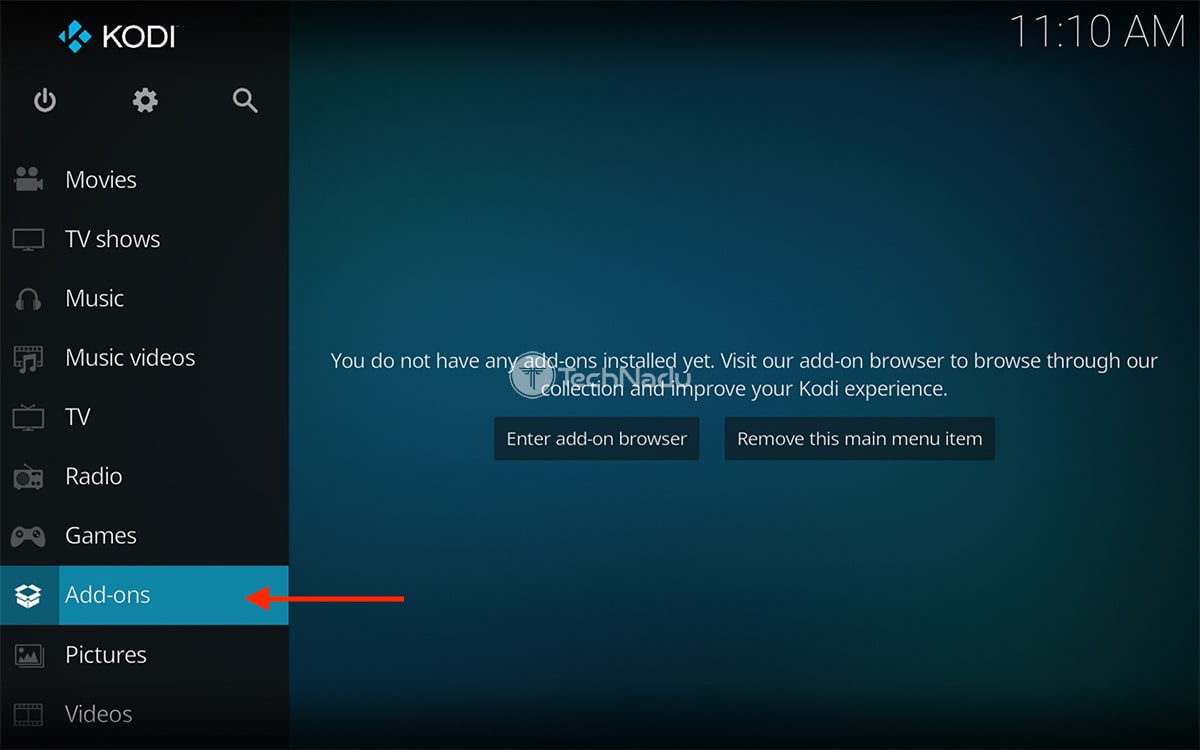
2. Use the application’s main menu (on the left) to select 'Add-ons.'
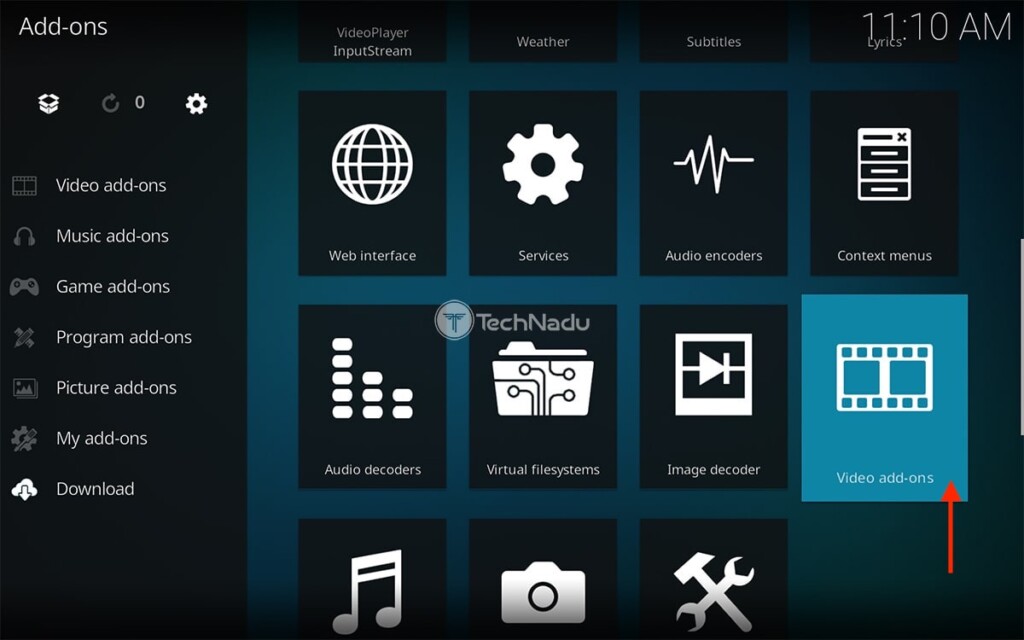
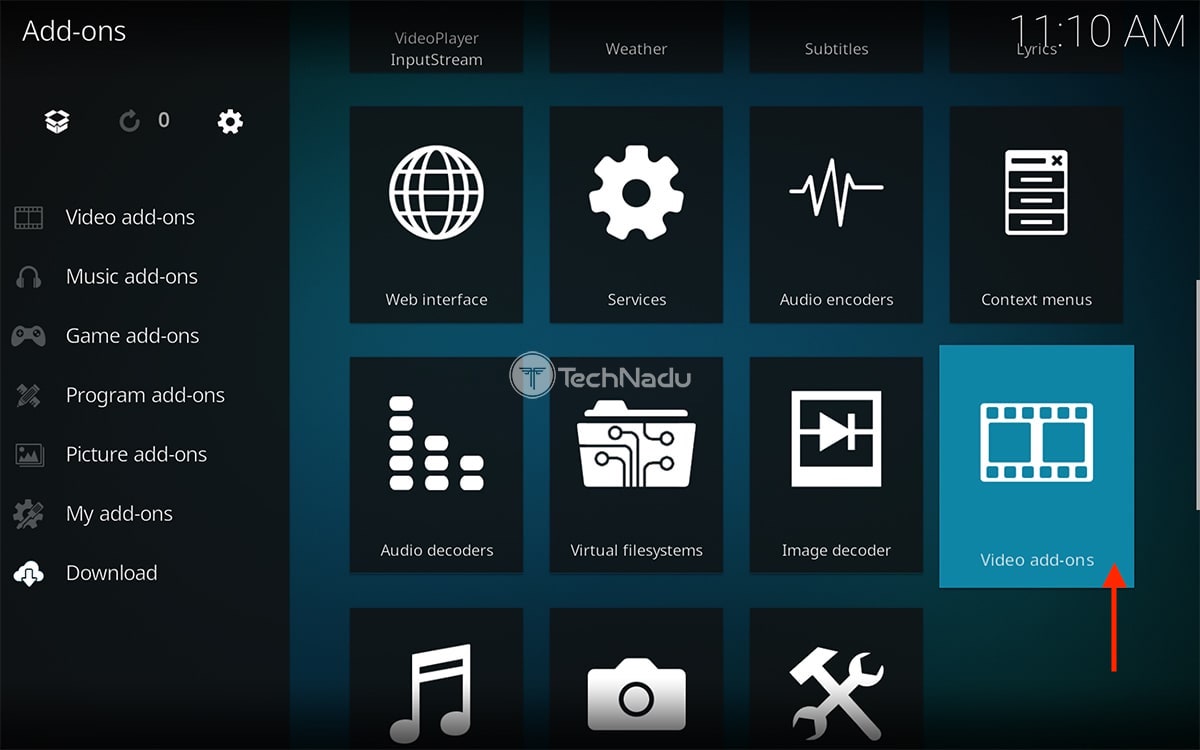
3. Hover over 'Download' on the left. Then, pick 'Video Add-ons' on the right side.
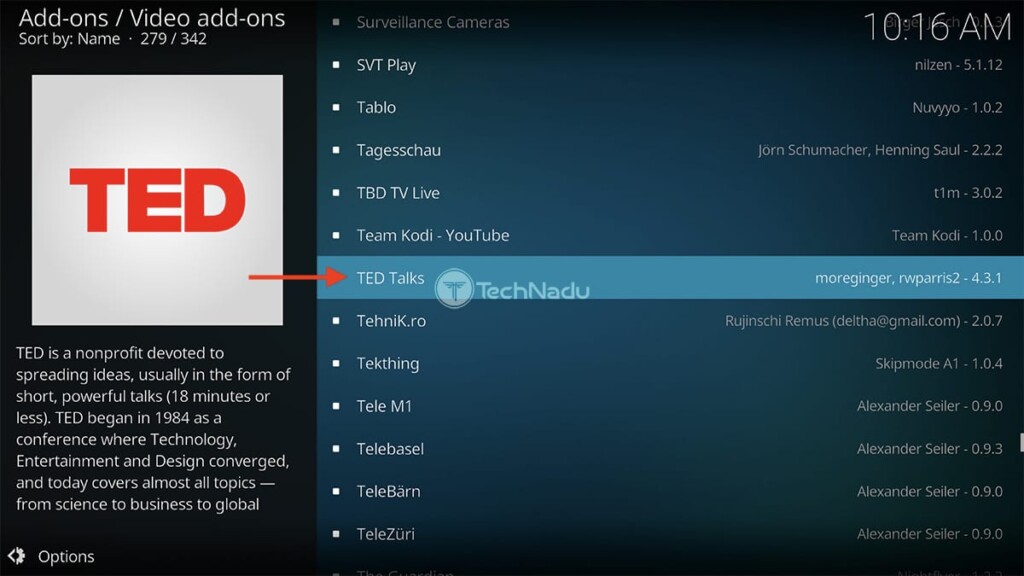
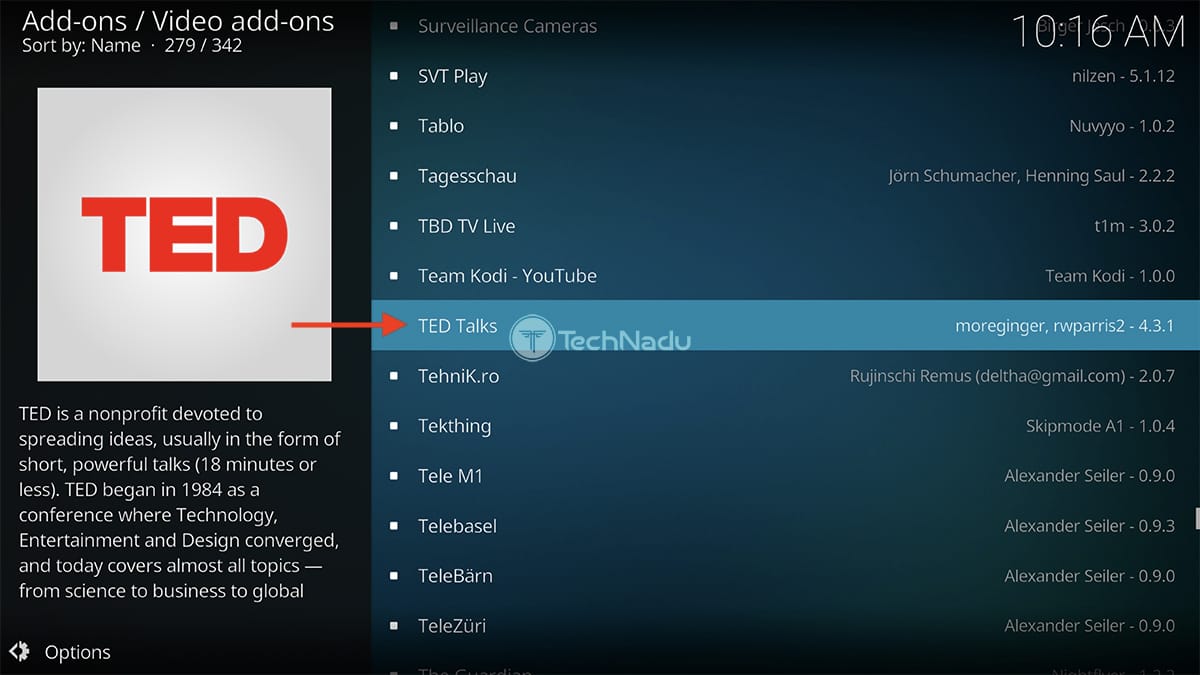
4. Locate the TED Talks Kodi addon. Once you find it, select its name.
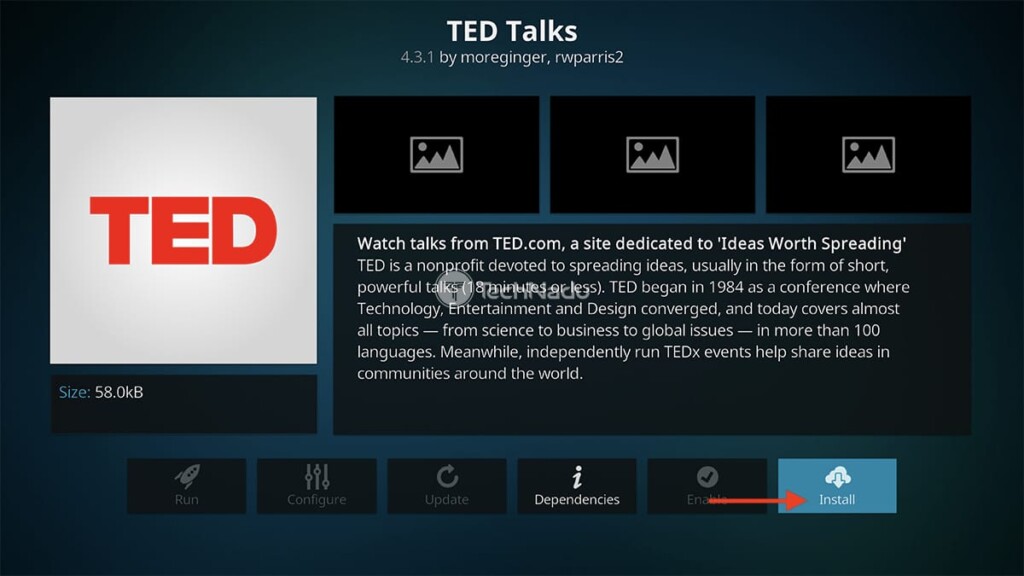
5. You’ll now open TED Talks’ overview. Use the 'Install' button on the right.
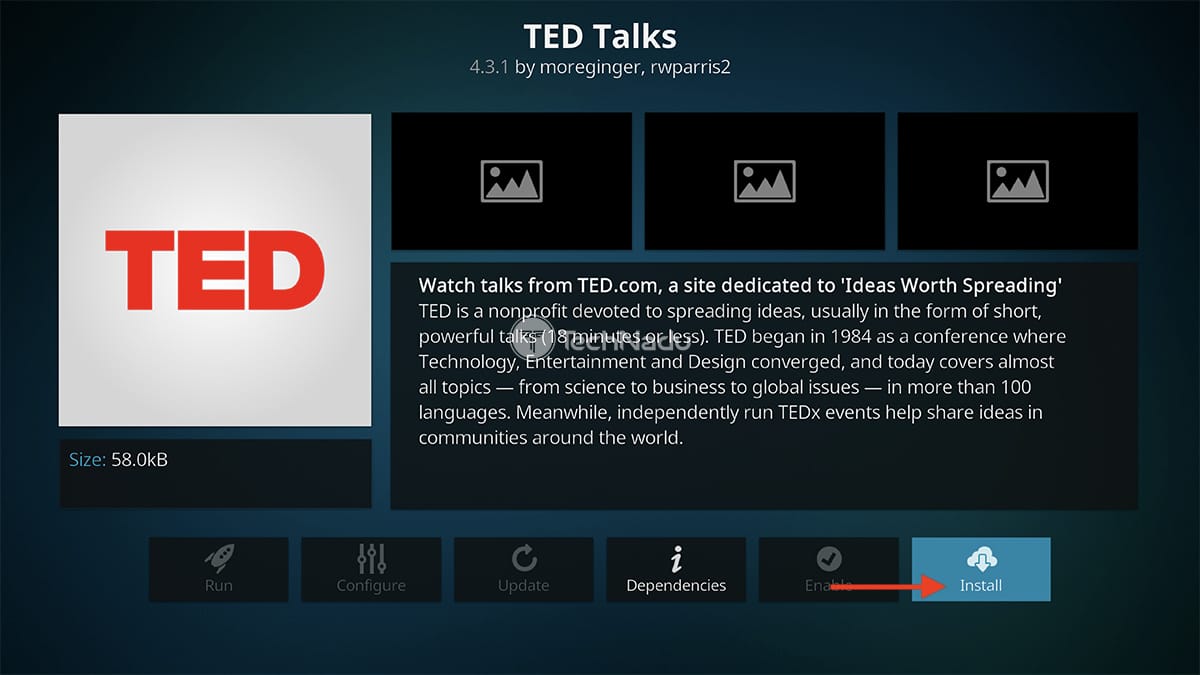
6. When asked about installing dependencies, feel free to select 'OK.'
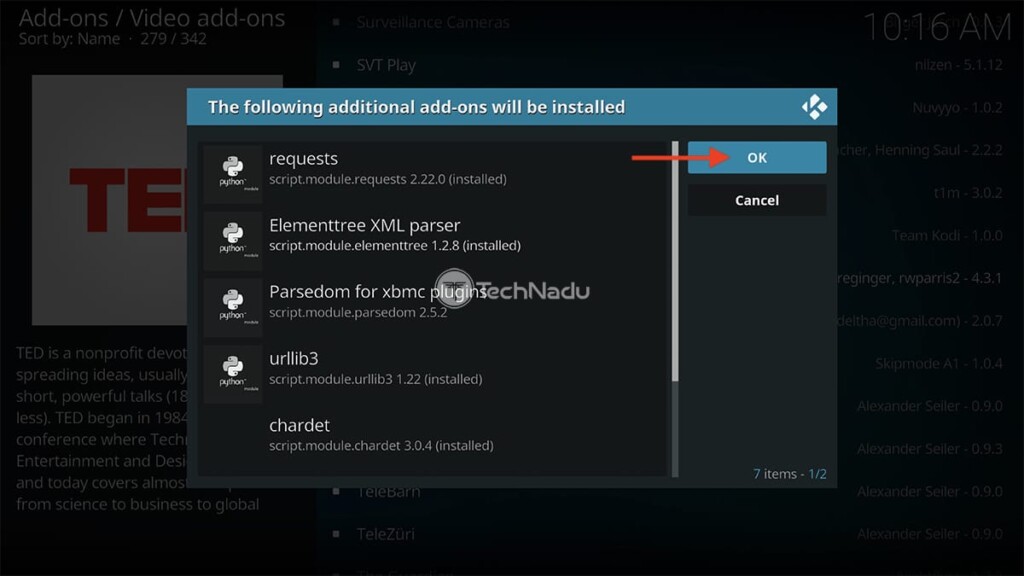
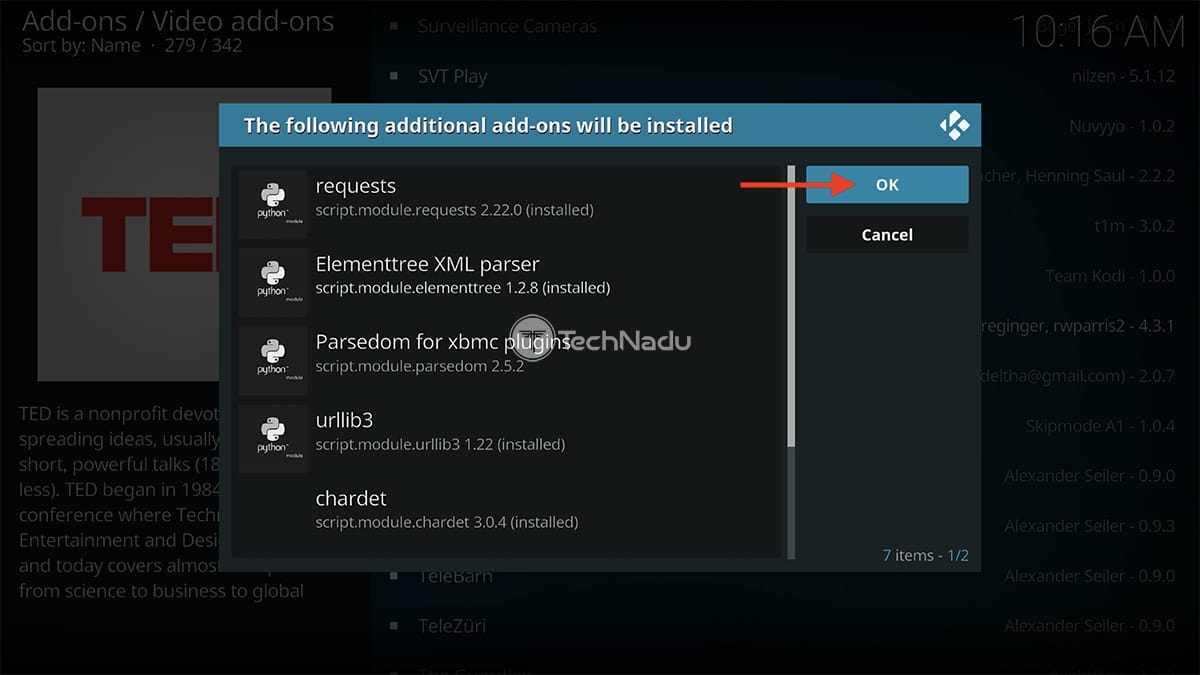
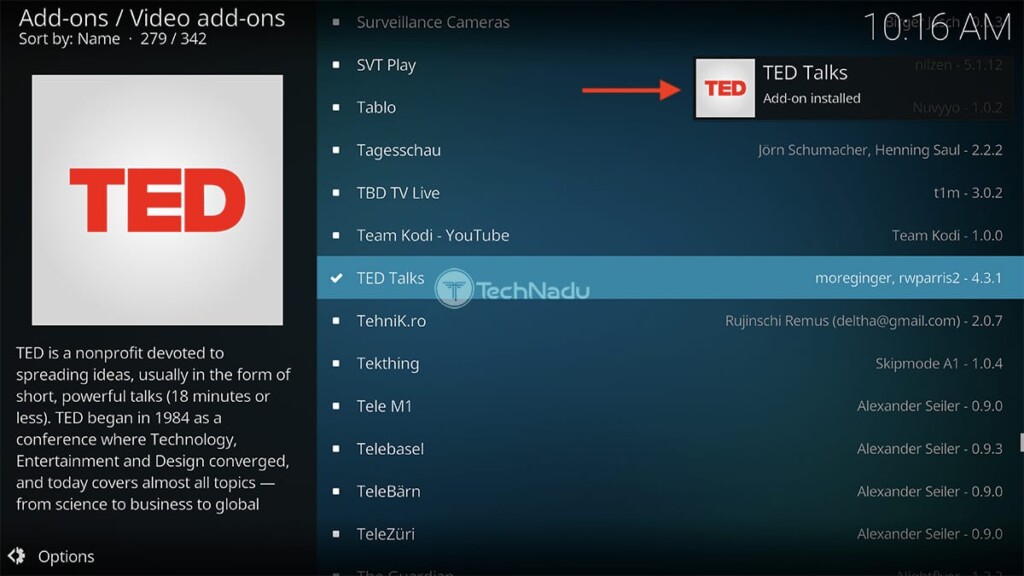
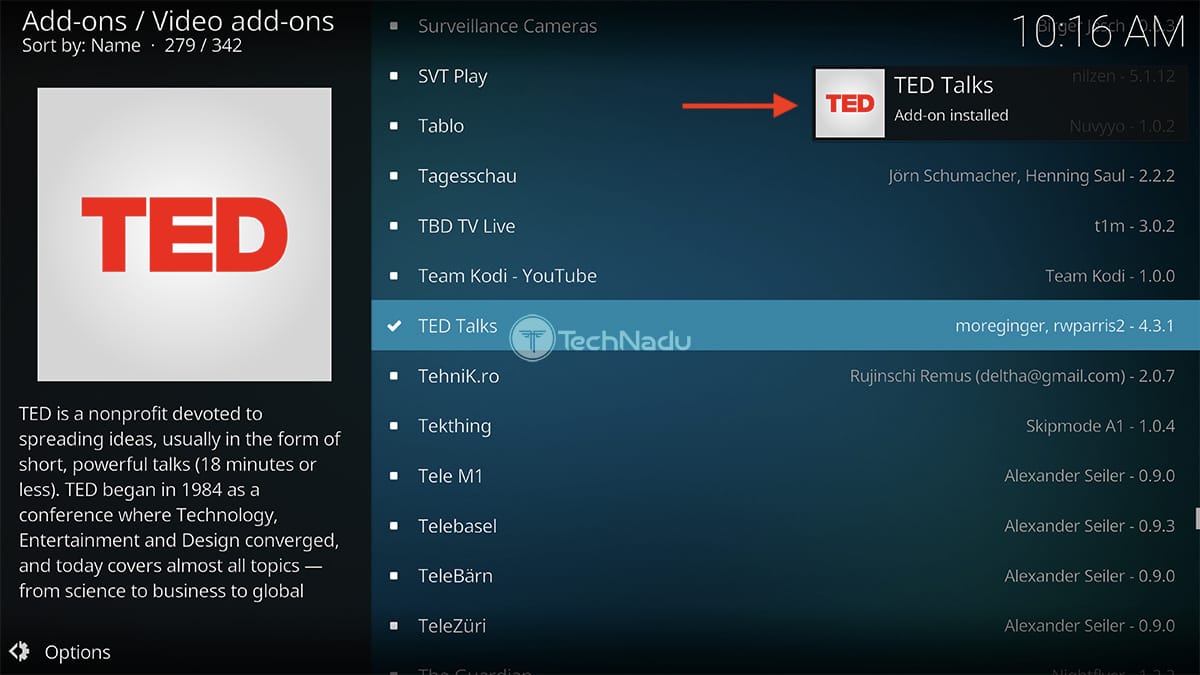
7. Now, wait for a notification once TED Talks installs on your Kodi.
8. Return to Kodi’s home screen. Once again, select 'Add-ons' using the main menu.
9. Pick 'Video add-ons,' found on the left.
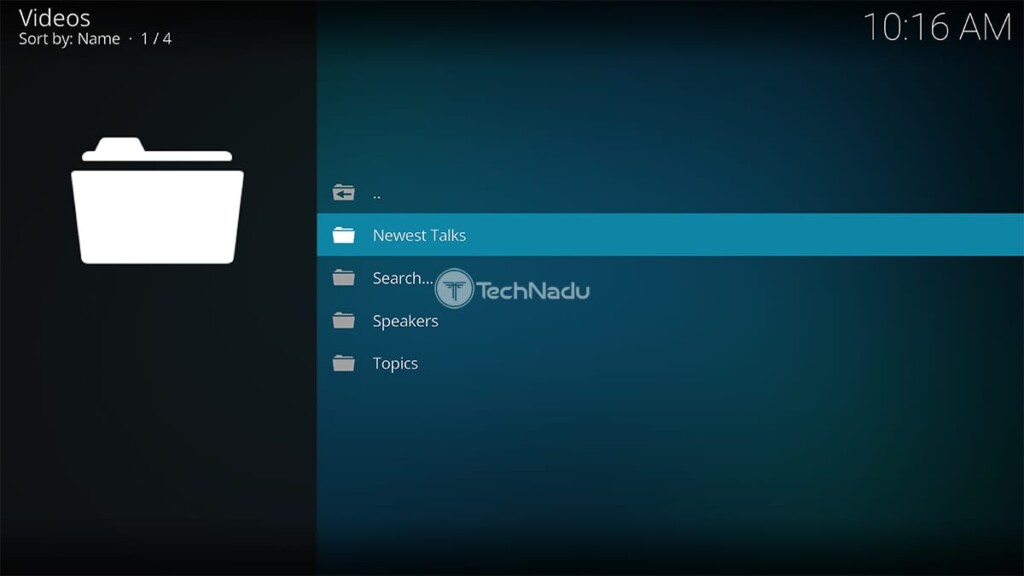
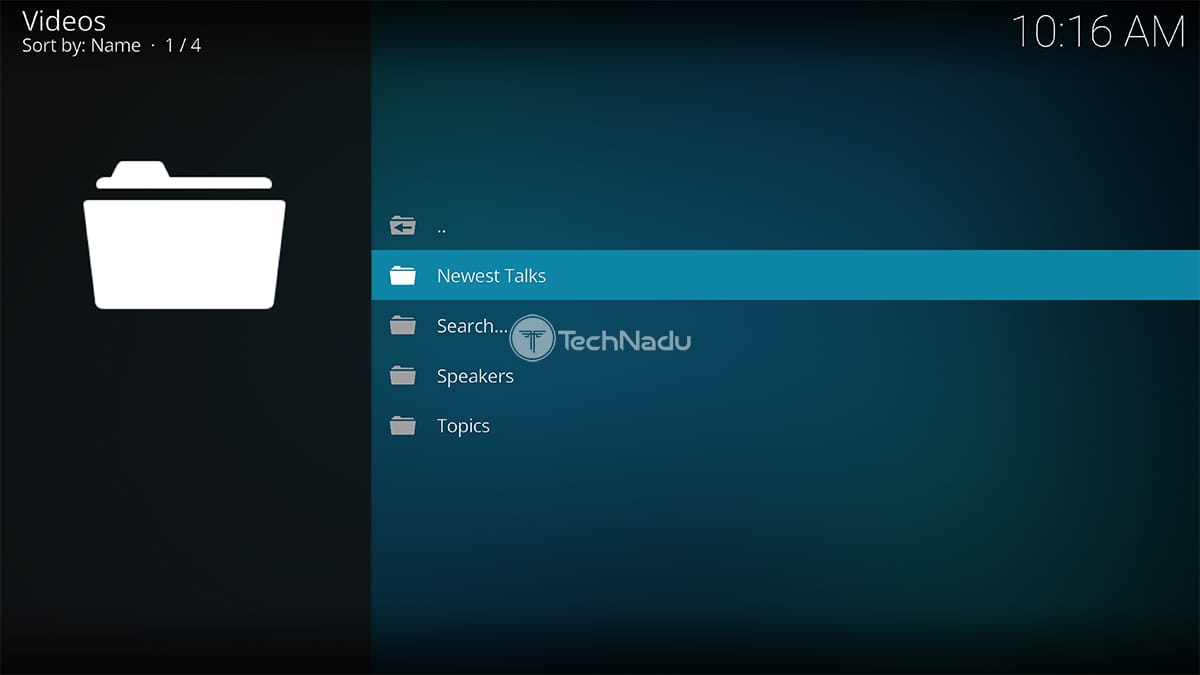
10. Lastly, launch the TED Talks addon by selecting its icon. That’s it!
That would be all on how to install the TED Talks Kodi addon. If you have any questions for us, post them via the comments section below. And finally, thanks for reading!
Read Next: 60+ Best Kodi Addons You Should Try Right Now
Related






Get expert insights on threats, breaches, scams, and security trends — delivered every Monday.
Most Popular

Get expert insights on threats, breaches, scams, and security trends — delivered every Monday.
Most Popular