



When you purchase through links on our site, we may earn an affiliate commission. Here’s how it works.
10 Best Mac Torrent Sites in 2026
Mac torrents used to be widely available, but that situation started to change a few years ago. Today, the best torrent sites for Mac are all-in-one P2P repositories, sharing their database with other types of software. That also means it's hard to find trustworthy torrents for Mac, as many are plagued by malware and privacy-intruding trackers.
That said, the most popular P2P repositories should offer up-to-date and easy-to-navigate libraries of apps and games free of malware and other dangers of the P2P world. You'll also want high-quality files (no installation or performance errors) and a site that doesn't change its domain often. Still, you might have a hard time accessing them as torrent sites are blocked in many countries.
An excellent solution to all those issues is to use a VPN. More precisely, a capable P2P-friendly VPN, the perfect example being NordVPN, will anonymize your traffic, making sure no one knows what you download. It will also unblock torrent sites, help you stay away from malicious websites, and more.
In this guide, we'll show you the 10 best Mac torrent sites. We'll also teach you how to download torrents safely, which sites to avoid, explain why you need a VPN, and how to pick the best site based on your priorities. We'll finish with a round of FAQs.
Keynotes (TL;DR)
- Risks: Downloading Mac apps or games from torrent sites can expose you to malware, fake files, privacy breaches, and legal issues. Many torrent platforms are blocked by ISPs, and P2P activity may be monitored or throttled, leading to fines or restricted access in some countries.
- Solution: Use a VPN to protect your identity and secure your connection. A VPN like NordVPN hides your IP, encrypts traffic, and unblocks restricted torrent sites. It also helps you avoid malware-infected links and ensures safer, faster downloads with dedicated P2P servers.
- Best Mac Torrent Sites 2025: Top picks include TorrentMac, a Mac-only site with a huge library of apps and games. 1337X and The Pirate Bay offer massive general libraries with solid macOS support, while Torrentz2 and Torrends help you search across dozens of torrent sites. For more options, scroll down!
The Best Mac Torrent Sites in 2026
It's wise to do a search based on specific requirements. That said, you should be after torrent sites with sizable libraries of macOS applications and games. And to make sure you can download those quickly, your chosen torrent sites should have more seeders than leechers.
Next, you'll need advanced search filters. Most sites don't offer dedicated sections for Mac OS games and apps. By relying on search filters, you'll get to those files faster. Plus, you'll get to search by file names, upload dates, file health, and more.
Another requirement is related to advertisements. Your chosen torrent site should be free of ads. You'll find some ads at least, in most cases, so it's always recommended to use an ad blocker. Lastly, you'll want a site with no previous association with malware.
Based on the criteria explained above, these are the 10 best Mac torrenting sites in 2026:
- TorrentMac - Best Mac-Only Torrent Site in 2026
- 1337X - Best All-In-One Site for Mac Torrents
- The Pirate Bay - Best Filtering Options for MacOS Torrents
- Torrentz2 - Best Search Engine for Mac OS Torrents
- TorLock - Best Torrent Repository for Mac
- IPTorrents - Private P2P Community with Tons of P2P Files
- LimeTorrents - Best Old-School Torrent Repository
- KickassTorrents - Best Ad-Free Torrenting Site for Mac Users
- iDope - Far-Reaching P2P Search Engine & Online Community
- Torrends - Best for Discovering Mac Torrent Trackers
1. TorrentMac - Best Mac-Only Torrent Site in 2026


Right now, TorrentMac is the best place to find the latest versions of the most popular applications for macOS. We do have to note that the website has several key downsides, but the main selling point is the size of its library. Speaking of its downsides, you won't find an easy way to sift through its library. Also, the site is littered with ads, so using an ad blocker is highly recommended.
When it comes to TorrentMac's positive sides, well, you'll find practically any macOS app out there. It appears that there are tons of niche apps and games as well. In fact, you'll find a sizable library of AAA titles, showing that gaming on a Mac is still possible. Plus, since the site is quite popular, you can expect torrent files to download as fast as possible.
2. 1337X - Best All-In-One Site for Mac Torrents
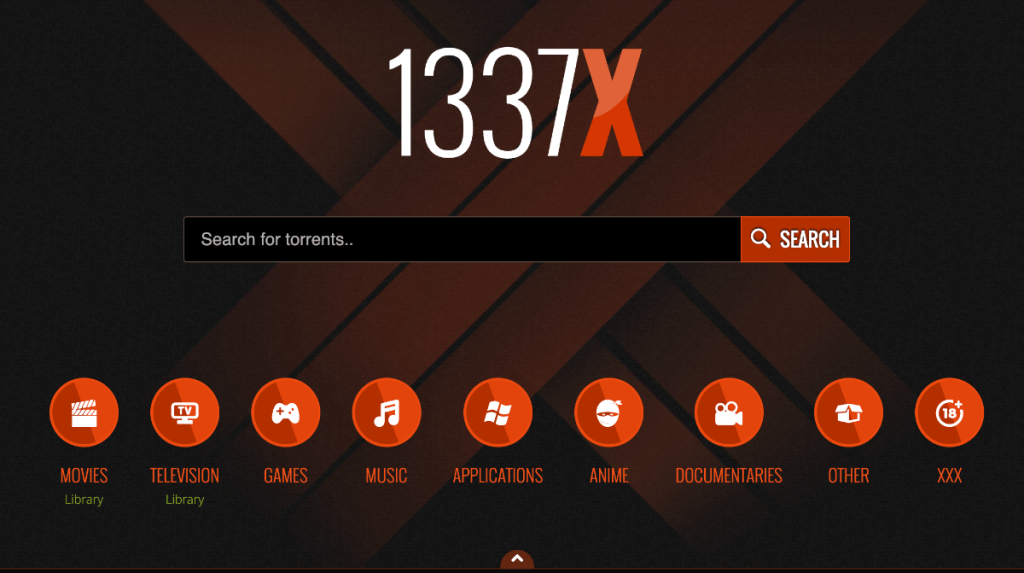
If you're after the best all-in-one option available, we recommend you turn to 1337X. That’s because this website is the most-visited torrent repository right now, with 65+ million monthly visits. That means that you’ll find plenty of files here, with new additions appearing on 1337X every single day.
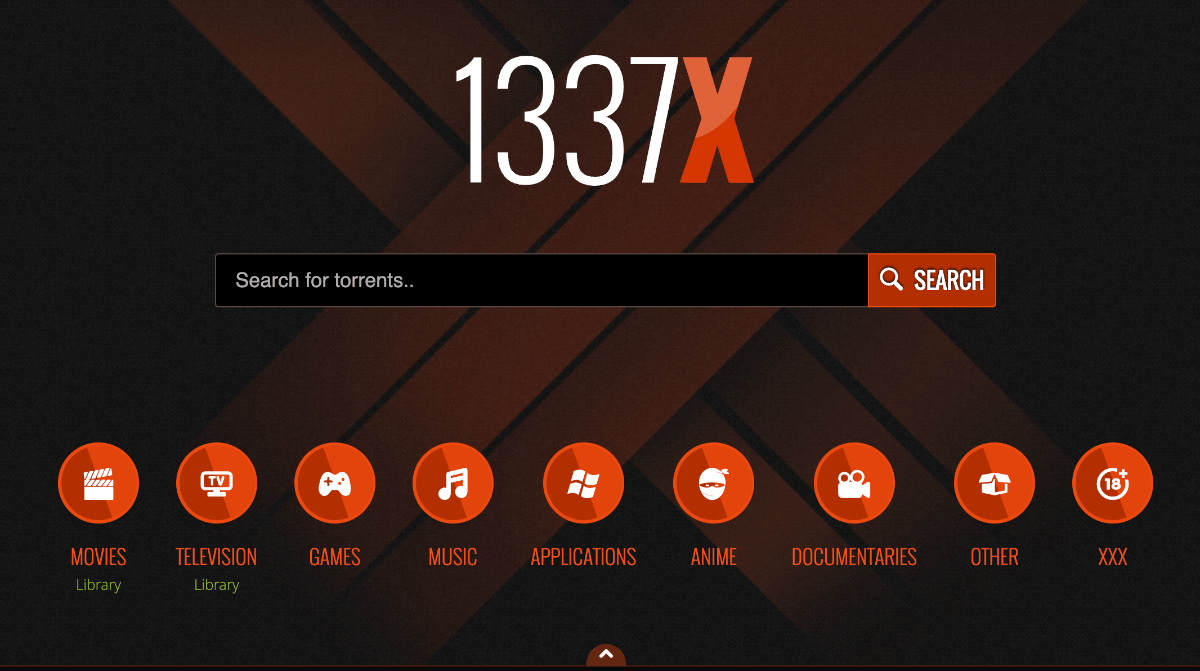
It’s worth noting that 1337X doesn’t offer dedicated sections for macOS software and games. Instead, you'll need to check the 'Applications' and 'Games' categories, and there are useful search filters as well. Finally, we recommend using an ad blocker, as the website is quite aggressive in showing both in-page ads and pop-ups.
3. The Pirate Bay - Best Filtering Options for MacOS Torrents


We've decided to list The Pirate Bay among our recommendations for several reasons. First, TPB has an extensive community of users who share pretty much any imaginable file, and that applies to macOS software and games as well. Second, TPB has been trying to verify/check its uploaders and individual files. Lastly, this torrent site offers dedicated sections for Mac users.
There are multiple ways to get started with TPB. You can browse the available files manually by checking applications, games, as well as audio, movies, and more. Then, you can check the 100 most popular files from any category. Also, there's an option to search manually. Lastly, TBP does serve some ads, but it's not too aggressive in that regard.
4. Torrentz2 - Best Search Engine for Mac OS Torrents
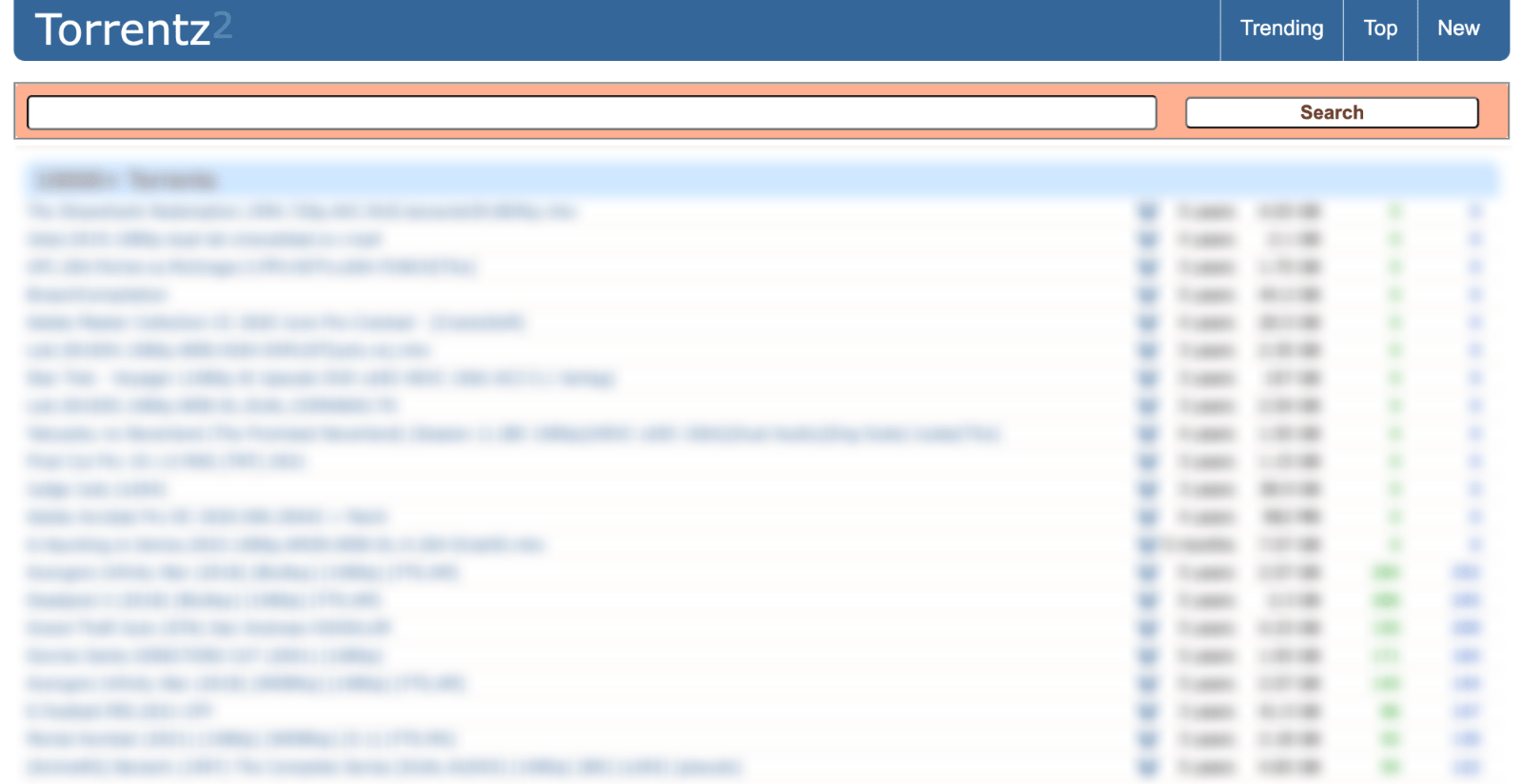
Each of our recommended sites gives you thousands of torrent files. However, why search individually when Torrentz2 can do that for you? That's right - Torrentz2 is a search engine that indexes dozens of the most popular torrent sites, giving you an easy way to find any application, game, movie, TV show, audio file, and more.
The website is really easy to use and comes free of ads. You'll get to filter the search results in several ways, as well as download torrents without visiting third-party sites. So, finding files with lots of seeders should be effortless. On top of that, you won't find malware here, but be careful when using external sites and utilize an anti-virus app, just in case.
5. TorLock - Best Torrent Repository for Mac
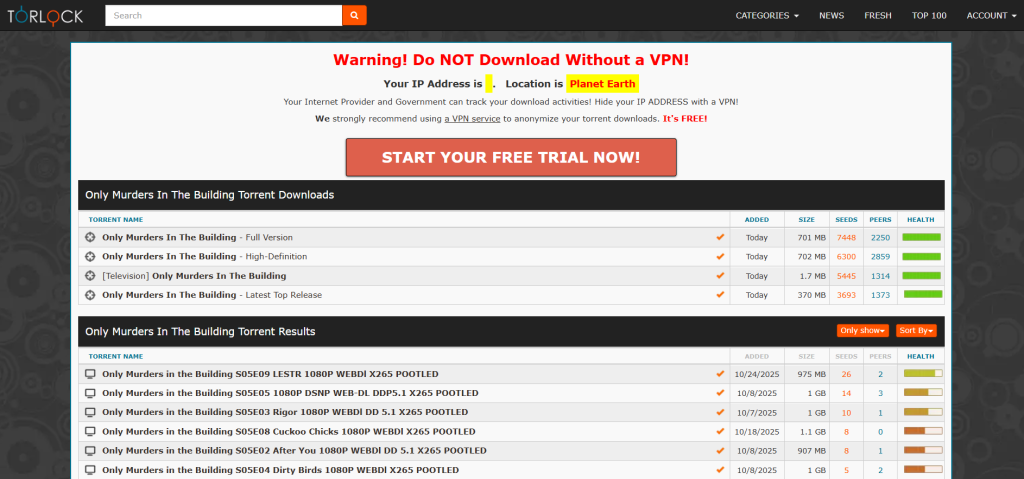
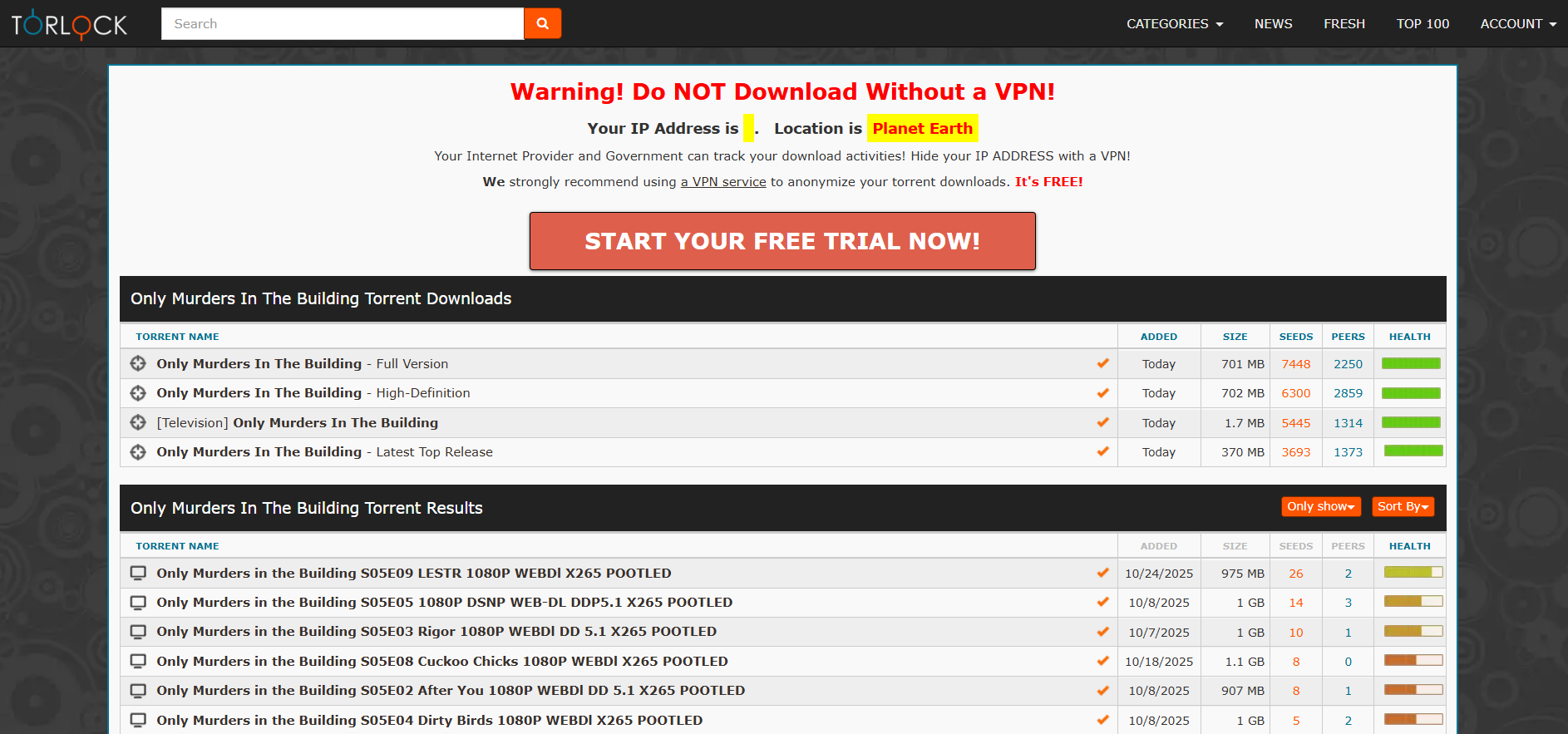
Previously a reliable source for torrent downloads, TorLock remains a valuable resource for Mac users. It provides an additional avenue to discover macOS applications and games, especially when certain files aren’t available on other platforms.
One of TorLock’s standout features is its focus on verified torrents, offering a safer downloading experience. The platform boasts millions of verified files and continues to add thousands of new ones regularly. Its built-in filtering tools make it easy to narrow down search results efficiently.
With TorLock now live again, users looking for Mac content can once again enjoy a dependable repository that balances both variety and safety.
6. IPTorrents - Private P2P Community with Tons of P2P Files


IPTorrents is a reputable private community of P2P users. To gain access, you need to keep your eye on the website's open registration dates. However, you can also use Reddit and similar sites to find those who can send you referral links. On occasion, IPTorrents allows you to sign up for $20, which is also a good option if all other methods fail.
You'll find plenty of various files here, where macOS software is just one of the numerous available categories. This is a forum-like website, allowing you to filter its library in many different ways. There are plenty of seeders, so getting fast download speeds should not be an issue. Plus, you won't have to be worried about ads or malware.
7. LimeTorrents - Best Old-School Torrent Repository
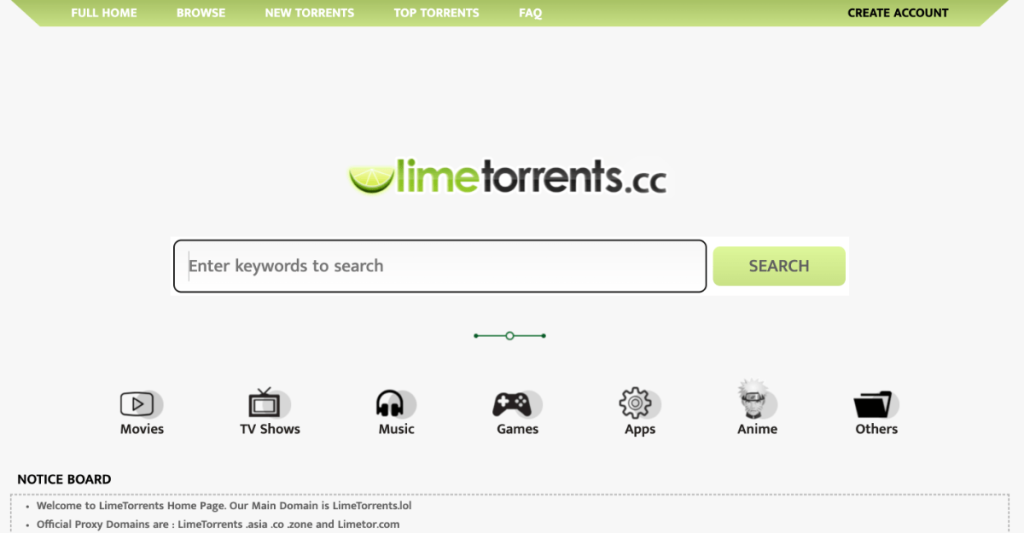

LimeTorrents is one of the oldest sites on this list, founded in 2009. As you're probably aware, that is plenty of time for any torrent site to be alive. The trick with LimeTorrents is that it often changes its domain and has plenty of proxies and mirrors. However, that also means its P2P library can fluctuate a bit, depending on the current events.
That said, know that LimeTorrents doesn't offer a dedicated section for Mac-focused torrents. In other words, your best bet is to use the website's search box prominently displayed on its home screen. Later on, you can filter the available files based on their name, date, size, and file health. That should serve you well in your search for malware-free files that are also quick to download.
8. KickassTorrents - Best Ad-Free Torrenting Site for Mac Users


Our list wouldn’t be complete without KickassTorrents. In case you've been downloading torrents for a while now, we're sure you've encountered it before. However, chances are that you've encountered the original version of KickassTorrents, which is no longer available. Still, we have an identical copy here.
The new KickassTorrents is an excellent replica of the original, providing a broad set of P2P file types. At any moment, you can browse its library manually, use the search functionality, or check what's popular from any of its P2P categories. Sadly, there are no dedicated sections for Mac software and games, so keep in mind that some manual labor is required.
9. iDope - Far-Reaching P2P Search Engine & Online Community


Even though iDope looks like a torrent search site, this is actually a standalone P2P library. So, once you open its home page, you’ll see that you don’t have many options. You can either search for a file, check what’s recent, or check what’s popular. There are no dedicated content sections or the ability to dive into iDope’s library manually.
However, the fact is that iDope has been one of the most visited torrent sites for a long time now. It offers an endless array of files as well as a friendly community. Thanks to its community, iDope offers handy lists of files that revolve around a custom theme, which can be handy when downloading older Mac-related stuff.
10. Torrends - Best for Discovering Mac Torrent Trackers
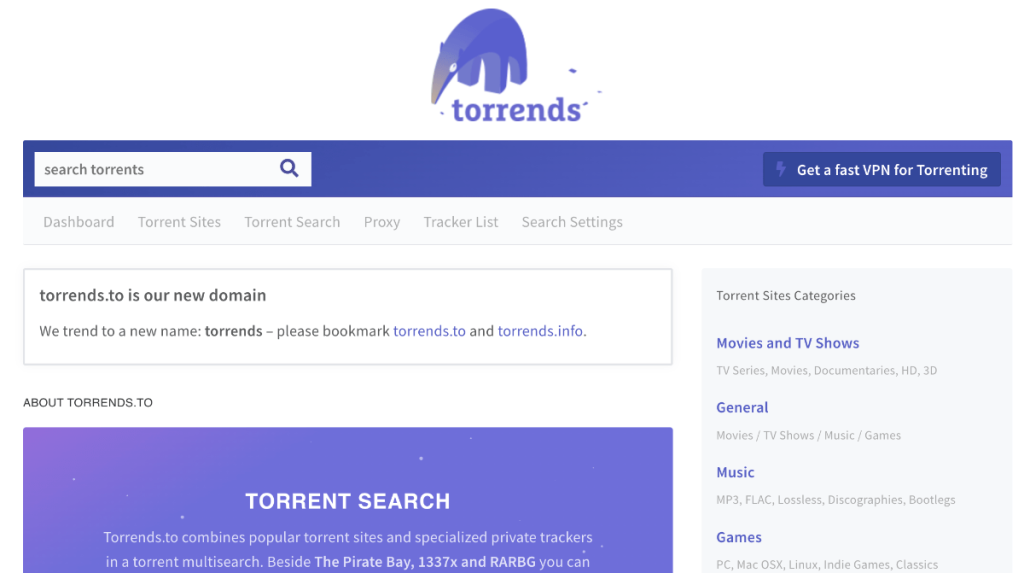
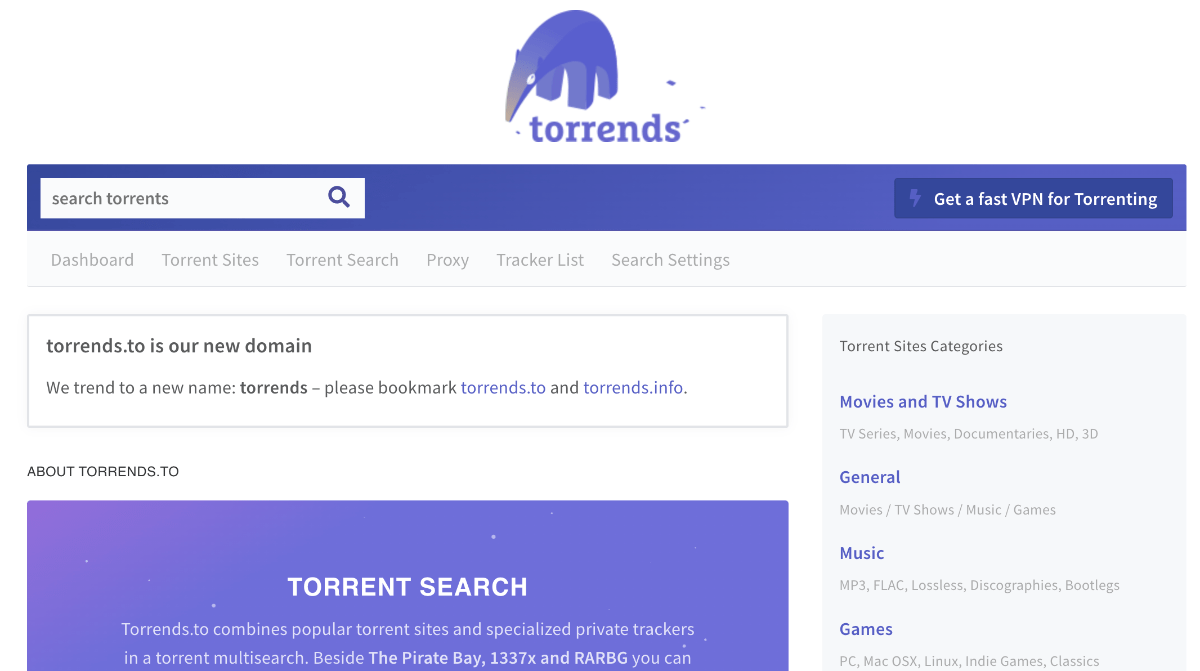
Torrends isn’t a typical Mac torrents library, as it doesn't host any of its content. Instead, it acts as a gateway to more than 600 torrent libraries, letting you search all of them at once. So, if our other recommendations do not provide what you need, we're sure that Torrends will answer your search queries in the best way possible.
We’d like to praise this website’s minimal and modern aesthetics. It comes without any overly complex elements or other annoyances. You can use it to search for torrents, check many lists of the best torrent sites for specific purposes, check proxies of popular sites, and more.
No Longer Active Torrent Sites for Mac
When a previously popular torrent site disappears, it's usually replaced by mirrors and clones that propagate malware. That said, knowing about those sites can be beneficial, which is why we're highlighting them in this section.
1. RARBG
RARBG is a hugely popular name in the world of torrenting. That's because it's one of the most visited torrent sites, which means you can find millions of files here. That said, it's no surprise that RARBG gives you access to applications and games in addition to movies, TV shows, music, and plenty more.
The only downside is that RARBG doesn't offer dedicated categories for macOS - as it does for Windows. So, you'll need to rely on the website's search functionality. That's how you can filter search results in many different ways, giving you various methods of accessing healthy files. Of course, make sure to pay attention to the number of seeders and leechers, as not all torrents are fast to download.
2. iAnon
iAnon isn't available anymore. This P2P community showed that it's worth being an active user on the Internet with a good track record of being helpful to others. That's exactly what you needed to prove to iAnon before your application was manually reviewed. It wasn't that hard to get in, but you had to put in some effort.
Speaking of the website itself, it used to offer access to a genuinely astonishing list of macOS software and games. Since a very active community backed it, new releases appeared regularly. Also, you didn’t have to worry about ads or malware. Lastly, downloads of Mac torrents were as fast as your Internet connection allowed (and yes, seeding properly was expected as well).
3. TorrentGalaxy
TorrentGalaxy was once a popular P2P repository that initially focused on movies before expanding into a broader range of content. Despite its growing library, its interface continued to resemble that of a movie-only site, often misleading users into thinking it was limited to film-related torrents.
While it was active, TorrentGalaxy offered a flexible search system with sorting options and search modifiers, which made it easier to find specific types of content. It was particularly useful for Mac users, as it hosted thousands of macOS-related torrents, including popular apps.
Unfortunately, TorrentGalaxy is no longer available, and users will need to explore alternative torrent repositories for similar content.
4. TorrentDownloads
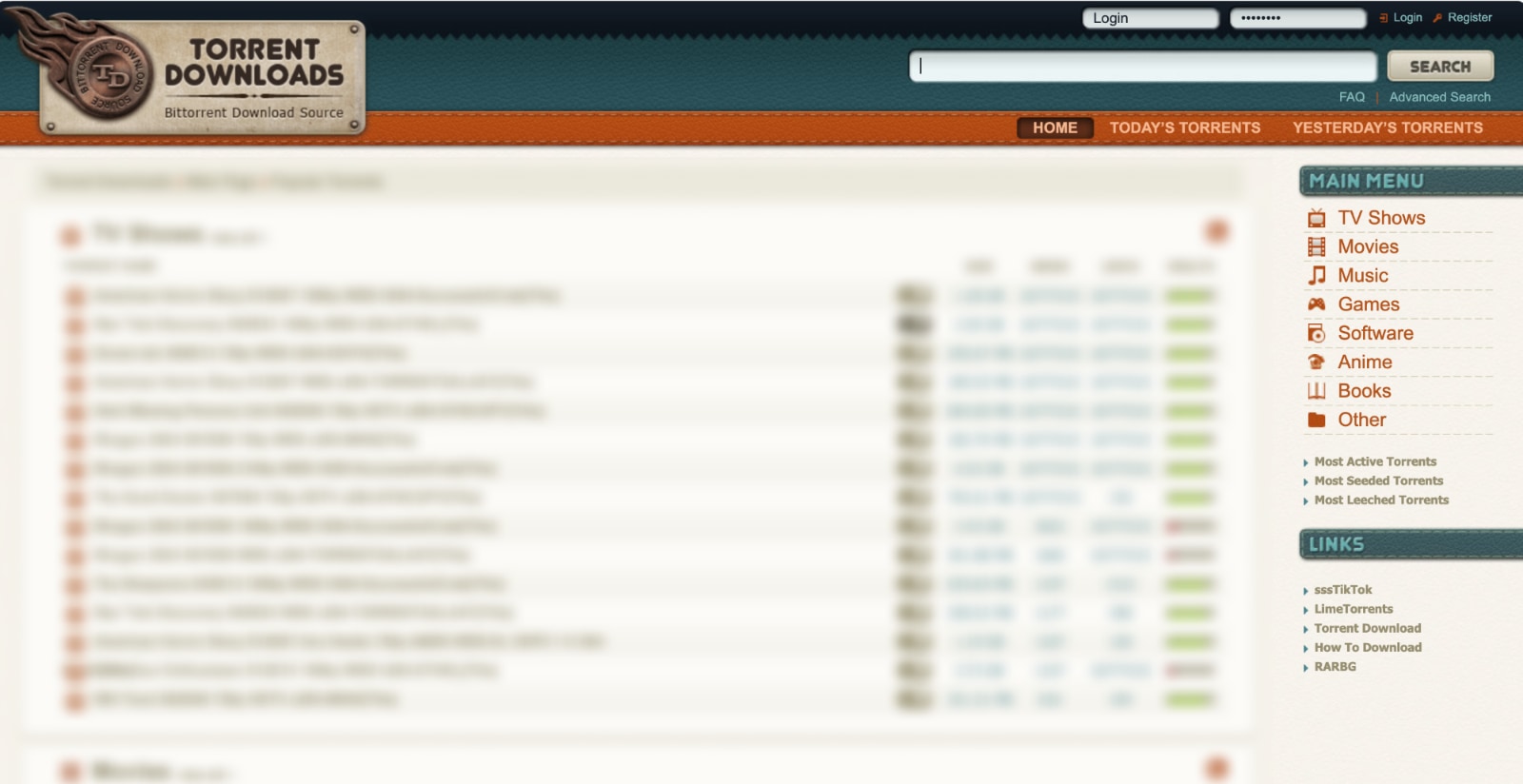
If you take a glance at TorrentDownloads, we’re sure the site’s design won’t leave you impressed. However, if you stick around for a second, you’ll see why TorrentDownloads is a worthwhile option. That’s because it’s easy to use, comes with plenty of torrent files, and even offers dedicated sections for games and software.
Surprisingly enough, this is also a highly active torrent repository. New files appear all the time, and since millions use TorrentDownloads, you can expect many of those files to have plenty of seeders. At any given moment, you can check the most popular torrents or freshly released ones, and you can also dive into the website's massive library manually.
How to Download Mac Torrents Safely with a VPN?
Your goal should be to encrypt your Web connection, done by signing up, downloading, and installing your chosen VPN app. Once you connect to a server, you can start torrenting - in the following way:
- Subscribe to a VPN that works for torrenting (we recommend NordVPN).
- Download and install the VPN app on your Mac.
- Launch the VPN app, and when prompted, log in using your credentials.
- Visit your VPN app's settings and make sure the kill switch is enabled.
- Ensure you use protocols like OpenVPN or WireGuard.
- Select a VPN server in a P2P-friendly location (Switzerland, for example).
- Once your VPN session is established, start downloading torrents. That's all!
Switzerland, Spain, and Romania are great VPN locations for torrenting. Those countries don't actively block torrent sites, and they have somewhat related copyright laws. One of the reasons we recommend NordVPN is that it covers all those countries with dedicated P2P servers.
Also, if you’re getting started with downloading torrents on your Mac, it’s a good idea to cover the basics. So, here's how to use torrents and the best Mac torrent clients for your reference.
Which Criteria to Follow to Find the Best Mac Torrent Site?
Base your search on the number of available torrents and the number of seeders. That criteria will help you find plenty of files that are quick to download. Here's what else to focus on:
- Number of Available Mac Torrents: Your chosen site should bring a wide selection of torrents, letting you find any game or app you want. It should also bring new titles on a regular basis, allowing you to keep your games and apps up-to-date.
- Torrent Site Age & Safety-Related Reputation: Going for a long-standing site is always a wise decision, as you'll get to check its reputation easily. You can rely on social media and forums, as those are typically filled with real-world recommendations.
- Advanced Ways to Search: Finding macOS-specific torrents can be difficult, especially when using all-in-one torrent repositories. That's why you need search filtering, letting you sort through hundreds of files fast, based on their platform compatibility.
- Seeders/Leechers Ratio: Without enough seeders, you'll have a hard time downloading torrents. So, make sure to go for those files that have a larger number of seeders than leechers, letting you use the full speed of your connection.
- P2P File Descriptions: By checking their descriptions, you'll get to see the contents of the torrent files you download. Those descriptions typically list all of the files contained, letting you easily spot fake and problematic torrents.
- User-Generated Feedback: Torrent sites that have a community aspect typically offer a comments section, which other people can use to warn you of any irregularities. Also, a ratings-focused system can be a helpful way to avoid fake torrents.
Why Is It Important to Use a VPN When Downloading Mac Torrents?
To anonymize your P2P traffic, you want to hide your IP address and add a layer of encryption. That's where VPNs come into play, as they encrypt your data and give you a new IP. Here's what that means:
- Copyrights-Related Issues: Downloading software or games could lead to infringing on copyrights, leading to hefty fines. So, stay on the safe side of the law and double-check the files you download. As a precautionary measure, you should also use a VPN when torrenting.
- Visit Blocked Torrent Repositories: If your Internet provider blocks P2P traffic and torrent sites, the best way to unblock them is by using a VPN. They are also helpful for bypassing firewall-based blocks, which are usually present in workplaces and schools.
- Take Care of Your Online Privacy: Your Internet provider sees everything you do online, including your browsing activity. That's a clear privacy intrusion that you can easily bypass by using a VPN capable enough to provide a leak-free VPN tunnel.
- Take Care of Your Online Anonymity: Torrenting equals sharing, and that applies to your IP address as well. Others in your P2P swarm can see your IP address, so you need a VPN to hide that data and become anonymous when torrenting.
- Regain Your Connection's Full Speed: If your Internet provider uses selective throttling, you can negate that by hiding your P2P traffic through a VPN. Since your ISP won't see that you download and upload data, it won't be able to slow you down.
- Stay Secure When Downloading Torrents: VPNs help prevent malicious actors from getting to your data, and many of them can also scan files for malware. They can't replace a fully featured antivirus, but they're highly effective if you download smaller files.
- Use Torrent Sites Privately to Public Wi-Fi: It's never a good idea to use public Wi-Fi as those networks are designed to collect your sensitive information. However, that's not an issue with a VPN, which can make any kind of public Wi-Fi safe to use.
- Bypass Geo-Blocks While Traveling: Traveling abroad means you'll have to deal with geo-blocks and limited access to torrent sites. By connecting to a VPN server from back home, you can continue using your favorite websites with no restrictions.
Final Thoughts
In conclusion, our intention with this list of the best Mac torrent sites was to highlight the options that deserve your trust. No matter which site you pick, you can rest assured that you'll get a reliable, easy-to-use, and trustworthy option. In addition, most of our picks are also found in our overview of the most popular torrent sites, as most of them go beyond macOS software and games.
Furthermore, ensure you take all precautionary measures before you start torrenting. The best way to preserve your privacy is with a VPN, which hides your IP address and ensures no one can see what you do online. That said, keep in mind that not all VPNs are the same, and we recommend NordVPN based on our hands-on testing.
That's all we have prepared for this guide. If you have anything to add, please do so using the comments section below. Thank you for reading!
Helpful Torrent & VPN Resources
VPN Guides
- Explore the top VPNs to protect your online privacy and enjoy unrestricted access to content.
- Try a free VPN trial, no credit card required, to test services without risk.
- Find the best VPNs for streaming to unblock Netflix, Hulu, and other platforms.
- Learn about VPN pricing and which features are worth the cost.
- Follow step-by-step guides to set up a VPN on any device.
Torrent Guides
- Discover the best torrent sites for downloading movies, games, music, and more.
- Use the top torrent search engines to find content quickly and efficiently.
- Browse the best torrent sites for TV shows with high-quality streams.
- Compare the top torrent clients for Windows, Mac, and other platforms.
- Explore the best free VPNs for safe access to adult content.
Related






Get expert insights on threats, breaches, scams, and security trends — delivered every Monday.
Most Popular

Get expert insights on threats, breaches, scams, and security trends — delivered every Monday.
Most Popular