

When you purchase through links on our site, we may earn an affiliate commission. Here’s how it works.
Can You Watch Discovery Plus on LG TVs – All You Need to Know + The Best Workaround Available Right Now!
Last updated May 21, 2024

Unfortunately, the answer is - no. You can't watch Discovery Plus on LG TVs, as this media streaming service doesn't offer a native app for WebOS (the platform that powers LG TVs). We can only hope to see this change in the future.
However, until that happens, let's talk about the best workarounds to getting Discovery Plus on your LG TV. Here's what you want to know.
You Can Still Watch Discovery Plus on LG TVs - But Only via This Workaround!
Even though Discovery Plus can't be found as a native for LG TVs, you can use screen-casting to play video content from your smartphone on your large-screen TV. However, make sure that your TV supports Chromecast. Here are the steps you need to take.
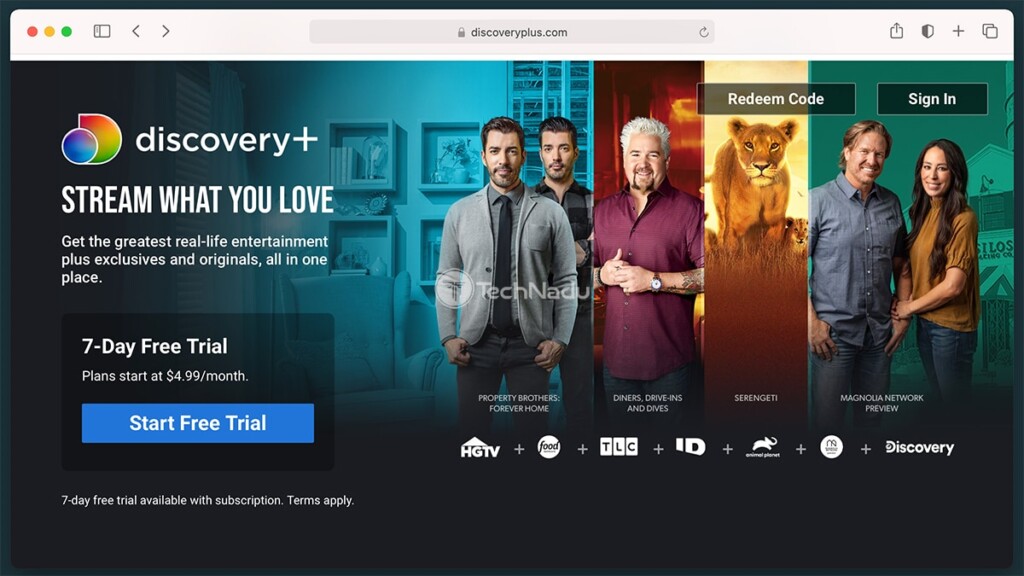
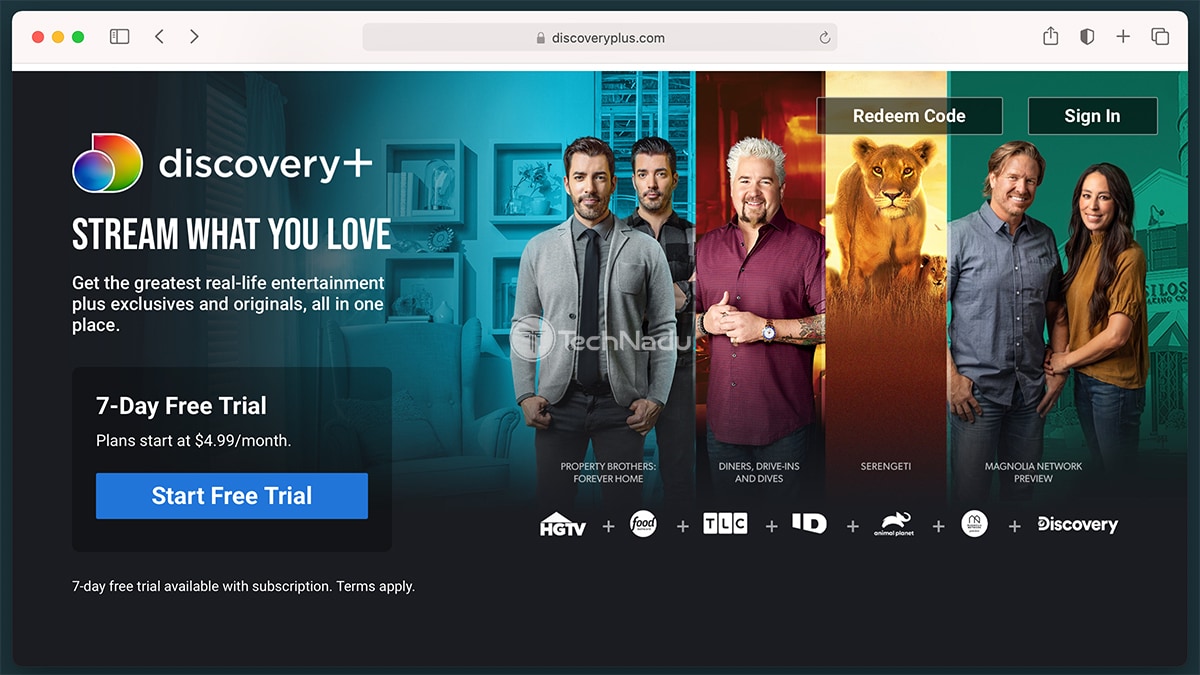
- The first step requires you to get a Discovery Plus subscription. We've provided the link that will take you to the Discovery+ website, where you need to click on 'Start Free Trial' to get started. Pick a plan, fill out the required information, and get your subscription.
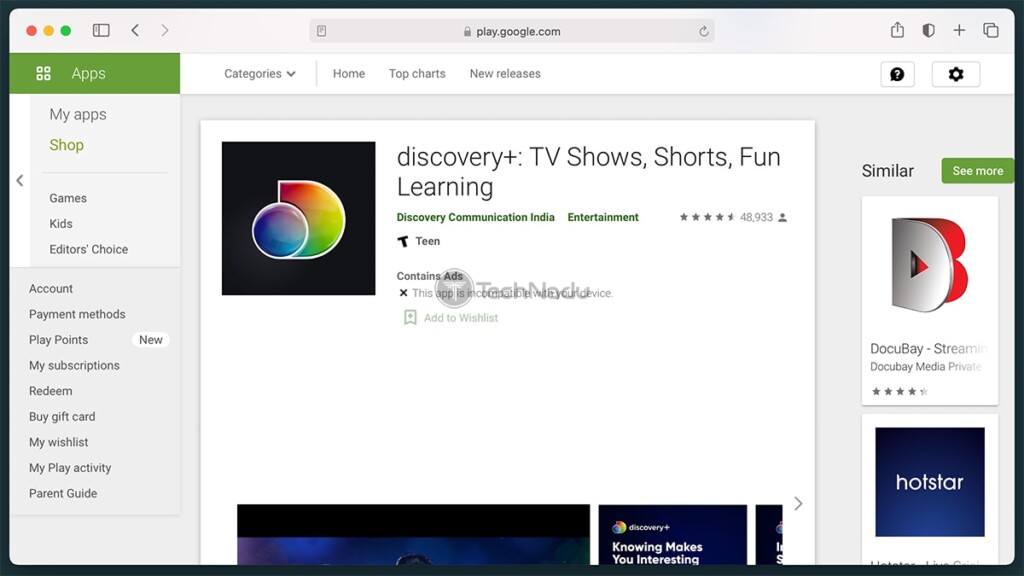
- Now, you need to install the Discovery Plus app on your smartphone or tablet. So, here's the Android version. Of course, you can also visit the Android Play Store on your device and then download Discovery+ from there.

- Once you download the app, open it, and then log in to your account. You'll be asked for your username and password, which you've supplied while creating your Discovery+ account.
- Before we go to the final step, an important note: your TV and your smartphone/tablet must be on the same Wi-Fi network for Chromecast to work. So, make sure that you meet this requirement, and test your Web connection on your LG TV as well.
- Finally, use the Discovery+ app to start playing any content. As soon as you do that, you'll see a 'screen-cast' icon, which should be visible on the right side. Tap on that icon, select your LG TV, and that's it. The selected video will now start playing on your large-screen TV. That's it!
This brings us to the end of our guide on how to watch Discovery Plus on LG TVs. If you have any doubts or questions, feel free to post a comment below. And, of course, happy streaming!
Related





Get expert insights on threats, breaches, scams, and security trends — delivered every Monday.
Most Popular
Get expert insights on threats, breaches, scams, and security trends — delivered every Monday.
Most Popular