

When you purchase through links on our site, we may earn an affiliate commission. Here’s how it works.
How to Get Discovery Plus on Xbox – A Step-by-Step Guide Covering Xbox One (X/S), Series X, and Series S!
Last updated September 23, 2021

No matter if you've managed to purchase the recently released Series X or Series S or if you have an older Xbox - there's an easy way to access a wealth of documentaries. Yes, we're talking about watching Discovery Plus on Xbox, which comes as a native app. So, let's show you how to set it up.
Here Are the 5 Steps to Watch Discovery Plus on Your Xbox (One, Series X, and Series S)
Discovery Plus is finally live - and it comes as an app for Xbox One (X/S), Xbox Series X, and Xbox Series S consoles. All of those devices have access to the app via their App Store, so here's how to get started.
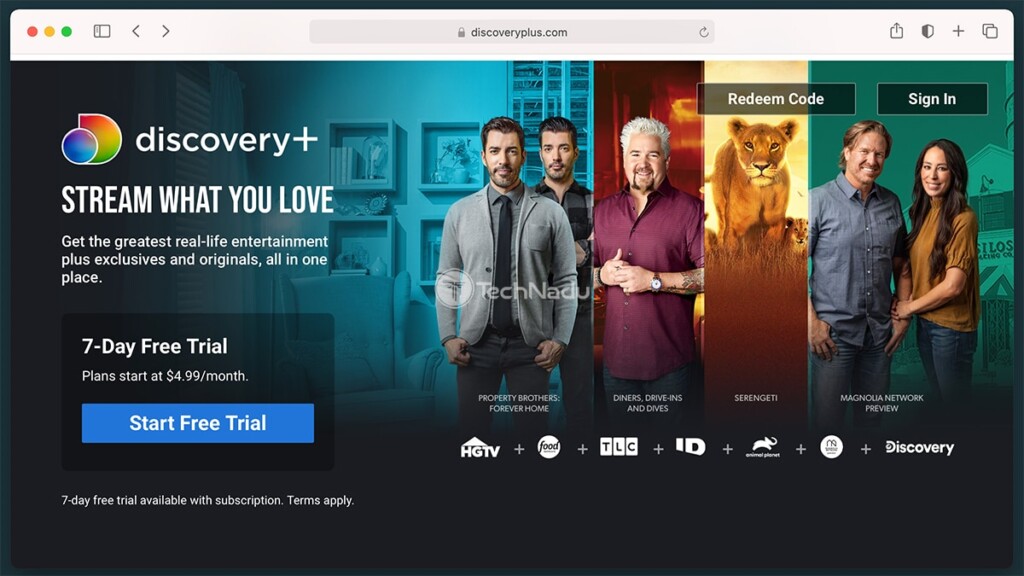
- First, we recommend subscribing to Discovery Plus via its website (as that's currently the easiest way to subscribe). Use the provided link, and then click on 'Start Free Trial.' You will be asked to pick a subscription plan (with or without ads), create an account, and add your payment info. Once you're done, expect to receive a confirmation email.
- Now, you can turn to your Xbox. Make sure to begin from its Home Screen, which you get to by pressing the Xbox button on your controller, and then picking 'Home.' Once you get to your Home Screen, select 'My Games & Apps.'
- Then, use your controller to select 'Apps' on the left side of your TV screen. Find and open the 'Microsoft Store' app. You'll see that the 'Search' field is automatically highlighted, so go ahead and select to activate it. Search for 'Discovery Plus.'
- Open the app's overview, and then select 'Install.' The Discovery Plus app will now download and install to your Xbox console. Once done, feel free to launch it.

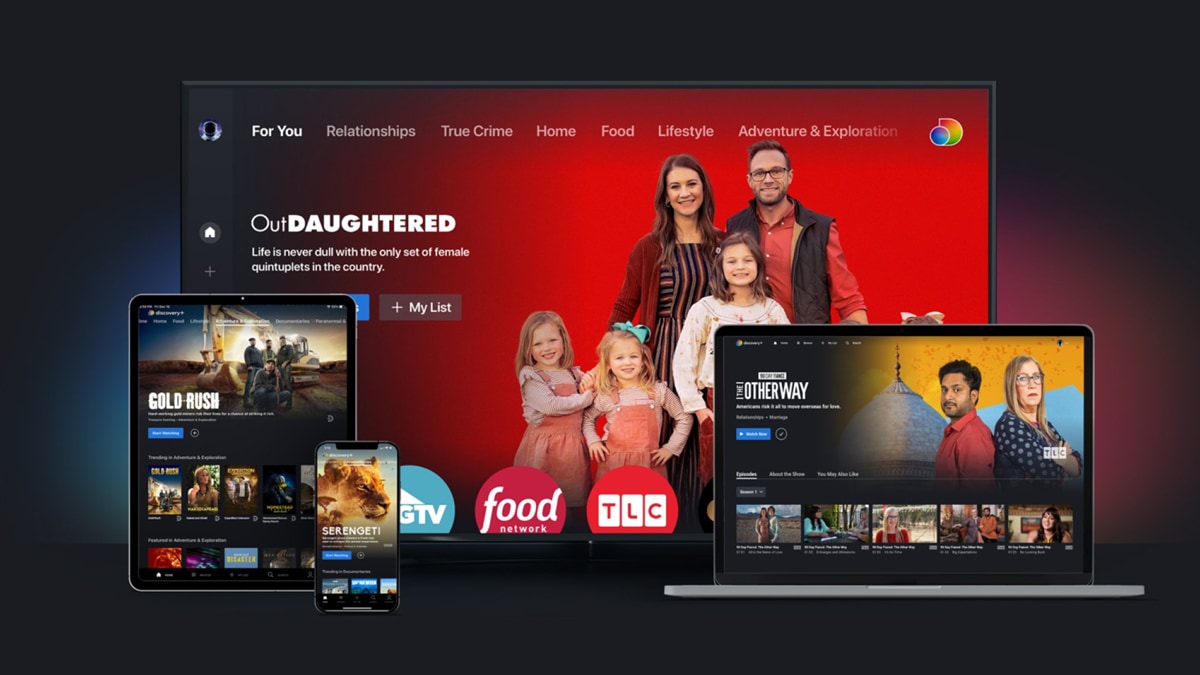
- All there's left is to log in, which you do by following on-screen instructions. After a few moments, you'll get to access your Discovery Plus library and stream any type of content. Enjoy!
With that said, we conclude our guide on how to get Discovery Plus on Xbox. If you have any questions for us, send them via the comments section below. And also, thanks for reading!
Related





Get expert insights on threats, breaches, scams, and security trends — delivered every Monday.
Most Popular



Get expert insights on threats, breaches, scams, and security trends — delivered every Monday.
Most Popular