
When you purchase through links on our site, we may earn an affiliate commission. Here’s how it works.
How to Get Discovery Plus on Firestick – Stream Documentaries on Your Amazon Fire TV, in up to 4K!
Last updated October 2, 2021

Discovery Plus is finally here - and it's available for Firestick users as well. We are sure that many of you are wondering how to watch Discovery Plus on Firestick devices, and we're here to offer a complete guide. Trust us; You're only minutes away from streaming thousands of titles in up to 4K. So, here's all you need to know.
Here Are the 4 Easy Steps to Watch Discovery Plus on Firestick & Fire TV
Considering that Discovery Plus offers a native app for Firestick, Fire TV devices, and Fire OS-powered TVs, getting started with this streaming platform is easy. Here's what you need to do.
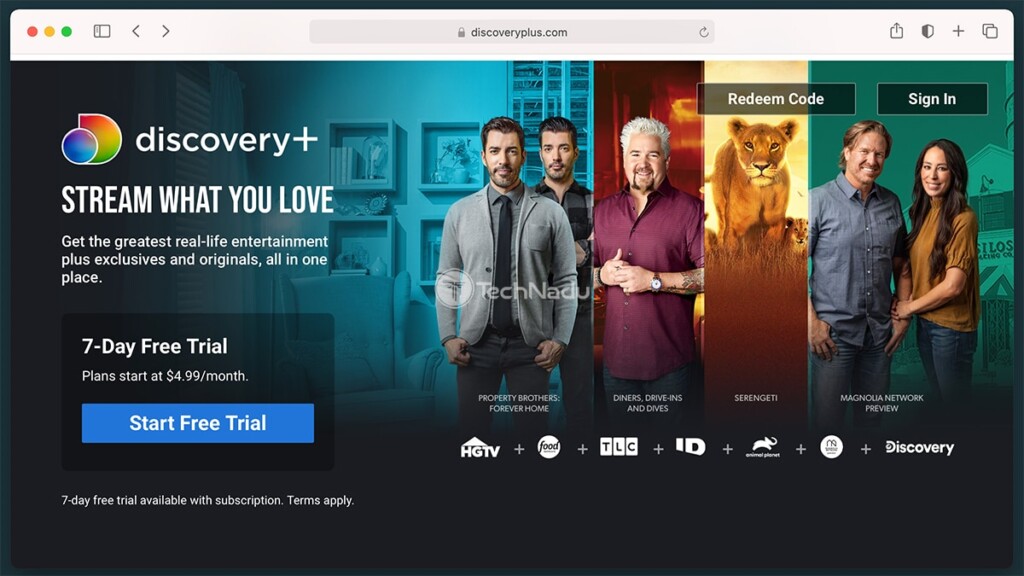
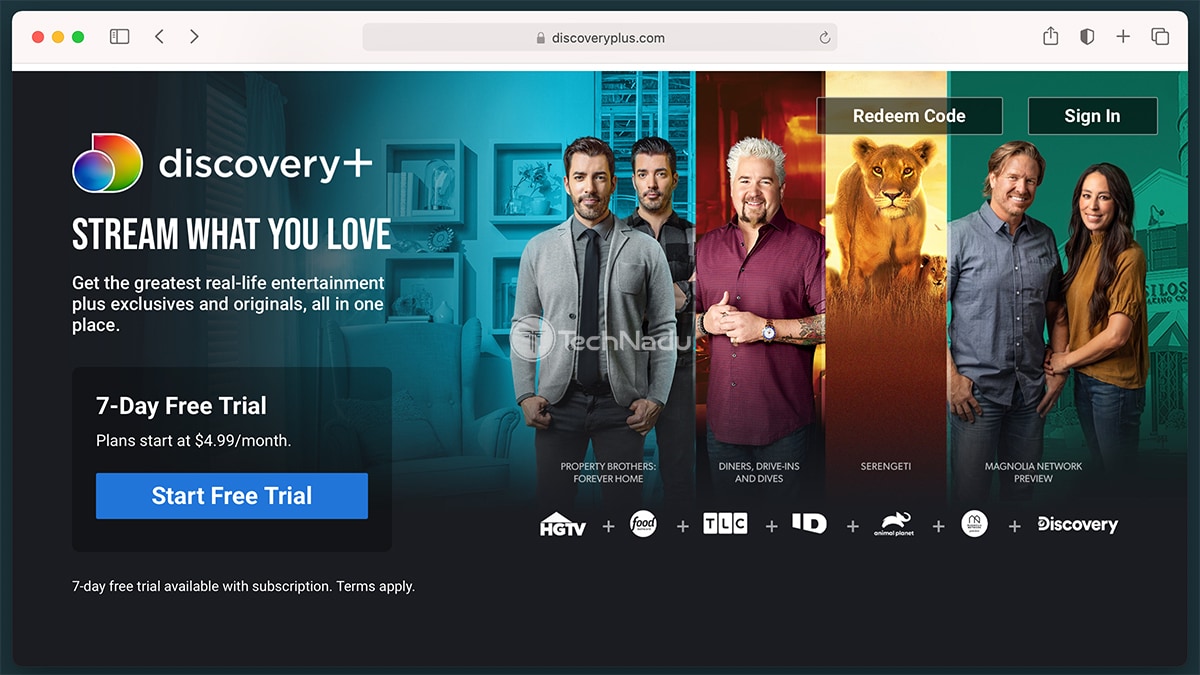
- Before doing anything else, make sure to subscribe to Discovery Plus. Feel free to use the provided link, and you'll be taken to the streaming platform's website. There, click on 'Start Free Trial,' and then sign up for an account. You'll need to pick a subscription plan, create a new account, and provide your payment information.
- The rest of this procedure is done on your Fire TV Stick. Make sure to start from its Home Screen, and then navigate to the top of the screen. Then, go all the way to the left - which is where you'll find a magnifying glass icon. Select it, and search for 'Discovery Plus.'
- A list of search results will now appear. You need to find the icon of Discovery Plus and select it, which will open the app's overview screen. Once you get to that screen, all there's left is to click on the big orange button labeled 'Get.' The app will now download and install on your Firestick.

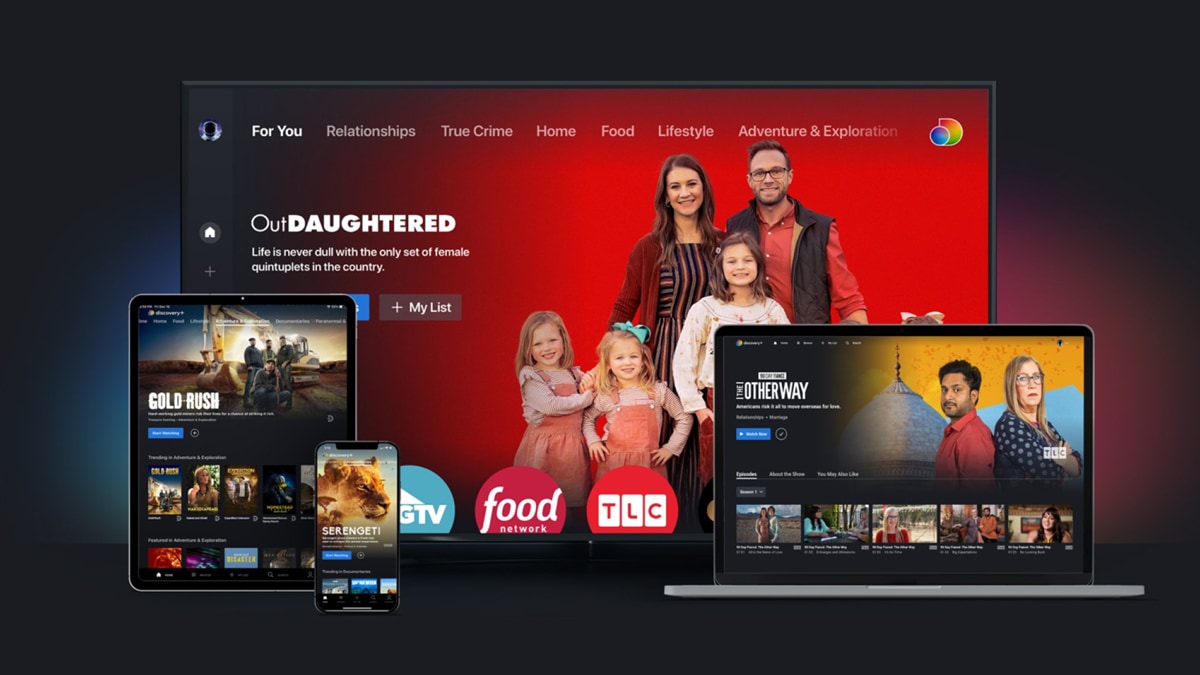
- There's one more step. You now need to open the Discovery Plus app. Then, follow the on-screen prompts to log in and access your account. That's it - you're now ready to start streaming!
You've reached the end of our guide on how to get Discovery Plus on Firestick. If you have any questions on your mind, feel free to post your comment below. And, of course - thanks for reading. Enjoy streaming Discovery+!
Related





Get expert insights on threats, breaches, scams, and security trends — delivered every Saturday.
Most Popular




Get expert insights on threats, breaches, scams, and security trends — delivered every Saturday.
Most Popular