



Fake VPN and Streaming App Spreads Malware Targeting Android Banking
Published on October 10, 2025

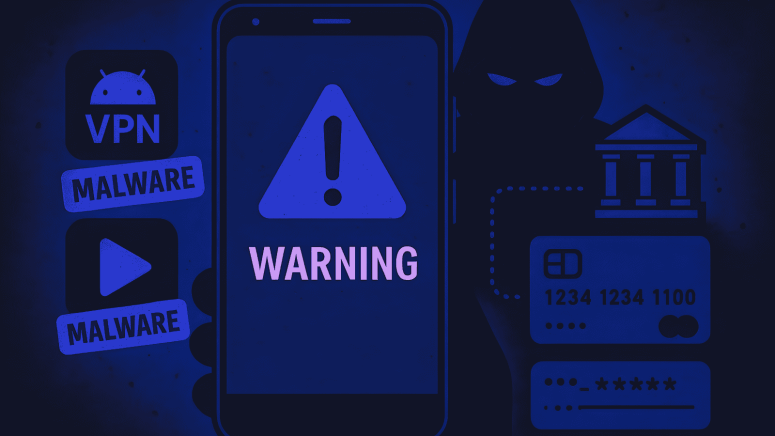
- Malicious App: Mobdro Pro IP TV + VPN installs Klopatra banking Trojan, taking full device control.
- Infection Method: App uses social engineering and sideloading to bypass Play Store protections, stealing credentials.
- Safety Tips: Download from trusted sources, check permissions, update security software, and reset banking details.
Security researchers are warning Android users about a malicious app, Mobdro Pro IP TV + VPN, which poses as a free IPTV streaming and VPN service but installs dangerous malware capable of stealing banking credentials.
The app, discovered by researchers at Cleafy, is not a legitimate VPN. It delivers Klopatra, a new Android banking Trojan and remote-access tool that is not linked to any previously known malware families. Once installed, Klopatra allows attackers to take full control of the device, access sensitive data, and carry out fraudulent transactions.
How the Malware Works
According to researchers, Klopatra uses a sophisticated infection chain that combines social engineering and technical exploits:
- Users are lured by the promise of free, high-quality TV channels through the sideloaded app.
- Installing apps from unofficial sources bypasses protections normally offered by the Google Play Store.
- Once active, Klopatra provides attackers full remote access, enabling theft of banking credentials and financial fraud.
The researchers explain:
“Klopatra’s effectiveness lies in a carefully orchestrated infection chain, which begins with social engineering and culminates in complete device takeover.”
Even Legitimate VPNs Can Pose Risks
VPNs are widely used to protect privacy, bypass geo-restrictions as well as secure internet traffic. However, not all VPNs on Google Play are safe. The VPN Transparency Report 2025 by the Open Technology Fund highlighted concerns with several widely-used apps, including Turbo VPN, VPN Proxy Master, XY VPN, and 3X VPN – Smooth Browsing, each downloaded over 100 million times.
Some of these apps use protocols like Shadowsocks, which are not designed for privacy, giving users a false sense of security. The report stresses the importance of checking app ownership, technology, and privacy practices before installation.
How to Protect Yourself
Security experts recommend the following steps for Android users:
- Download from trusted sources: Only use Google Play, Apple App Store, or official provider sites. Avoid sideloading apps from links or forums.
- Check permissions: Be cautious if apps request device control, Accessibility Services, or installation rights beyond their functionality.
- Use layered protection: Install up-to-date anti-malware solutions and keep devices patched against vulnerabilities.
- Stay informed: Follow reliable cybersecurity news and share warnings with friends and family.
If a device is suspected to be infected:
- Delete any suspicious VPN or IPTV apps immediately.
- Run a trusted security scan.
- Reset banking credentials to prevent potential theft.
Researchers emphasize that careful selection of VPNs and streaming apps is crucial for maintaining security and protecting sensitive financial information.
Related





Get expert insights on threats, breaches, scams, and security trends — delivered every Monday.
Most Popular



Get expert insights on threats, breaches, scams, and security trends — delivered every Monday.
Most Popular