
When you purchase through links on our site, we may earn an affiliate commission. Here’s how it works.
ESA Videos Kodi Addon: How To Install It on Kodi
Last updated January 17, 2022

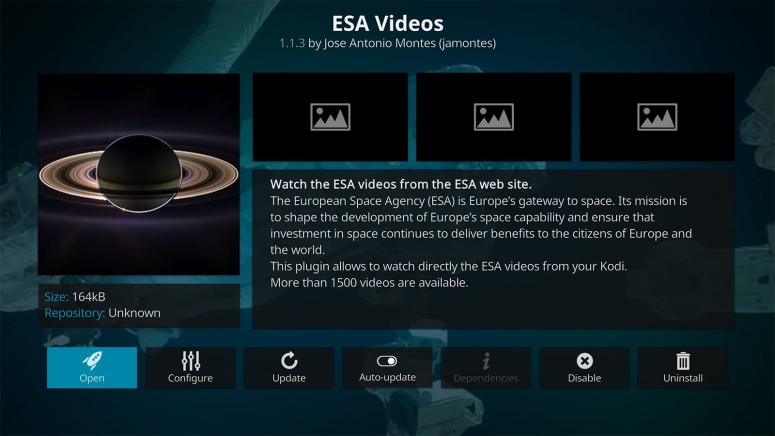
In our guide to the best Kodi addons for documentaries, you'll find plenty of sources of content on pretty much anything that might interest you. However, when it comes to space exploration, our first recommendation would be the ESA Videos Kodi addon. It comes with a massive volume of content, with new stuff arriving regularly.
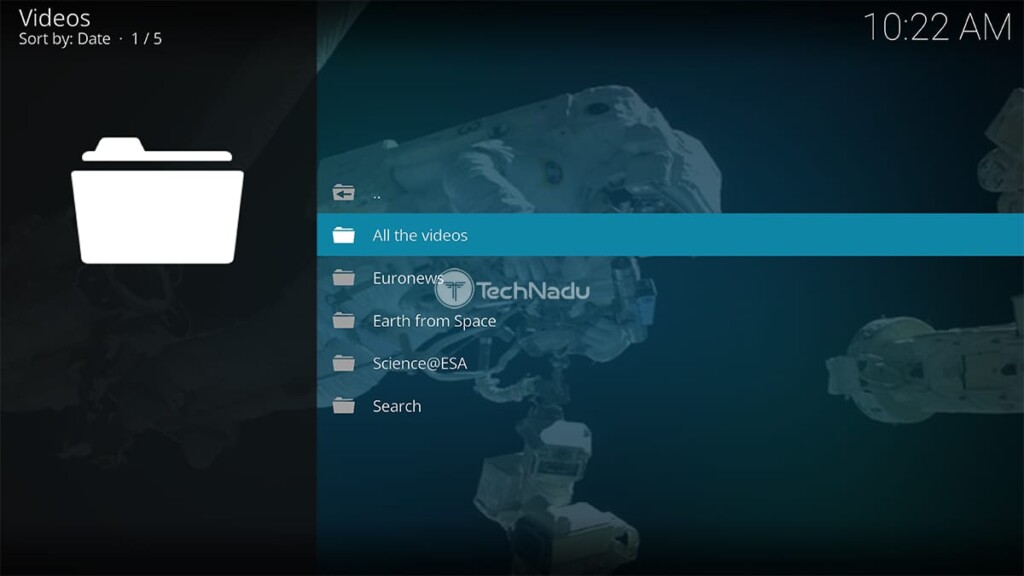
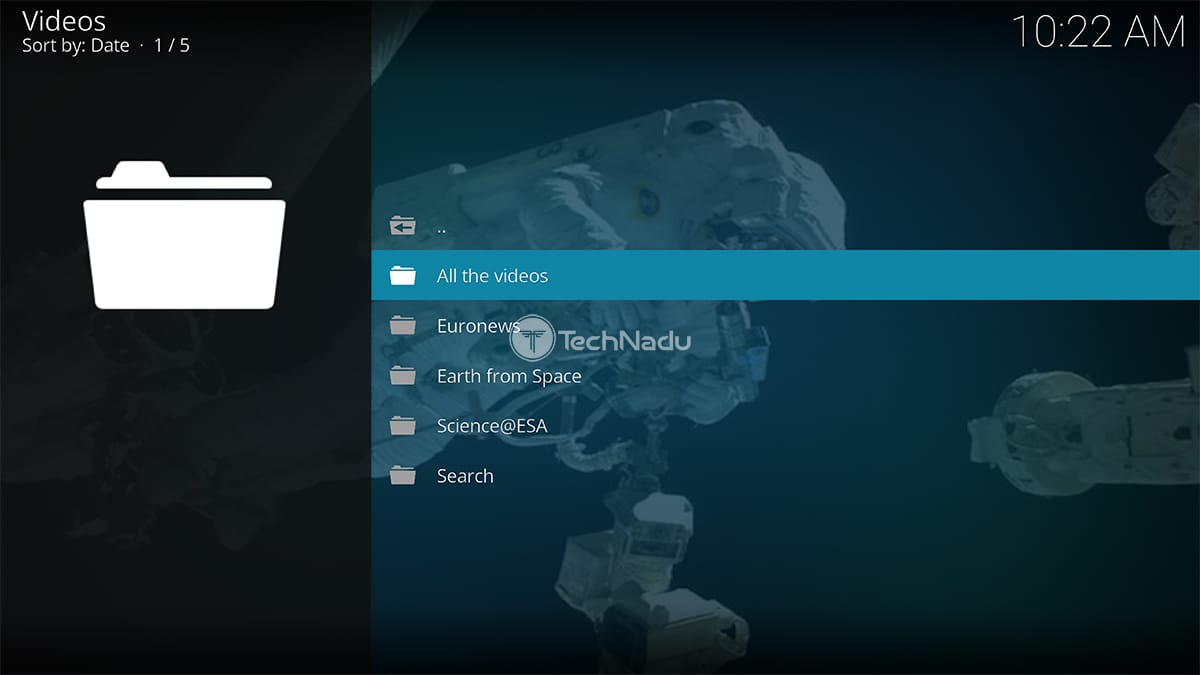
The European Space Agency (ESA) has numerous long-term programs dedicated to space exploration and human spaceflight. And just like NASA, this space agency is more than willing to share its resources with the general public. That’s the idea behind the ESA Videos addon, which allows you to watch ESA’s Euronews segments, videos focused on astronomy, and there’s also a series of videos of how the Earth looks from space. All of those are content categories present on ESA Videos’ home page.
In terms of the addon's video quality, we're talking about 720p videos for the most part. Specific content categories lean towards 1080p, so there's some variety present. Still, we assure you that ESA's videos will look great even on a large-screen TV.
How To Install ESA Videos Addon on Kodi
Ready to dive into ESA's educational videos? Well, here's how to install ESA Videos on Kodi:
1. Open Kodi and then wait a few moments until you see its home screen.
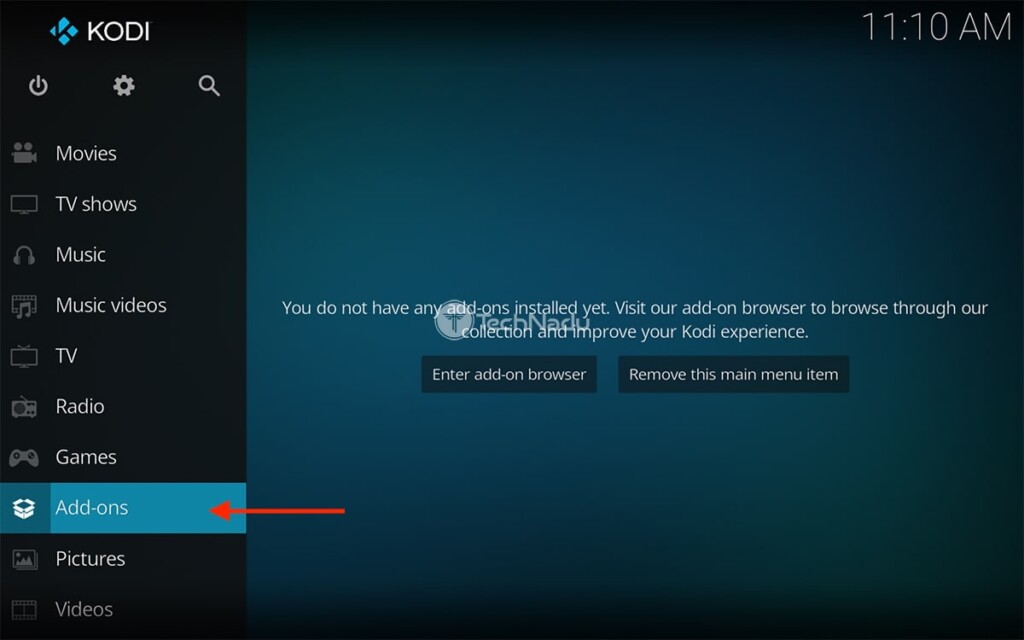
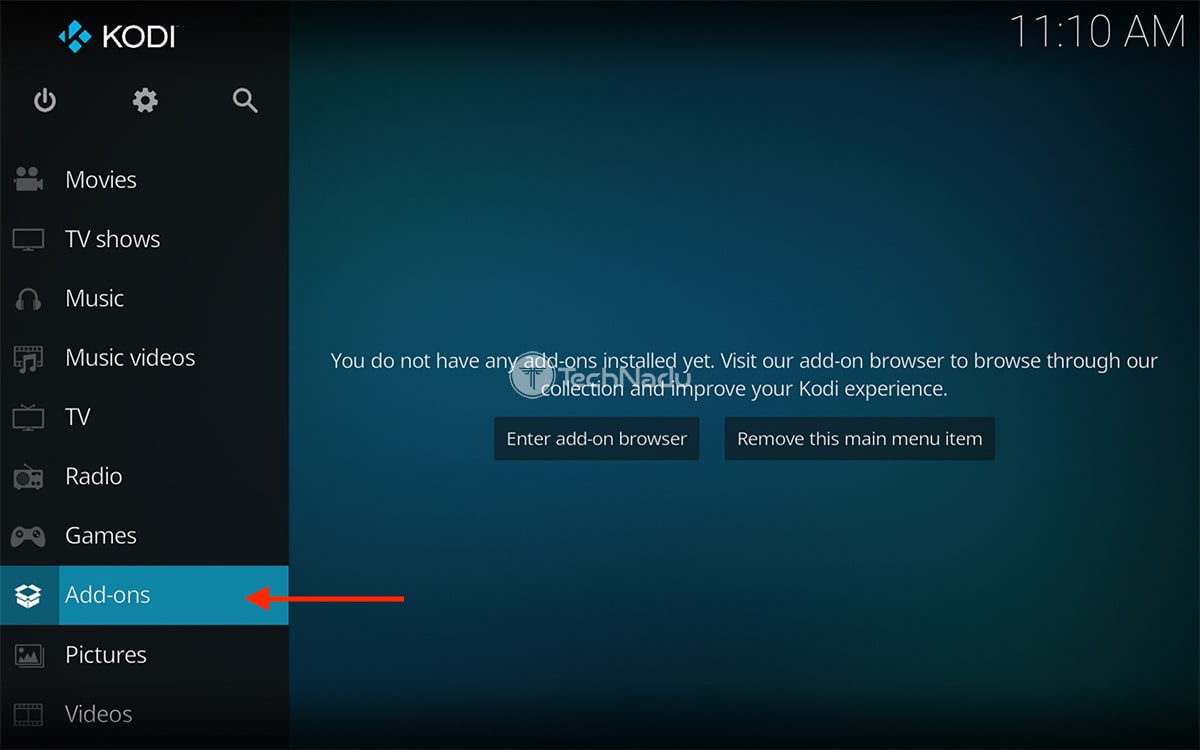
2. Pick 'Add-ons' using Kodi's main menu on the left side of your screen.
3. Then, hover over 'Download.' On the right, pick 'Video Add-ons.'
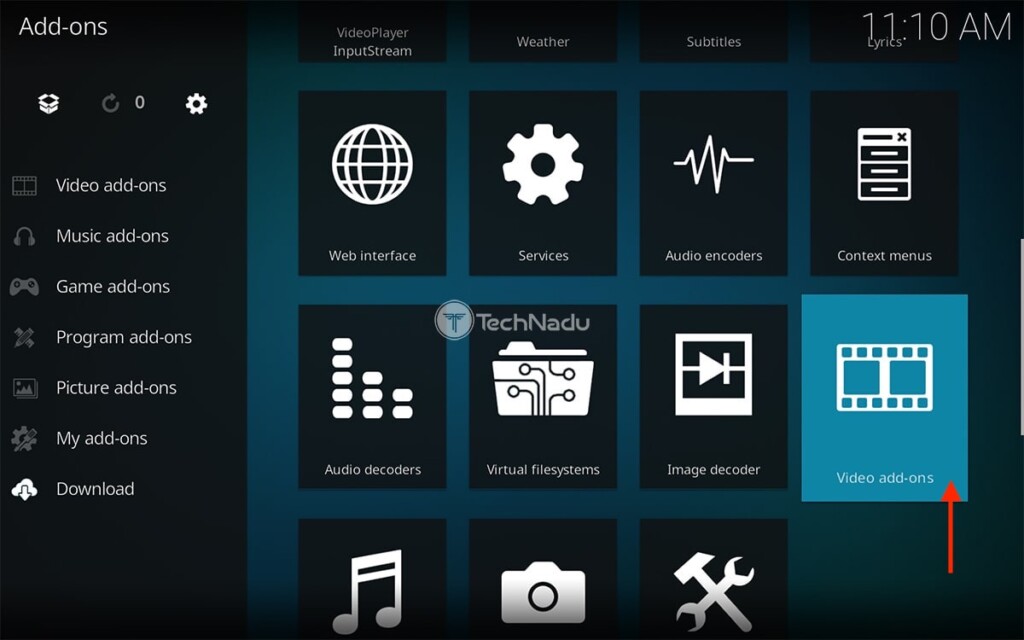
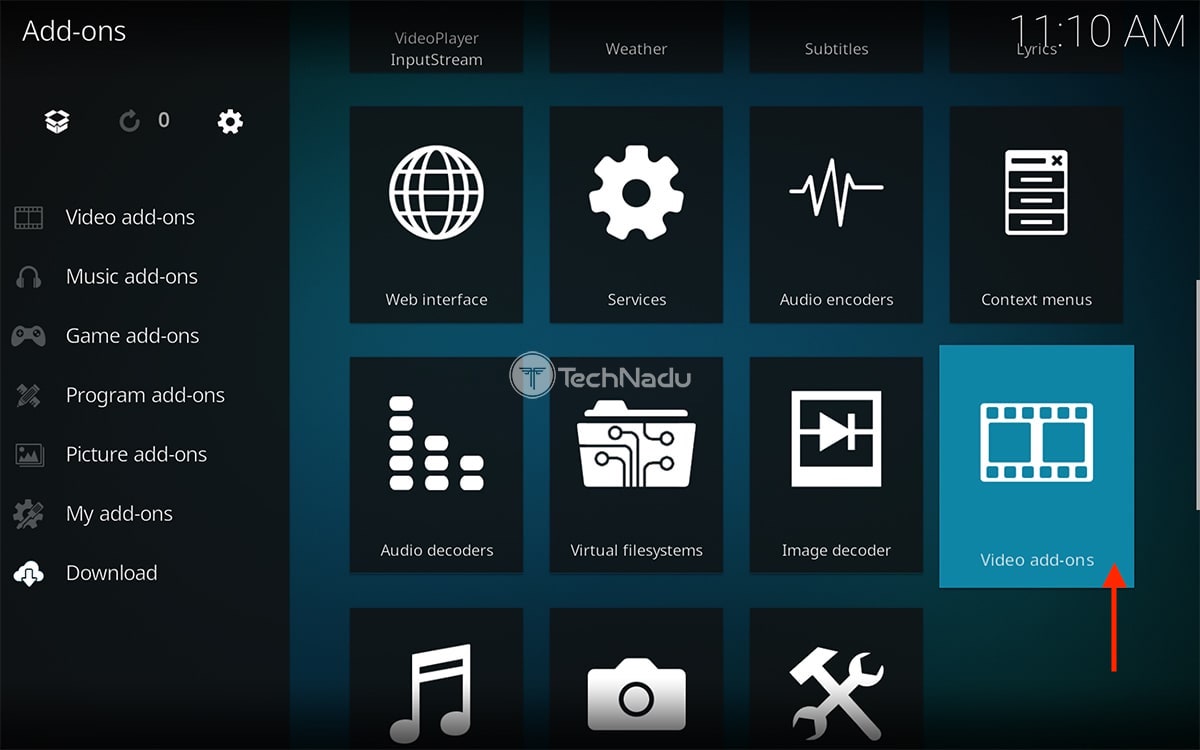
4. Find the ESA Videos Kodi addon. Make sure to select its name.
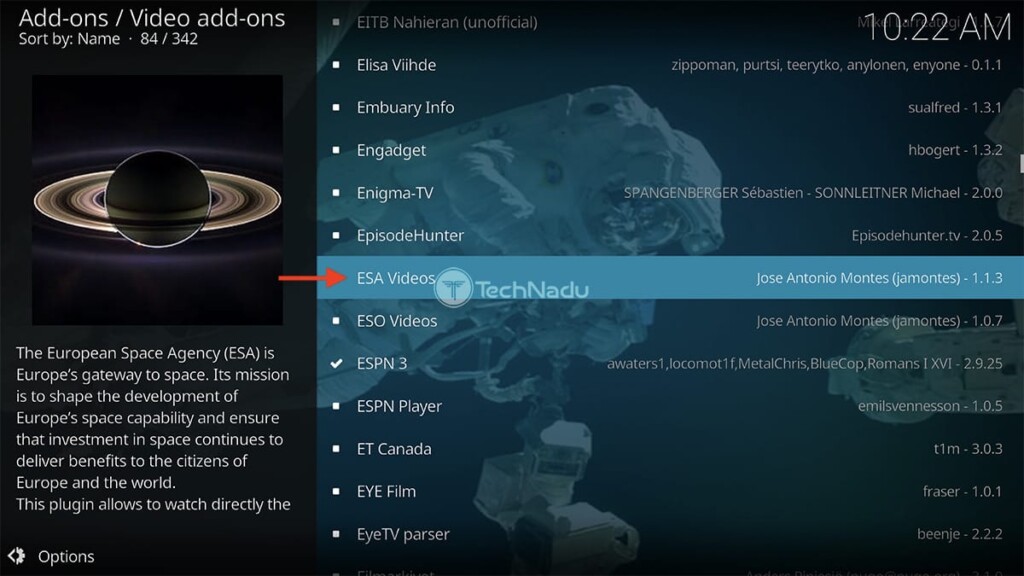
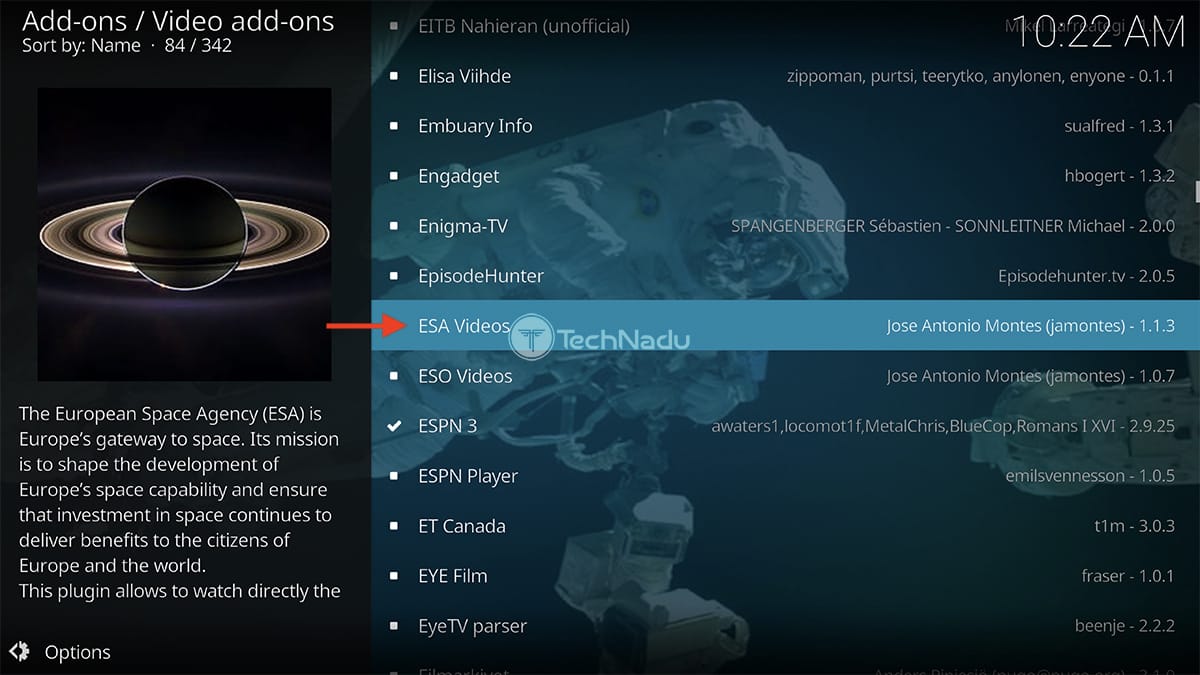
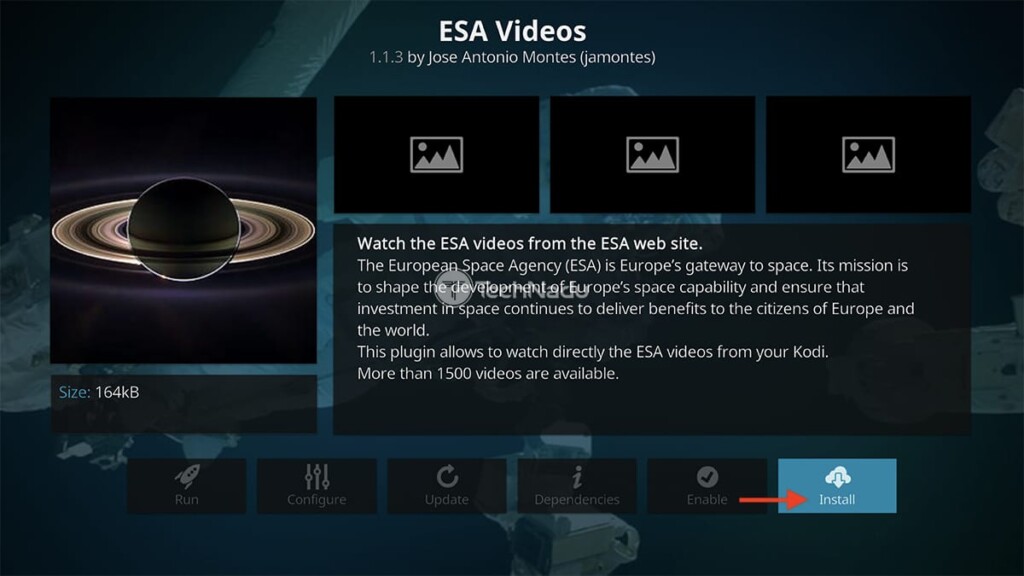
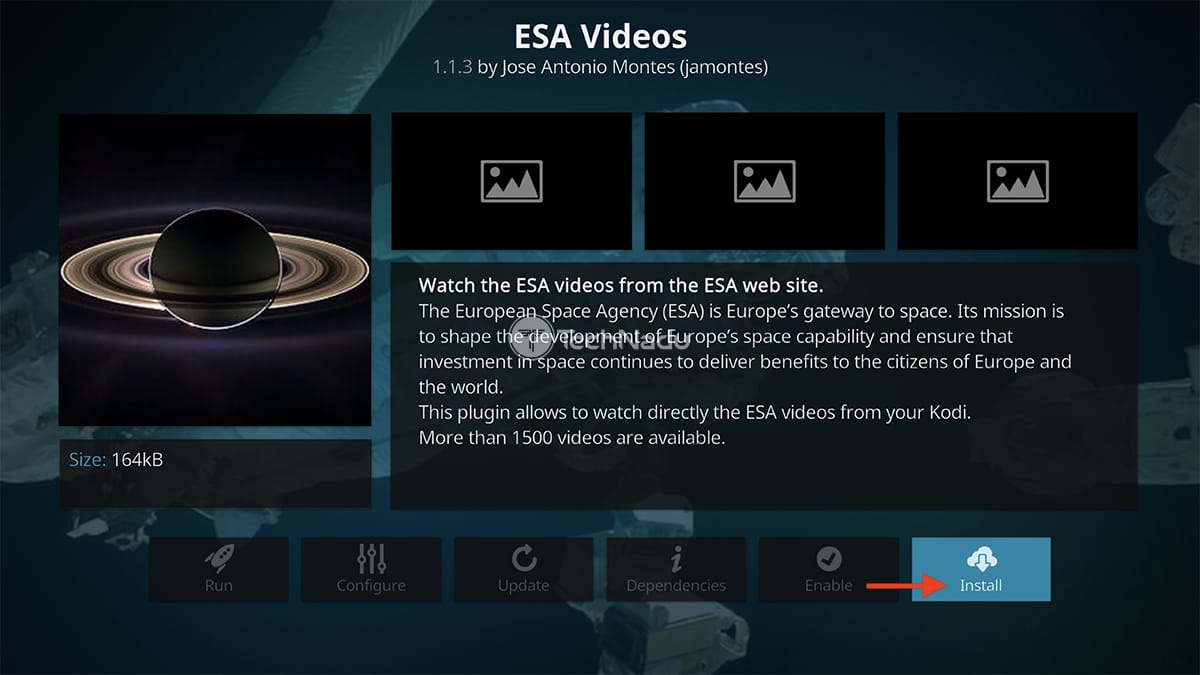
5. Once the addon’s overview screen appears, select the 'Install' button on the right.
6. If asked about any dependencies, feel free to use the 'OK' button.
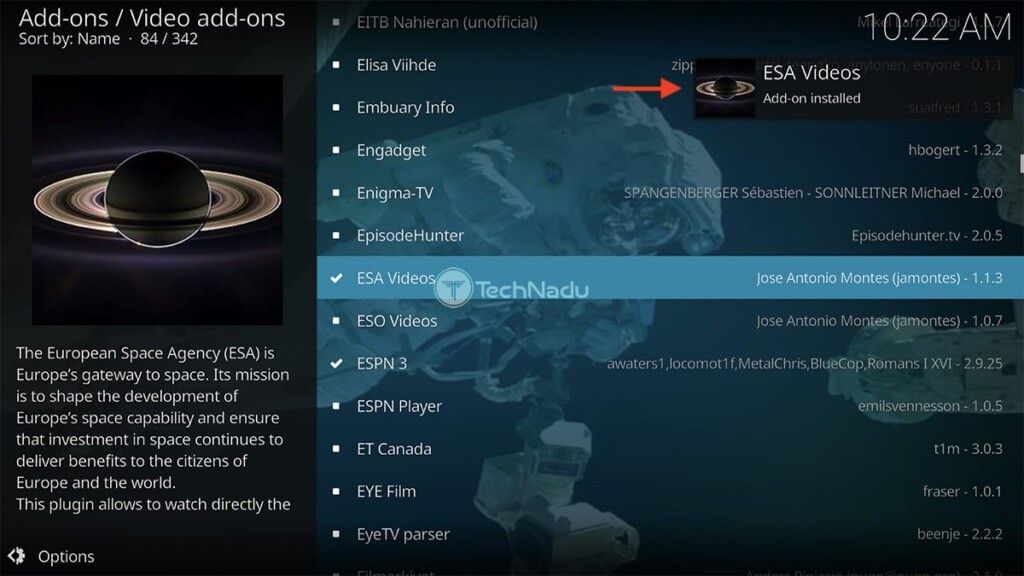
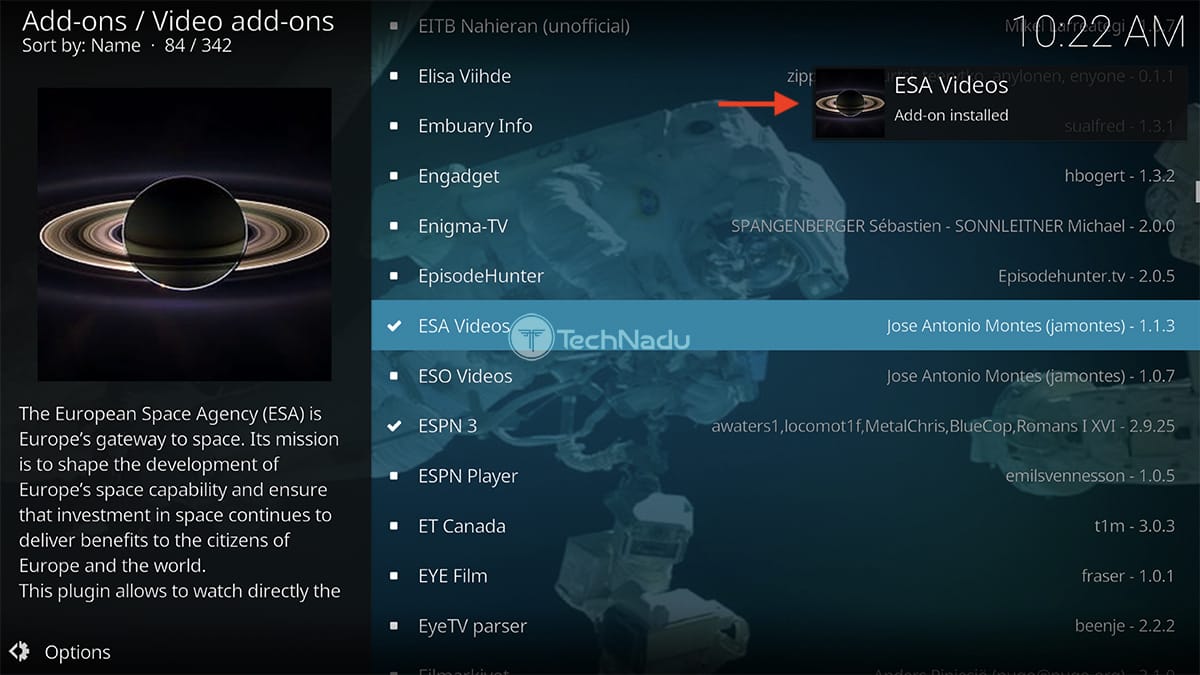
7. Wait a couple of moments until the ESA Videos addon is installed. You'll see a notification.
8. Now, return to Kodi’s home screen. Then, select 'Add-ons' once again.
9. Pick 'Video Add-ons' using Kodi’s main menu.
10. Launch ESA Videos by clicking on its icon/thumbnail. That’s it!
So, did you install the ESA Videos Kodi addon? What do you think about it? Let us know via the comments section below. And finally, thank you for reading!
Read Next: 60+ Best Kodi Addons You Should Try Right Now
Related






Get expert insights on threats, breaches, scams, and security trends — delivered every Monday.
Most Popular

Get expert insights on threats, breaches, scams, and security trends — delivered every Monday.
Most Popular