

How to Turn on an iPhone That’s Been Dead for Months?
Last updated June 16, 2021

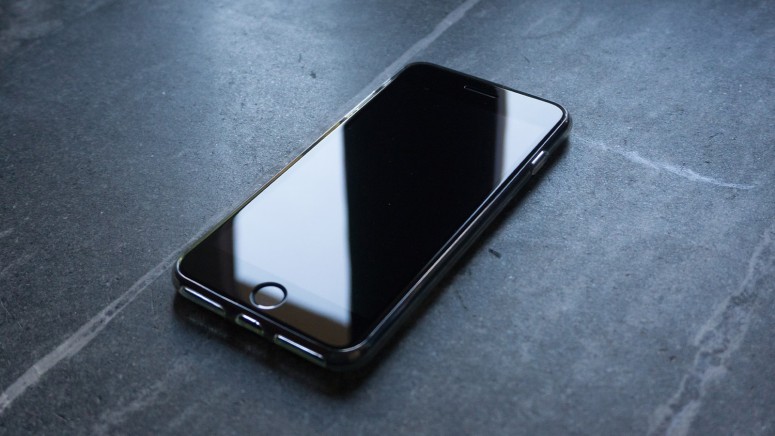
An iPhone that's been "dead" for months can sometimes be tough to reactivate, especially if its battery is not in great shape. However, before you decide to repair or discard your phone, there are a couple of things to try. With that said, we'll provide a few practical solutions on how to turn on an iPhone that's been dead for months – hopefully helping you continue where you left off.
Is There a Way to "Revive" a Dead iPhone That’s Been Turned Off for Months?
Considering that our team has been using iPhones ever since the original model came out, we’ve had our fair share of encountering "dead" phones. With that said, we recommend going through the following three steps to turn on an iPhone that’s been dead for months.
Step #1: Charge Your iPhone Using Its Original Cable + Power Adapter
First, make sure to use your iPhone's original USB cable and power adapter – and plug your phone into the wall outlet. It's always best to use original cables, especially if they're made by Apple (which means you can use cables that come with other iPhones).
As you can see, the first step is a straightforward one. Try charging your iPhone – but also keep your eye on it. See whether its screen shows anything at any point, as well as whether your phone will manage to boot up on its own. It can take around 15 minutes for that to happen but feel free to keep your iPhone plugged-in as long as necessary.
Step #2: Try Powering on Your iPhone Manually
If you phone doesn’t boot up automatically, it’s time to try to do that manually. In other words, use a combination of physical keys to power it on (while keeping it plugged in). Here’s how that is done on different iPhone generations.
- iPhone 6, 7, 8, X, 11, 12, and SE (2nd Generation): Press and hold the Side button (on the right side of your iPhone) until you see the Apple logo. Release the button once the logo appears.
- iPhone 5 and earlier; iPhone SE (1st Generation): Press and hold the Top button (on the top side of your iPhone, above its screen) until the Apple logo appears. Release the button immediately once the logo appears, and wait for it to boot up.
Step #3: Try to Force-Restart Your iPhone
Lastly, we also recommend trying to force-restart your iPhone. This is a manual way to jump-start it, so to say, and can be very helpful when trying to turn on an iPhone that’s been dead for months. Here’s what you need to do.
- iPhone 8, X, 11, 12, and SE (2nd Generation): Press and then quickly release the Volume Up button, and then press and quickly release the Volume Down button. Finally, press and hold the Side button until the Apple logo appears. Once it appears, release the button immediately.
- iPhone 7: Press and hold both the Volume Down button (on the left side) and the Sleep/Wake button (on the right side) simultaneously. Once you see the Apple logo, release the buttons.
- iPhone 6s and SE (1st Generation): Press and hold the Sleep/Wake button (on the right side) and the Home button – at the same time. Release the buttons when you see the Apple logo.
Why Can It Be Sometimes Hard to Turn on an iPhone That's Been Dead for Months?
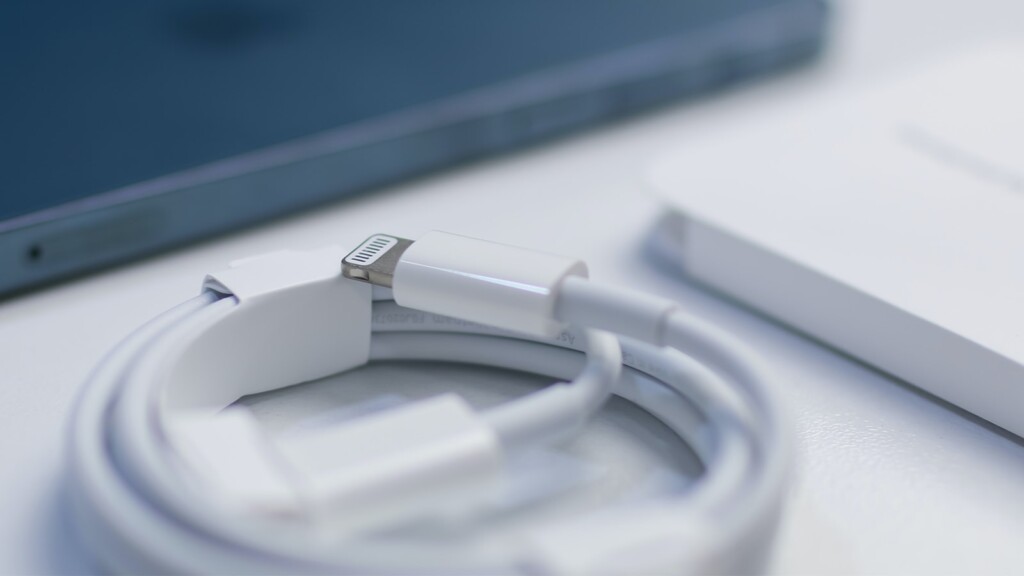

The simplest possible explanation would be the following one. If your iPhone has been turned off for months, its battery probably has no power left. Therefore, you won't be able to turn on your iPhone until you recharge it. However, this situation isn't that simple, as batteries work in a very specific way, and they can be permanently damaged if misused.
For a depleted iPhone to run on, its battery requires a minimum threshold of battery charge. When it comes to Apple-made smartphones, this varies from 3% to 5%. That is why once you plug-in a depleted iPhone, it doesn’t automatically and instantly turn on. Instead, that happens once its battery goes over the minimum threshold. Until that happens, you will see an icon on your iPhone's screen, indicating that its battery is charging.
Behind that situation is the fact that when your iPhone starts booting up, there is a short period where its battery stops charging before continuing to do so once the phone boots up. That's the reason why your iPhone needs at least some power – even to turn on.
How Long Does It Take to Charge a "Dead" iPhone?
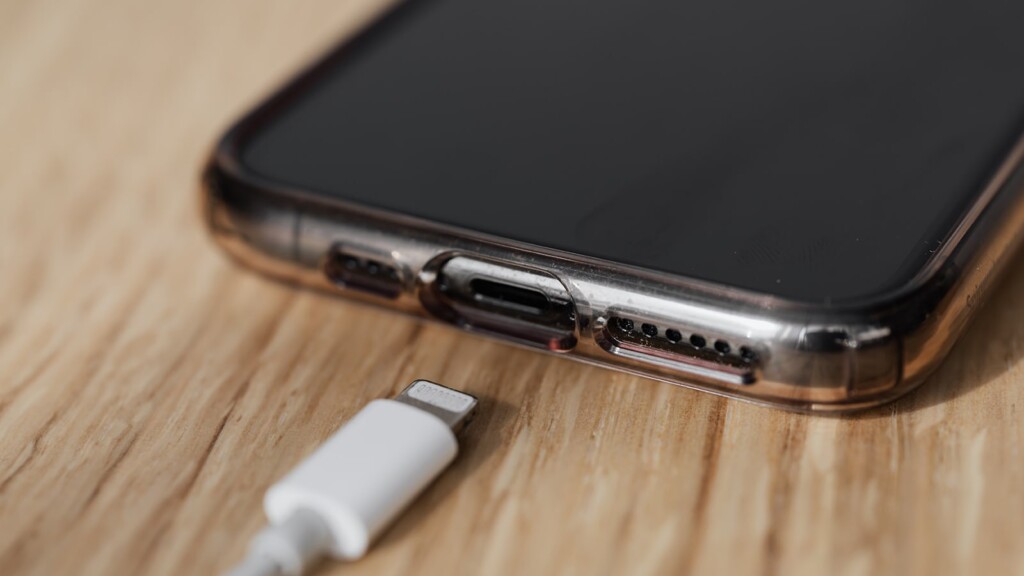
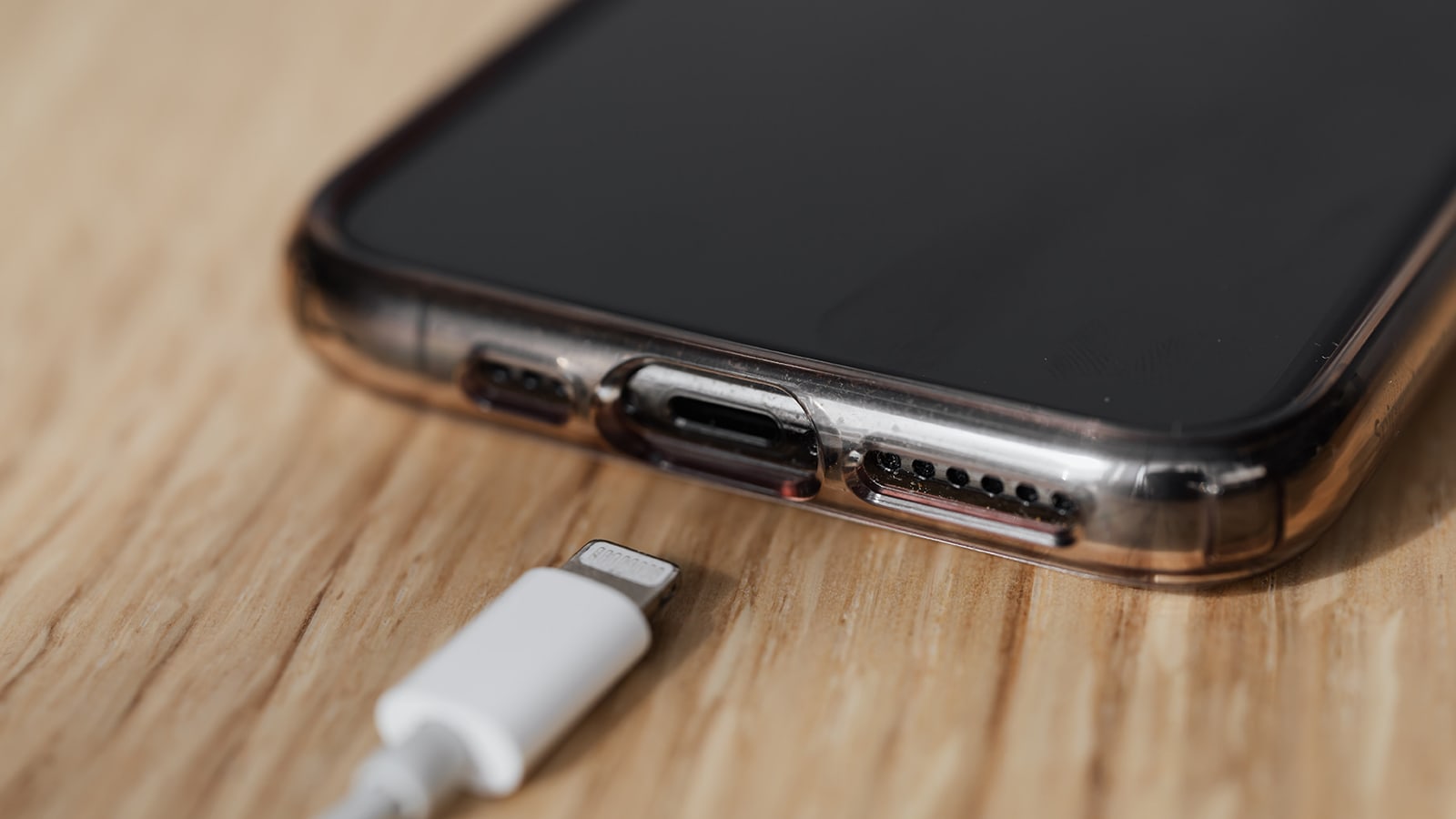
In general, it should not take more than 10 to 15 minutes for your iPhone to become operational (if you try to charge a completely depleted battery). During those 10 to 15 minutes, you will see a charging indicator icon on your iPhone’s screen. After that, the Apple logo should appear, signaling that your phone is booting up.
When it comes to charging your iPhone battery up to its full capacity, this can take two to three hours. Of course, that depends on the condition of your iPhone's battery. Newer models come with fast-charging, which shortens the period of getting enough charge to keep your iPhone powered for several hours.
That would be all on how to turn on an iPhone that's been dead for months. If there's anything else you'd like to know or ask, please post a comment below. And lastly, thanks for reading!
Related





Get expert insights on threats, breaches, scams, and security trends — delivered every Monday.
Most Popular
Get expert insights on threats, breaches, scams, and security trends — delivered every Monday.
Most Popular