

How to Get Discovery Plus on Fios – Take Advantage of Verizon’s ‘Discovery+ On Us’ Promotion!
Last updated September 21, 2021


If you're a Verizon customer or plan on becoming one, know that there's a way to get Discovery Plus for free. We're here to explain everything you need to know about this promotional offer, as well as how to get Discovery Plus on Fios. So, let's jump right in!
Here’s How to Get Discovery Plus for Free with Verizon Fios
No matter if you're an existing subscriber to Verizon's Fios or not, you'll find all there's to know on getting started with Discovery Plus below. We'll take you through one step at a time, so make sure to carefully read the following instructions.
- The first step is to visit Verizon's 'Discovery+ On Us' promo page, and then scroll down until you see a segment that starts with 'Four Easy Ways to Discover More.' Make sure to pay special attention to this segment, as it asks you to pick an option based on your current status, as explained below.
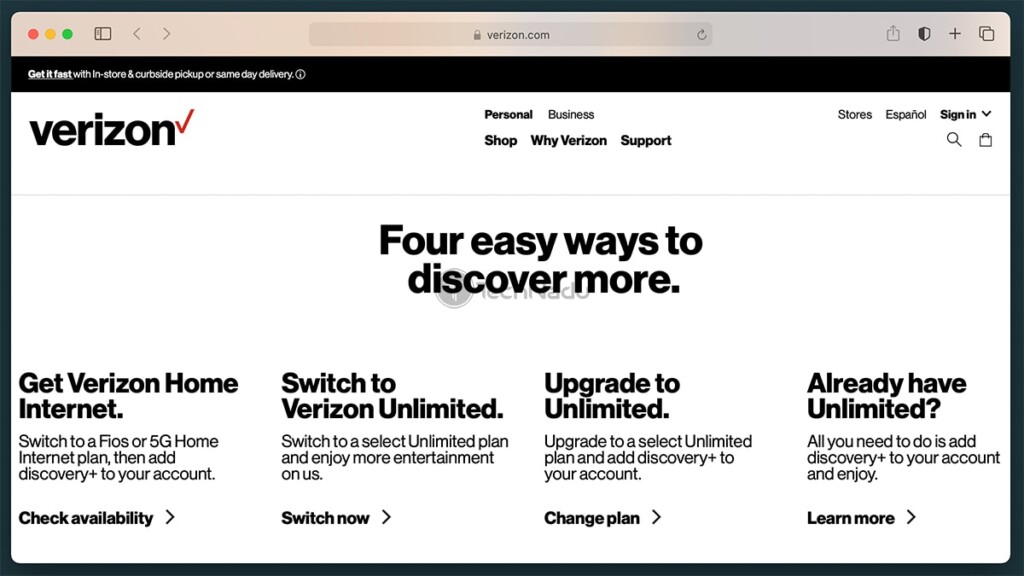
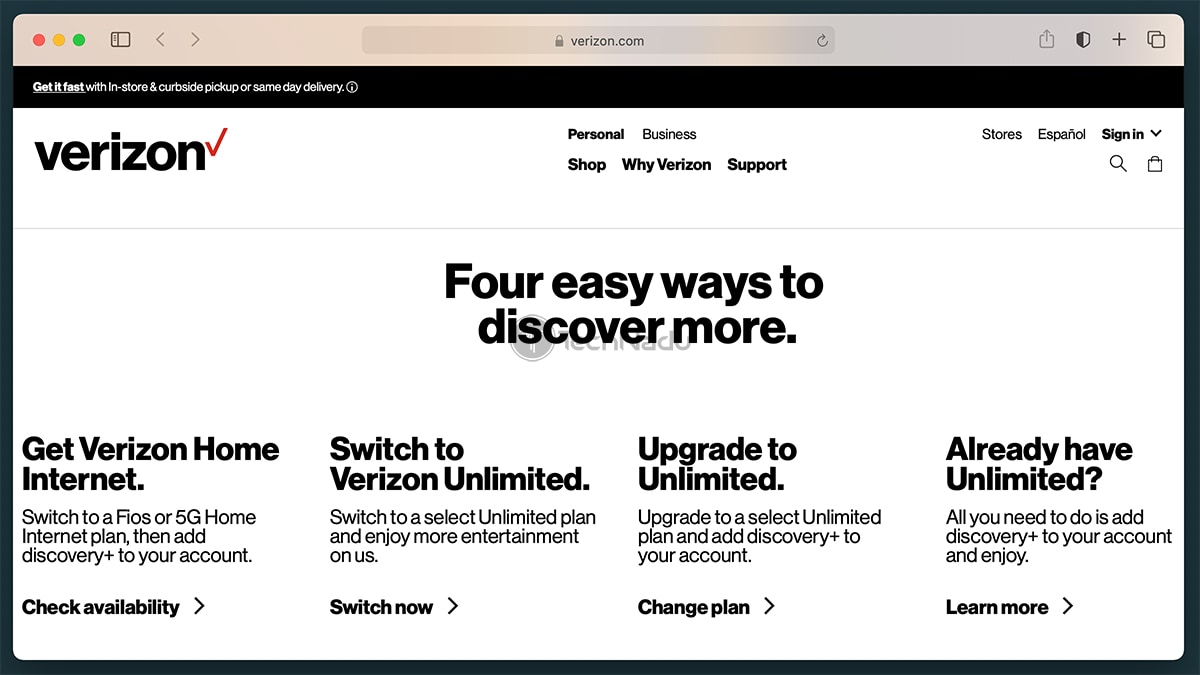
- NEW SUBSCRIBERS: Keep in mind that to get Discovery Plus for free, you need to get a Fios or 5G Home Internet plan. Also, you can pick to switch to one of Verizon's Unlimited plans. Therefore, based on what you need, pay attention to segments labeled 'Get Verizon Home Internet' or 'Switch to Verizon Unlimited.'
- EXISTING SUBSCRIBERS: You have two options right now. You can choose to update to one of Verizon's Unlimited plans, which will help you get Discovery Plus as well (this option is labeled 'Upgrade to Unlimited'). Or, if you already use an Unlimited plan, click on 'Learn' under the heading that reads 'Already Have Unlimited.'
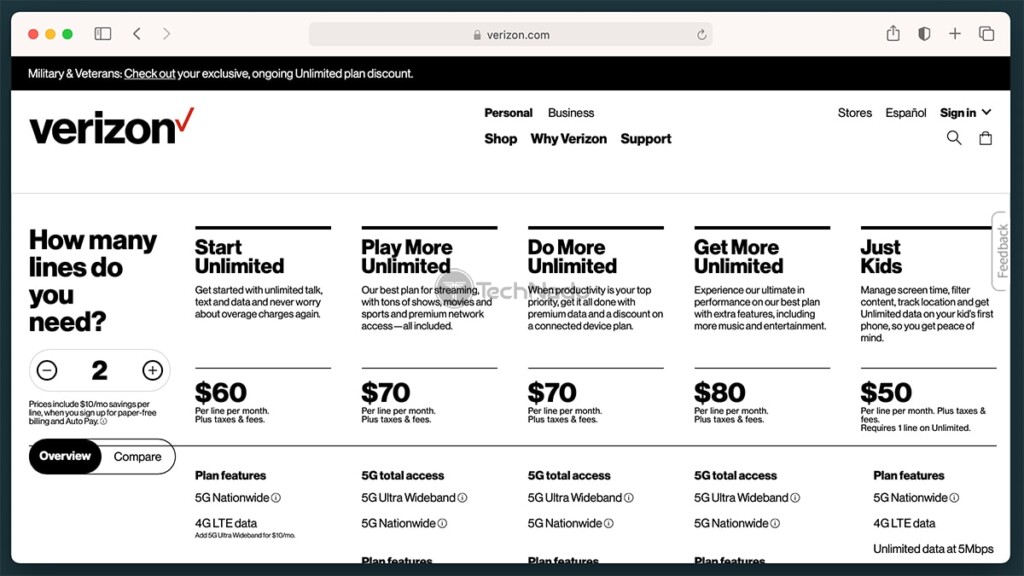
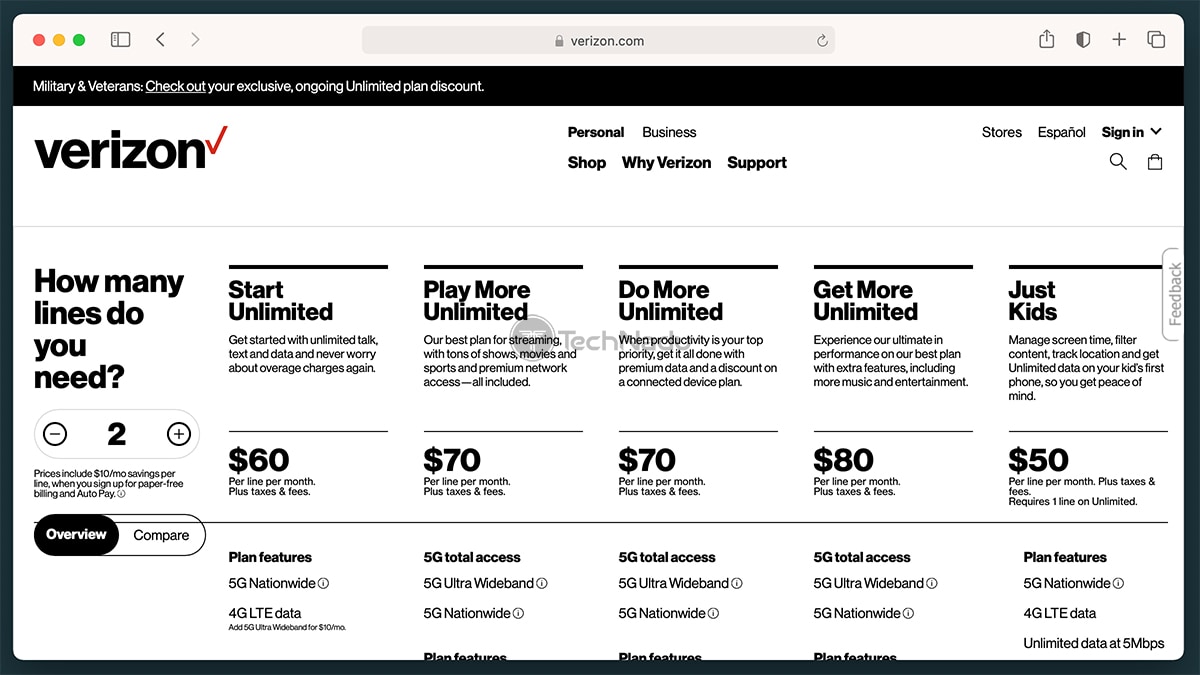
- The next step depends on what you've previously selected. If you're a new subscriber, you'll be asked to enter your location and select an Internet plan. Speaking of Verizon Unlimited plans, make sure to check below to see the duration of the Discovery Plus promo offer (also, here's how much Discovery Plus is with Verizon). So, make sure to go through all of the required steps, input your information, and finalize the process.
- Once you become a Verizon customer, you will need to activate your Discovery Plus subscription. You can log-in to your Verizon account online, or you can download the My Verizon app (Android, iOS). Once you log in, you should see a message that you're eligible for Discovery Plus. However, even if that message doesn't show up, click on the 'My Account' tab.
- From there, go to 'Add-Ons' and click on 'Entertainment.' This is the final step of this process, where you need to connect your Verizon account to your Discovery Plus account. So, make sure to follow the directions you'll see on your Verizon account page.
- Lastly, feel free to proceed to download any of Discovery Plus' apps. You can download it for iOS / iPadOS / Apple TV, Android & Android TV, Amazon Fire TV, and Roku. Of course, you're also free to access the official website of Discovery Plus at any moment and stream directly from there.
This is where we conclude our guide on how to get Discovery Plus on Fios. If you have any questions or doubts, don't hesitate to post your comment below. And of course, thanks for reading - and enjoy streaming Discovery+!
Related





Get expert insights on threats, breaches, scams, and security trends — delivered every Monday.
Most Popular

Get expert insights on threats, breaches, scams, and security trends — delivered every Monday.
Most Popular