

When you purchase through links on our site, we may earn an affiliate commission. Here’s how it works.
Can You Watch Discovery Plus on Vizio Smart TVs? – Step-by-Step Guide to the Best Workarounds!
Last updated July 7, 2021

No - there's currently no Discovery+ app for Vizio TVs. That means you can't access this streaming service via an app on your TV natively. However, all hope is not lost as there's a workaround that can still allow you to watch Discovery Plus on Vizio TVs, and it involves using your smartphone or tablet. So, let's explain what you need to know.
You Can Watch Discovery Plus on Vizio Smart TVs - Using the Following Workaround!
Vizio SmartCast TVs made in 2016 and later come with Chromecast and AirPlay built-in. You can use that technology to cast Discovery+ content and play it on your TV - which should provide a near-native streaming experience. Here's what you need to do.
- First, make sure to get your Discovery Plus subscription. Use the 'Start Free Trial' button to get started, pick a subscription plan, create an account, and input your payment information. The entire sign-up procedure shouldn't take more than a minute.
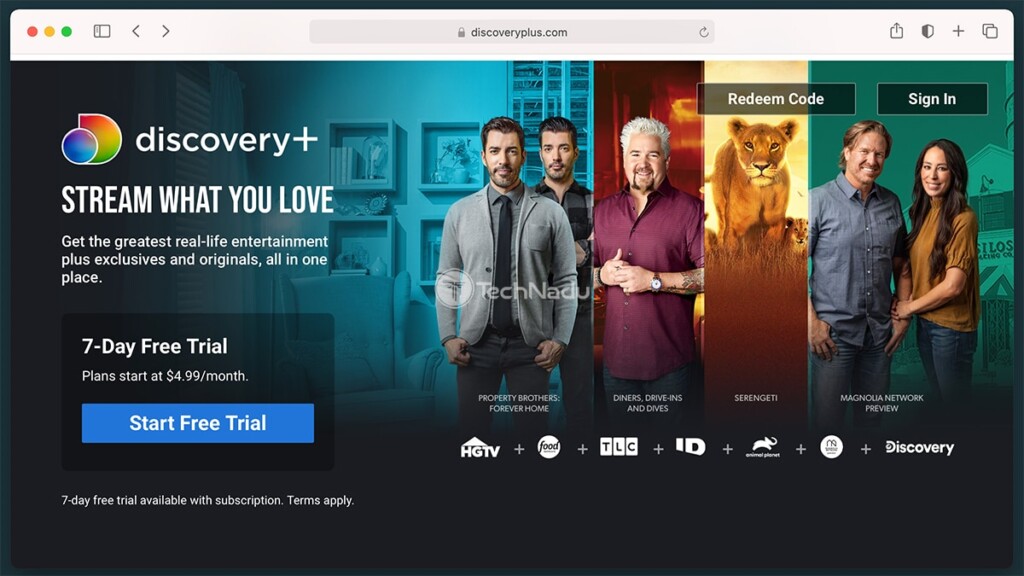
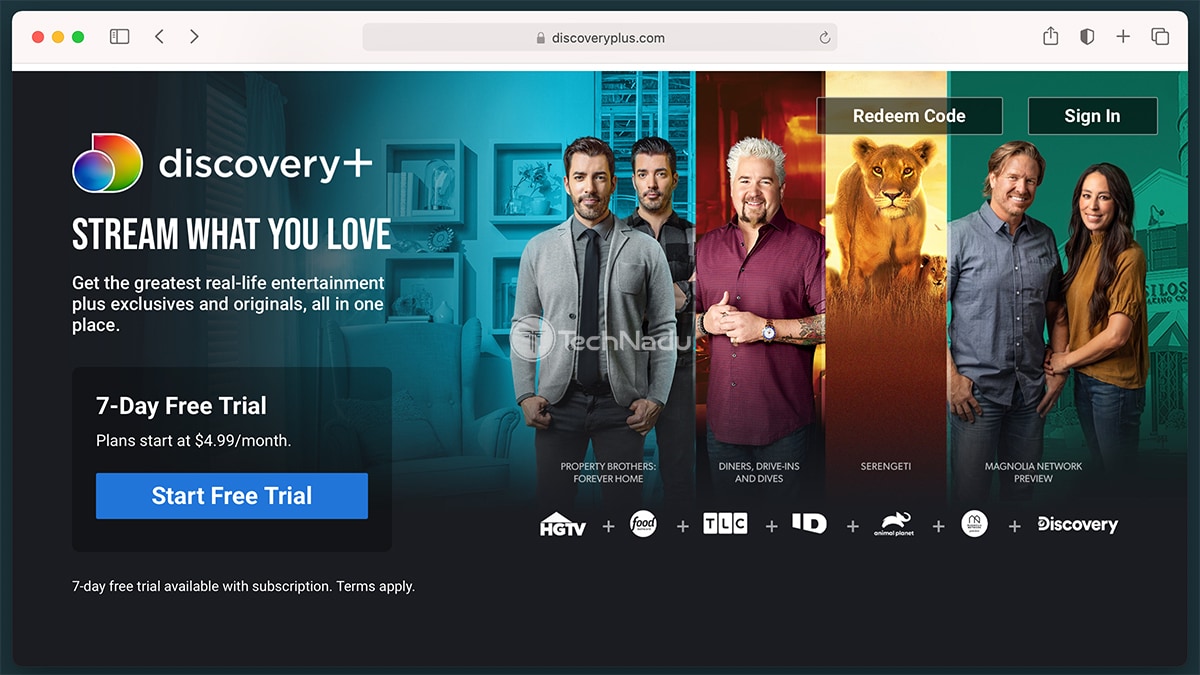
- Now, you need to download and install the Discovery Plus app on your smartphone or tablet. Visit the iOS App Store if you have an iPhone or Google's Play Store if you have an Android phone. You can also check out the Discovery+ app for iOS here, and here's the link to the Android version.
- Once you install the Discovery Plus app, go ahead and launch it. Then, make sure to log in using your email address and password and access its vast library of documentaries.
- Keep in mind that Google's Chromecast and Apple's AirPlay work between devices on the same Wi-Fi network. That means your TV and smartphone/tablet must be connected to your home Wi-Fi. To ensure that screen-casting works without any problems, double-check if you meet this requirement.
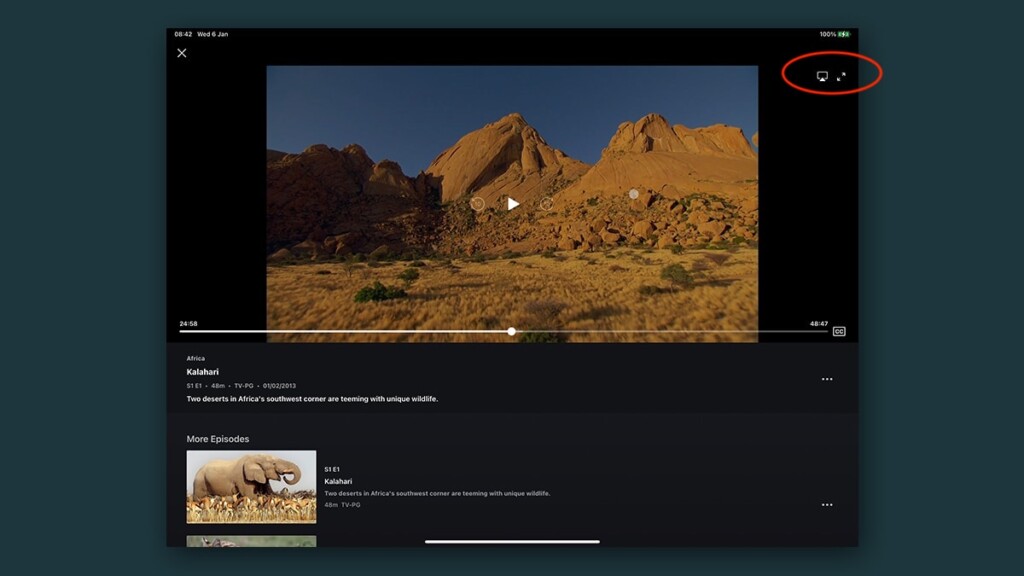
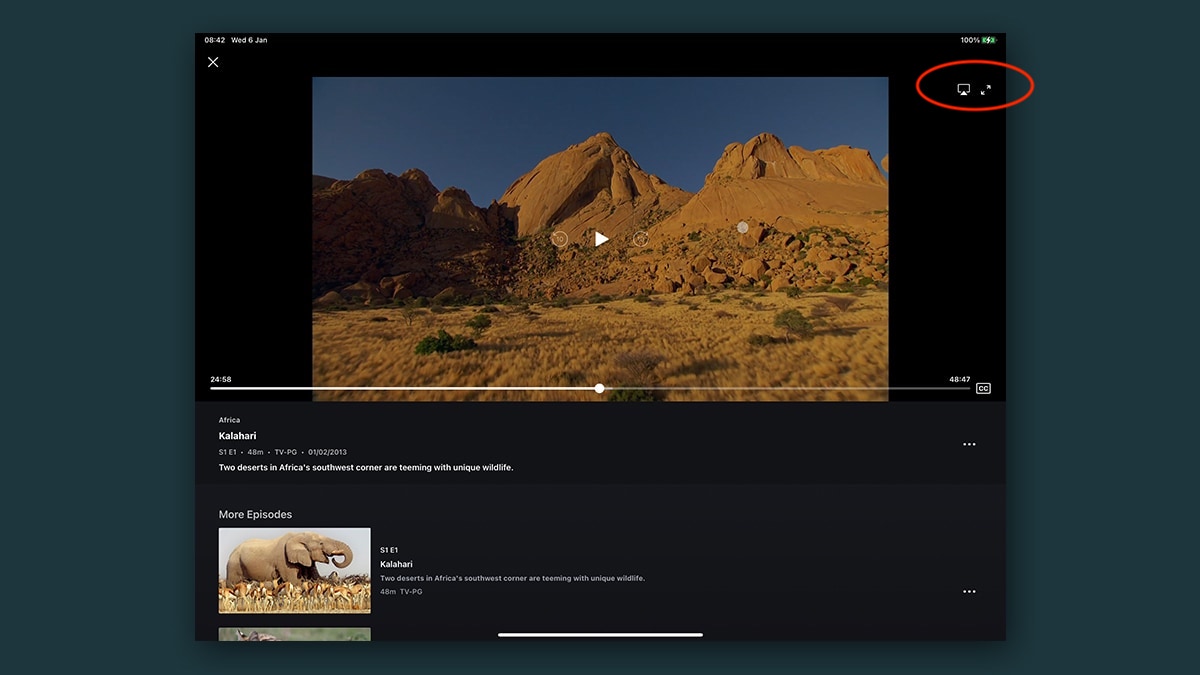
- Lastly, use your smartphone/tablet to play any content in the Discovery+ app. As soon as your chosen video starts playing, you'll see an icon in the top-right corner to cast your screen. Tap on it, select your Vizio SmartCast TV, and the chosen video will start playing on your TV - in the highest possible resolution. That's it!
That would be all there's to know on how to watch Discovery Plus on Vizio TVs. If you have any questions, know that we're here to assist. So, don't forget to post your comment below. And also, thanks for reading!
Related





Get expert insights on threats, breaches, scams, and security trends — delivered every Monday.
Most Popular
Get expert insights on threats, breaches, scams, and security trends — delivered every Monday.
Most Popular