

How to Fix Discovery Plus Too Many Streams Error
Last updated July 7, 2021

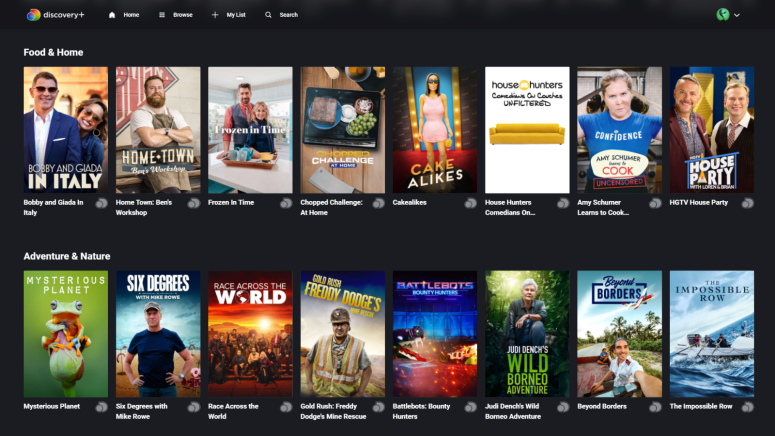
Discovery Plus has been around for a few weeks now, and people keep stumbling over various issues that they're unsure how to fix. One of these issues is an error telling users that there are too many streams, so let's see what we can do about this.
As you probably know already, Discovery Plus allows up to four simultaneous streams per account. If you're getting a notification saying there are too many streams on your account, it means there are too many devices using the service at the same time. Whether you've launched Discovery Plus at the same time on too many devices or the people you're sharing your account with have started streaming too, it's clear that more than four devices are in use.
Obviously, the first move is to check all the devices you've logged onto Discovery Plus and stop streaming on them. However, if those devices are not in your home, you're left with contacting friends and family and nicely asking them to stop streaming. Of course, if only everything were that easy, right? However, we're prepared for the event where you can't get to someone, and you're left out of streaming on your own account.
If that's the situation you're in, there is something you can do - disconnect the devices from your account. Here's how you can do this.
- Log in to Discovery Plus and go to the right top corner of the screen, where your profile picture is displayed.
- From the drop-down menu, pick "Account".
- Wait for the screen to load and scroll down to the "Your Account" area.
- The bottom-most option is Devices. There, you'll see exactly how many devices you've logged into your account with.
- Tap "Manage Devices," and you'll get information about the devices you used - desktop, tablets, and smart TVs. You'll also see the date the device was added and the location. This bit of information should help you realize whose devices those are. Or, at the very least, you'll know which device is yours.
- You'll notice a bracket saying "active" for the devices where the account is currently being used.
- Remove any of the devices you want. This will log the person who's using that particular computer or smartphone out of Discovery Plus.
Must Read: How to Logout of All Devices on Discovery Plus
Might we also suggest you change your password and lock them out? Since Discovery Plus allows anyone with access to the account to remove connected devices and even to change the password, you may find that someone you shared your account with has stopped your streaming and tried to lock you out.
Thankfully, as long as you're the only one with access to the email account, they can't take over from you as you can change the password by resetting it via email.
Related






Get expert insights on threats, breaches, scams, and security trends — delivered every Monday.
Most Popular



Get expert insights on threats, breaches, scams, and security trends — delivered every Monday.
Most Popular