

How to Get Discovery Plus on a Samsung TV – Run the Streaming App Natively & Access Thousands of Documentaries!
Last updated September 21, 2021

When it comes to smart TVs, Samsung is among the most popular brands. Therefore, it doesn't really come as a surprise to know that you can watch Discovery Plus on Samsung TVs. And yes - we're talking about a native app that runs completely on your TV.
We're here to provide an easy guide on getting started with Discovery+, so let's talk about what you need to know.
Here Are the 5 Easy Steps to Watch Discovery Plus on Samsung TVs
Keep in mind that Discovery Plus is available on Samsung TVs made in 2017 or later. So, if you meet that requirement, here's the easiest way to get started with Discovery+ on your TV.
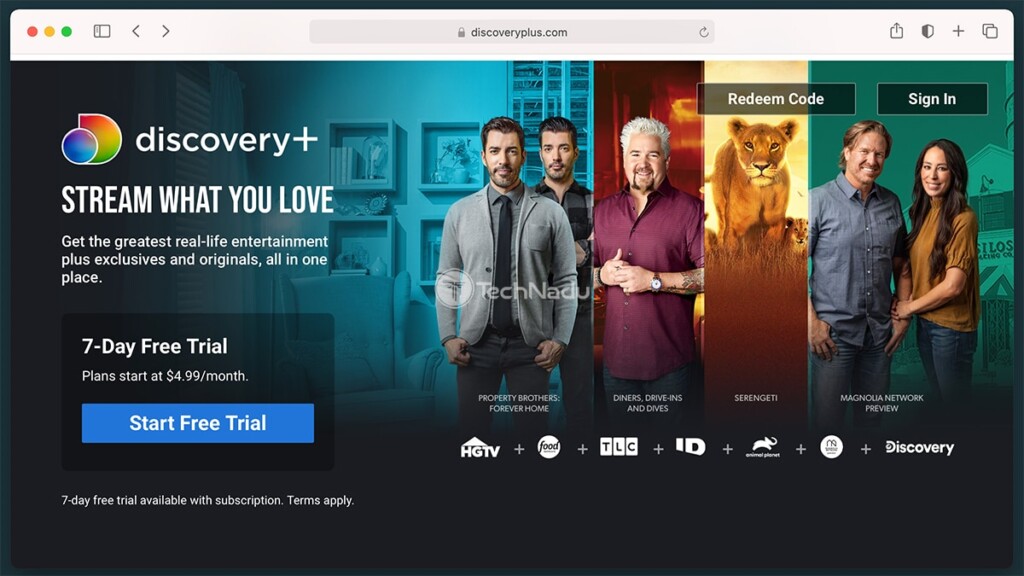
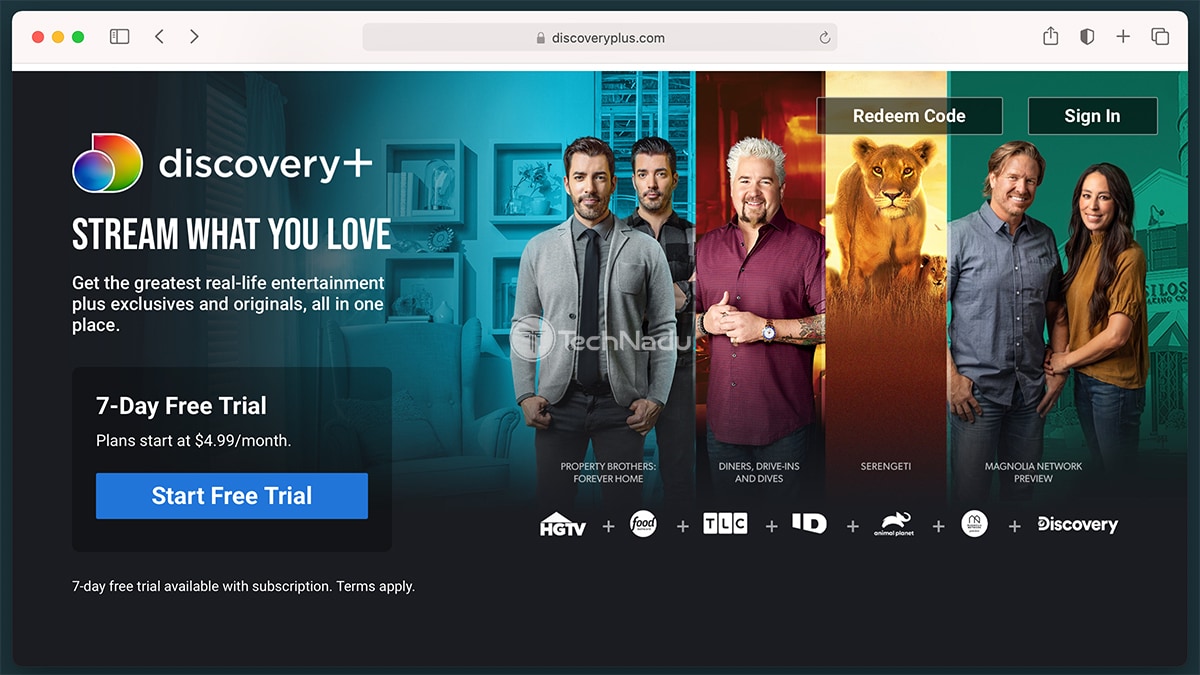
- We recommend you subscribe to Discovery Plus first - via its website. Click on the provided link, and then begin the sign-up procedure by clicking on 'Start Free Trial.' You will be asked to select a plan, create a new account, and supply your billing information. Once done, return to your TV.
- Now, it's time to install Discovery Plus on your Samsung TV. Start by making sure you're on your TV's Home Screen (Smart Hub). Then, navigate to 'Apps,' which you can find in the lower portion of your screen.
- Once you enter the 'Apps' section, feel free to use the built-in search field to look up 'Discovery Plus.' After a few moments, you should see the app's icon on your screen. Make sure to select the icon, which will open the app's overview.
- To download and install the app on your TV, you need to select 'Add to Home.' Your TV will now finalize the procedure on its own, so wait until Discovery Plus gets added to your list of locally installed applications.
- Lastly, return to your TV's 'Smart Hub,' which is where you'll see the newly installed app. Launch Discovery Plus, log in by following the on-screen prompts, and that's it!

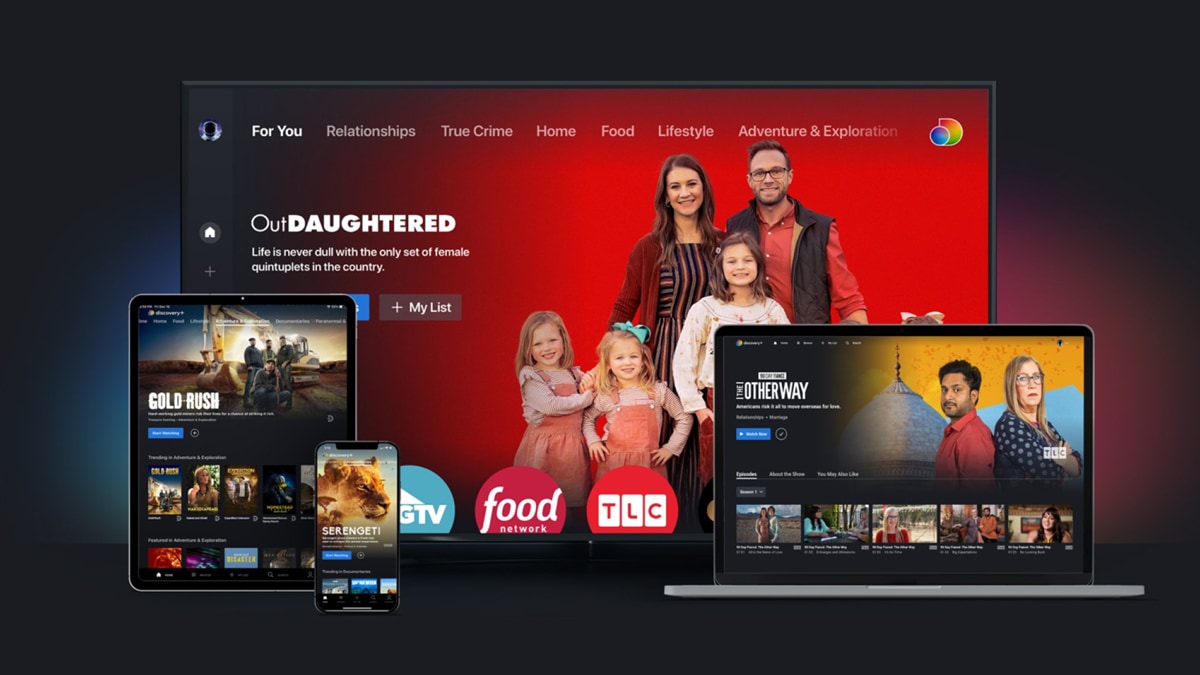
This is where we conclude our guide on how to get Discovery Plus on Samsung TVs. If you have any questions, know that you can always post a comment below. And finally, thanks for reading. Enjoy using your new media streaming app!
Related





Get expert insights on threats, breaches, scams, and security trends — delivered every Monday.
Most Popular


Get expert insights on threats, breaches, scams, and security trends — delivered every Monday.
Most Popular