

When you purchase through links on our site, we may earn an affiliate commission. Here’s how it works.
How to Get Discovery Plus on Apple TV – Stream Thousands of Documentaries, in up to 4K!
Last updated July 7, 2021


Subscribers to Discovery Plus on Apple TV are in for a big treat. This is one of a few platforms supported by this streaming service to offer content in 4K. With that said, we're sure you can't wait to dive into this content library, so we're going to show you how to watch Discovery Plus on Apple TV. Here's everything you need to know.
Here Are the 5 Steps to Watch Discovery Plus on Apple TV
Before we jump in, know that Discovery Plus is available on Apple TV HD and Apple TV 4K models. And also, your media streaming device must run tvOS 11.0 or newer. So, let's talk about how to get started with Discovery Plus if you meet those requirements.
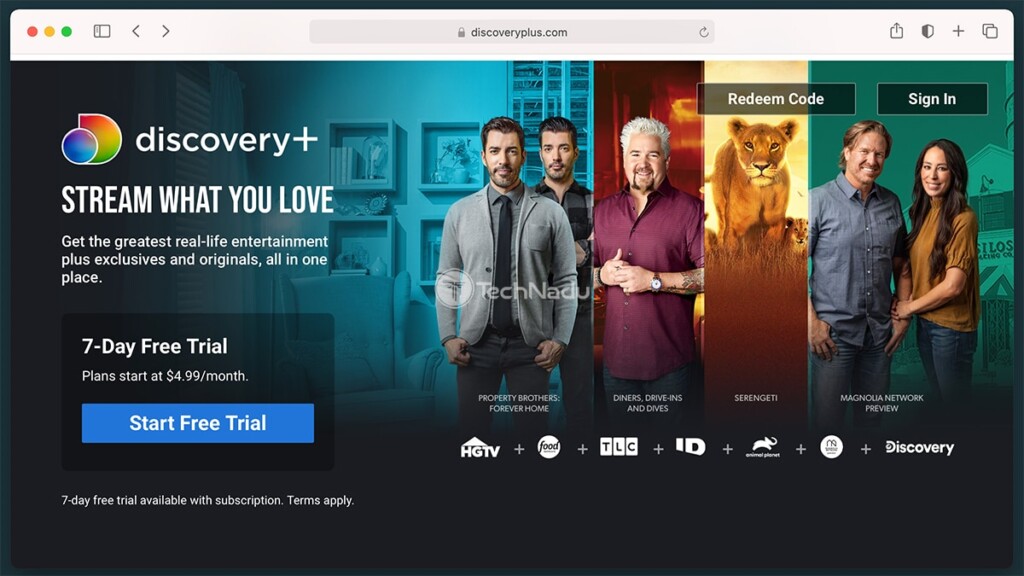
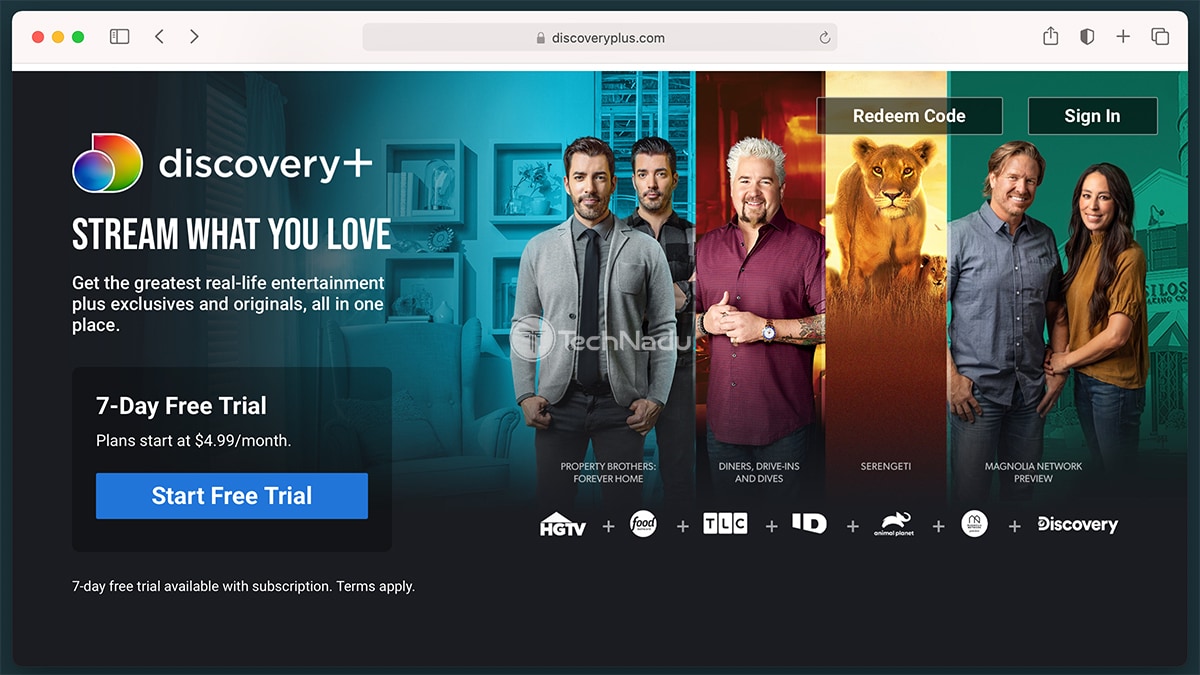
- First, make sure to have an active subscription. The easiest way to subscribe to Discovery+ is via its website. Use the provided link, click on 'Start Free Trial,' and then go through the sign-up procedure. You'll need to pick a subscription plan, create an account, and add a payment method. Once you're done, expect to receive a confirmation email.
- Then, return to your Apple TV. Make sure you're on its Home Screen (if you're not, press and hold the 'Menu' button to return to the Home Screen). Now, navigate to the App Store - represented by a blue-colored icon, just like on your iPhone or iPad. Open this app.
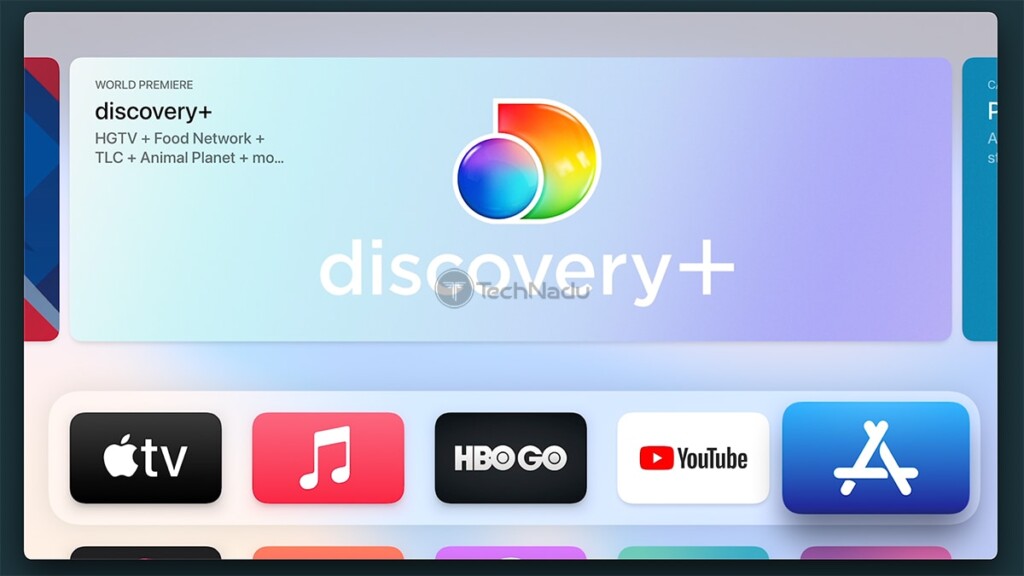
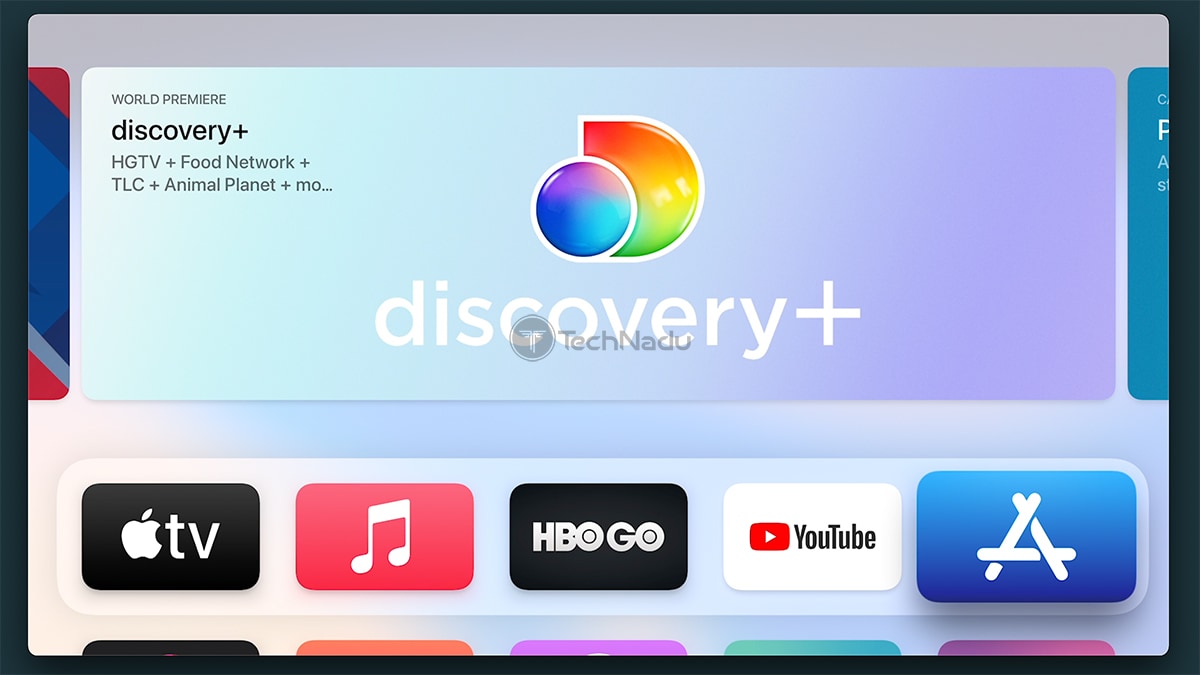
- At the moment, you'll find Discovery Plus among the highlighted apps on the front page of the tvOS App Store. However, if you can't see it there, you can use the 'magnifying glass' icon at the top of your screen. Then, type it 'Discovery+' or use Siri to activate voice input.
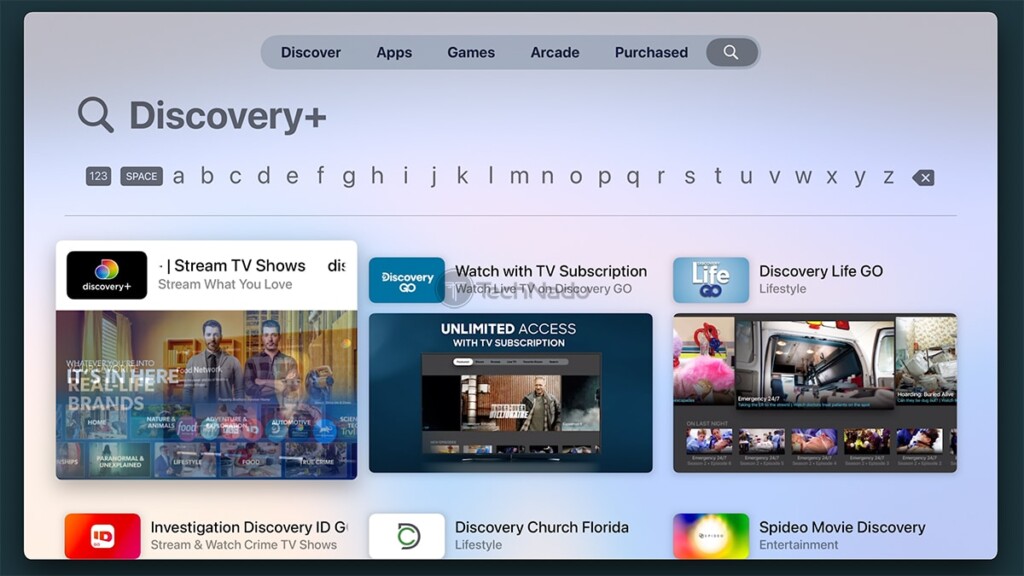
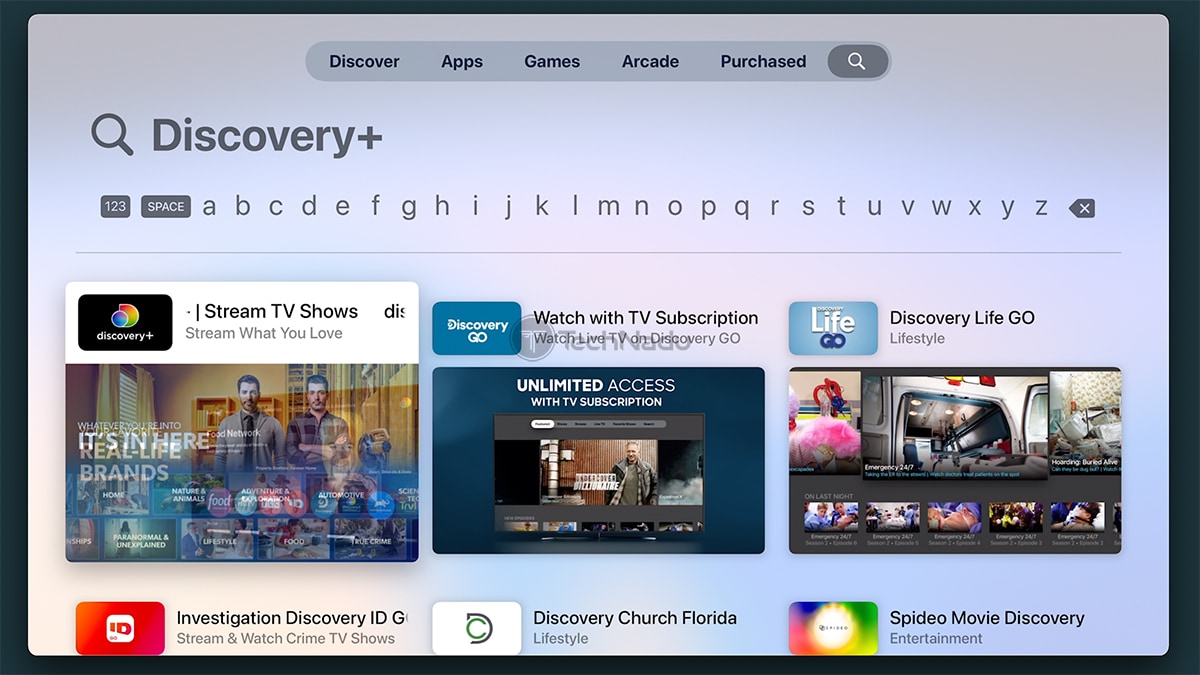
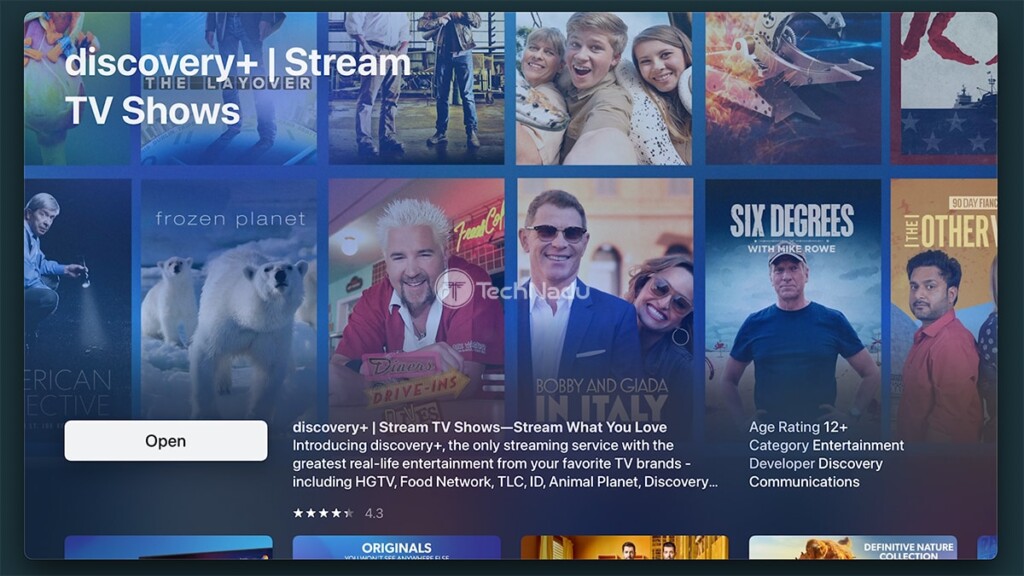
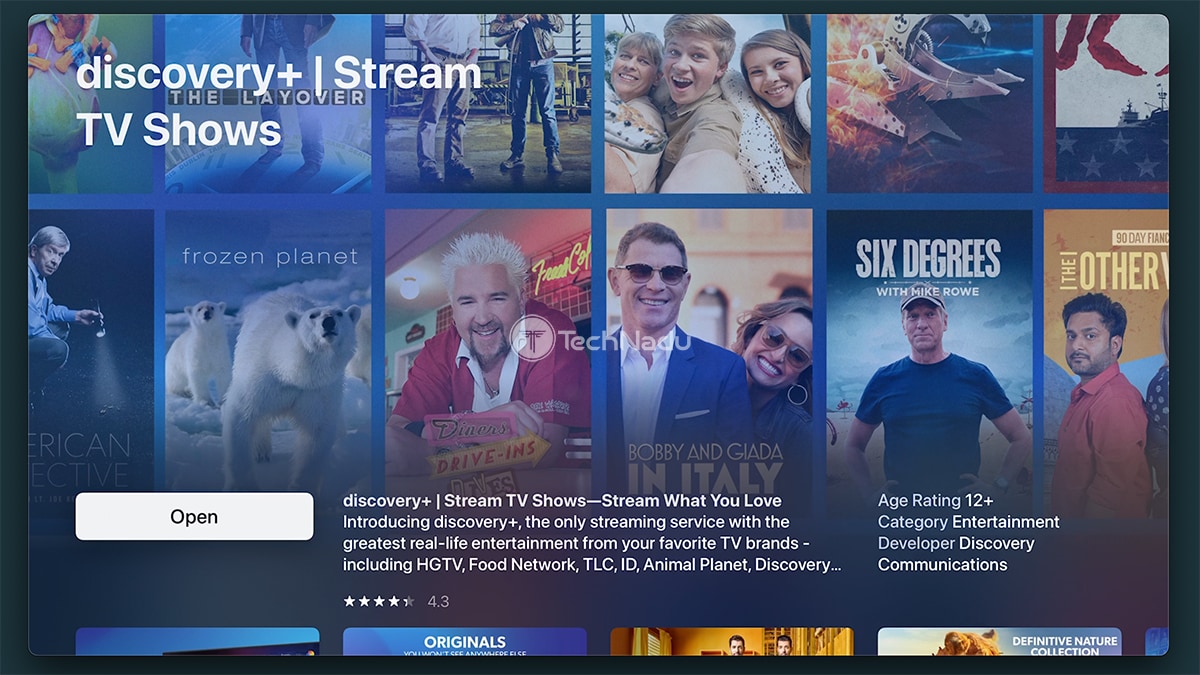
- Click on the app's icon to open its overview. Then, click on 'Get' to download Discovery Plus to your Apple TV. This process will take only a couple of moments. Once done, click on 'Open.'
- Log in to your Discovery+ account by following the prompts you see on your screen. That's it - you can access your Discovery+ account and stream any content. Enjoy!
You've reached the end of our guide on how to get Discovery Plus on Apple TV. If you have any questions, make sure to post your comment below. And, of course - happy streaming!
Related






Get expert insights on threats, breaches, scams, and security trends — delivered every Monday.
Most Popular



Get expert insights on threats, breaches, scams, and security trends — delivered every Monday.
Most Popular