



ExpressVPN Unifies Its Desktop Apps With Qt: What’s New for Linux, macOS, and Windows
Published on December 18, 2025


- Unified Qt foundation: ExpressVPN shifts desktop apps to Qt, enabling shared development, consistent features, and aligned updates across
- Linux-first rollout: Linux launches first with redesigned interface, speed test, Dedicated IP, WireGuard, and lighter installations support
- macOS and Windows updates: macOS beta restores split tunneling, adds WireGuard, CLI automation; Windows beta follows with security tools
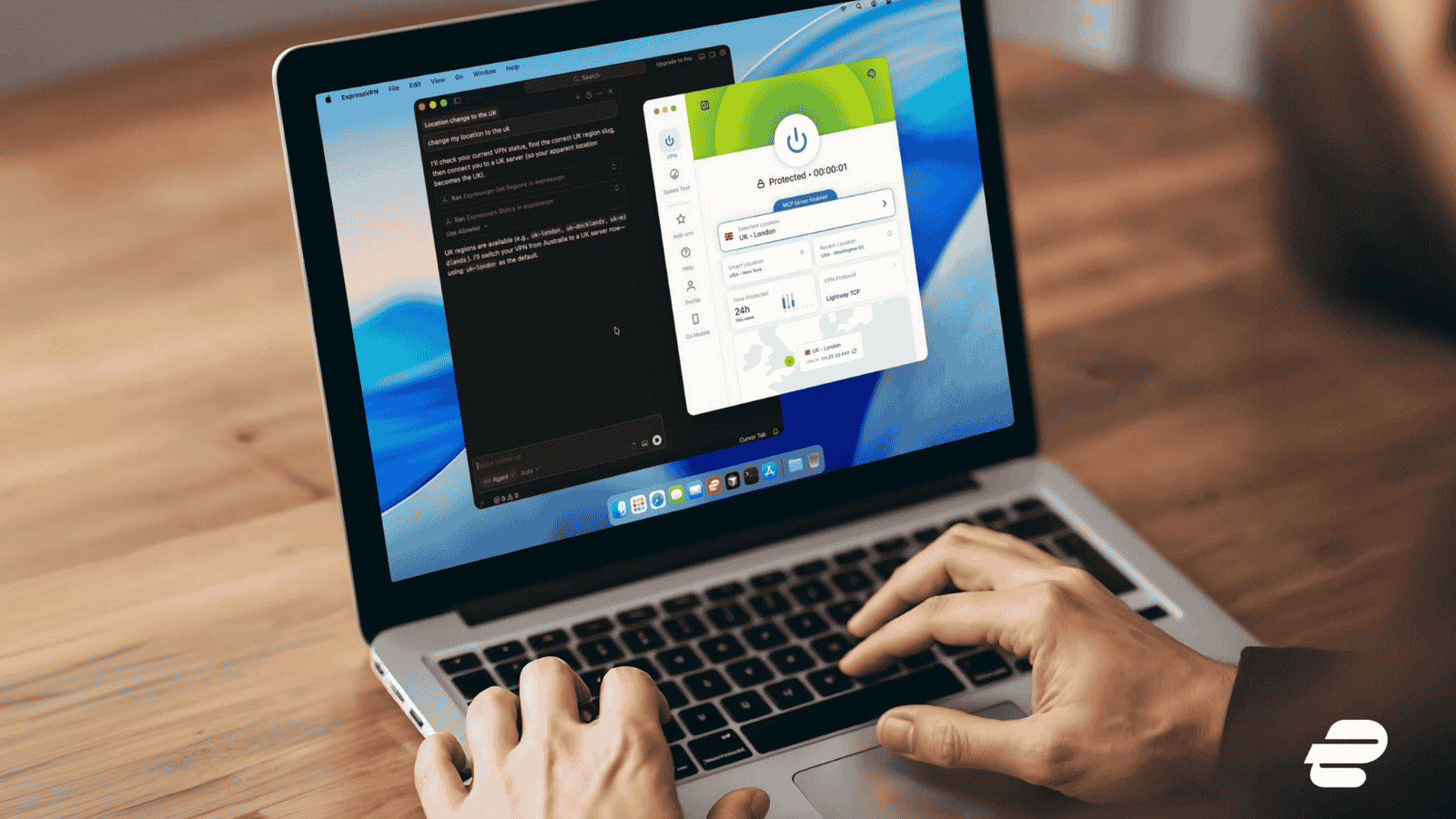
ExpressVPN has started rolling out a major change to how its desktop apps are built. The company is moving its apps for Linux, macOS, and Windows to a shared foundation using the Qt framework. This shift is meant to make the apps more consistent across platforms and allow new features to reach users faster.
The first Qt-based version is now live on Linux. A beta version is available for macOS, and a Windows beta is expected in the coming weeks.
Why ExpressVPN is Moving to Qt Desktop
Over the years, ExpressVPN’s desktop apps have grown differently on each operating system. Some features appeared on one platform but not on others, mainly because each app was built and maintained separately. While this did not break the service, it created small differences in design and features.
Qt is a shared development framework that allows engineers to build features once and use them across platforms. According to ExpressVPN, this change will reduce delays between updates on Linux, macOS, and Windows, and help keep the apps more aligned in design and behavior.
For users, this means the apps should feel more similar across systems and improve at a steadier pace.
What’s New in the Linux App
Linux is the first platform to fully show the new Qt-based design. The app now has a cleaner layout, with key details like connection status, server location, and protocol information easier to find. Both graphical interface (GUI) users and command-line (CLI) users benefit from smoother navigation and clearer controls.
Several new features arrive on Linux with this update:
- Speed Test: The app now measures internet speed twice, once without the VPN and once with it enabled. This helps users understand how the VPN affects their connection.
- Dedicated IP support: Users can unlock and manage their Dedicated IP directly within the Linux app, without switching devices.
- Redesigned interface: A card-based dashboard shows commonly used information without clutter. Favorites are easier to access, the map responds more smoothly, and users can manually refresh their VPN IP address.
- Improved headless installation: The app now uses fewer system dependencies, making it easier to install on servers, containers, or minimal systems.
- WireGuard protocol: WireGuard joins Lightway and OpenVPN as a protocol option, offering another choice focused on speed and modern security, including post-quantum protection.
To support the newer Qt libraries, ExpressVPN has also updated its system requirements. The Linux app now supports distributions based on Debian 11 or newer, including Ubuntu 24.04+, Fedora 35+, and RHEL/CentOS 9+.
What macOS Users Get in the Qt Beta
The macOS Qt-based app is currently available through ExpressVPN’s beta channel and includes several long-requested features.
One of the biggest changes is the return of split tunneling on modern macOS. This allows users to choose which apps use the VPN and which connect directly to the internet. It is especially useful for local devices like printers or file servers that may not work well through a VPN.
The macOS beta also adds WireGuard, giving users three protocol options: Lightway, OpenVPN, and WireGuard. While Lightway remains the default, users can switch based on speed, stability, or network conditions.
Another major addition is expressvpnctl, a full command-line interface for macOS. This allows advanced users, developers, and system administrators to control the VPN from the terminal, automate tasks, or integrate ExpressVPN into scripts.
The app also introduces network automation, which lets users set rules such as automatically connecting on public Wi-Fi or staying disconnected on trusted home networks.
The new macOS app requires macOS 11 (Big Sur) or newer and is only available through the beta program for now.
What’s Coming to Windows
The Qt-based Windows app will enter beta soon for users on Windows 10 and Windows 11. Like the other platforms, it focuses on clearer navigation and a more unified design.
Key features planned for Windows include:
- Integrated speed test: Similar to Linux, it compares internet speed with and without the VPN.
- Advanced Network Lock: This extends protection beyond a standard kill switch, helping prevent traffic leaks even when the VPN is not actively connected.
- Network automation: Users can set rules to control how the VPN behaves on different networks, reducing the need for manual connection changes.
ExpressVPN plans to release the Windows version as an open beta, with more features and refinements added over time.
A Long-Term Change for Desktop Users
By moving all desktop apps to Qt, ExpressVPN is placing most of its future development on a single foundation. This should make it easier to roll out new features, keep designs consistent, and reduce delays between platforms.
While Linux, macOS, and Windows will still keep their own system-specific behaviors, the company says this change solves many long-standing development challenges.
For now, Linux users see the biggest immediate upgrade, while macOS users gain powerful features through the beta. Over time, ExpressVPN expects all desktop users to benefit from more predictable updates and a more consistent experience across platforms.
Related





Get expert insights on threats, breaches, scams, and security trends — delivered every Monday.
Most Popular






Get expert insights on threats, breaches, scams, and security trends — delivered every Monday.
Most Popular