

How to Remove SIM Card From iPhone 13 Without Ejector Tool
Last updated September 27, 2021

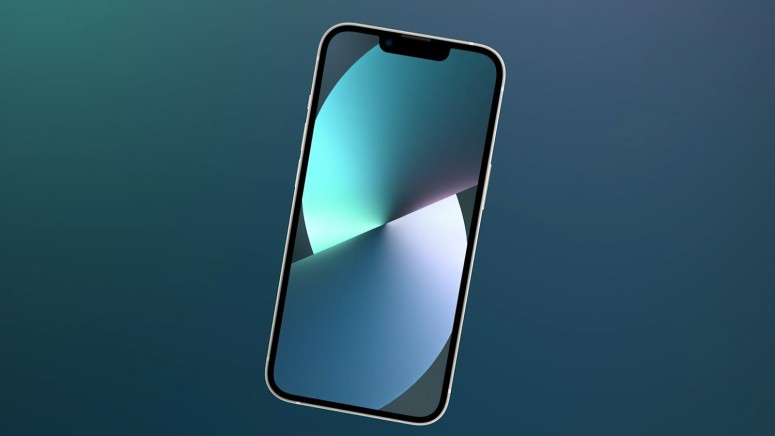
Before you start setting up your iPhone 13, you need to insert your SIM card. That way, your iPhone can register and activate, letting you use all your carrier’s features. However, what if you don’t have access to the SIM card ejector tool that came inside the iPhone 13 packaging? Well, worry not, as we’re here to offer a solution. So, let’s talk about how to remove your SIM card from the iPhone 13 without a SIM ejector tool.
How to Remove Your SIM Card From the iPhone 13 Without an Ejector Tool
If you don’t have a SIM ejector tool, you could use a paper clip (we’ve included some other options as well, so check below). Here’s what you need to do.
1. Find a small or medium-sized paper clip. It should be made of metal.
2. Now, unfold one side of the paper clip so that it sticks out.
3. Next, locate the SIM card tray on your iPhone 13 (it’s on the left side/edge).
4. Push the paper clip into the SIM card ejector hole as far as it can go.
5. At one moment, the SIM card tray will slide out just a bit.
6. Now, use your fingers to remove the SIM card tray and place your SIM card.
7. And finally, push the tray back into your iPhone. That’s it!
What Can I Use Instead of a SIM Removal Tool?
As mentioned just above, you can use any paper clip instead of a SIM removal tool. However, you have more options. So, here’s what else you can use.
- Safety Pin: In general, safety pins tend to be somewhat thick. So, find the smallest and the thinnest safety pin possible to fit inside the SIM card tray hole.
- Staple: Standard home staples should come through the SIM card tray hole, but you need to be careful when using those (as they’re quite rigid).
- Mechanical Pencil: We're sure you have a mechanical pencil somewhere in your home. So, if you decide to use it, make sure to give the lead a few clicks to extend. And then, be extra careful when pushing into the SIM card tray hole as the lead can be very brittle.
- Toothpick: If you have thicker toothpicks somewhere in your home, make sure to carve away some of the wood to make the toothpick narrower. Then, push it gently into the SIM card tray hole and see to avoid breaking the tip.
- Sewing Pin: And lastly, do you have a sewing kit in your home? We're sure you do, so go ahead and pick the smallest possible sewing pin you can find. You'll find it to be a viable alternative to a SIM removal tool.
That would be all on how to remove your SIM card from the iPhone 13 without a SIM ejector tool. Let us know if you have any comments. And lastly, thanks for reading!
Related






Get expert insights on threats, breaches, scams, and security trends — delivered every Monday.
Most Popular



Get expert insights on threats, breaches, scams, and security trends — delivered every Monday.
Most Popular