

When you purchase through links on our site, we may earn an affiliate commission. Here’s how it works.
BBC iPlayer Kodi Addon: How To Install It on Kodi
Last updated January 17, 2022

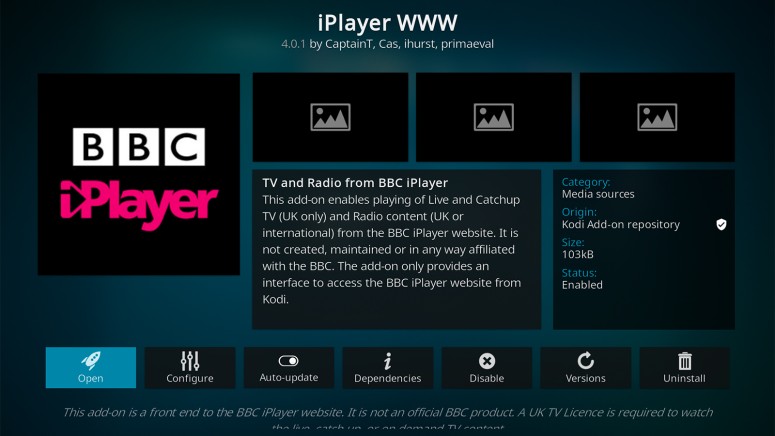
BBC's iPlayer is one of the world's best (free) streaming services. We think of this platform as a hidden gem, as not many are using it outside the UK. However, this is where you'll find a huge library of movies and TV shows produced by the BBC - in addition to a sizeable library of titles that come from other TV networks (from the USA). The only question is - how to install the BBC iPlayer addon on Kodi? Don't worry, TechNadu's editorial team is here to help!
The good news is that the BBC iPlayer addon comes free of charge. Also, you'll find it in Kodi's official repository, which makes its installation easy and quick. However, we also have some not-as-good news.
To make this addon work on your Kodi, you need to be in the United Kingdom. In case you're not, you need to get a UK IP address. This is done using a VPN - so make sure to check out the best VPNs for BBC's iPlayer.
By using a VPN, you can connect to a server in the United Kingdom and obtain a new IP. Then, you'll get to unblock not only the BBC's streaming platform but numerous other websites as well.
How to Install BBC iPlayer Addon on Kodi
Finally, let's talk about what you want to know. Here's how to install the BBC iPlayer addon on Kodi, the simple way.
1. Open Kodi and wait until you see its home screen.
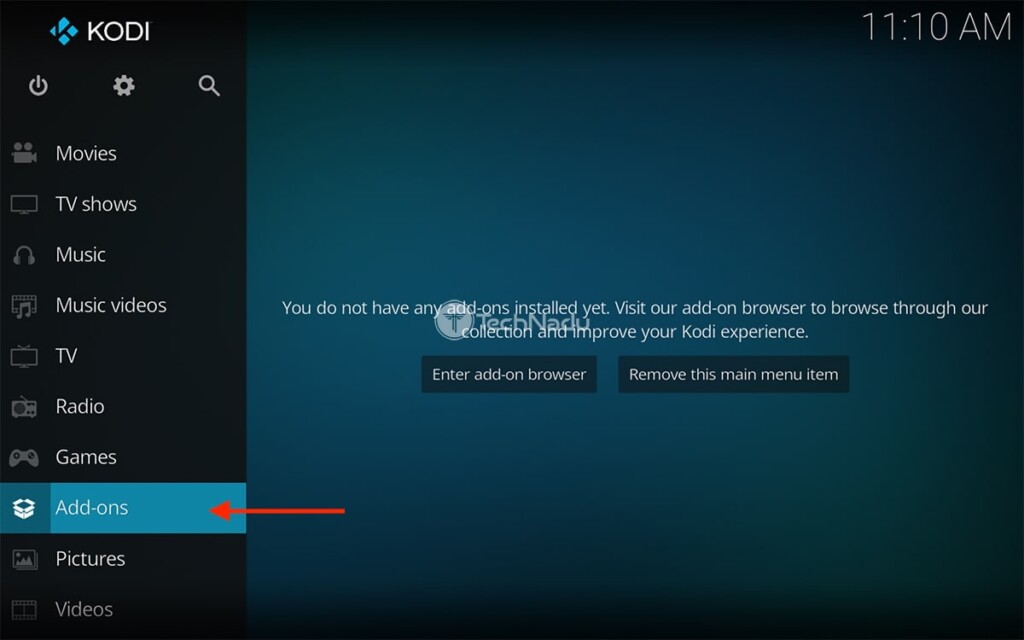
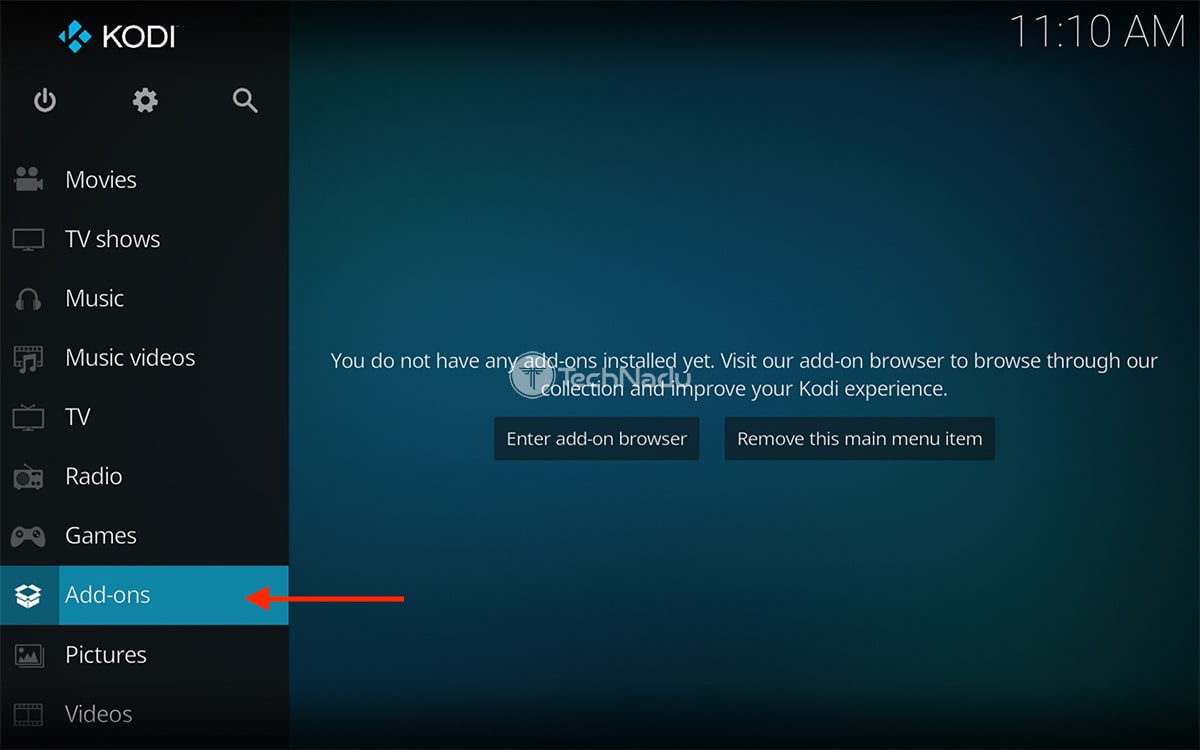
2. Click on 'Add-ons' using the application's main menu (on the left).
2. Then, select (or hover over) 'Download' via the left-placed menu.
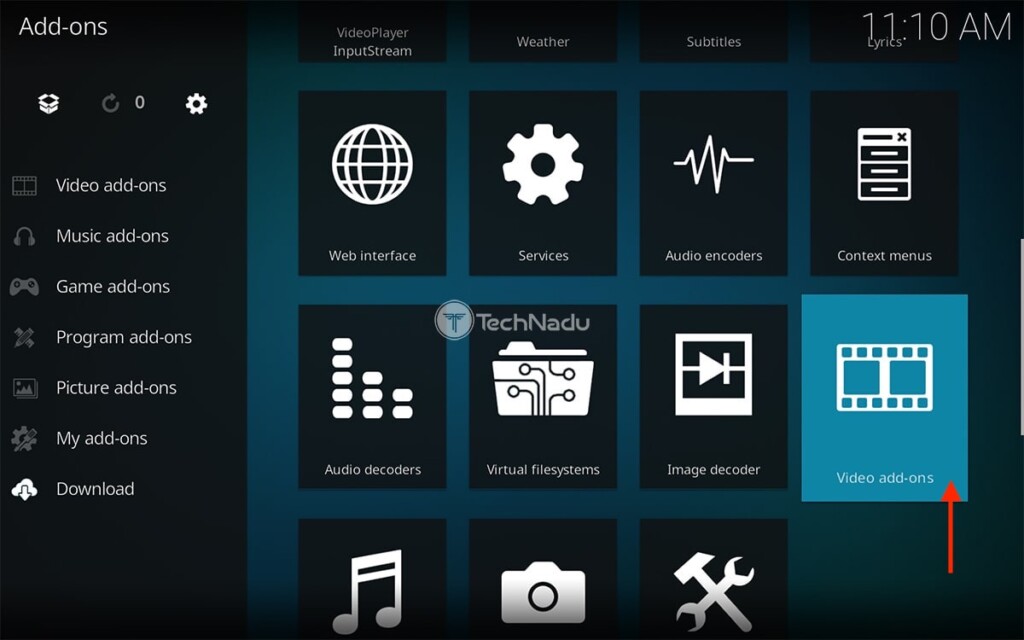
3. Open the addon category named 'Video add-ons.'
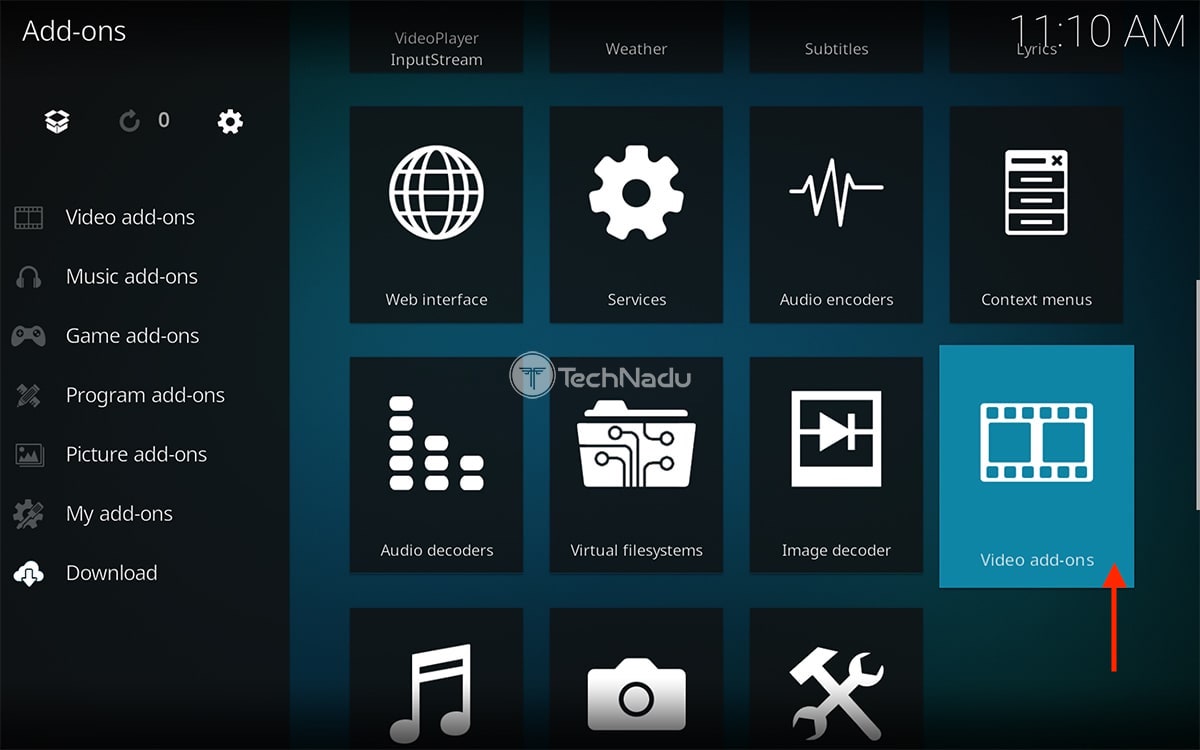
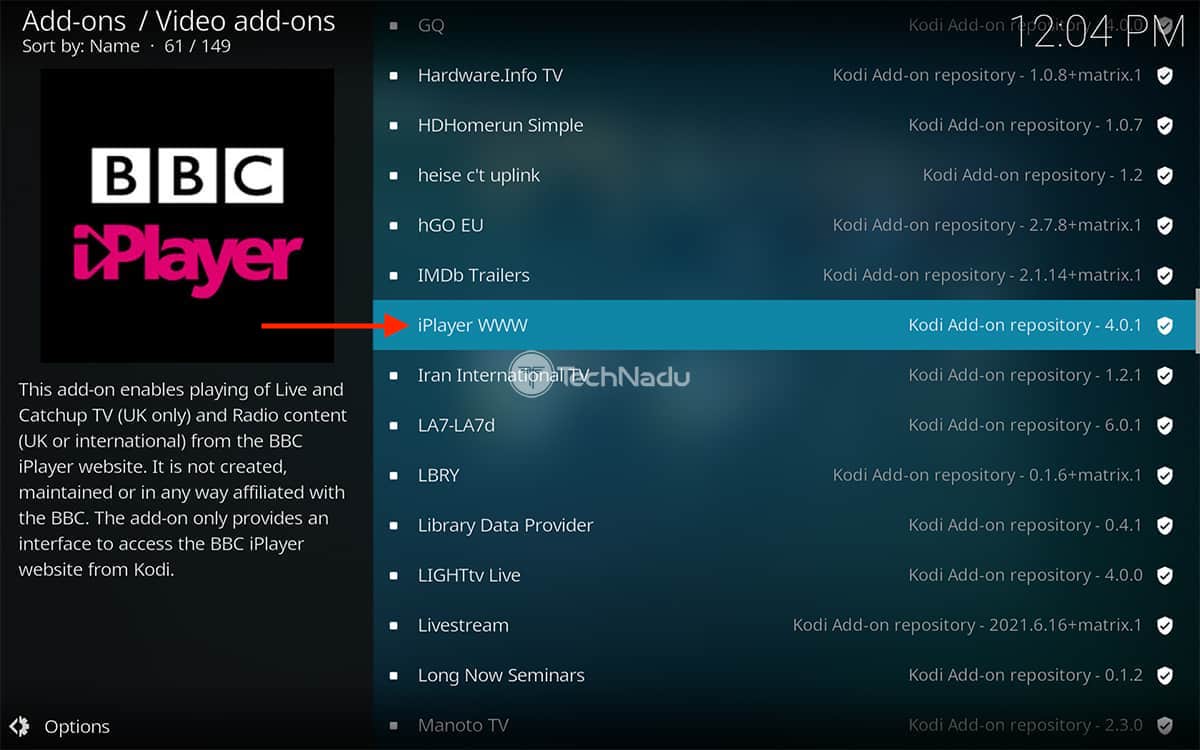
4. Scroll down a bit and click on 'iPlayer WWW.'
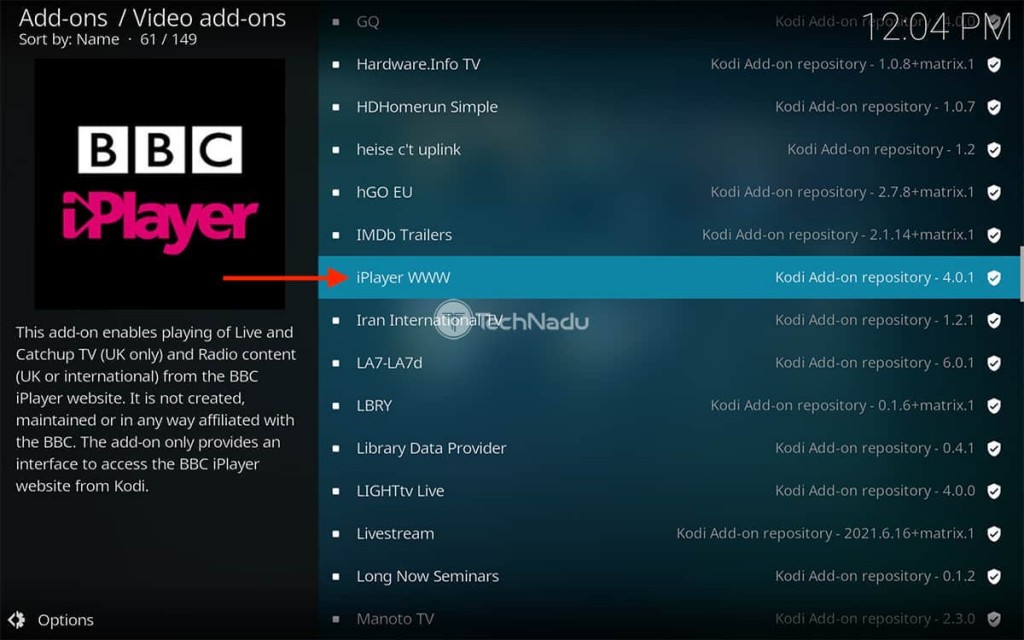
5. To finalize the installation, hit the 'Install' button.
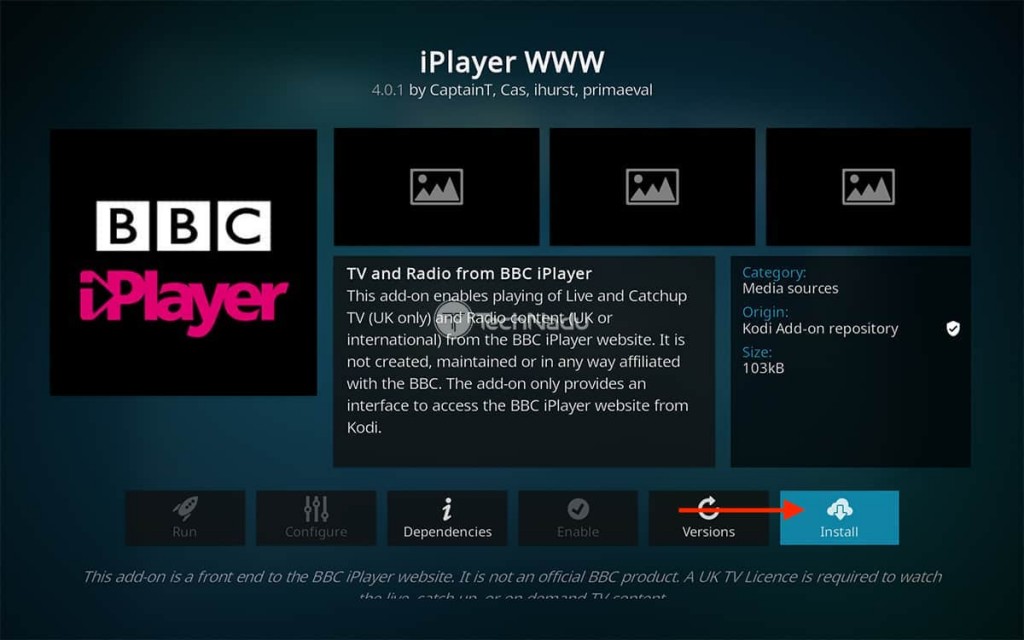
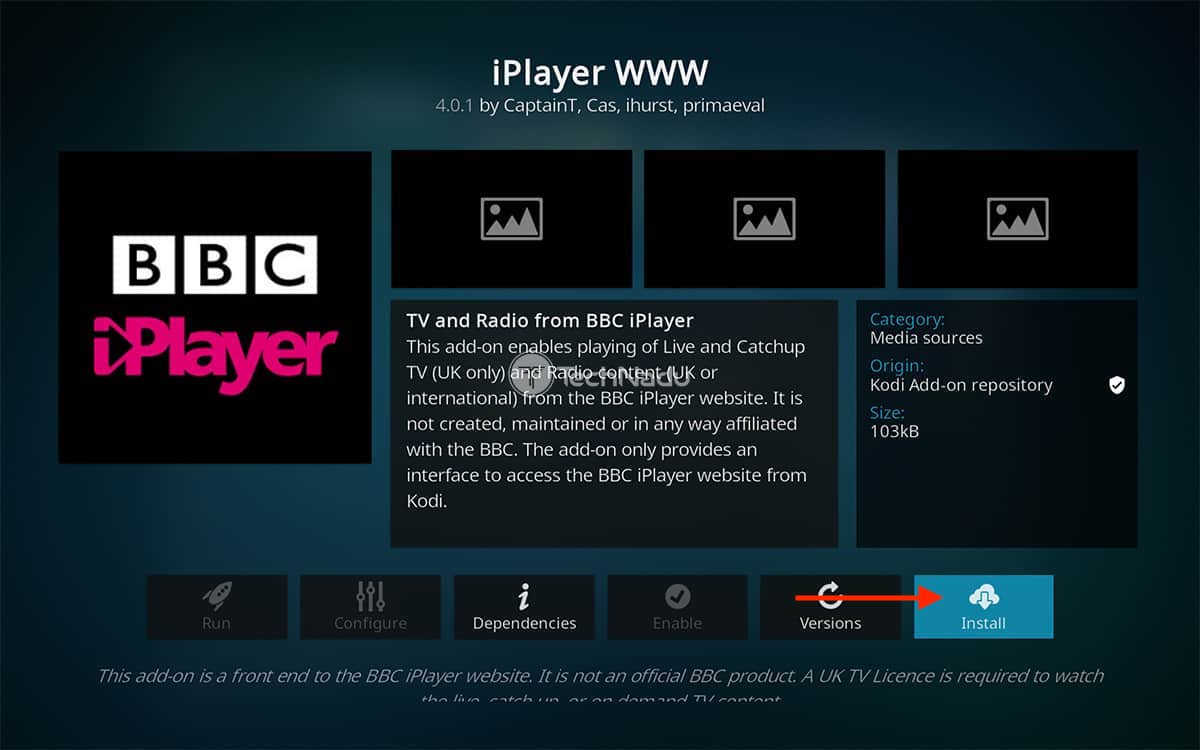
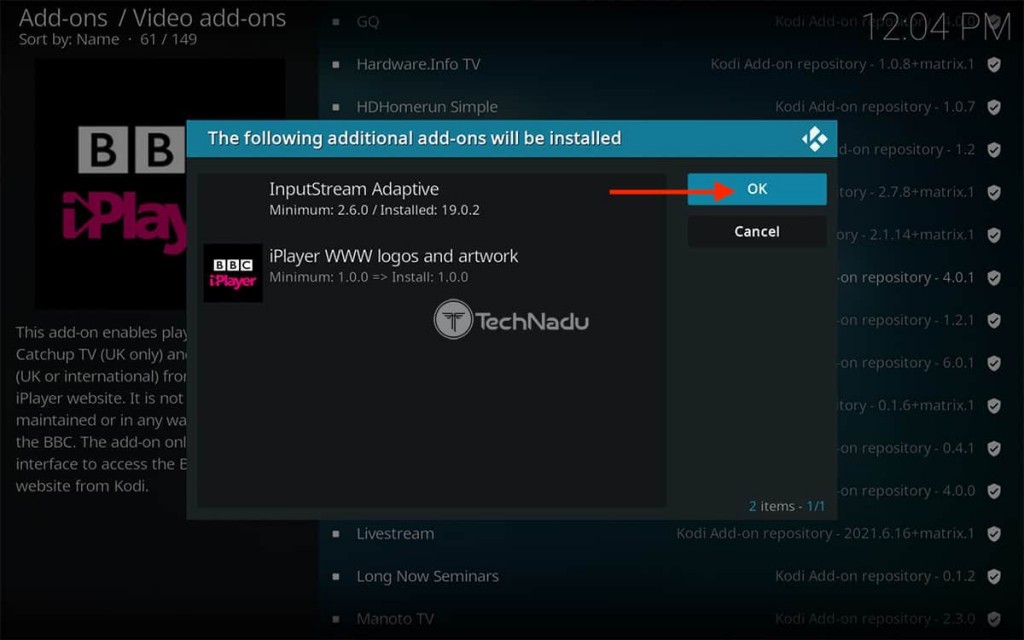
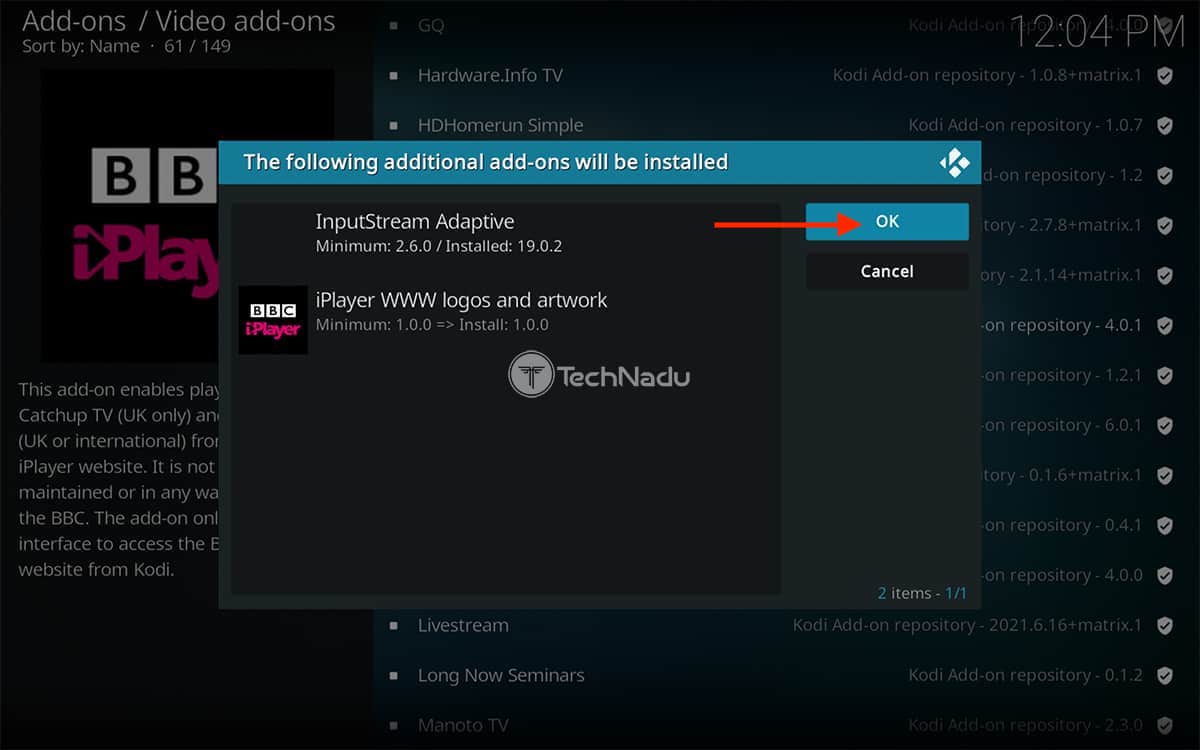
6. Once presented with a list of dependencies, feel free to select 'OK.'
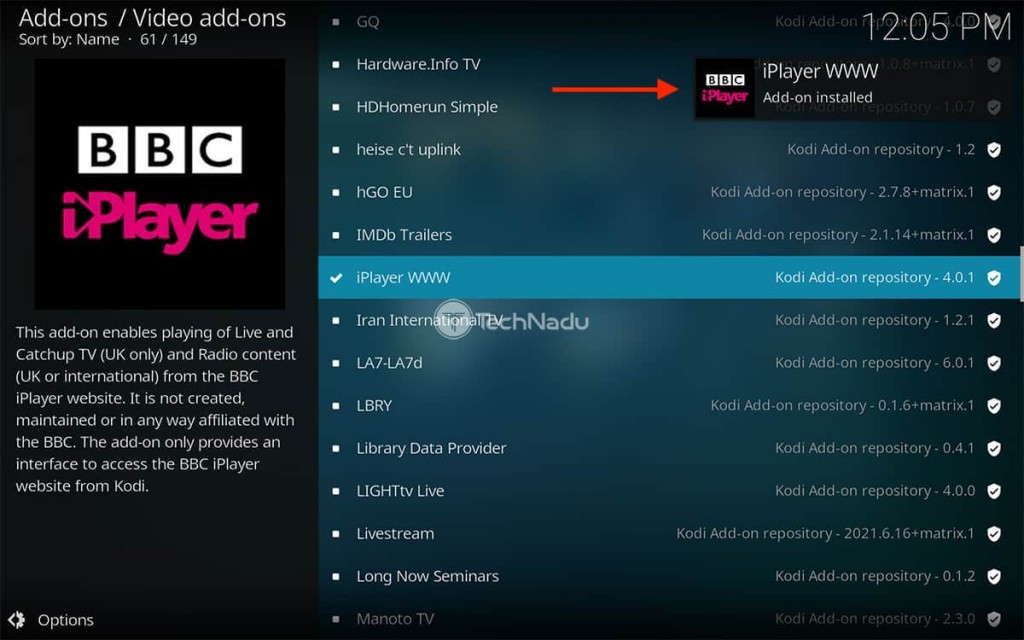
7. After a few moments, Kodi will let you know that your new addon is now installed.
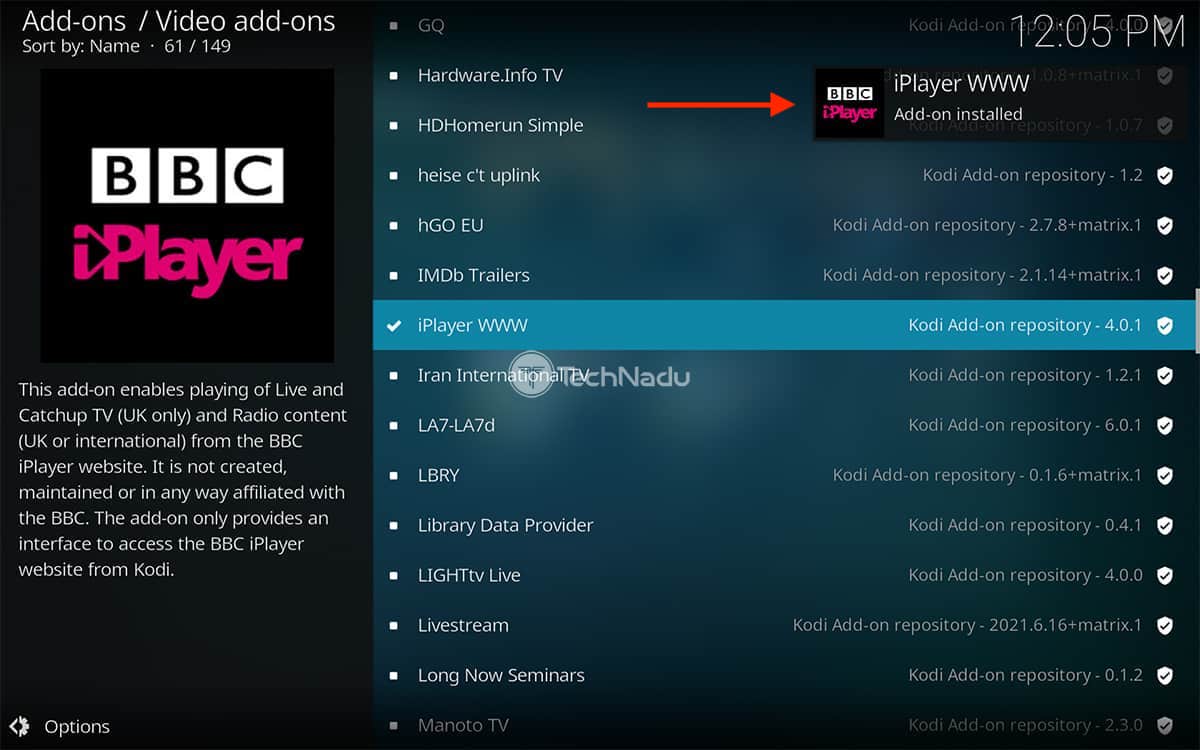
8. Return to 'Add-ons' by navigating back to Kodi's home screen.
9. Finally, launch iPlayer WWW. That's it!
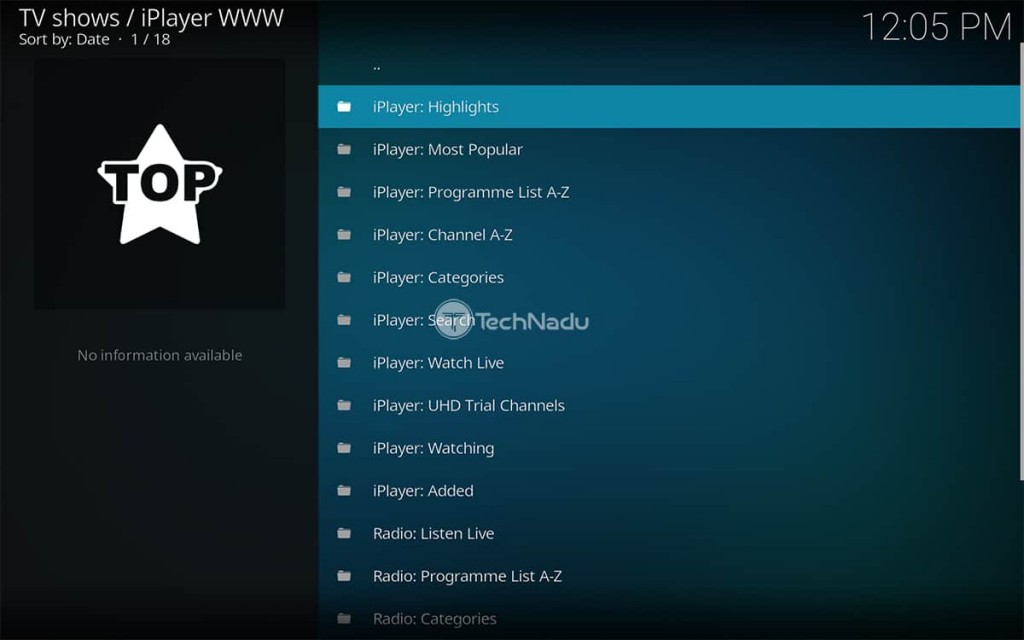
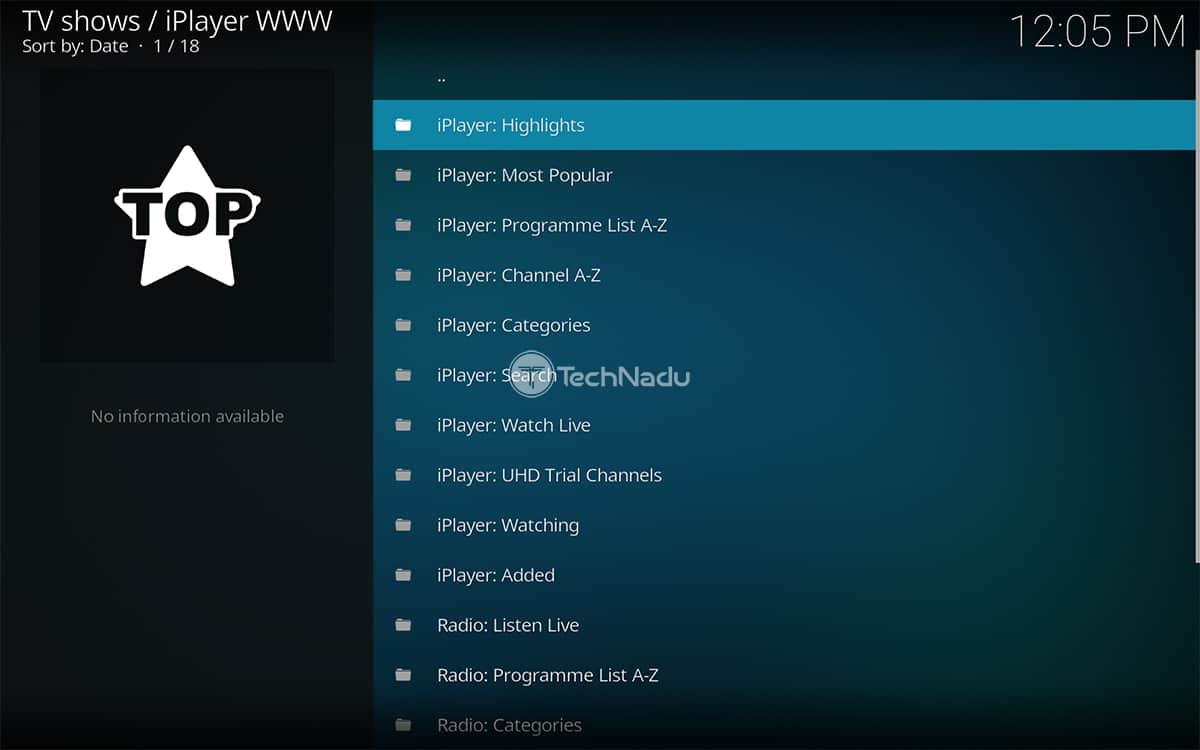
This is where we conclude our guide on installing BBC iPlayer on Kodi. We did our best to explain everything you need to know. However, don’t hesitate to post a comment below if you’re facing any kind of issue. We’ll be glad to assist!
Read Next: 60+ Best Kodi Addons You Should Try Right Now
Related




Get expert insights on threats, breaches, scams, and security trends — delivered every Monday.
Most Popular
Get expert insights on threats, breaches, scams, and security trends — delivered every Monday.
Most Popular