



Surfshark Launches Post-Quantum Protection on WireGuard
Published on January 20, 2026

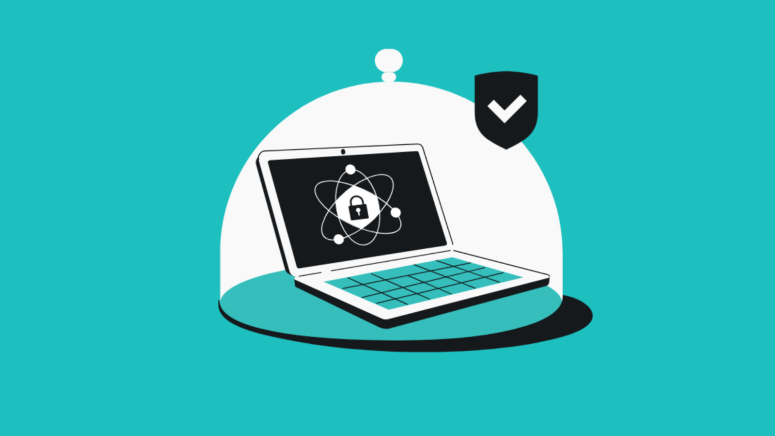
Key Takeaways
- Surfshark post-quantum protection: Launched on WireGuard to protect user data from future quantum computing threats.
- Future-ready VPN security: Uses quantum-resistant algorithms to strengthen encryption beyond current cryptographic standards.
- Easy user activation: Automatically enabled when users select WireGuard protocol inside Surfshark app settings.
Surfshark has announced the launch of post-quantum protection on its WireGuard VPN protocol. The new feature is designed to add an extra layer of security and protect users from future threats posed by quantum computers.
The company said this update makes its encryption more future-ready, ensuring that user data stays safe even as technology advances.
What is post-quantum protection?
Post-quantum protection focuses on securing data against future quantum computers, which are expected to be powerful enough to break today’s encryption methods.
Current encryption relies on complex mathematical problems that normal computers cannot easily solve. However, quantum computers could solve these much faster. Post-quantum encryption replaces these methods with new algorithms that are designed to resist such attacks, helping keep data secure for the long term.
Why VPNs need post-quantum protection
VPNs depend on encryption to protect user activity and sensitive data. As quantum computing develops, existing encryption standards may no longer be strong enough.
By adding quantum-resistant encryption, VPN providers like Surfshark aim to stay ahead of potential risks. This helps ensure that users’ information remains private and protected, even against future technologies that could break current security systems.
How to enable post-quantum protection on Surfshark
Users can turn on post-quantum protection by following these steps:
- Open the Surfshark app and go to Settings
- Tap on VPN settings
- Select Protocol and choose WireGuard
Once WireGuard is selected, post-quantum protection is automatically enabled.
Related





Get expert insights on threats, breaches, scams, and security trends — delivered every Monday.
Most Popular




Get expert insights on threats, breaches, scams, and security trends — delivered every Monday.
Most Popular