



Chrome 84 Lands With Several Security and Performance Augmentations
Last updated September 20, 2021


- Chrome 84 is being rolled out right now, and it’s an important step forward in Google’s long-term plans.
- Chrome needs to get snappier and less resource-hungry, and this release achieves many things on that part.
- Security, permission blocking, and additional warning messages have also been implemented in v84.
Chrome may still be the most widely used web browser out there, but the competition is getting fiercer, and Google doesn’t have the luxury to play around. Chrome version 84 comes with several security-bolstering features, as well as systems that block intrusive notifications and annoying permission requests from abusive websites.
In general, Google claims this version should be easier on your system’s resources and power consumption, although we expect a big leap on that part to be made on version 86, scheduled to land sometime next month.
Among the most notable changes are the following things:
- Wake Lock API now available
- Support for Web OTP (one-time-password) API added
- Web Animations, API implementation improvement (better spec compliance)
- Idle detection, QuicTransport, and Web Assembly SIMD now in trial mode
- SameSite cookies limitation system
- Deprecate TLS 1.0 and TLS 1.1, and lay the ground for end of support soon
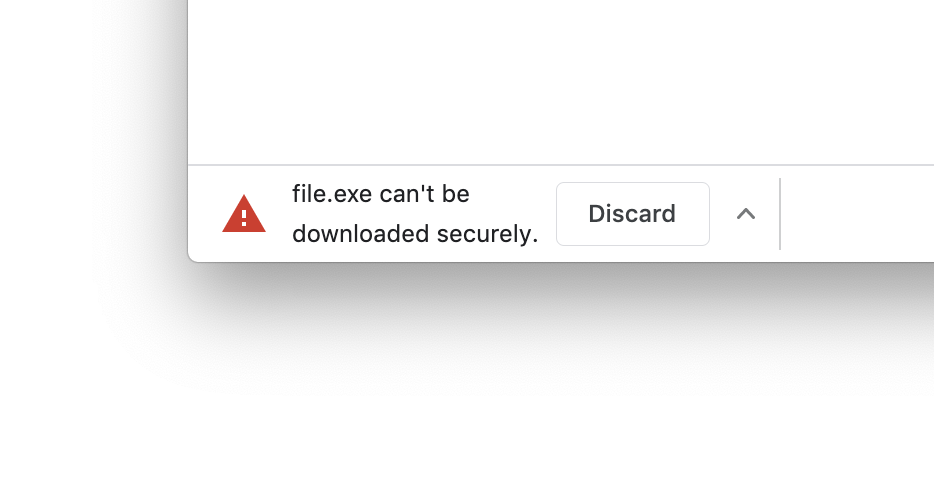
- Display warnings to users if a download isn’t initiated from a secure context (HTTPS)
- Developing tools more comfortable to use by reducing clutter in Console
- New dev tools – Total Blocking Time, Experience section in Performance, Hover-based image preview
Source: 9to5Google
One interesting way through which Chrome will now limit the resources it captures is by detecting when any of its windows are overlaid by another one, suspending the pixel rendering process for the covered portion. This may sound too specialized, but other windows very often cover browsers, so it’s really something that will make a difference.
The Wake Lock API is meant to help sites request the user for their screen to stay active, avoiding device locks or disruptions in video playback or recording.
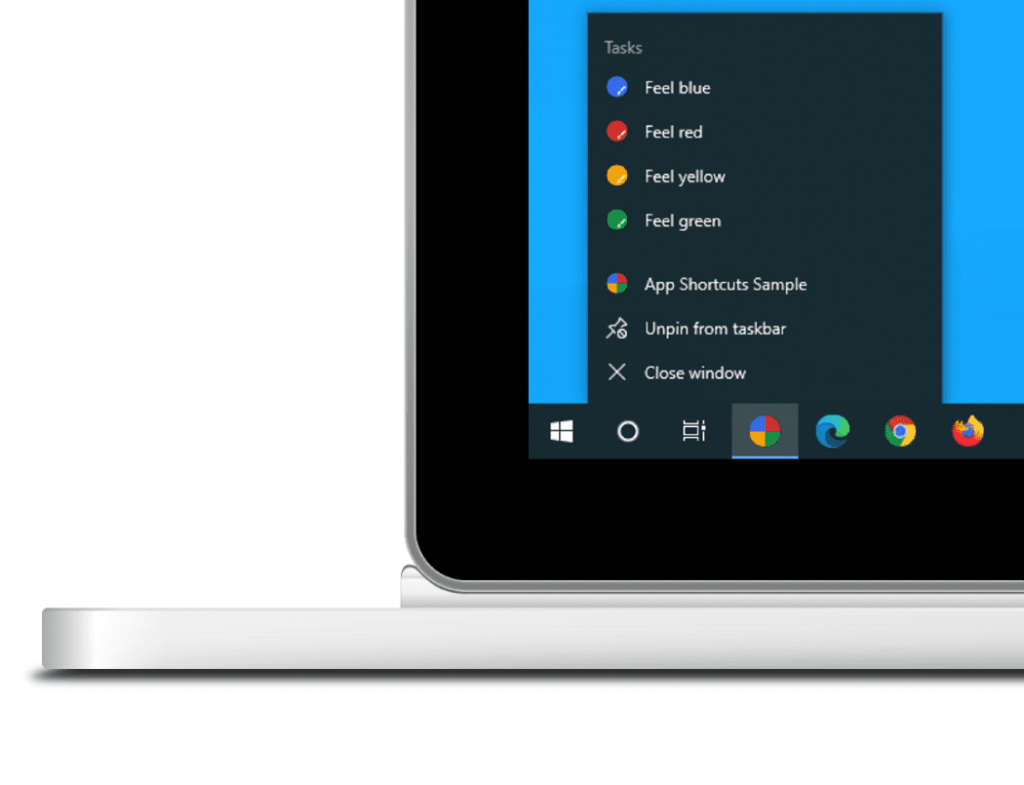
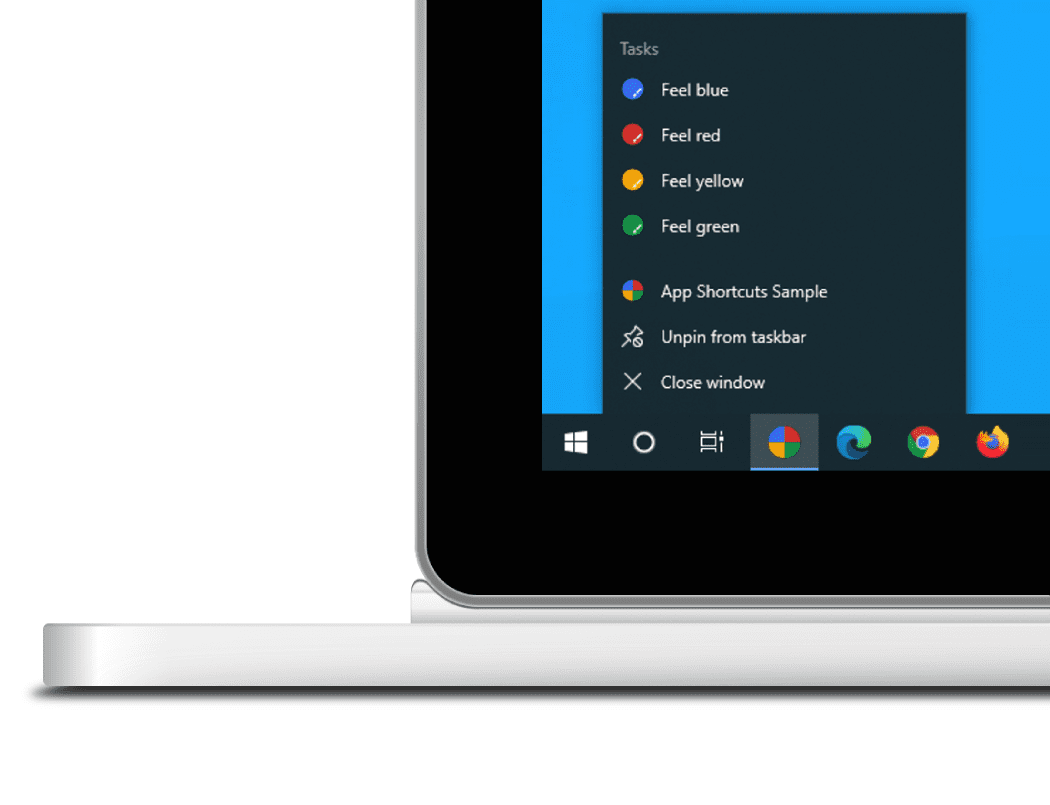
Another notable feature is the “Progressive Web Apps” that can now create app shortcuts on the Windows menu or desktop, or on the mobile app drawer. So, if the users want it, they may add shortcuts on Chrome web apps on their home screen, giving a more direct and quick way to access what is essentially one of Chrome’s million specialized functionalities and experiences.
Source: 9to5Google
Finally, Google announced a total of 38 security fixes that come with this update, with one being critical, seven being classified as “high-severity,” eight as “medium,” and the rest falling in the lower category. Google has also disclosed the reward amounts for most of these fixes, probably in an attempt to lure more contributions of this kind.
Read More:
- Microsoft Pushes Fix for Critical “Wormable” RCE in Windows DNS Server
- The Upcoming Windows 10 Start Menu Is Looking Sleek
- Google Facing Class-Action Lawsuit for “Incognito” Tracking on Chrome
Related






Get expert insights on threats, breaches, scams, and security trends — delivered every Monday.
Most Popular
Get expert insights on threats, breaches, scams, and security trends — delivered every Monday.
Most Popular