



Windscribe Introduces Custom App Icons to Help Users Stay Discreet
Published on February 23, 2026

Key Takeaways
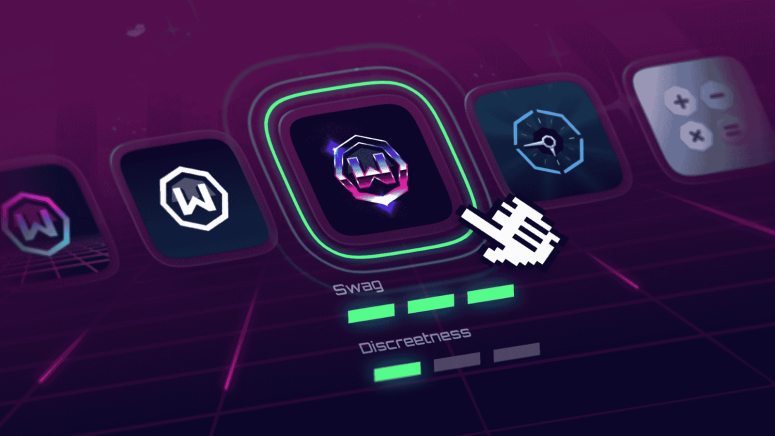
- Windscribe Custom App Icons Update: Windscribe Custom App Icons update enables discreet mobile icon and name changes
- Feature Availability and Versions: Available on Android 3.98+ and iOS 3.9.13+ versions
- Limitations and Platform Differences: Quick tiles retain default icon; iOS limits name changes
VPN provider Windscribe has rolled out a new feature that allows users to customize its mobile app icon, making it easier to keep their VPN usage less noticeable or simply improve the app’s appearance. The announcement was shared by Rebecca Rosenberg on February 20, 2026.
With this update, users can change the Windscribe app icon on both Android and iOS devices. On Android, users also have the option to change the app’s name, offering an additional layer of discretion. This means the app can appear as something entirely different on a phone’s home screen, helping it blend in with other apps.
The feature is available in Windscribe version 3.98 and above on Android, and version 3.9.13 and above on iOS.
New Customization Options for Privacy and Appearance
The new customization feature gives users more control over how the Windscribe app appears on their device. Users can select from a variety of alternative icons, including designs that resemble common utility apps such as calculators or clocks, as well as stylized versions of Windscribe’s existing branding.
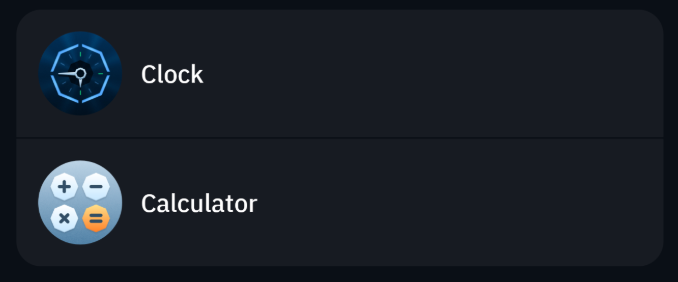
This flexibility is intended to help users keep their VPN usage more private, especially in situations where having a visible VPN app might attract unwanted attention. It also allows users to personalize the app’s appearance based on their preferences.
However, there are some platform differences. Android users can change both the app icon and the app name, while iOS users can only modify the icon. This limitation is due to system restrictions set by Apple.
How Users Can Change the App Icon
Windscribe has made the process simple. Users can follow these steps:
- Open the Windscribe app.
- Tap the menu icon (hamburger menu).
- Go to “Look & Feel,” then select “App Icon.”
- Choose a new icon from the available options.
- The app will close automatically. Relaunch it to see the changes.

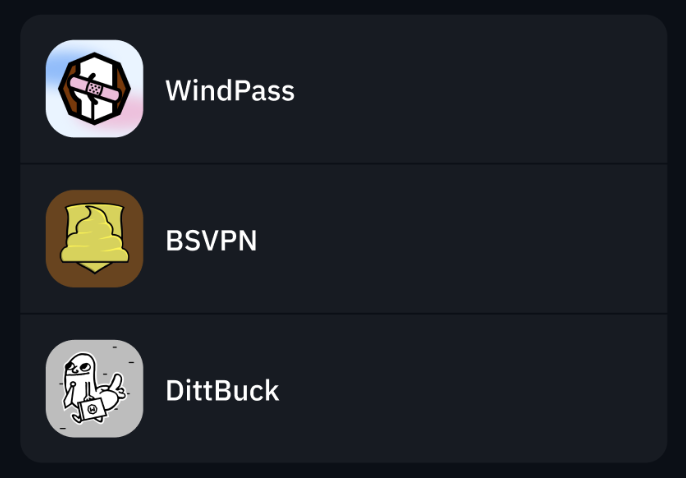
Once completed, the selected icon will replace the default one on the home screen.
Limitations Users Should Know
While the feature adds a level of discretion, it does not completely hide the app in every situation. Certain system elements, such as quick settings tiles, shortcuts, and notifications, will continue to display the original Windscribe icon.
Windscribe clarified that the feature is designed to offer more subtlety rather than complete invisibility. The goal is to help users maintain privacy while giving them more control over how the app appears.
The update is now available, and users can access the customization options by installing or updating to the latest version of the Windscribe mobile app.
Related






Get expert insights on threats, breaches, scams, and security trends — delivered every Monday.
Most Popular




Get expert insights on threats, breaches, scams, and security trends — delivered every Monday.
Most Popular