

When you purchase through links on our site, we may earn an affiliate commission. Here’s how it works.
Sling TV Vs fuboTV – Customize Your TV Experience
Last updated July 8, 2021

Sling TV and fuboTV are two of the biggest competitors in the race to get more cord-cutters to their side. They both offer great channel collections, as well as some pretty cool channel packs to expand your collection. Let's see who the winner is for our Sling TV vs fuboTV competition.
When we reviewed Sling TV we couldn't help but notice how awesome it was that it allowed users to customize the service to such an extent. Then came fuboTV, which we also reviewed, and which also offered a similar experience, albeit focused on sports. When it comes to features and other perks, the two go boot to boot and it's hard to decide which one we liked best.
Nonetheless, before we move on here's a breakdown of the biggest features of each platform.
Also, as it may come in handy as we go on, here are the scores they each got for every category.
Since these weren't very helpful in completely explaining which one is best, we went on to compare Sling TV and fuboTV.
Sling TV Vs fuboTV: Side by Side Comparison
Moving forward we're going to take into account what each of these platforms brings to the table, whether we're talking about channels, extra packs, premium channels, DVR, and soon. Let's begin!
Channel Bundles
Both services feature a lot of channels in their bundles, as well as several price tiers to help along.
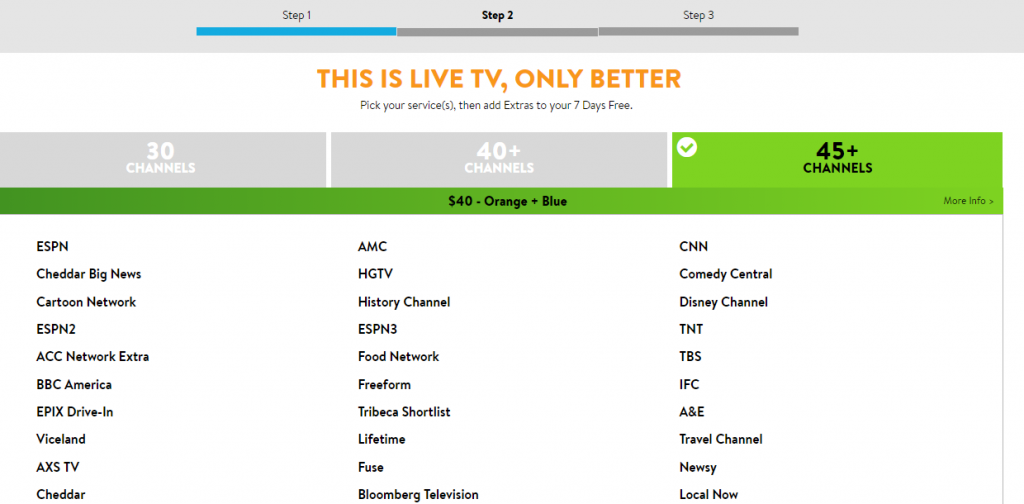
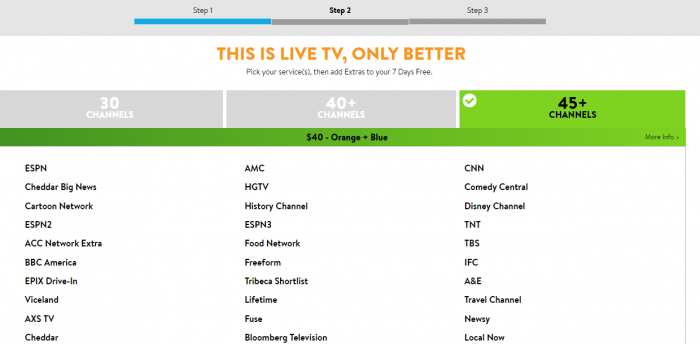
- Sling TV: Sling TV comes prepared with three starter bundles you can pick from - Orange and Blue, both of which are $25 per month, as well as Orange + Blue, which mixes the channels of the other two and costs $40 per month. There are also several bundles available for those who pick Sling Latino,
fuboTV: There are four bundles offered by fuboTV, starting at $17.99 per month. Truth be told, the first two as price goes - fubo Latino and fubo Portugues ($20/mo) - are pretty slim in the channel department, as they only feature a handful of them. The big chunk of channels comes in the fubo ($44.99/mo) and fubo Extra ($49.99/mo) bundles. Not only that but after the free trial is over, these two also get a 20% price cut for the first month.
Winner: Sling TV wins this one because, in the end, it has a more varied collection of channels than fuboTV in these base bundles. Since fuboTV features a lot of sports channels and has lots of such channels in the extra packs, perhaps more variation would come in handy.
Customization Options
When you quit your cable contract, the fact that you can't choose what channels you see plays a big part in picking where you go next.
Sling TV: Sling TV has one of the best formats we've seen because it allows users to add channels based on their interests. If you want to get more cartoon channels for your kids, that can be done, if you want more news channels, that can be arranged too. You can also add DVR capabilities to your account for $5 per month, but we'll discuss this more in-depth a bit later on. You can also add a long list of premium channels for a few bucks each month - HBO, Cinemax, Starz, Showtime, Epix, and more.
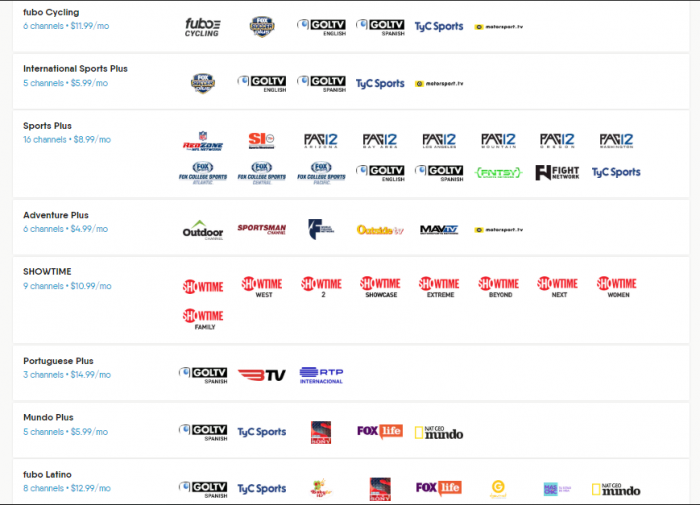
fuboTV: Sports fans have favorite sports, of course, so fuboTV tries to cater to that by bringing in specific channel packs. Do you like cyclism? They have a pack for that. Do you like foreign sports channels? They have some of those too. Do you like adventure sports? They have those too. There are also a couple of premium channels you can add, namely Showtime and AMC Premiere.
Winner: It's a tie! Yes, we know, you wanted a clear winner here, but we can't really do that since they both offer so many channel packs you can add, as well as premium channels.
Supported Features
How much DVR space do you get? And can your family watch something else on a different device? Let's find out!
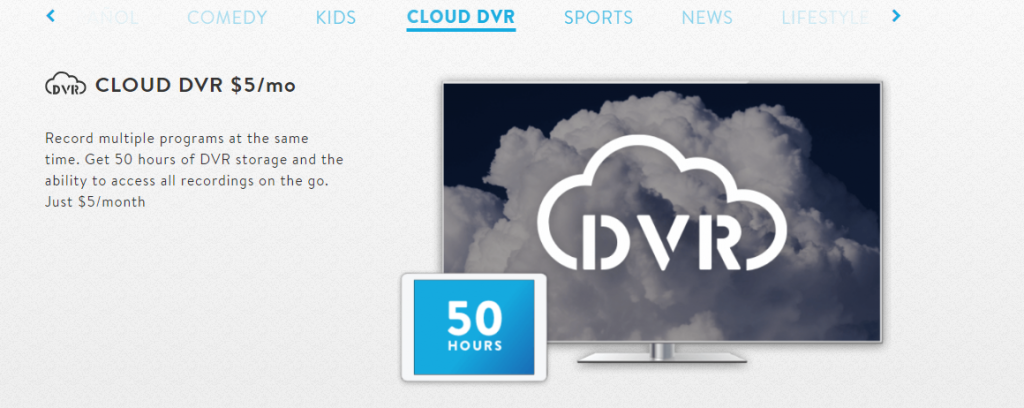
- Sling TV: Perhaps the most disappointing things about Sling TV is the fact that it doesn't feature any kind of DVR by default. If you want to do any program recording you need to pay an extra $5 per month for 50 hours of storage space. When it comes to the number of devices you can watch content at the same time, things get weird again. Orange subscribers can only watch content on one device, Blue subscribers get three, while Orange + Blue subscribers get four.
- fuboTV: fuboTV has some DVR storage space, albeit not a lot of it - only 30 hours - but you can keep the recordings indefinitely, or until deleted. You can expand the storage space up to 500 hours by adding Cloud DVR Plus for $9.99 per month. On fuboTV you can watch content on two devices at once, but the number can grow to three by adding the Family Share feature for $5.99 per month.
Winner: fuboTV wins this one since their offer is better than Sling TV's, especially in the DVR department.
Streaming Quality

When you're considering a platform, you need to know what Internet requirements they have so you can watch your favorites in peace.
- Sling TV: Sling TV doesn't support 4K, but then again live TV streams in 720p HD since that's what networks broadcast in. If you want to watch content in high quality on Sling TV you'll just need a 3 Mbps connection on phones and tablets, and 5 Mbps for computers and TVs.
- fuboTV: When it comes to the Internet speeds the company recommends you have before streaming their content, the recommendation for 720p resolution is over 5 Mbps, although 1080p will require double that. If you want 4K you'll need over 25 Mbps.
Winner: Sling TV takes this one home because we had a slightly better experience during testing.
Supported Devices
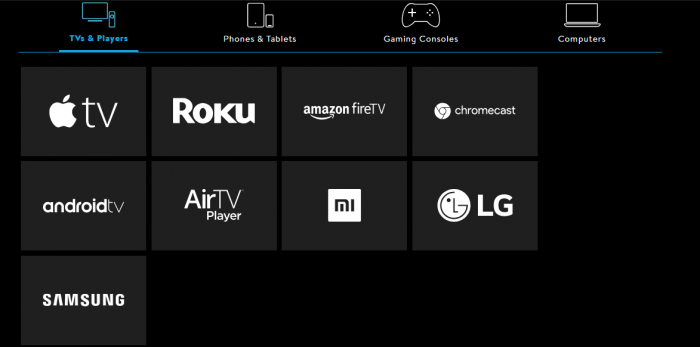
These days, it's pretty much impossible not to have at least one device that's on the list of supported platforms, but can you watch on all of them?
- Sling TV: Sling TV works on a large number of devices, from Apple TV to iOS, from Roku to Android, from Samsung Smart TVs to Chromecast. What's missing is support for PlayStation consoles.
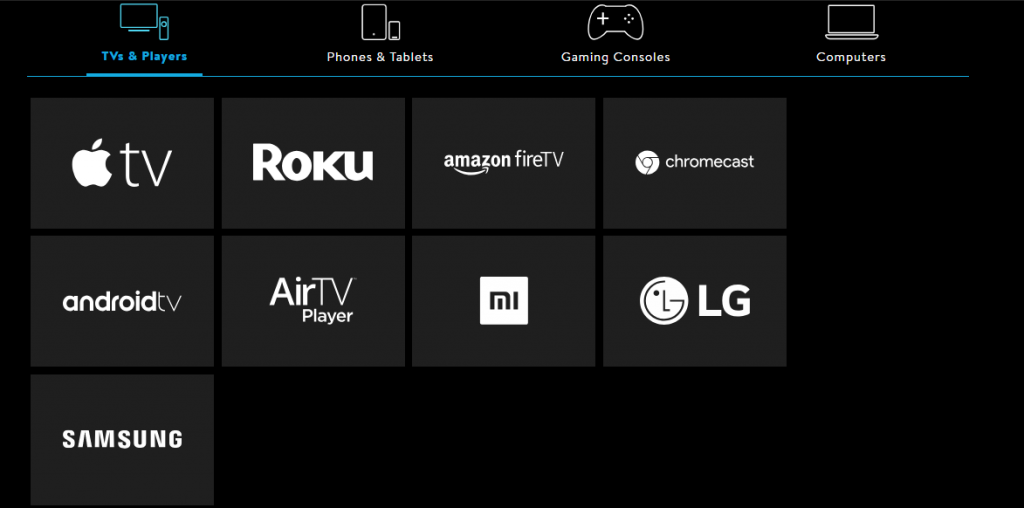
- fuboTV: When it comes to supported devices, fuboTV is kind of lacking. The platform works on Android and iOS devices, Apple TV, Amazon Fire TV, Roku, Chromecast, and Android TV, but there are no smart TVs on the list and no game consoles.
Winner: Sling TV wins this one too, mostly because there are so many big platforms missing from fuboTV's list.
Usability
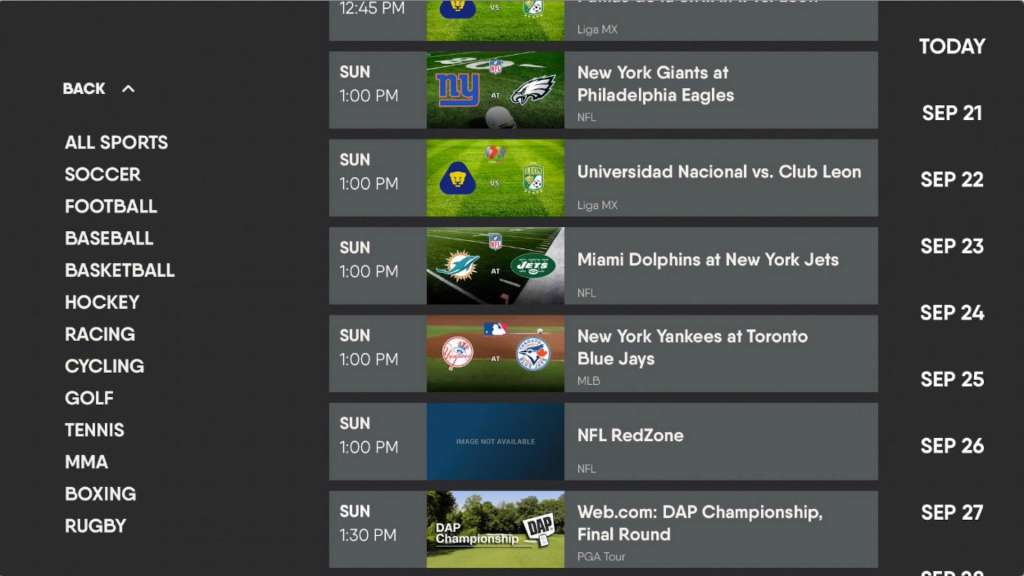
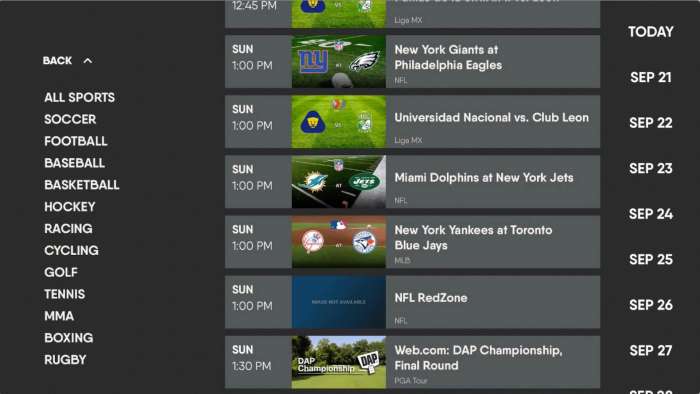
How easy are these platforms to use, especially for first-timers? Let's see.
- Sling TV: Sling TV has a very simple interface that's become pretty common nowadays among streaming services of any kind, so it's very easy to navigate.
- fuboTV: The same can be said about fuboTV - you can easily jump from channel to channel, check on great content, and enjoy every step of it.
Winner: Sorry guys, it's a tie here too! The platforms are just too similar in design, which makes them both equally easy to figure out and use.
Sling TV Vs fuboTV: Which One to Pick?
Sling TV wins this one, although not by much. They both have some great features, but fuboTV is mostly geared towards those who love sports above all else, so the target audience is a lot narrower. So, go ahead and subscribe to Sling TV if you want more channel diversity.
Final Thoughts
Both platforms have some great features and we hope that we've helped bring them to focus and compare them for you to make a choice based on what's most important for you.
We'd love to hear what you picked in the comments section below, and please share the article online so maybe we can help other people in making a decision too. Come chat with us on social media, on TechNadu's Facebook and Twitter pages.
Related





Get expert insights on threats, breaches, scams, and security trends — delivered every Monday.
Most Popular
Get expert insights on threats, breaches, scams, and security trends — delivered every Monday.
Most Popular