When you purchase through links on our site, we may earn an affiliate commission. Here’s how it works.
What Is NordVPN Meshnet and How Does it Work?
Published on February 22, 2024

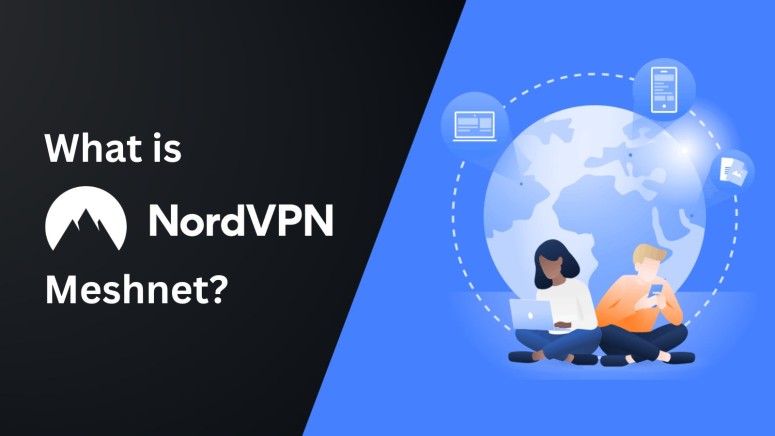
Imagine you’re traveling on a holiday or to another city for work purposes and want to access your home PC. Remote access apps are often slow, unreliable, and unsecure, and they’re not always the best solution for the job. This is just one of the many scenarios where you can use Meshnet by NordVPN.
NordVPN Meshnet lets you establish a P2P connection between up to 60 devices. It enables you to access all your devices remotely, send and receive files between the linked devices, enjoy multiplayer games with friends/family, bypass Netflix account sharing restrictions, collaborate with colleagues on projects, and more. The best part is that you can use it for free!
At TechNadu, our team has conducted a thorough NordVPN Meshnet review and found it to be a helpful feature. Based on our findings, we will teach you what NordVPN Meshnet is, how to use it, how it works, and what features you can get with it. You will also learn how much it costs, followed by a round of common questions.
What Is NordVPN Meshnet?
NordVPN Meshnet is a feature that lets you establish a secure connection among devices and communicate with them without routing the traffic through a centralized VPN server.
This lets you remotely access a linked device and send/receive files directly via an encrypted tunnel, regardless of the device’s location. All you have to do is link up the Meshnet-enabled devices. You can link up to 60 devices, including 10 of your own devices signed into your NordVPN account and 50 external devices via invitations.
It is similar to a LAN (local area network) connection with the addition of an encrypted tunnel for increased security. Currently, you can use NordVPN Meshnet on Android, Windows, Linux, iOS, and macOS.
This feature is suitable for sharing files, playing multiplayer games without lag, and working collaboratively with increased security and speeds. It lets you manage permissions for routing your network traffic so you can precisely control every aspect of device access.
How to Use NordVPN Meshnet
To use NordVPN Meshnet, you must create a NordVPN account, sign in, turn on Meshnet from the settings, and link your devices. You can set up NordVPN Meshnet on Linux, Windows, Android, macOS, and iOS. In this guide, we will configure it on Windows.
- Download and install NordVPN on the devices you plan to link.
- Open NordVPN and log in on all the devices.
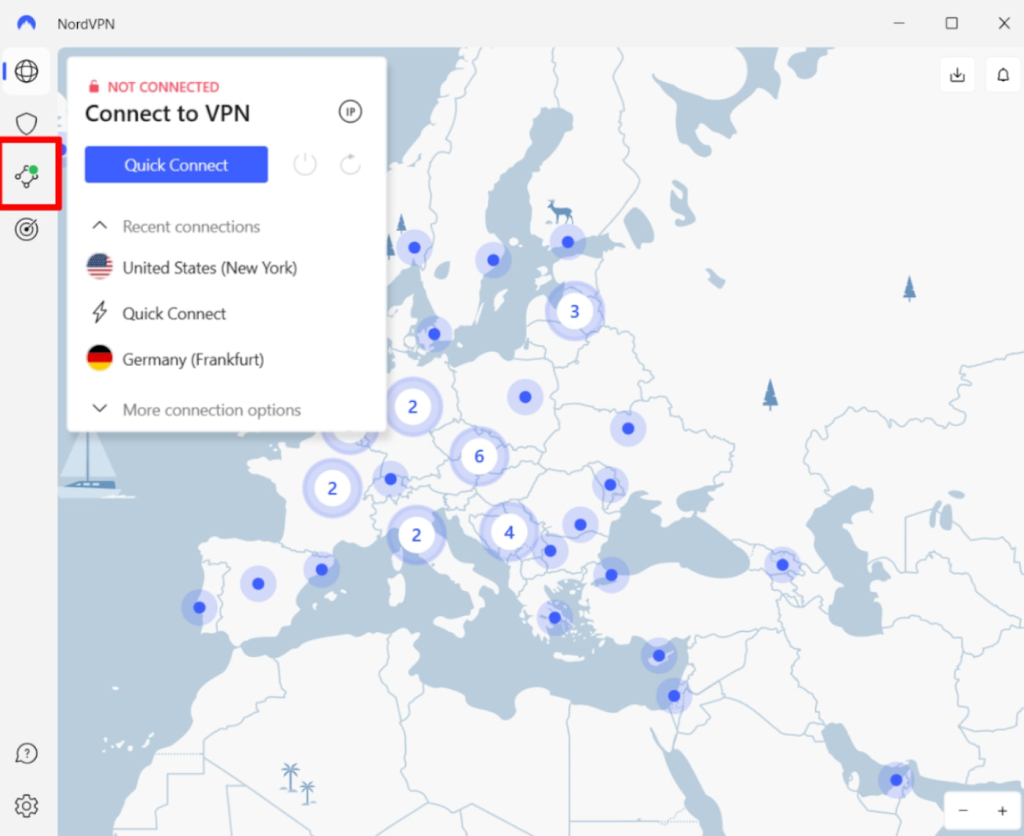
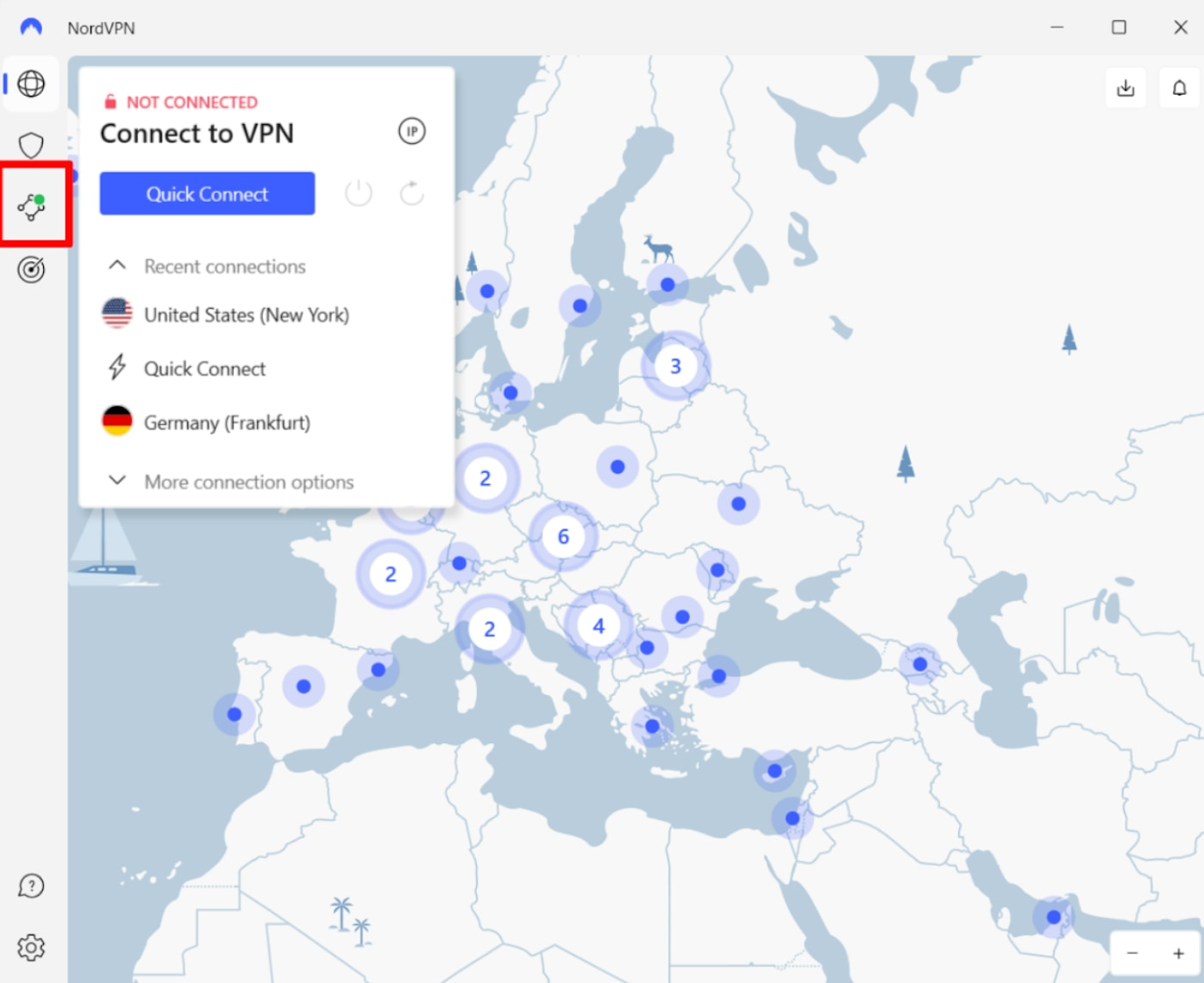
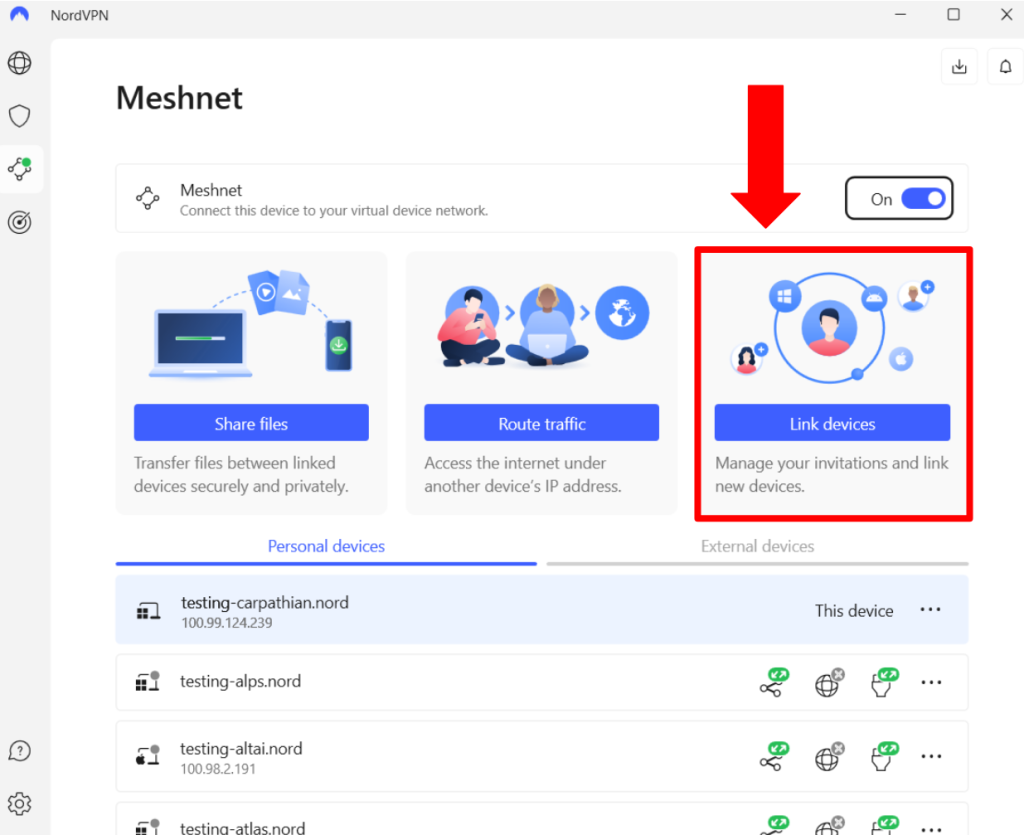
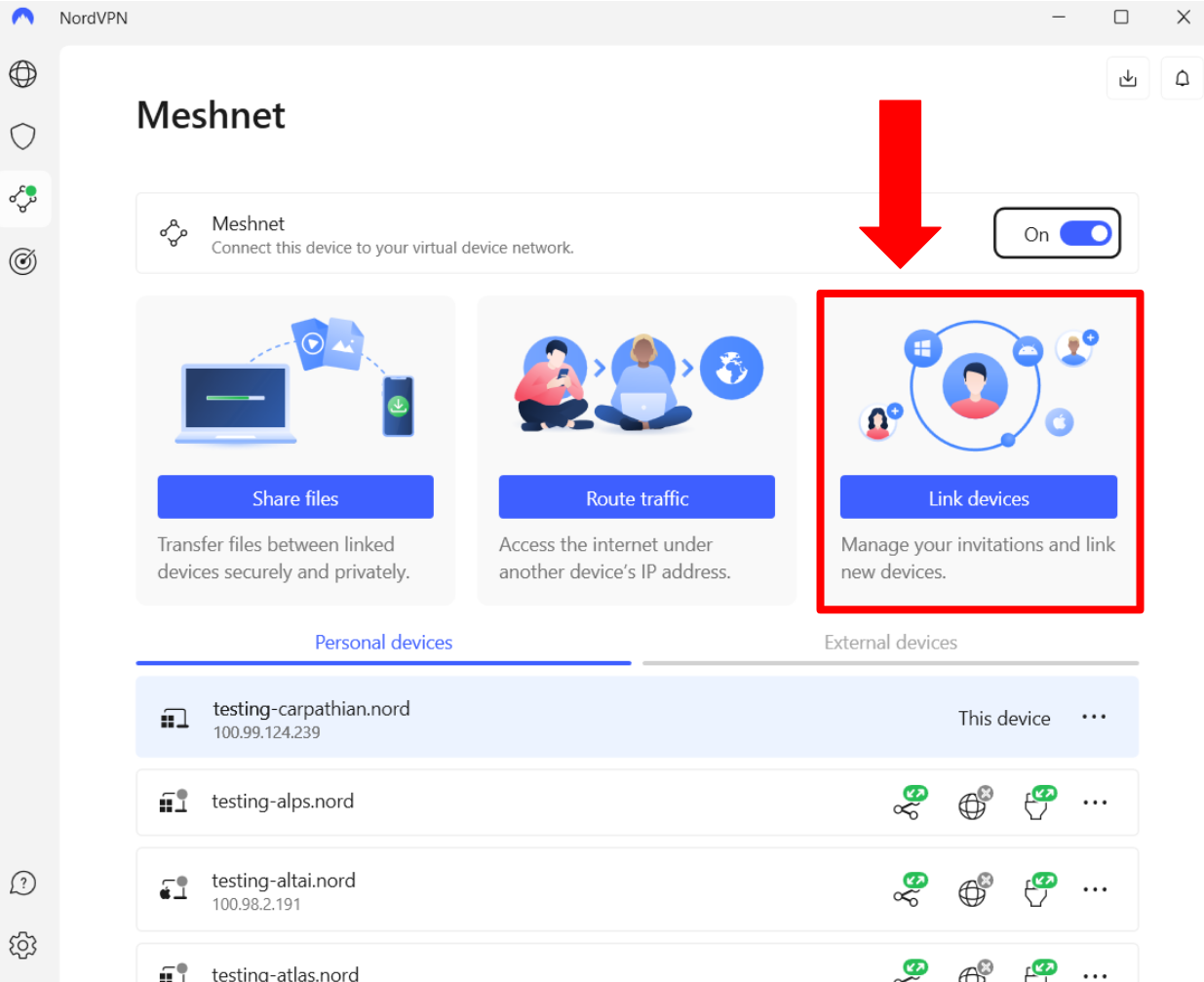
- Choose ‘Meshnet’ from the menu on the left side of the window.
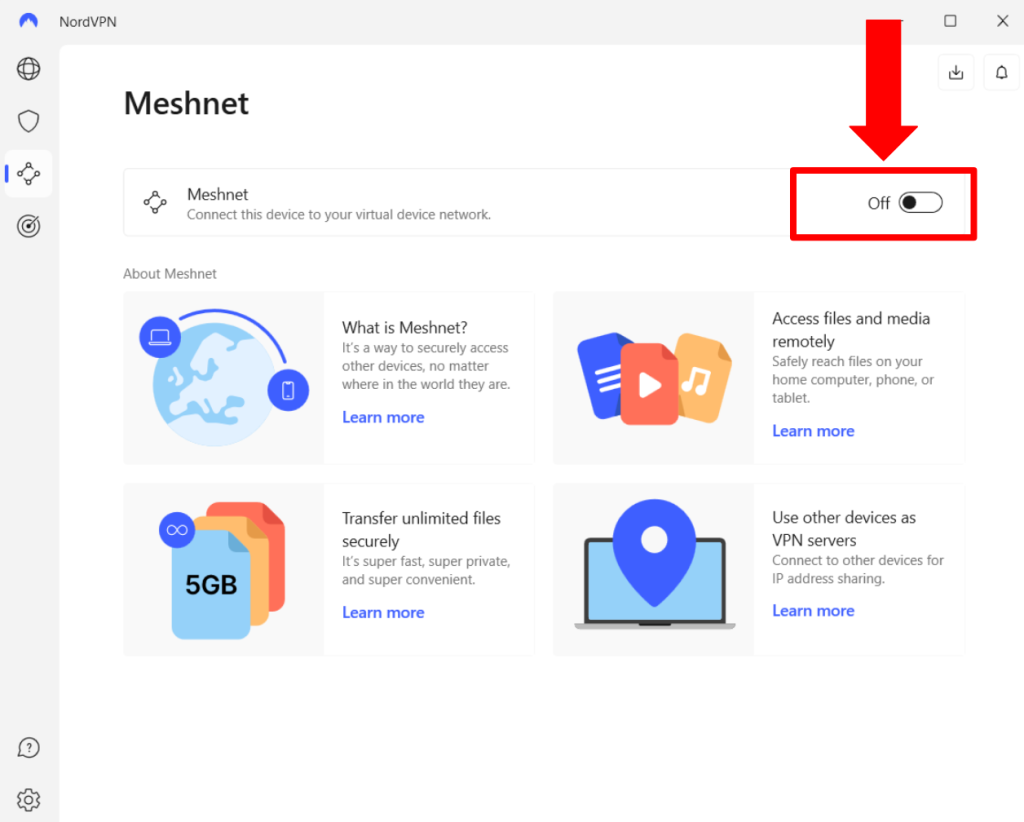
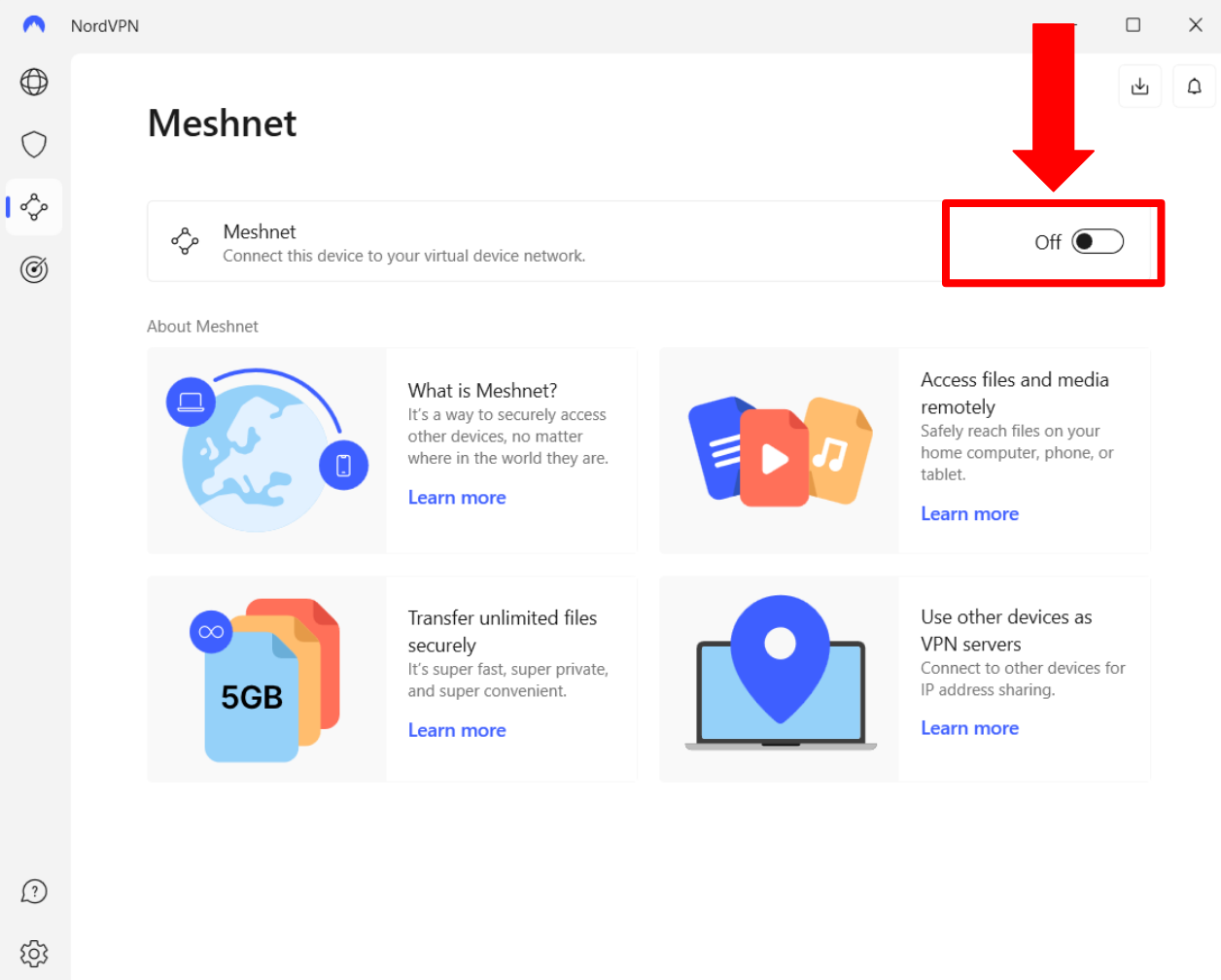
- Toggle on the Meshnet button on all your devices to automatically link them.
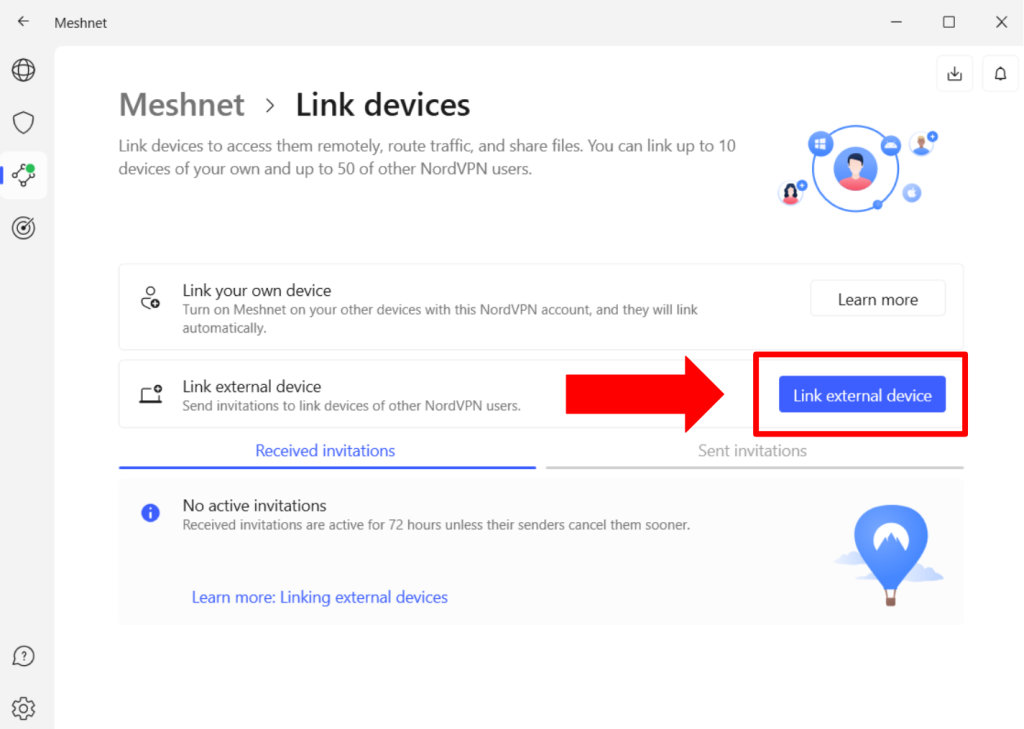
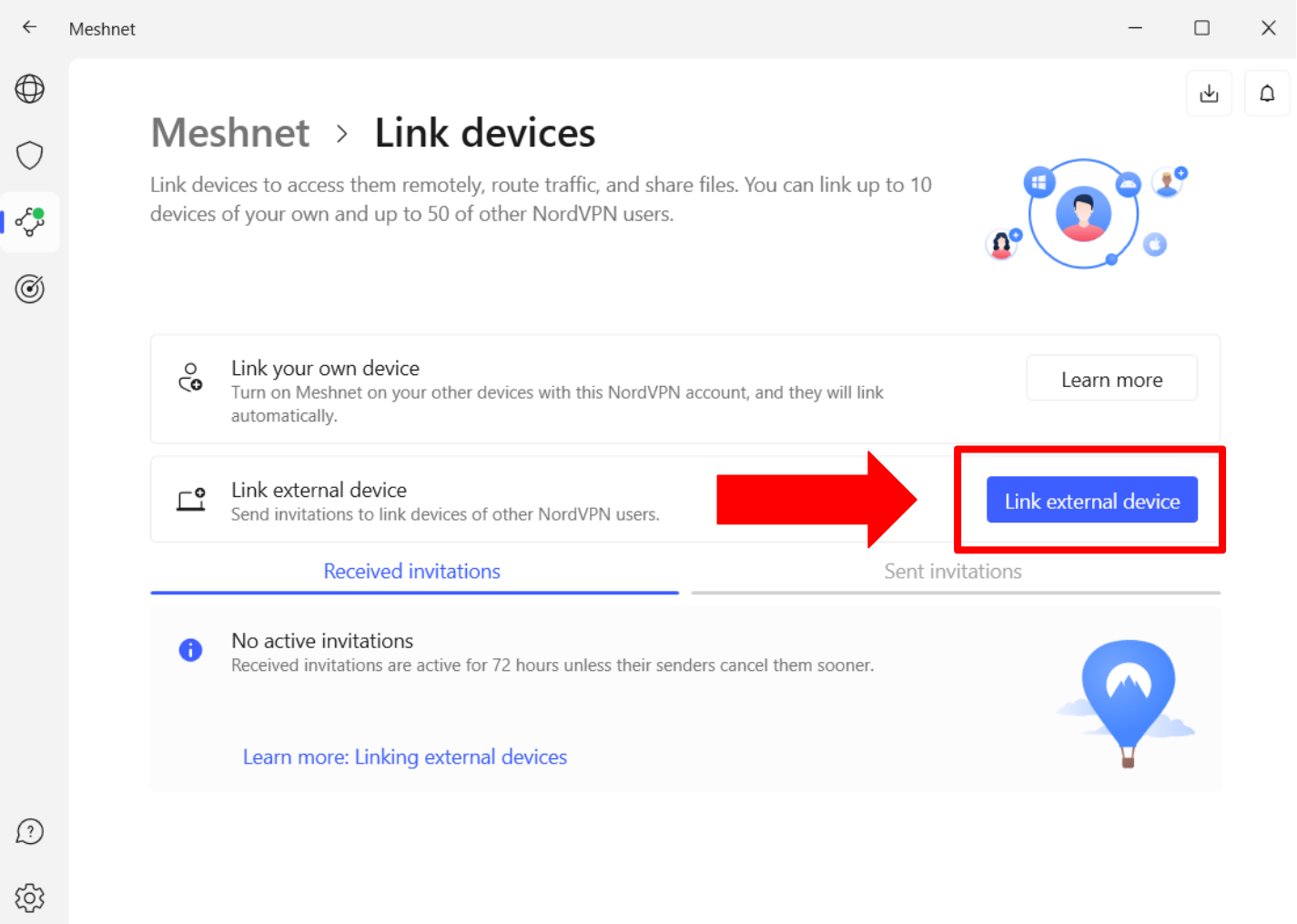
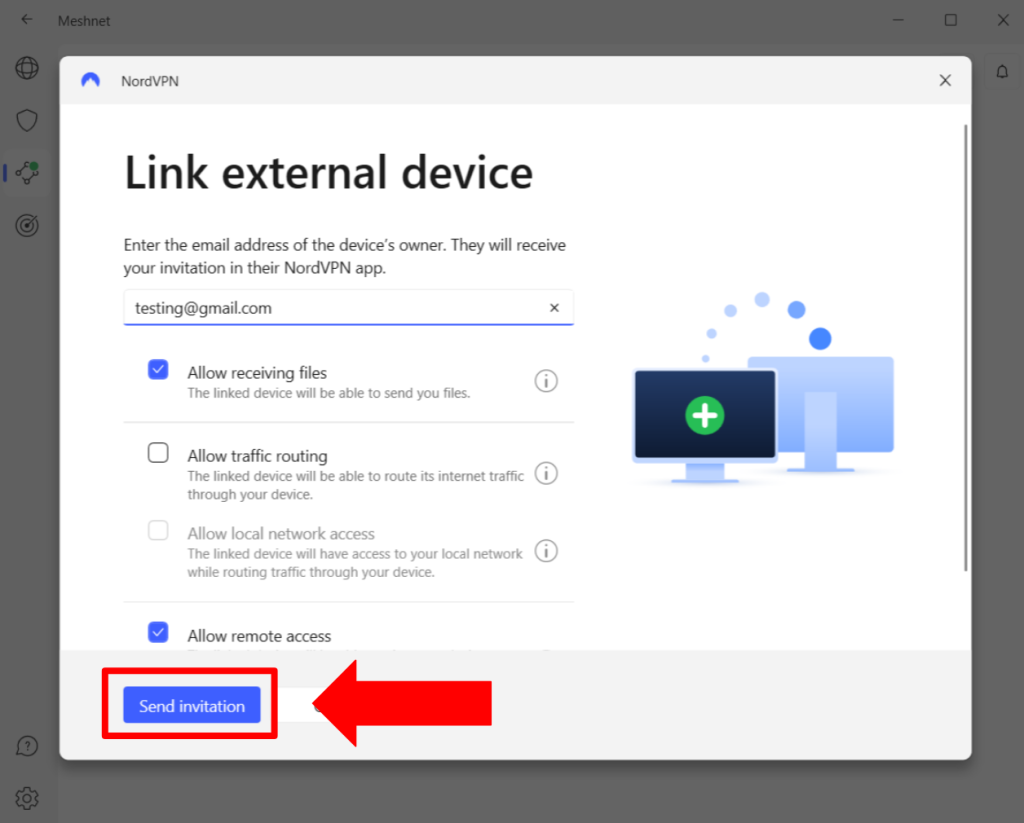
- Click on ‘Link device’ to allow external devices to connect.
- Choose ‘Link external device’ and use the device’s owner e-mail address.
- Click ‘Send invitation’ to invite the external device.
After the initial configuration, you can use NordVPN Meshnet to connect a maximum of 60 devices. This includes 10 devices you own (they should all be signed in to your NordVPN account and have Meshnet enabled) and 50 external devices via invitations.
How Does NordVPN Meshnet Work?
NordVPN Meshnet works by using P2P (peer-to-peer) technology. It connects various devices in a private network without requiring a centralized server.
This means that your connection does not go through any server from NordVPN. Instead, the network traffic goes through an encrypted tunnel between the devices present on the network.
To create the encrypted tunnel, NordVPN Meshnet uses NordLynx, based on the WireGuard tunneling protocol.
These encrypted tunnels turn your traffic into unreadable code. Theoretically, even if your network traffic between two devices gets intercepted, nobody can read its contents. However, the risk of being intercepted is close to zero since it uses a P2P model.
What Features Do You Get With NordVPN Meshnet?
NordVPN Meshnet offers features like remote device access, LAN gaming, file sharing, easy collaboration on joint projects, network protection, and bypassing Netflix sharing restrictions. Let’s look at each of these features to understand what they are.
- Remote Device Access: If you are physically away from a device, you can get remote access to it through Meshnet. All you need to do is enable Meshnet on the device you want to access and link another Meshnet-enabled device with it.
- Gaming: Meshnet elevates your gaming experience by allowing you to create private networks for multiplayer games. This Meshnet for gaming feature reduces latency and ensures a stable connection, making every session competitive and lag-free.
- File Sharing: With NordVPN Meshnet, you can share up to 1,000 files of any size, securely and quickly, with anyone in your Meshnet network. This file-sharing capability eliminates the need for third-party storage services, offering a direct and private transfer method.
- Joint Projects: You can collaborate on projects with colleagues or friends by sharing files in a secure environment. Meshnet provides a private network that safeguards your data and discussions, making it ideal for sensitive or confidential work.
- Network Protection: Every connection within Meshnet is encrypted, ensuring that your data and online activities are protected from external threats. This layer of network protection keeps your digital life secure, whether you're working, playing, or sharing.
- Bypass Netflix Sharing Ban: Meshnet offers a unique workaround for Netflix’s recent account-sharing restrictions. By routing traffic through devices within your Meshnet, you can trick Netflix into thinking that all devices are streaming from the same location, allowing friends and family to enjoy Netflix from anywhere in the world.
How Much Does NordVPN Meshnet Cost?
It does not cost anything to use NordVPN Meshnet, as it is an entirely free feature. To access this feature, all you have to do is create a free account on NordVPN’s website. However, you will need a subscription if you want to access the VPN and its full suite of security features.
By getting a subscription, you will get to access not only Meshnet but also a range of tools like secure VPN, Threat Protection, Dark Web Monitor, and several add-ons. It currently offers 2-year, 1-year, and monthly plans, among which its 2-year plan offers the best cost savings.
Final Thoughts
NordVPN Meshnet is a free feature that lets you link up to 60 devices anywhere in the world. Once linked, you can share files among these devices via an encrypted tunnel. After a thorough NordVPN Meshnet review, we have found that it is excellent for lag-free gaming, collaborating on projects, bypassing Netflix account-sharing restrictions, and more.
The best part is that you can use NordVPN Meshnet for free. However, we still recommend NordVPN and its premium subscription because it gives you additional features like a high-speed VPN with advanced security, threat protection, and several other add-ons.
We hope this NordVPN Meshnet guide answers all your questions about this feature. Feel free to share your experience with us in the comments below!
Related