



How to install iOS 11 Beta without a Developer Account
Last updated June 16, 2021

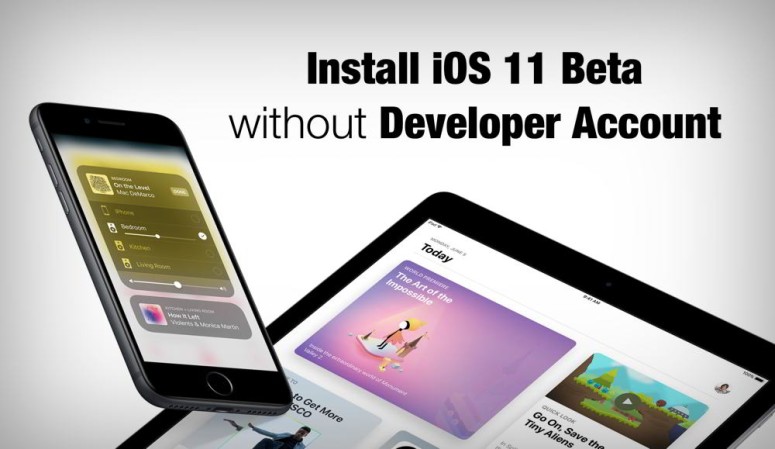
The Apple World Wide Developers Conference 2017 which took place on June 6th had some interesting hardware and software announcements. As expected, iOS 11 was announced at the conference and with it came the first Beta version for the developers. iOS 11 includes a string of new features and improvements such as a redefined App Store and Control Center, unified Notification cCenter smarter Siri, Screen recorder etc.
The iOS Beta version has been released for iPhone, iPad and iPod touch. If you have a Developer account (which costs $99 USD per year), you can easily download and install the Beta version and try out the new features.
But if you do not have a Developer account and still wish to use iOS 11, there’s a way for that too.
On which devices is iOS 11 compatible?
Now before you get excited about using iOS 11 Beta, make sure that your device can support it. If your device is among any of those mentioned below, you are good to go.
- iPhone 7, 7 Plus, 6s, 6s Plus, 6, 6 Plus, SE, 5s.
- iPad Pro 12.9 inch (first and second gen), Pro 10.5 inch, Pro 9.7 inch, Air 2, Air, iPad(2017)
- iPad mini 4, mini 3, mini 2
- iPod Touch 6th gen
Install iOS Beta without Developer Account:
If your device can support iOS 11 and if you are ready to take a little risk, you can download and install the beta version. Just download the configuration profile and install it like any other software update.
Step 1: Launch Safari browser and go to https://beta.applebetas.co/
Step 2: Tap Download. Now you’ll be directed to iOS Beta Software Profile.
Step 3: Tap Install and you’ll be asked to enter your passcode.
Step 4: Tap Install again.
Step 5: You’ll be asked to Restart your device.
Step 6: After the device is rebooted, go to Settings and select General
Step 7: Tap on Software Update. The iOS 11 Developer Beta page will appear.
Step 8: Tap Download and Install.
The update has a size of about 1.9GB. After the download is complete, you are ready to use iOS 11 Beta version.
Things to be noted:
- Since iOS 11 is in beta version, bugs and stability issues may affect your phone. This might slow down the device.
- If the loophole is fixed by Apple or if you wish to downgrade, you can downgrade it to iOS 10.3.2 or iOS 10.3.1 only. You’ll need a computer with iTunes to do it.
- Make sure to take a complete backup of your device through iTunes or iCloud. If you take a backup after updating to iOS 11, restoring is not possible if you downgrade to older software.
Now you are all set to enjoy the new features of iOS 11. Also, note that the beta version is updated regularly and you will receive it as soon as they are released. But keep in mind that the bugs in the beta version might slow down your device.
Related






Get expert insights on threats, breaches, scams, and security trends — delivered every Monday.
Most Popular
Get expert insights on threats, breaches, scams, and security trends — delivered every Monday.
Most Popular