



ExpressVPN Gets Siri, Widget & Shortcuts Support – Making iPhone VPN Use Easier Than Ever
Published on September 11, 2025

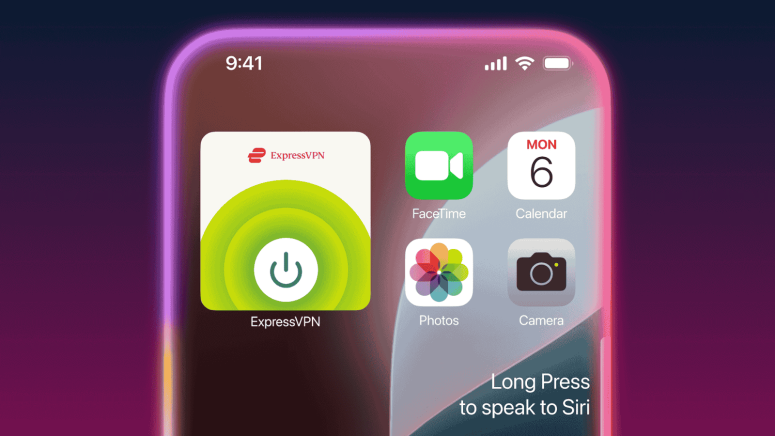
- Siri Support: Control ExpressVPN with simple voice commands, connecting instantly to your last server.
- Home Screen Widget: One-tap connect/disconnect and quick VPN status check directly from the iOS Home Screen.
- Shortcuts Integration: Automate VPN use with routines, like auto-connect on Wi-Fi or during app launches.
ExpressVPN has introduced new iOS features (including Siri, Widget, and Shortcut support) designed to make online protection quicker and easier. The VPN service now works with Siri voice commands, Home Screen widgets, and Apple Shortcuts on iPhone and iPad, allowing users to connect or disconnect without opening the app.
According to the company, these updates reduce the friction of staying protected online by integrating VPN access directly into everyday iOS interactions.
Control ExpressVPN with Siri
ExpressVPN can now be controlled using Siri. A simple voice command like “Hey Siri, turn on ExpressVPN” instantly connects users to their most recent server location.
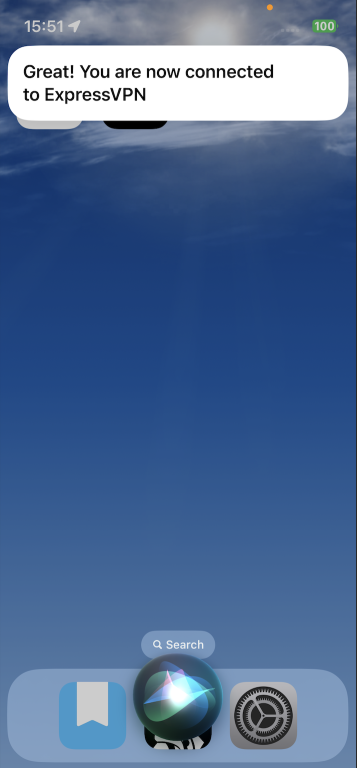
This allows iPhone and iPad owners to secure their internet connection before launching a browser or app. While server selection through voice isn’t available yet, ExpressVPN confirmed it will be introduced in a future update. For now, Siri defaults to the last location used, whether that’s for work, streaming, or travel.
One-Tap Protection with a Home Screen Widget
ExpressVPN now offers a Home Screen widget that allows quick connection and disconnection. The widget occupies the same space as four app icons and lets users see VPN status at a glance.
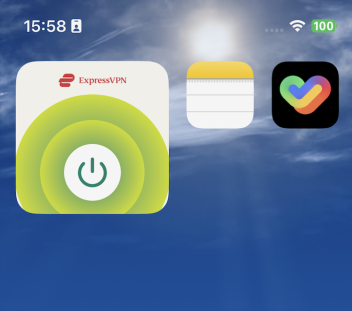
This feature is especially useful when connecting to public Wi-Fi, as it provides a fast way to secure a device without opening the full app.
To add the widget:
- Update the ExpressVPN app.
- Long-press on the Home Screen to enter Jiggle Mode.
- Tap Edit in the top-left corner.
- Select Add Widget and choose ExpressVPN.
Build Smarter Routines with Shortcuts
ExpressVPN now integrates with Apple Shortcuts, giving users more control over when and how the VPN activates.
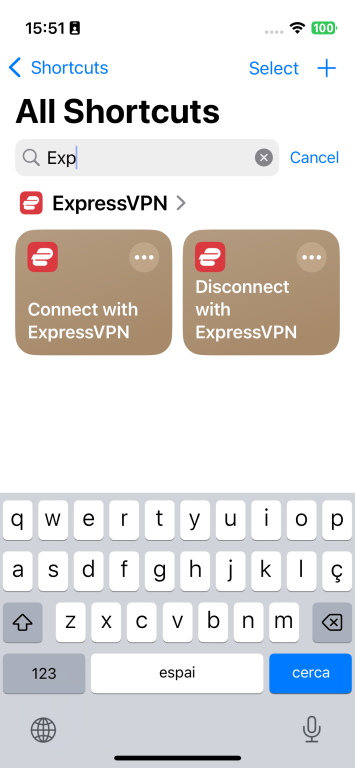
For example, a shortcut can:
- Connect to a streaming server automatically at a set time.
- Enable VPN protection when joining a café’s Wi-Fi.
- Launch alongside specific work apps and disconnect when those apps close.
Over time, Siri can also learn to suggest VPN actions at the right moment, making the feature more intuitive.
Seamless Security Across iOS Devices
These integrations work across iOS versions, whether on older iPhones and iPads or the latest devices running iOS 26. ExpressVPN says the goal is to fit privacy and security into users’ daily routines without extra steps.
Apple has long emphasized convenience in its ecosystem, and with this update, ExpressVPN complements that approach by keeping protection within reach, through a voice command, a tap, or an automation.
Siri, Widget, and Shortcut support for iOS are available now with the latest ExpressVPN iOS update.
Related


Get expert insights on threats, breaches, scams, and security trends — delivered every Monday.
Most Popular






Get expert insights on threats, breaches, scams, and security trends — delivered every Monday.
Most Popular