



Apple’s new Clips camera app lets you create an expressive video on iOS
Last updated June 16, 2021

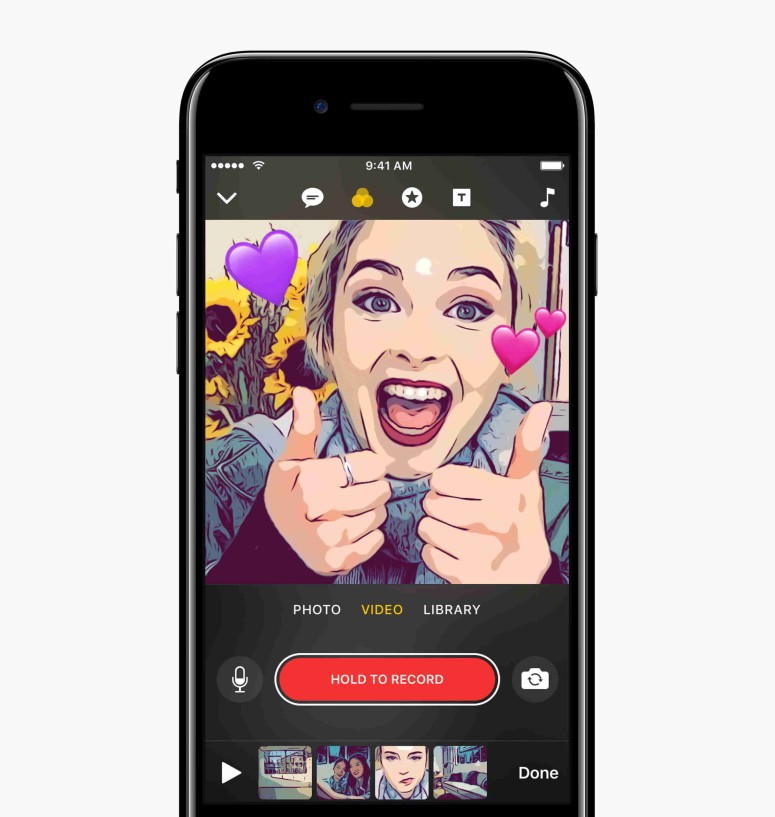
Introducing, the new way of making and sharing the fun with text, effects, graphics, and more using an app named "Clips" from Apple. This new app can create Animated Titles in an innovative way which you haven't seen before. It is quite easy to use, create, and share videos using Clips.
Clips bring stories to life with cool, easy-to-add effects. This app looks and works great on iPad with a simple easy-to-use interface.
Anyone can create expressive videos on their iPhone or iPad without taking any efforts. The user can combine video clips, photos, and music for stunning visualization where you can share videos with your friends through Facebook, Instagram, or other popular social media networks. It is also possible to share using a messages app.
Among all, you should notify the new feature like "Live Titles", which is completely new to the world and it is a breakthrough feature that lets the user create animated captions and titles just using their voice. This includes fun effects like comic book filters, speech bubbles, shapes and full-screen animated posters which help to bring out the personality in videos made with clips.
Using the Apple's new Clips app, you can spread video joy. They offer you the following features which are incredibly super.
- Capture a moment - Record a video on the spot or grab a video clip or photos from your library where capturing made simple and easy. Capture your live moments with this new Clips app.
- Record Live Titles - This feature will let you easily create an animated caption, just by recording it. Choose a variety of styles from the app and it perfectly timed to the sound of your voice. Live Titles can caption a video in 36 languages just using your voice.
- Apply Filters, Emoji - Clips app has tons of real-time filters and emojis where you can apply them to your video and make them remarkable. Drop an emoji and apply overlays like speech bubbles and arrows or set the mood with music that automatically adjusts to the length of your video.
- Share smarter - Sharing made simple and lovely. Clips recognize your video and find out the person who is in the video. Once after analyzing, it gives you a smart suggestion about the person for sharing your video with them by just tapping a name to send. You can send your video using Messages. Also, share your videos to Twitter, Instagram, Facebook and Youtube directly from the app.
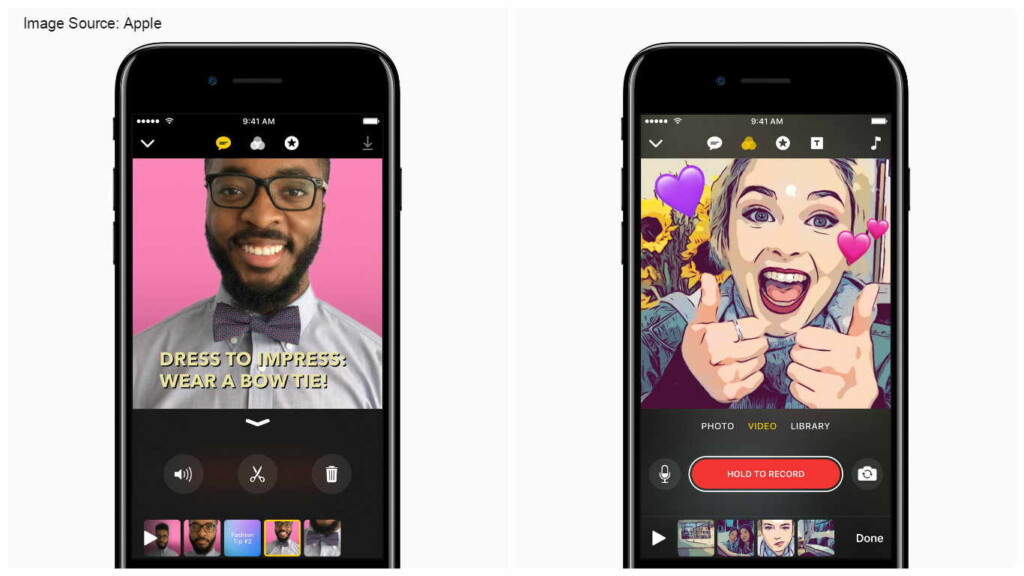
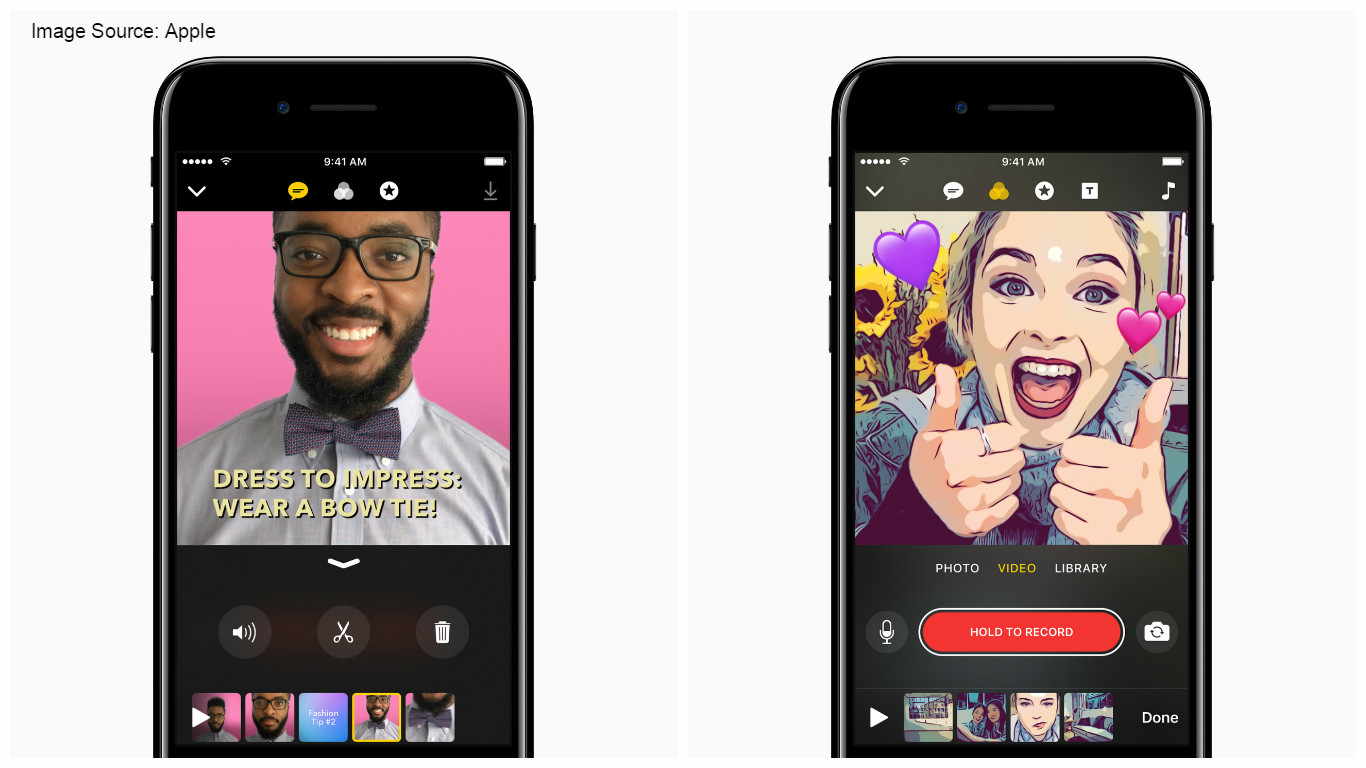
Add more fun to any photos or video by applying any of the above-mentioned features on your Clips app.
Apple's vice president, Susan Prescott says
“Clips gives iPhone and iPad users a new way to express themselves through video, and it’s incredibly easy to use,”
Also, mentioned that they designed this Clips app for applying amazing effects, filters, and new Live Titles which makes great-looking and share videos with just a few taps.
Create multi-clip videos on your iPhone or iPad without timelines, tracks or any editing tools. To shoot video and photo on your device, you need to touch and hold a single button. Then add filters, shapes, emoji or speech bubbles. Also, add full-screen posters with animated backgrounds and customizable text.
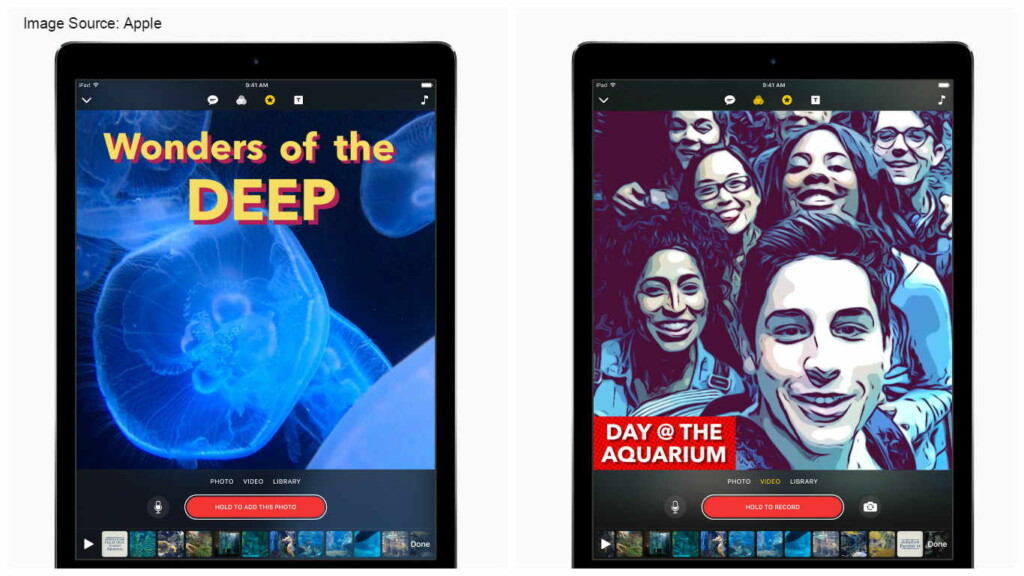
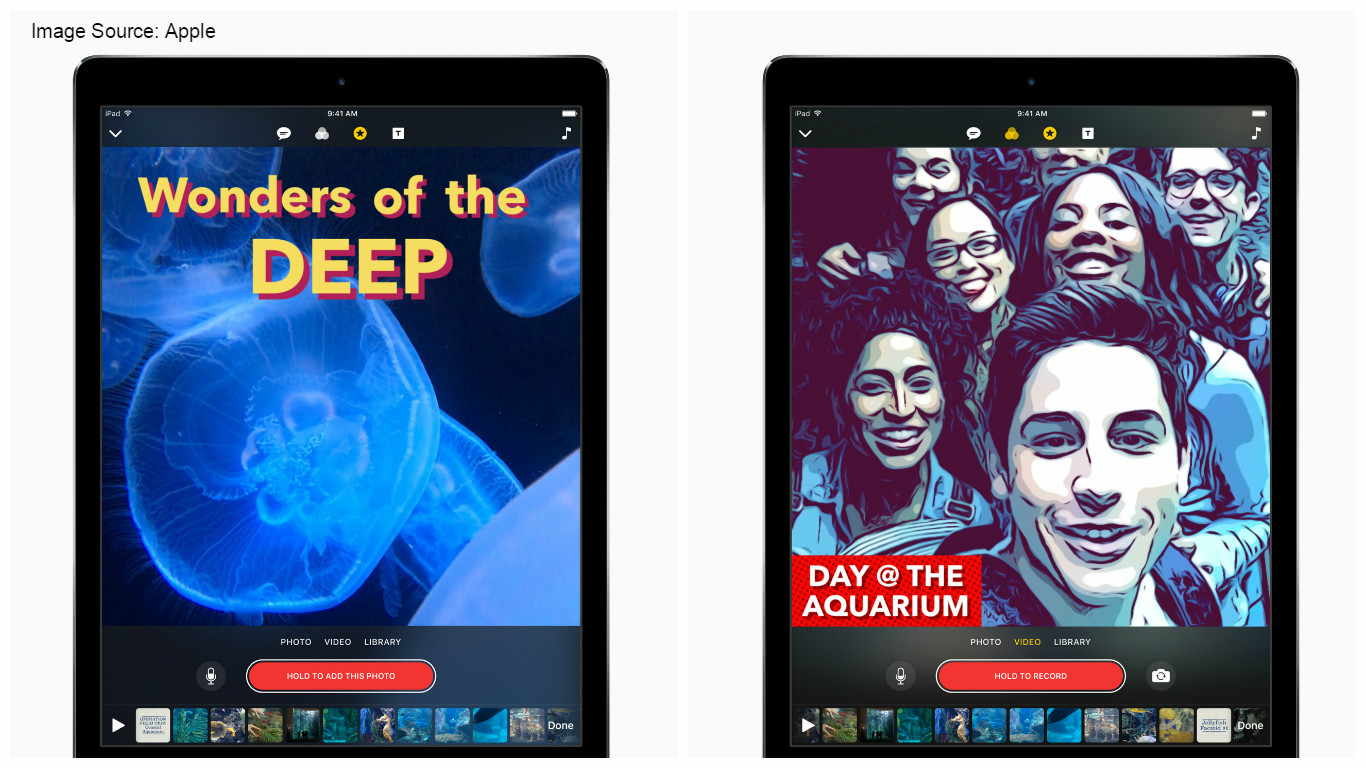
Animated captions are generated automatically when a user speaks using Live Titles in Clips app. The captions appear on screen perfectly synced with the user's voice. In addition to this, the user can also combine and apply different styles and can adjust text and punctuation by tapping the title. Do whatever you think and make changes to your video and photos with a single tap.
Now, your video is ready to share. The edited videos from Clips can be shared directly to many popular social networks or to any video websites and can also be sent through messages. Get this Clips app from the Apple store.
Related






Get expert insights on threats, breaches, scams, and security trends — delivered every Monday.
Most Popular
Get expert insights on threats, breaches, scams, and security trends — delivered every Monday.
Most Popular