


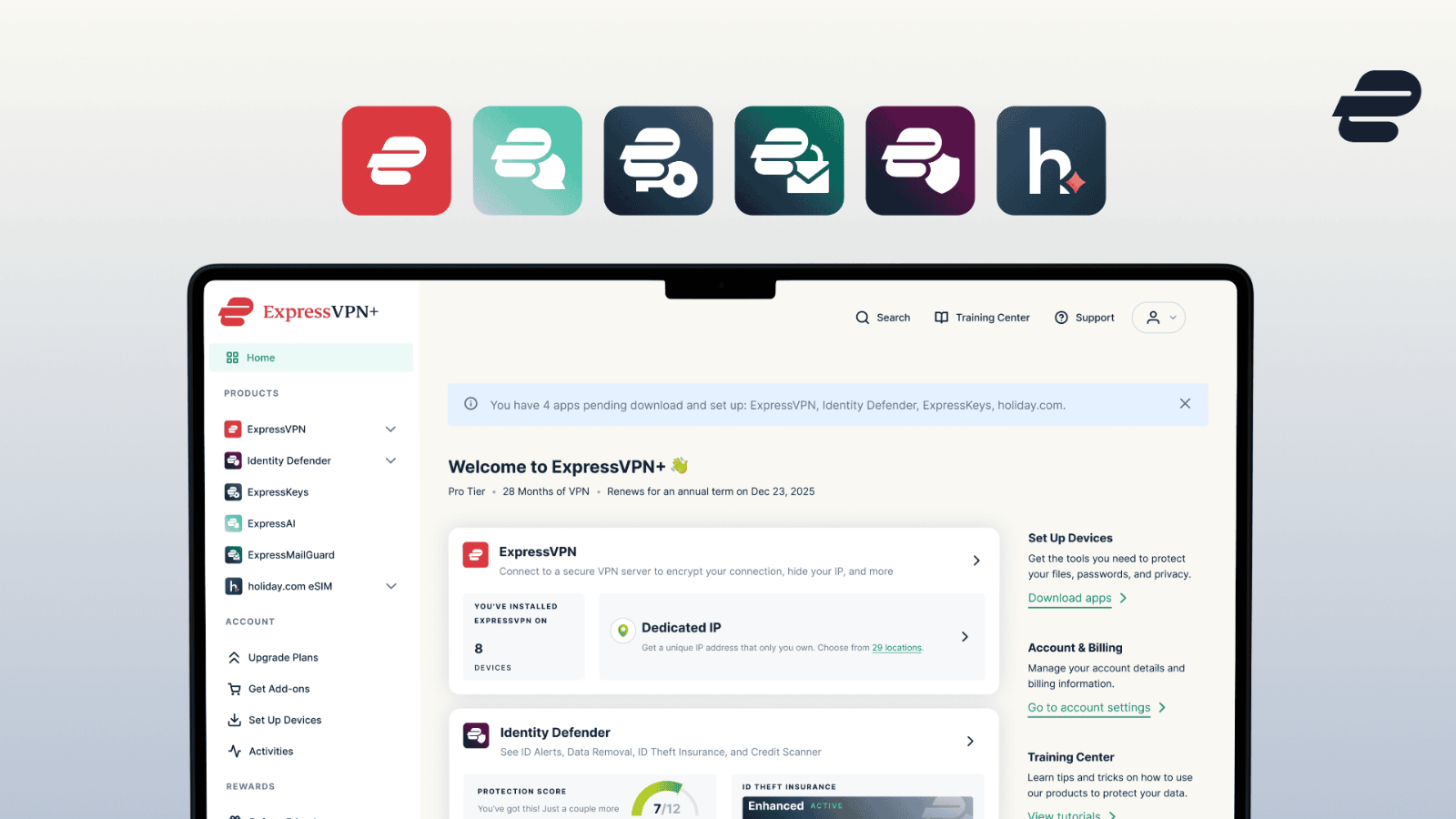
New Express VPN Browser Extension Comes with a Complete Overhaul
Last updated July 31, 2021


- ExpressVPN has revamped its browser extension and brought many new features to it.
- The new version comes with geolocation spoofing and “HTTPS Everywhere”.
- The extension features a new design, and several usability options as well.
The ExpressVPN team has announced their new browser extension, which brings many improvements and additions over the previous version. Besides the more modern design that now matches the main tool’s interface, the new extension brings many new privacy-setting options, remote control capabilities (for Firefox and Chrome), and an amazing HTML5 geolocation spoofing feature. The point of using an extension for a VPN service is to get more direct control of your VPN, change settings on the fly while you’re browsing the web, and generally enjoy a more consistent experience.
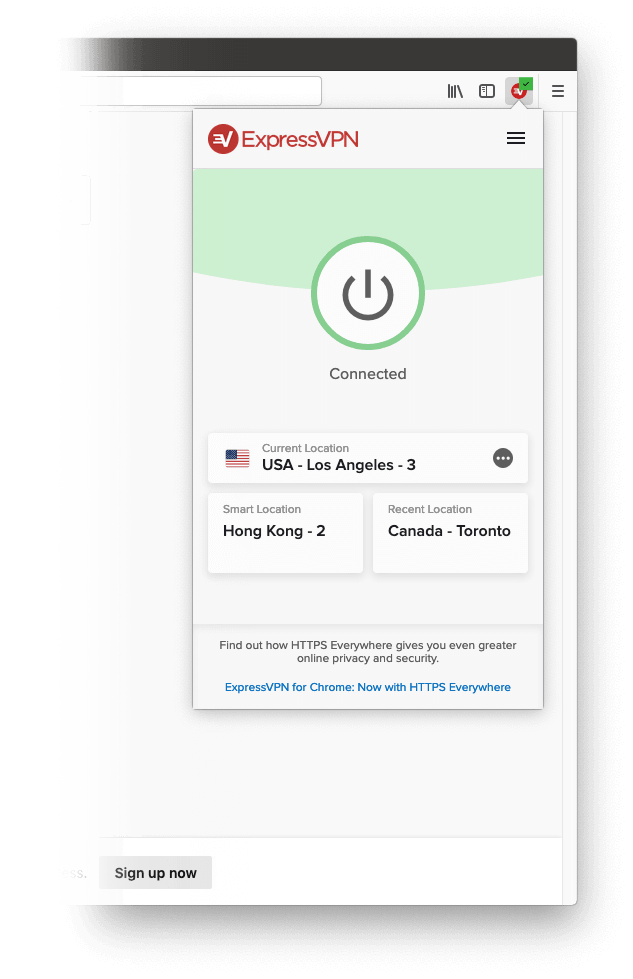
image source: expressvpn.com
ExpressVPN has won our trust, and we have repeatedly placed it among the top/best solutions out there. In our latest review, it scored 9.5 out of 10, even with the old extension. This means that a completely reworked and hugely enriched extension means a lot for the many users of this reliable and privacy-respecting VPN product.
The new features include the following:
- Connect and disconnect from the VPN service right from within the browser
- Change the VPN server location on the fly
- Spoof your location and disguise on HTML5 websites
- Block WebRTC code from running on the browser
- Automatically detect and connect to the more secure (HTTPS) version of the visited website
- Check your VPN connection status at all times, and avoid insecure interruptions
- Get connection status notifications to minimize the risk
- Auto-connect to the last used ExpressVPN location
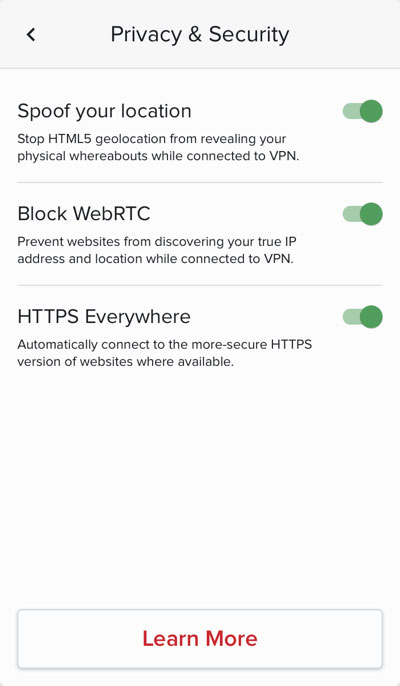
image source: expressvpn.com
Out of all these new features and additions, the one that shines most brightly is the HTML5 geolocation spoofing. Browsers can figure out your physical location not by looking into your IP address, but by using the GPS data that accompanies nearby Wi-Fi networks, system location settings, or your device’s GPS if there is one available. That said, using a VPN solution doesn’t always mean that you’re safe from getting tracked down. The new spoofing feature is feeding browsers with fake and often contradictory geolocation data, so you can still enjoy the website which sets tracking as an absolute requirement, while your real location remains hidden.
The “HTTPS Everywhere” feature is also significant as users can browse with a piece of mind that the software is handling the selection of the “more secure” version of a website without having to check it manually. You may simply toggle the option on and off, and the extension will route you to the HTTPS version instead of the HTTP which many sites use as the default version.
For instructions on how to install the new ExpressVPN browser extension check out this webpage. Also, don’t forget to check our socials, on Facebook and Twitter, for more fresh tech news like this one.
Related




Get expert insights on threats, breaches, scams, and security trends — delivered every Monday.
Most Popular






Get expert insights on threats, breaches, scams, and security trends — delivered every Monday.
Most Popular