



NordVPN Launches Android Message Protection, but Leaves Technical Details Undisclosed
Published


Key Takeaways
- NordVPN Message Protection launched: New Android feature warns about suspicious SMS scams; works without an active VPN connection.
- Privacy details limited: NordVPN says messages aren't stored but hasn't explained how SMS analysis is technically performed.
- Android-only availability: Supports SMS from unknown senders, not WhatsApp or Telegram; automatic blocking isn't included.
- TechNadu testing: The same SMS received different classifications when submitted as plain text and as a screenshot.
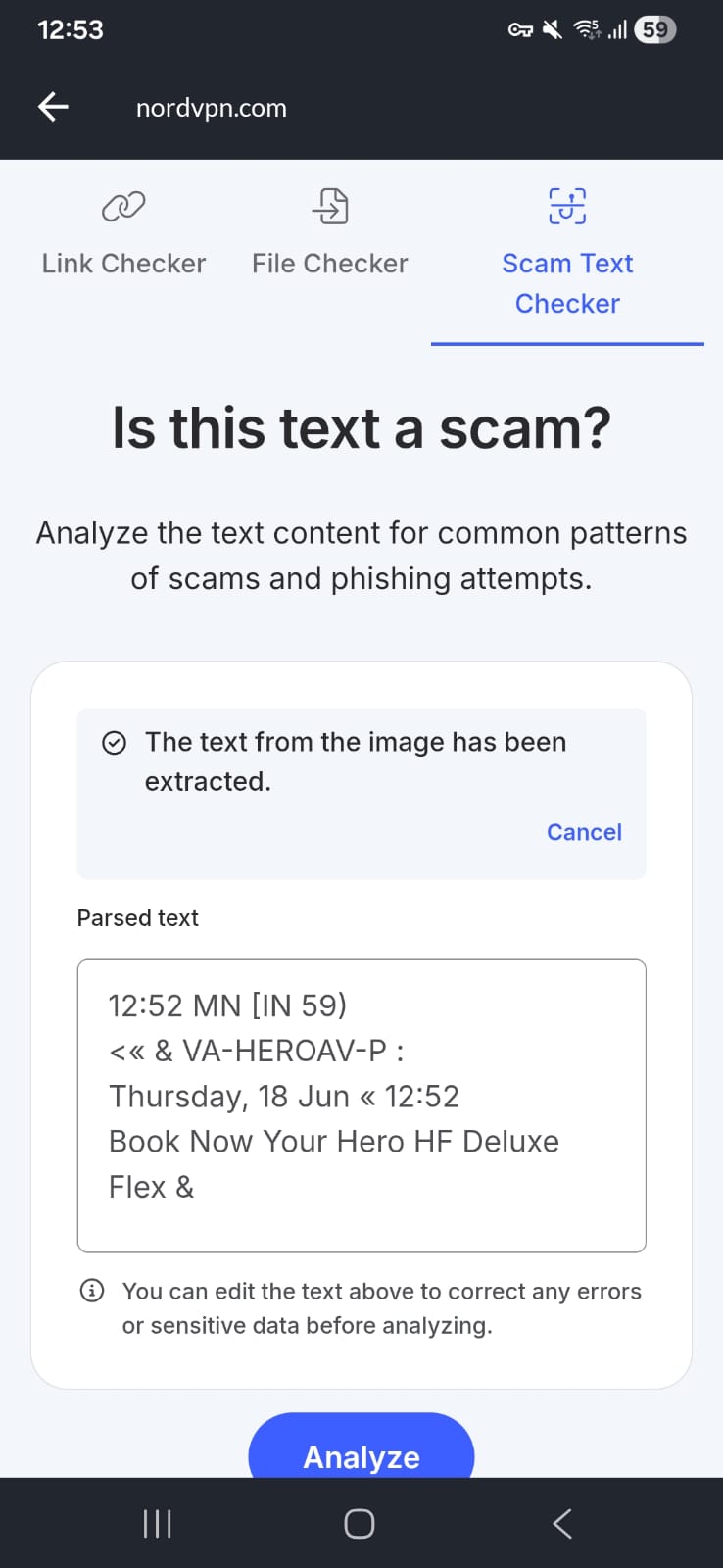
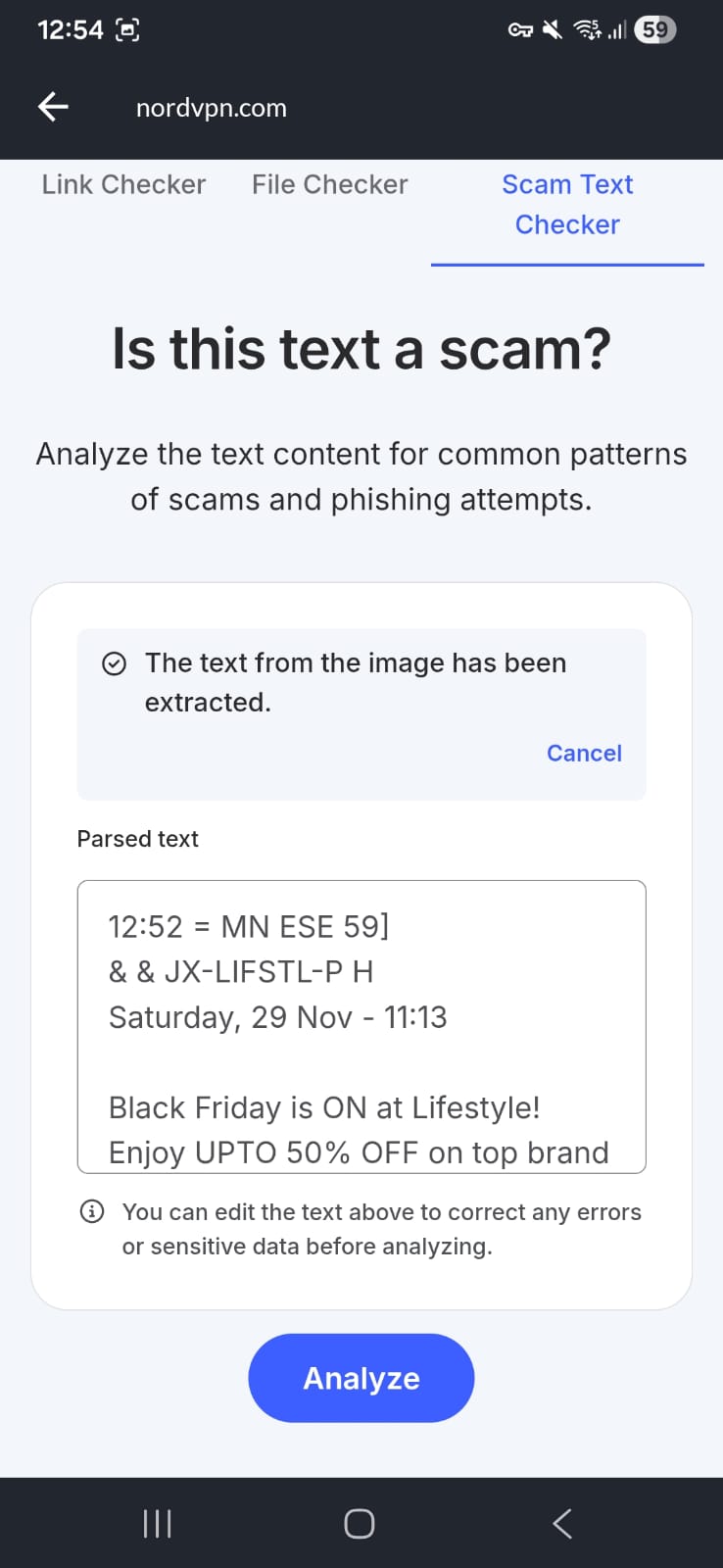
- Image analysis supported: NordVPN's Scam Text Checker extracts text from uploaded screenshots before scanning them for scam indicators.
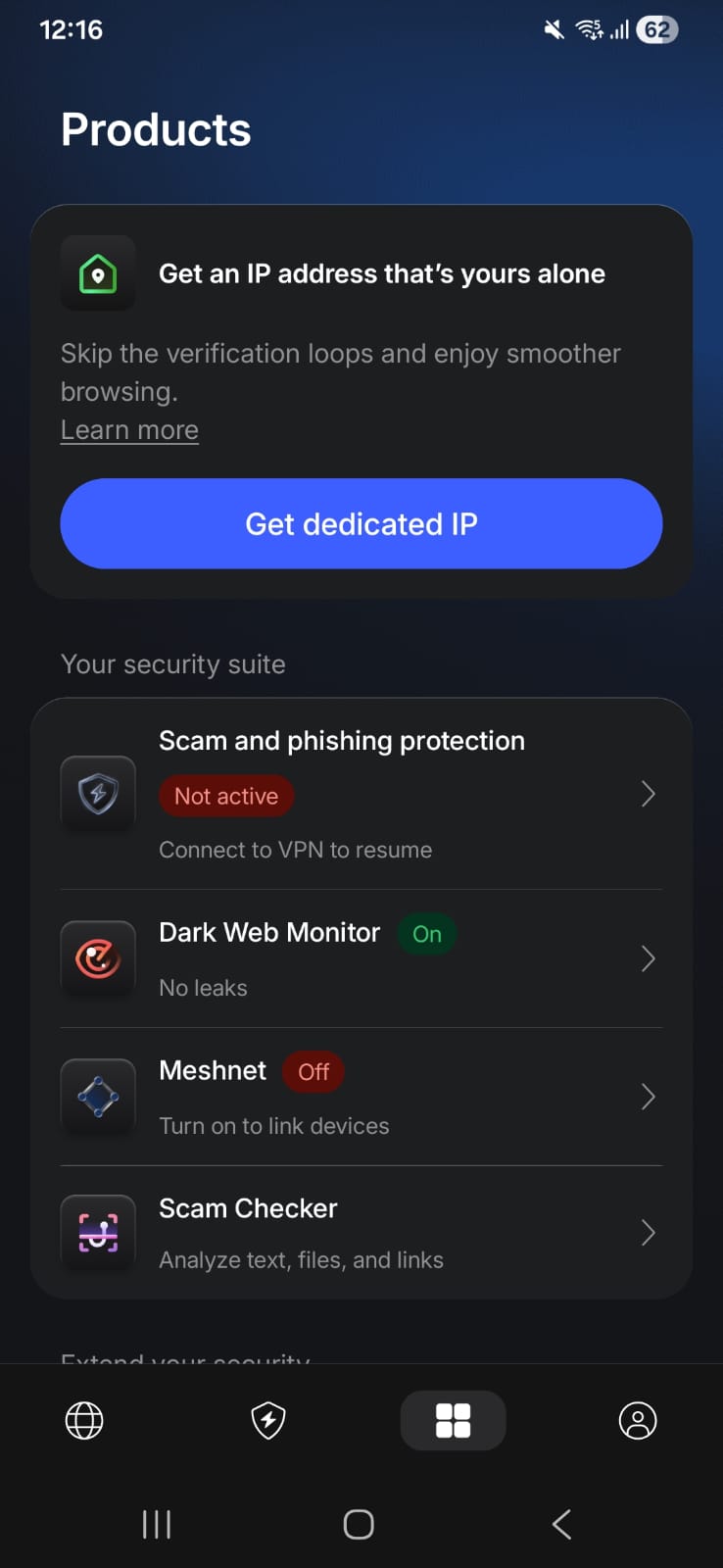
NordVPN has introduced Message Protection, a new Android feature designed to warn users about potentially fraudulent text messages. Announced on July 8, 2026, the feature expands the company's existing Call and Message Protection toolkit to help users identify phishing, smishing, spam, and other SMS-based scams before interacting with them.
The feature is available through the NordVPN Android app for eligible subscribers and is intended to provide an additional layer of protection against scam text messages.
How Message Protection Works
According to NordVPN's official announcement, Message Protection automatically checks SMS messages received from unknown senders for indicators commonly associated with scams. Messages from contacts already saved on the device are not scanned.
NordVPN says the feature can:
- Scan SMS messages from unknown senders for scam indicators.
- Detect known malicious links, scam-related keywords, and phone numbers associated with fraud.
- Identify phishing language patterns and other signs commonly used in social engineering attacks.
- Warn users before they interact with a suspicious message.
- Work without requiring an active VPN connection.
If suspicious content is detected, the app immediately alerts the user. However, NordVPN says Message Protection does not automatically block or delete suspicious messages. Users must decide whether to ignore the message, delete it, or block the sender.
The company also states that the feature analyzes scam-related patterns without storing message content.
Android-Only Feature
Message Protection is currently available only on Android. NordVPN's FAQ confirms that the feature is not available for iPhone users at launch.
To enable it, users need the latest version of the NordVPN Android app and must grant the SMS permissions required for real-time scam detection.
NordVPN also says users without a subscription can manually check suspicious messages using its free Scam Text Checker, while automatic Message Protection is included with eligible subscription plans.
TechNadu Hands-On Test
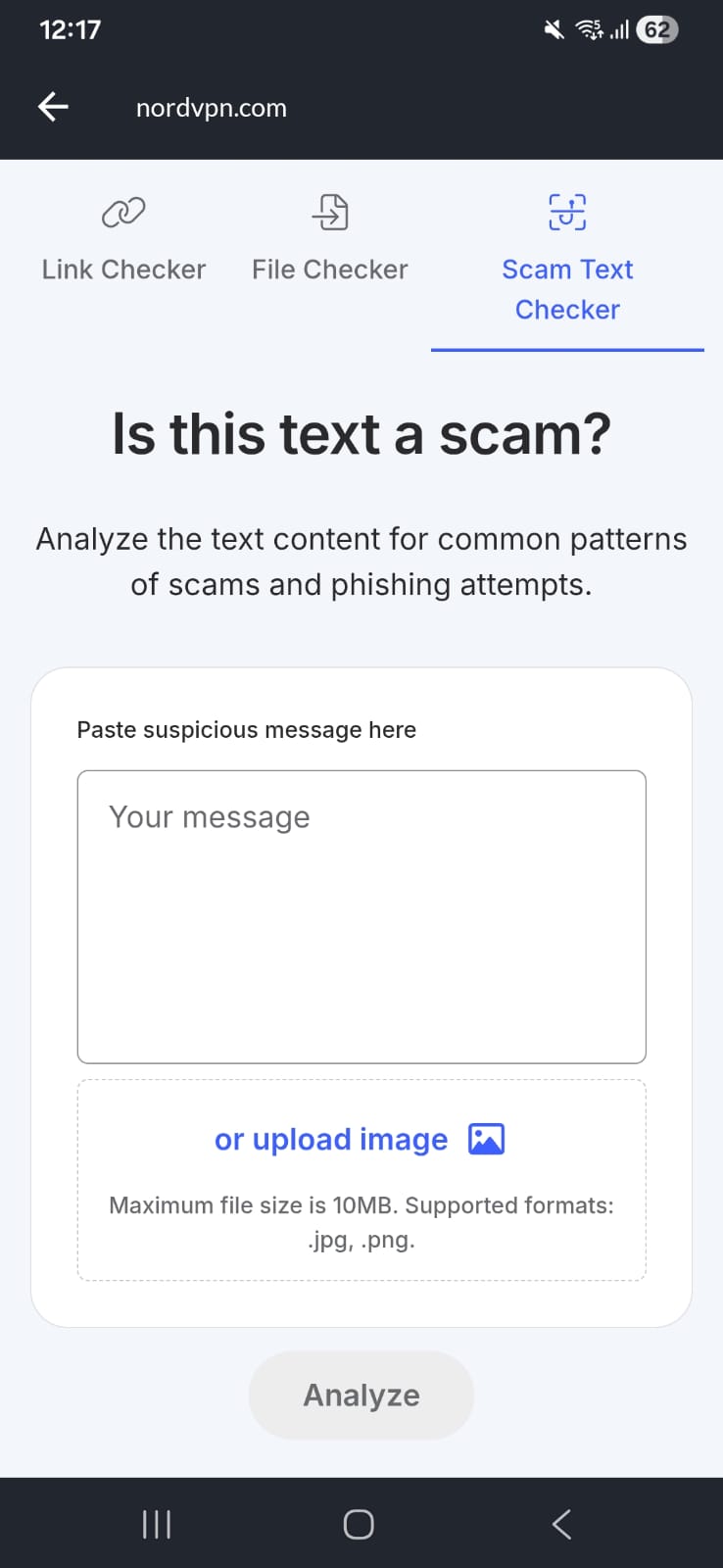
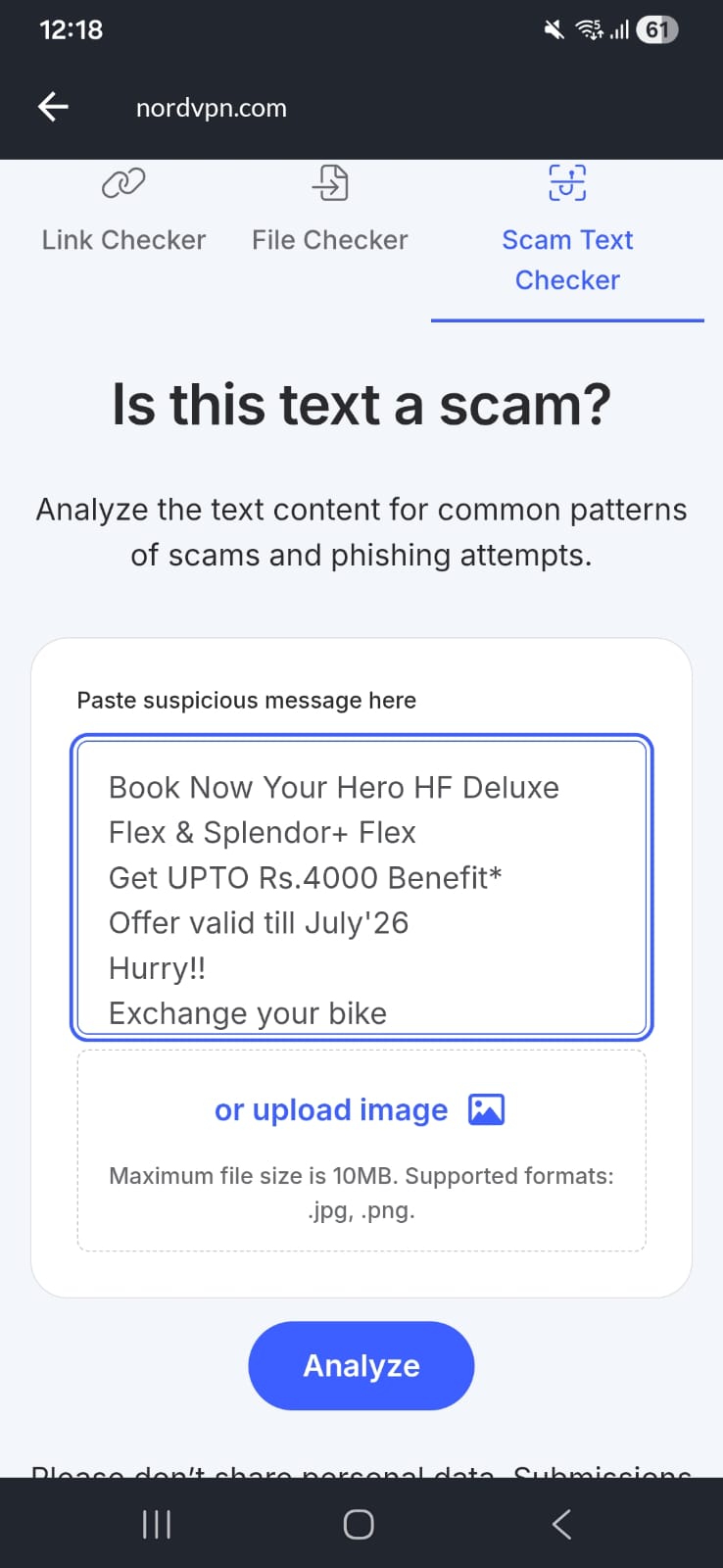
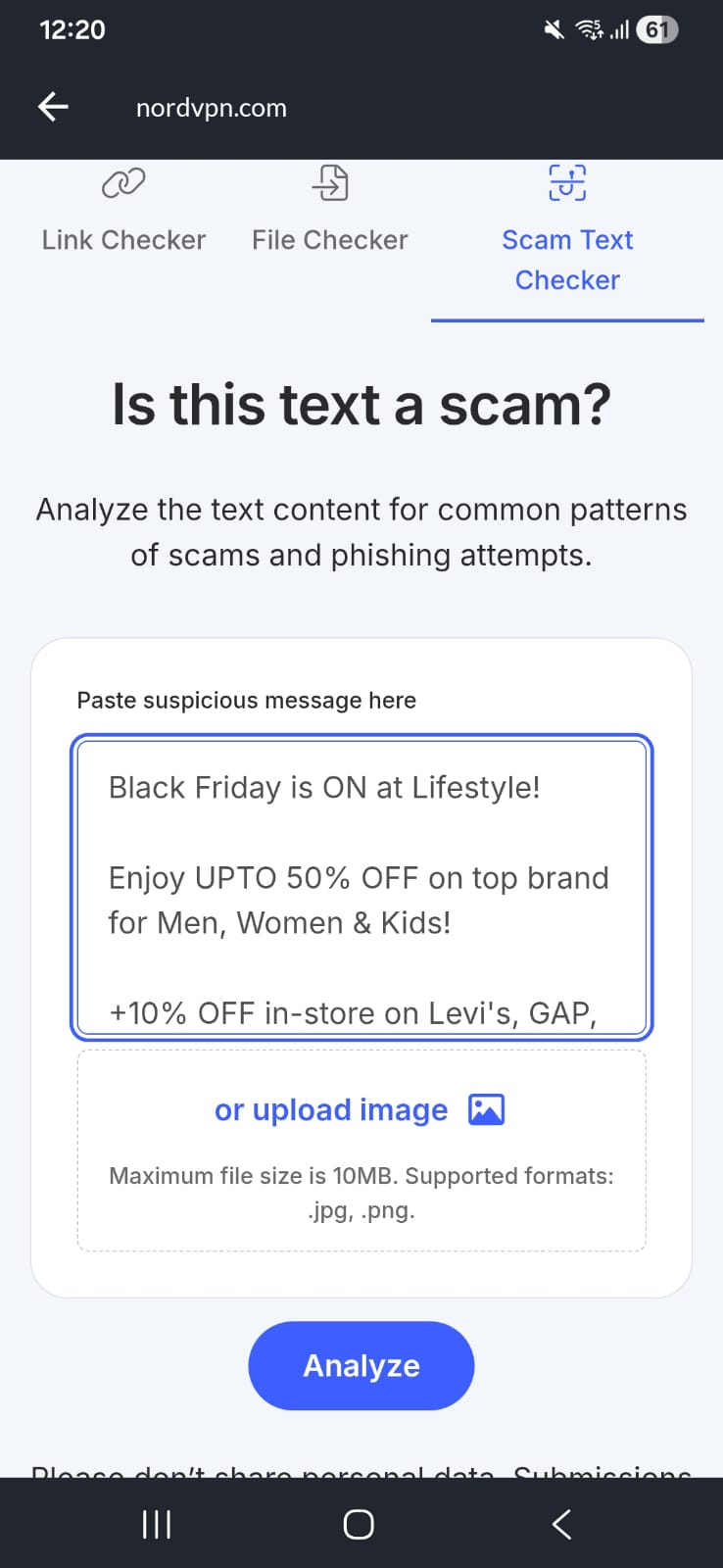
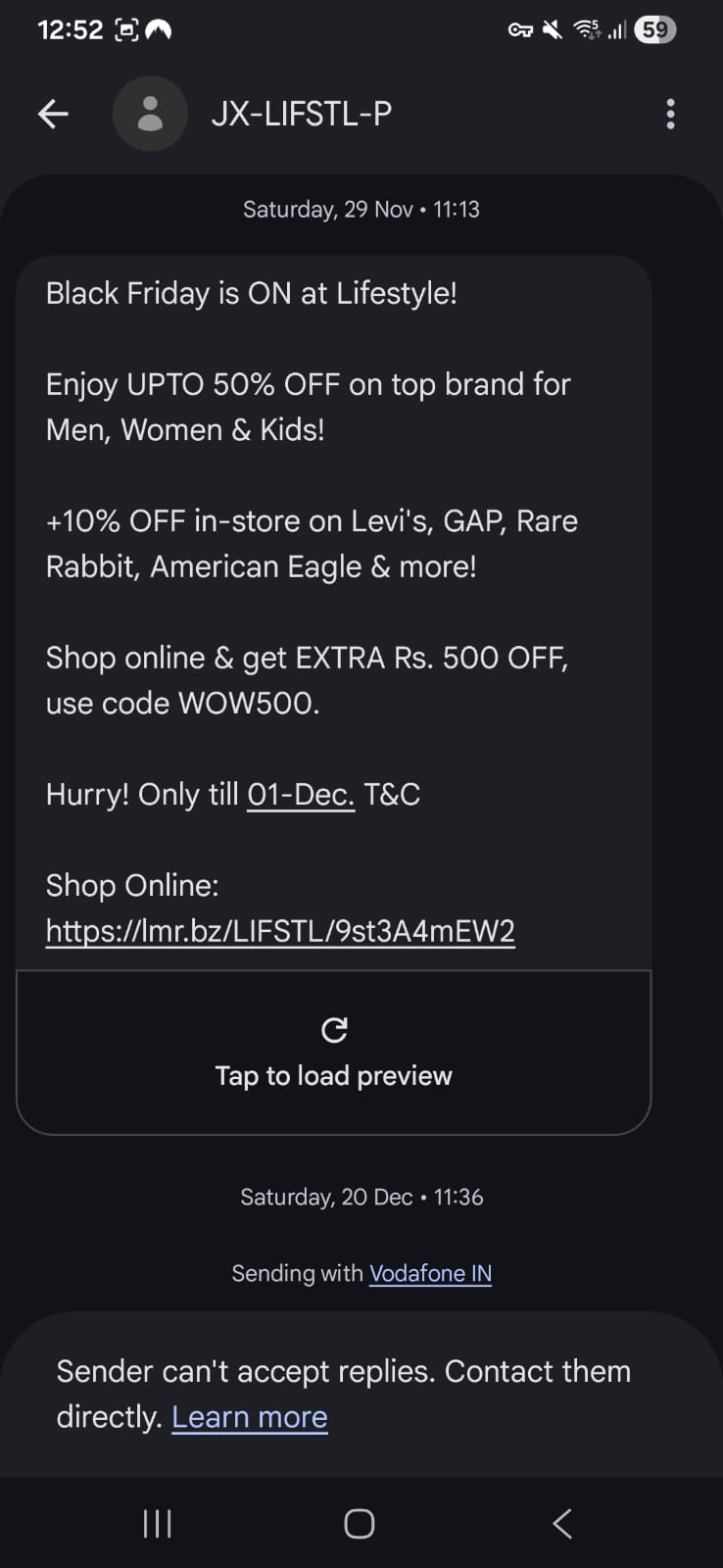
To evaluate NordVPN's scam detection, I tested the company's built-in Scam Text Checker on Android using the same SMS messages in two different formats. Unlike the newly announced Message Protection feature, which automatically scans incoming SMS messages from unknown senders, the Scam Text Checker requires users to manually submit text or upload screenshots for analysis.
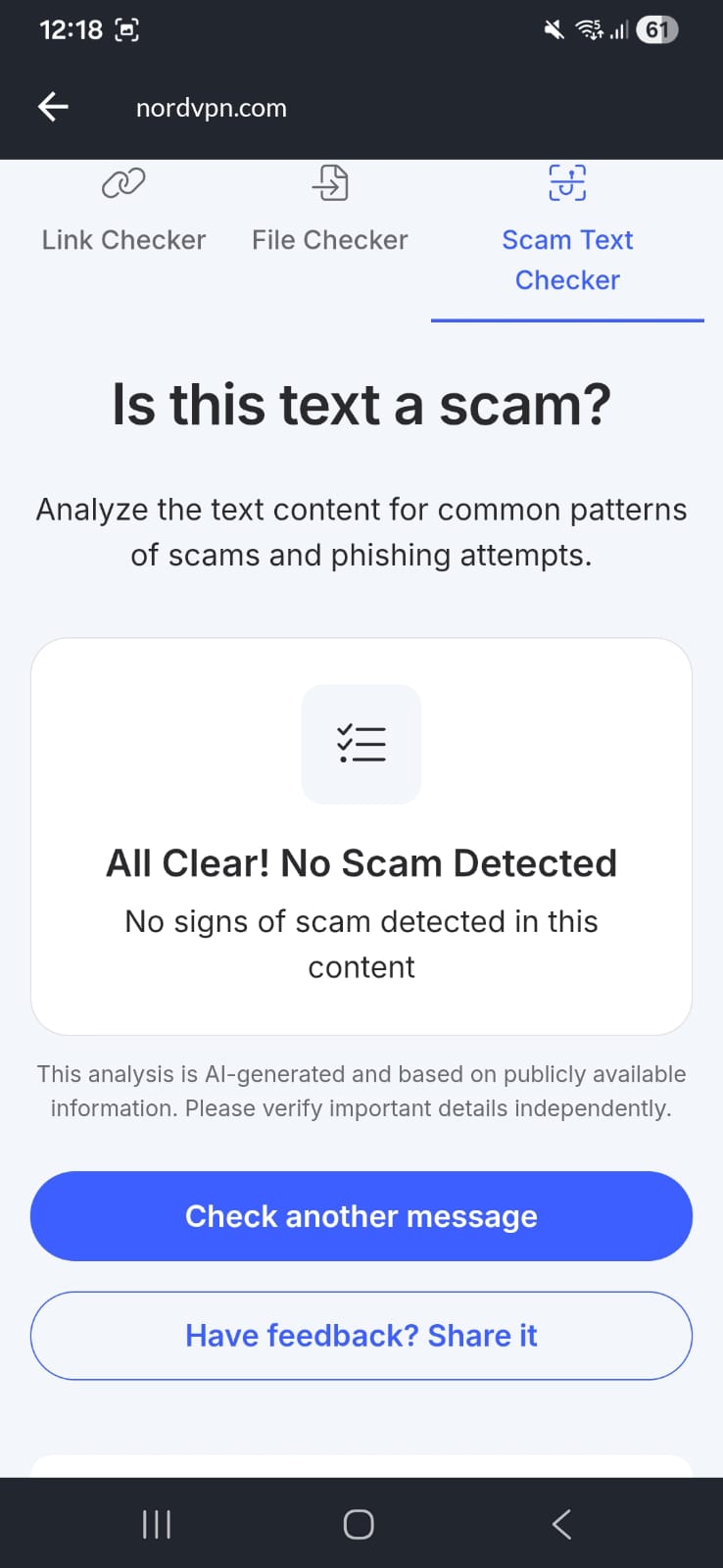
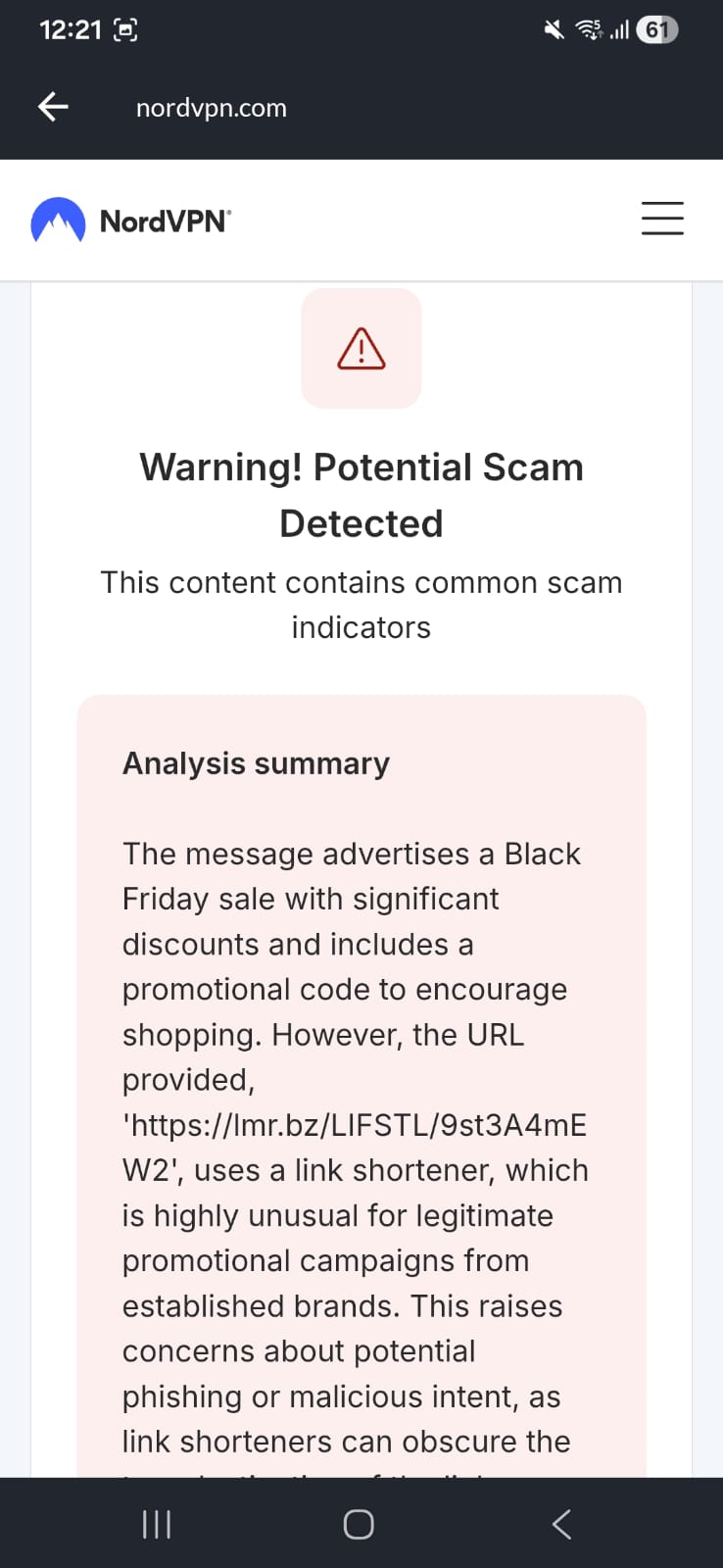
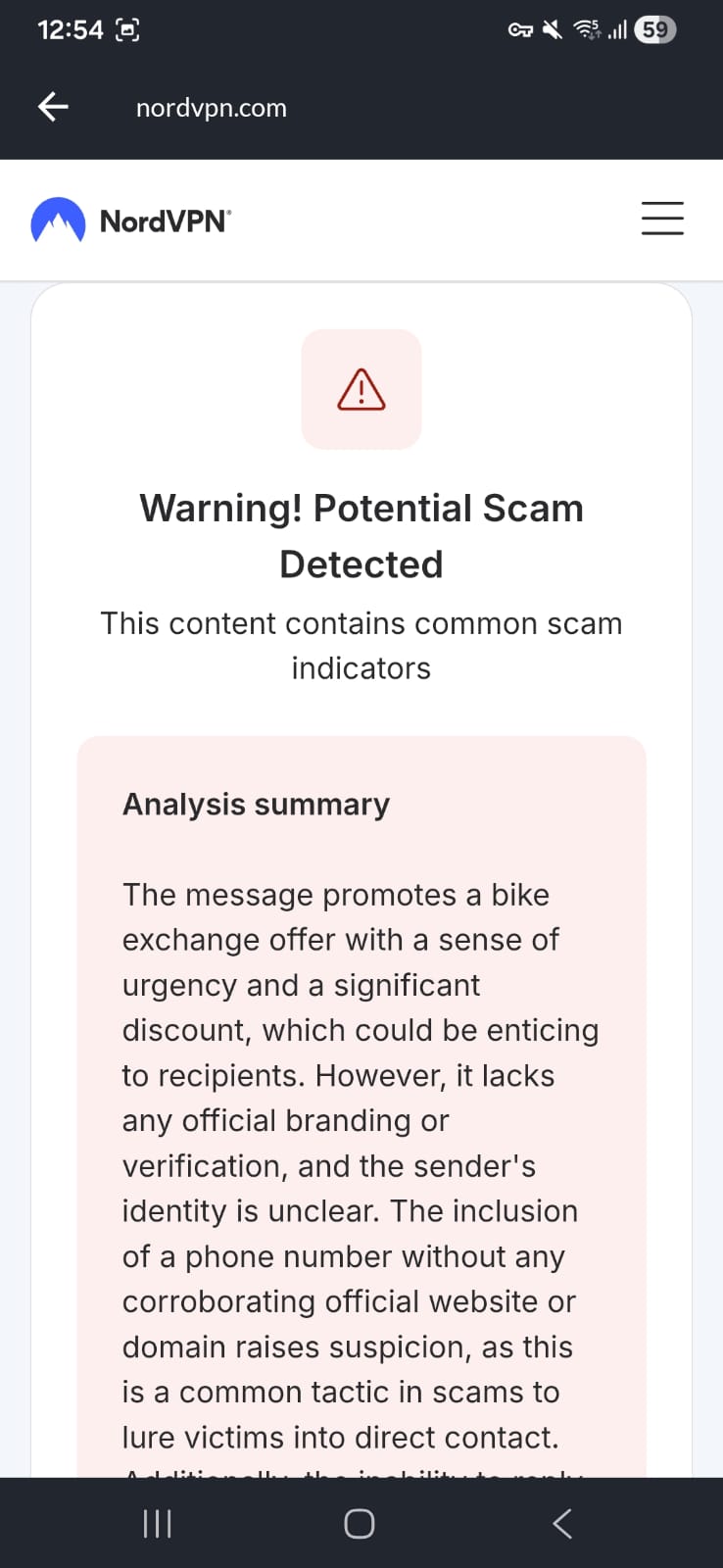
In the first test, I pasted the text of two SMS messages into the tool. Message 1 was classified as safe, while Message 2 was flagged as potentially unsafe.
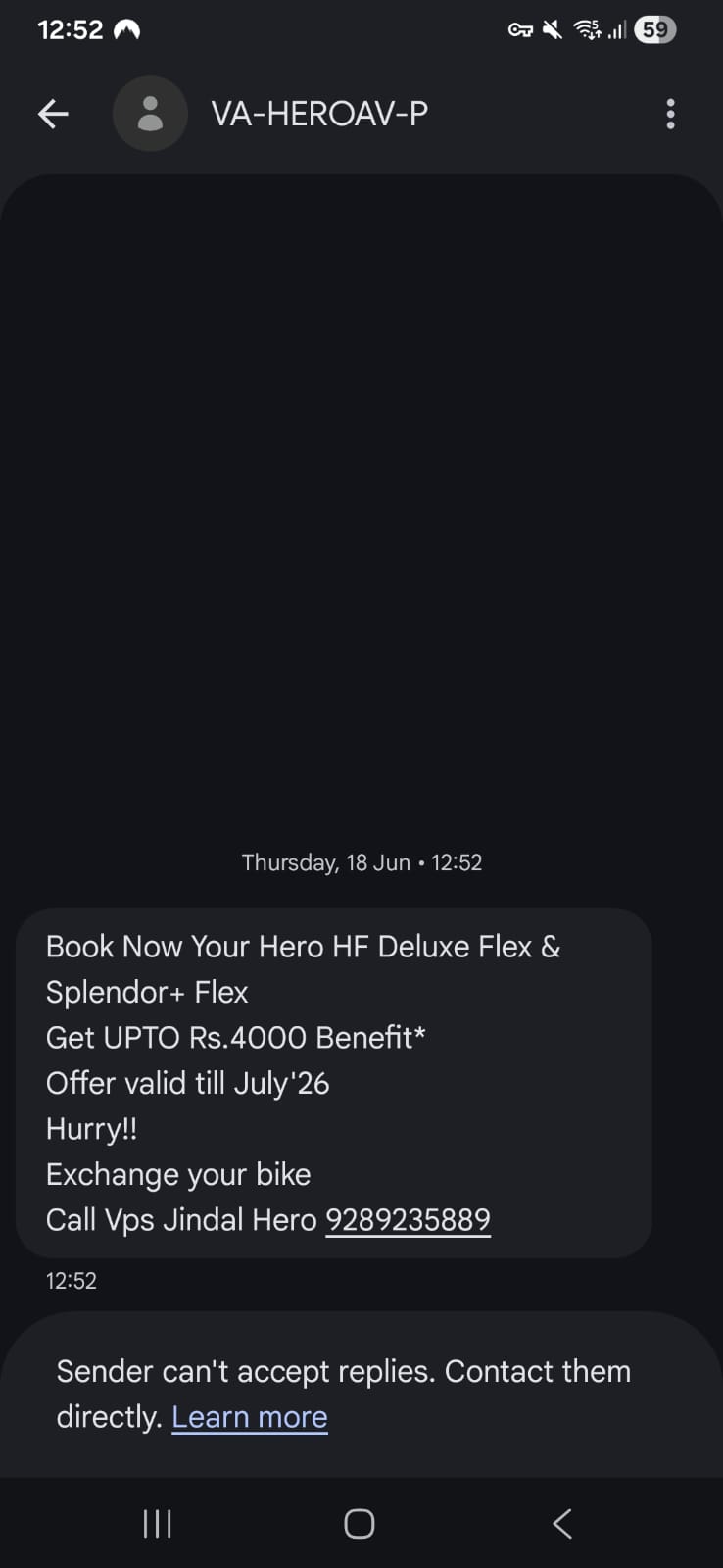
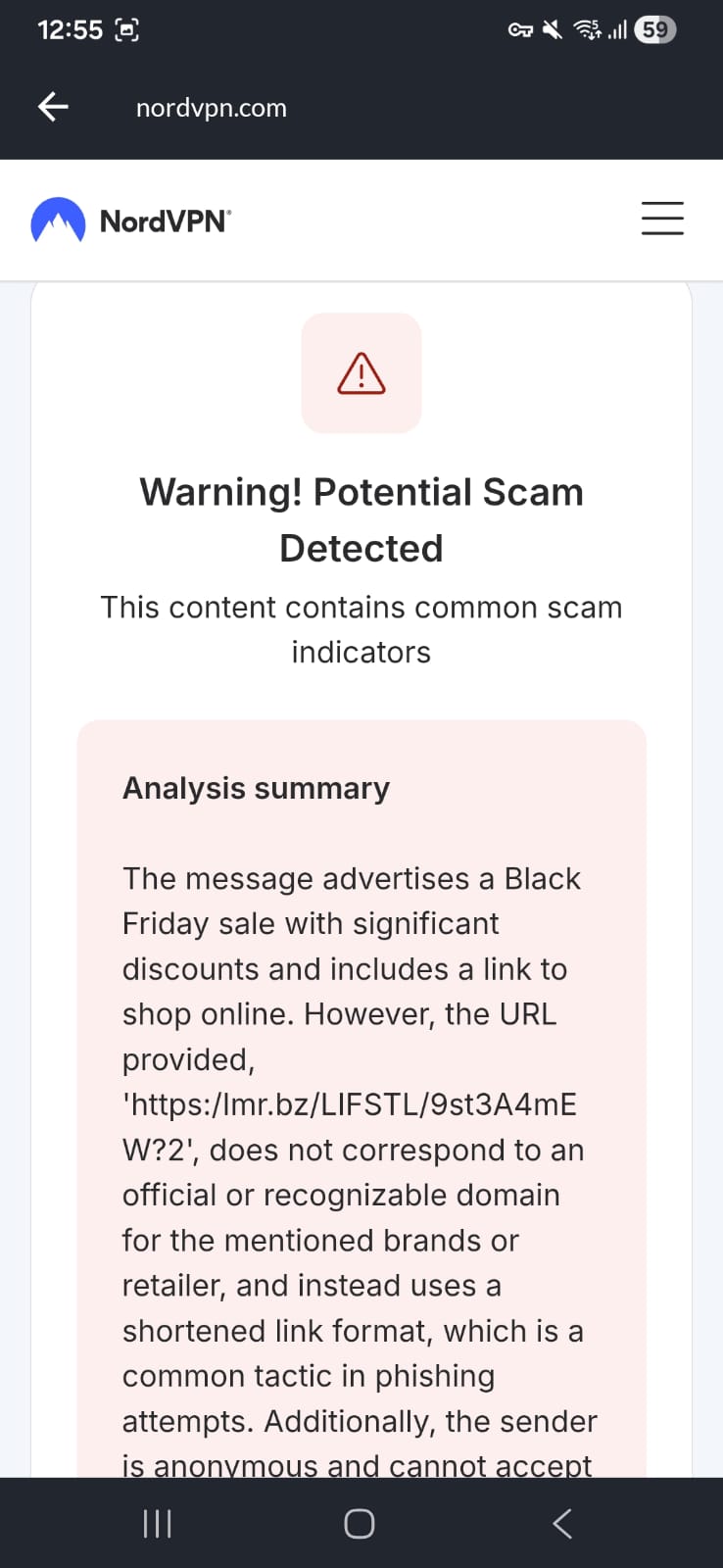
I then repeated the test by uploading screenshots of the exact same messages. Before scanning, NordVPN automatically extracted the text from each image using optical character recognition (OCR) and displayed it for review.
The results changed during the second round of testing.
- The message that had previously been classified as safe when submitted as plain text was flagged as potentially unsafe after its screenshot was analyzed.
- Meanwhile, the second message produced the same result in both tests and continued to be identified as suspicious.
The most notable finding during my testing was that the same message didn't receive the same verdict. After pasting the message as text, NordVPN classified it as safe. When I uploaded a screenshot containing the exact same content, the tool flagged it as potentially unsafe. Since NordVPN doesn't explain how it evaluates text and image submissions, it's unclear why identical content produced different results or which assessment users should rely on.
This means that manually checking a message as text and as an image may not always produce the same result, making it difficult to know which assessment should be trusted when the tool returns conflicting verdicts.
What Privacy Users Should Know
For privacy-conscious readers, NordVPN's announcement leaves some implementation details unanswered.
Key points to note:
- The feature is limited to SMS and does not scan messages in apps such as WhatsApp or Telegram because of Android operating system restrictions.
- NordVPN says it does not store message content.
- However, the company has not explained whether message analysis happens entirely on-device or whether any data is transmitted during the detection process.
- The announcement also does not specify how scam detection rules are updated or whether cloud-based analysis is involved.
While the absence of these details does not indicate that user data is being collected or stored, it also means users cannot independently assess how Message Protection processes SMS messages based solely on the information NordVPN has published.
Why It Matters
Text message scams, commonly known as smishing, have become an increasingly common way for cybercriminals to impersonate banks, delivery companies, government agencies, mobile carriers, and other trusted organizations in order to steal personal information or money.
NordVPN cited data from the Federal Trade Commission (FTC) showing that consumers reported losing $470 million to scams that began with text messages in 2024, five times the amount reported in 2020.
For VPN and privacy-focused users, Message Protection adds another layer of security aimed at helping people recognize suspicious SMS messages before clicking links or sharing sensitive information.
No immediate action is required for existing users. Android subscribers who want SMS scam detection can enable Message Protection within the NordVPN app.
Related




Get expert insights on threats, breaches, scams, and security trends — delivered every Monday.
Most Popular



Get expert insights on threats, breaches, scams, and security trends — delivered every Monday.
Most Popular