
When you purchase through links on our site, we may earn an affiliate commission. Here’s how it works.
How to Watch CBC in the USA or Outside Canada in 2026
Last updated March 20, 2024


CBC offers diverse content, including TV shows, documentaries, and exclusive Canadian programming. But, since CBC is only available in Canada, accessing CBC content can be difficult when you're in the US or outside Canada in general. While a lot of CBC content can be streamed on Hulu, you can’t access the full CBC library if you live or travel outside Canada.
But fear not, there's a solution so you can watch CBC in the USA: using a VPN. This way, you can access your favorite videos no matter where you are. Once you hide your real location by connecting to a Canadian VPN server, you’ll automatically unblock CBC.
In the following article, we'll talk about the importance of using a VPN to unblock CBC in the USA and how to choose the best one. We'll also provide instructions on how to set up and use a VPN to access CBC from outside Canada, recommend CBC content, and show you how to pay for the service.
How to Watch the CBC Channel in the USA?
To watch the CBC channel in the USA, you need to download a trusty VPN, connect to a Canadian VPN server, and go to the CBC website or use the CBC Gem app. Here’s what exactly you need to do to get the CBC channel in the USA:
- Sign up for a VPN that can unblock CBC in the US (we recommend NordVPN).
- Download, install, and then open your VPN app.
- Connect to a Canadian server in the app.
- Head over to gem.cbc.ca for TV shows and live broadcasts.
- Click “Sign In” or “Create an Account” to access the streaming library.
- Enjoy streaming the latest Canadian news, TV shows, and more!
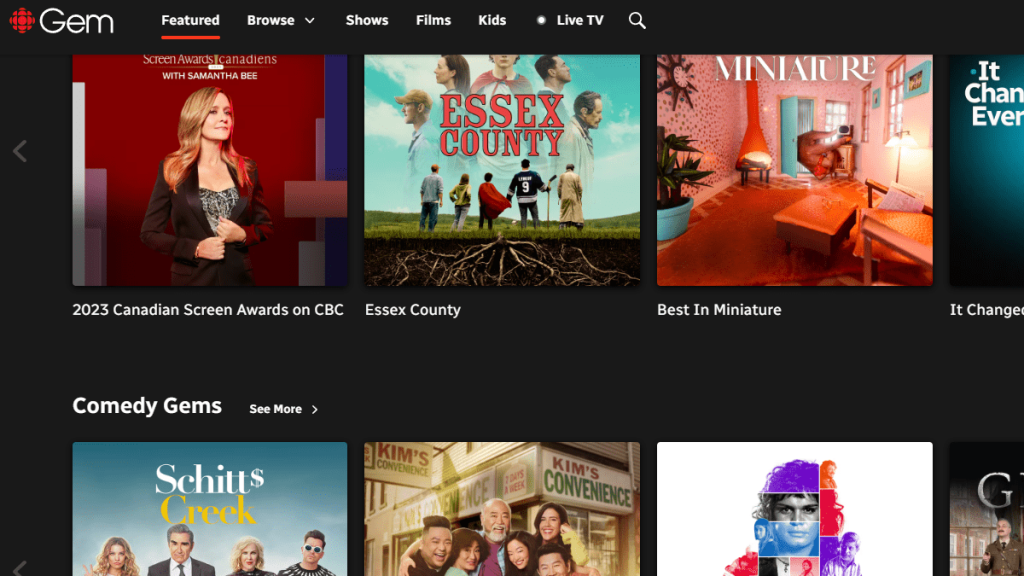
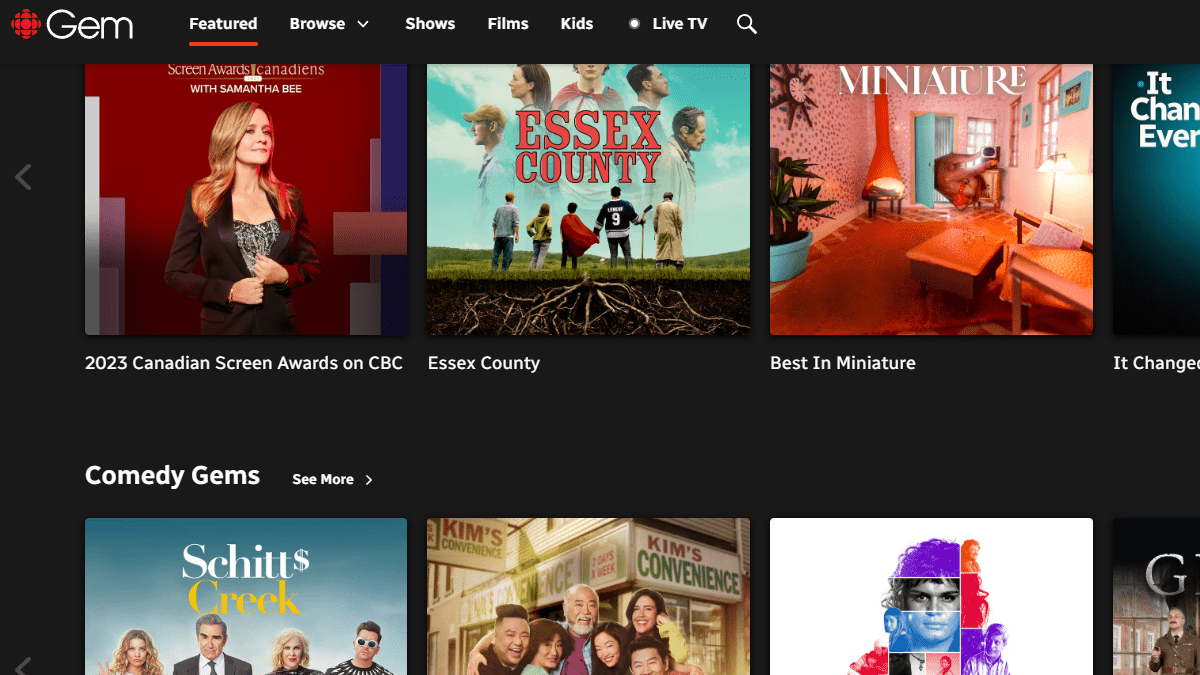


You can stream CBC’s content for free with ads, or you can choose to upgrade to a premium subscription to watch ad free. If you want to subscribe, you’ll need a valid form of payment with a Canadian billing address, including a Canadian credit or debit card or Canadian PayPal account. We’ll cover how to pay using those methods and a couple alternatives shortly.
Why Do You Need a VPN to Watch CBC in the USA?
You need a VPN to watch CBC in the USA as the streaming platform is not available outside Canada. Most of CBC content can be streamed on Hulu - that’s true. However, CBC’s full content library is only available for streaming in Canada due to strict copyright agreements around the world.
If you’re trying to watch CBC in the United States (or outside Canada, in general), you’ll receive the following message error: “This content is not available outside Canada. Please visit gem.cbc.ca/info/outside-canada for more information.”

However, with a VPN for streaming, you can bypass this error message and stream your favorite CBC content. After you get a Canadian IP address to hide and change your real one, you can automatically access CBC without restrictions. This way, you can stream your favorite shows and movies even if you’re in the US or traveling around the world.
But not every VPN is powerful enough to get the job done. Streaming platforms regularly block VPN IPs, so you’ll need the best CBC VPN to unlock the service. We recommend NordVPN because it unblocks CBC consistently, has 480+ Canadian servers, and delivers super-fast speeds.
The Best VPNs for Streaming CBC in the USA in 2026
The best VPN to look for should be able to unblock CBC and CBC Gem with ease, plus have a fast, extensive server network in Canada. It also needs to have a large worldwide network of servers to unblock other streaming services. Naturally, it should also offer great performance and high speeds regardless of your location or the server you’ve chosen.
Next, you need some form of obfuscation to hide your VPN activity, as well as a kill switch to protect your identity in case of disconnects. Privacy-wise, your chosen VPN should have a strict no-logs policy and strong AES-256 encryption to protect your data, preferably without sacrificing speed. Plus, it should offer fast and secure protocols like OpenVPN and WireGuard.
Couple that with apps for all available systems (Windows, Linux, Mac, iOS, Android, and others) and several simultaneous connections for multi-device streaming. Finally, 24/7 live chat and a money-back guarantee should be available, just in case.
Based on the criteria above, these are the 4 best VPNs to watch CBC in the USA:
- NordVPN – Our #1-Rated VPN to Watch CBC in the USA in 2026
- Surfshark – Stream CBC in the USA with Blazing-Fast Servers
- ExpressVPN – Powerful VPN to Watch CBC in the United States
- CyberGhost VPN – Watch CBC Outside Canada on a Budget
1. NordVPN – Our #1-Rated VPN to Watch CBC in the USA in 2026
NordVPN is the best VPN to watch CBC in the US because it easily unblocks CBC and other streaming services. This is thanks to an ultra-fast network of 480+ Canadian servers in 3 cities: Montreal, Toronto, and Vancouver. Overall, there are 6,100+ servers worldwide in 104 countries.
You’ll also have a built-in smart DNS (SmartPlay) that disguises your DNS requests to hide your real location. Their service is super-fast, with amazing performance regardless of where you’re connecting from. You can also use their specialized obfuscated servers if any streaming service detects your VPN usage.
As always, the provider comes with an audited no-logs policy and a reliable kill switch to keep your true location a secret. You’ll get the best performance when you use their advanced NordLynx protocol (with ChaCha20 encryption). You can also opt for OpenVPN and IKEv2/IPsec with AES-256 encryption.
Otherwise, the VPN comes with intuitive apps on all major operating systems, from PC to mobile. You get 10 simultaneous connections to watch CBC outside Canada and more on multiple gadgets.
Finally, you can trust their 24/7 live chat for help, and there’s a generous 30-day money-back guarantee if you want to explore other options.
PROS
- 480+ Canadian servers.
- Excellent streaming support.
- Audited no-logs claims.
- Built-in smart DNS (SmartPlay).
- Capable 24/7 support.
- 30-day money-back guarantee.
CONS
- Not all servers have obfuscation.
2. Surfshark – Stream CBC in the USA with Blazing-Fast Servers
Surfshark made our list because it effortlessly unblocks CBC and other streaming services anywhere in the world. It has 120+ servers in 3 Canadian cities (Toronto, Vancouver, and Montreal) and 3,200+ servers in 100 countries worldwide that make this possible. Better yet, its entire network is obfuscated.
You’ll enjoy lightning-fast speeds and reliable performance for streaming with Surfshark. It didn’t matter how far away the server was that we were connected to. We still observed the same impressive performance.
Surfshark takes its users’ privacy seriously, with an audited no-logs policy and a powerful kill switch to prevent data leaks. It offers OpenVPN, IKEv2, and WireGuard as protocol choices, with AES-256 or ChaCha20 encryption.
You can install Surfshark on any popular devices, including computers, smartphones, smart TVs, routers, and more. We love the fact that it offers unlimited simultaneous connections.
Lastly, Surfshark comes with a 30-day refund period and customer support available around the clock via live chat. You can thoroughly test the VPN and contact support for any issues.
PROS
- 120+ Canadian servers.
- Blazing-fast speeds.
- Unlimited simultaneous connections.
- Network-wide obfuscation.
- Customer support available 24/7.
- 30-day refund period.
CONS
- iOS app could use improvement.
3. ExpressVPN – Powerful VPN to Watch CBC in the United States
ExpressVPN is another excellent choice because it unblocks CBC from anywhere, as well as other streaming platforms. It has an extensive Canadian server network (covering 3 cities—Toronto, Montreal, and Vancouver), powered by built-in obfuscation to keep you under the radar. It has 3,000+ servers across 105 countries in total.
Streaming speeds and performance are excellent no matter where you connect from (e.g., the US or Australia), and we’ve had no trouble watching HD and 4K content on any tested platforms.
As for privacy, ExpressVPN’s no-logs policy has been audited, and their apps include a kill switch to avoid leaking your IP to CBC. Meanwhile, its Lightway protocol (with WolfSSL encryption) makes it a perfect VPN for streaming buffer-free. OpenVPN and IKEv2 (with AES-256 encryption) are also available if you’re a mobile user or want to stick to the classics.
The VPN works on every major platform, such as Windows, Mac, iOS, Linux, Android, and more. You get 8 simultaneous connections, which is more than enough for most users. That said, you can get around that limitation with their reliable router app.
Finally, the provider offers 24/7 live chat if you have any issues with streaming, as well as a generous 30-day money-back guarantee on all plans.
PROS
- Intuitive apps.
- High-performance network.
- Unblocks CBC and CBC Gem.
- Audited no-logs policy.
- Expert 24/7 live chat.
- 30-day money-back policy.
CONS
- Lacks customization options.
4. CyberGhost VPN – Watch CBC Outside Canada on a Budget
CyberGhost VPN may not have obfuscation, but its specialized streaming-optimized servers make it a great option for unblocking CBC in the US. They have a huge network of 11,500+ servers in 100 countries, including 530+ servers in 3 cities in Canada (Vancouver, Toronto, Montreal). As their network is so large, you can use it to access 40+ streaming sites worldwide.
During our tests, we observed medium-fast speeds and stable performance with no network congestion. We did notice dips in speed on more remote servers, but it’s still sufficient for HD and 4K streaming.
Their apps include an always-on kill switch, and they maintain a strict no-logs policy. OpenVPN and IKEv2 (AES-256-enabled) are included as protocol options, though we recommend trying the lightweight WireGuard (which uses ChaCha20 encryption) for the best results while streaming.
CyberGhost is fairly generous with device limits, allowing up to 7 simultaneous connections. The VPN has an intuitive interface and is available on all major platforms, including computers, smartphones, tablets, smart TVs, and more.
Lastly, we like that their longer subscriptions come with a 45-day money-back plan, and their 24/7 live chat has always been helpful with any questions about the service.
PROS
- 530+ servers in Canada.
- Works on 40+ streaming sites.
- Always-on kill switch.
- 45-day money-back guarantee.
- 7 simultaneous connections.
CONS
- Slower than its competitors.
- No obfuscation.
How Much Does CBC Cost?
CBC has one Premium plan which costs $5.99 monthly for ad-free content. It also has 2 free plans: Guest Access where you can stream content within Canada without an account, and the option to create a CBC Account to stream all on-demand series and films for free with ads. It offers the handy CBC Gem app for most devices.
Here’s what’s included if you want to watch the CBC Channel in the USA, along with the price in Canadian dollars and US dollars:
How to Pay for CBC in the USA?
There are 4 ways to pay for CBC in the USA: by using a Canadian debit/credit card, using a Canadian PayPal account, using a Google Play gift card, or using an iTunes gift card. Here are short guides for each case.
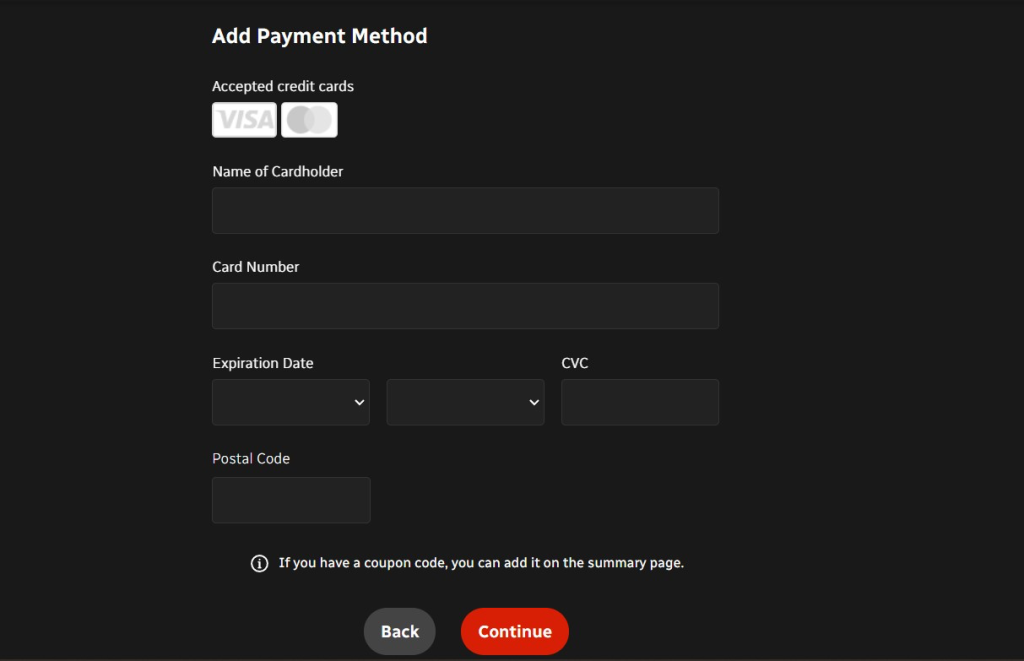
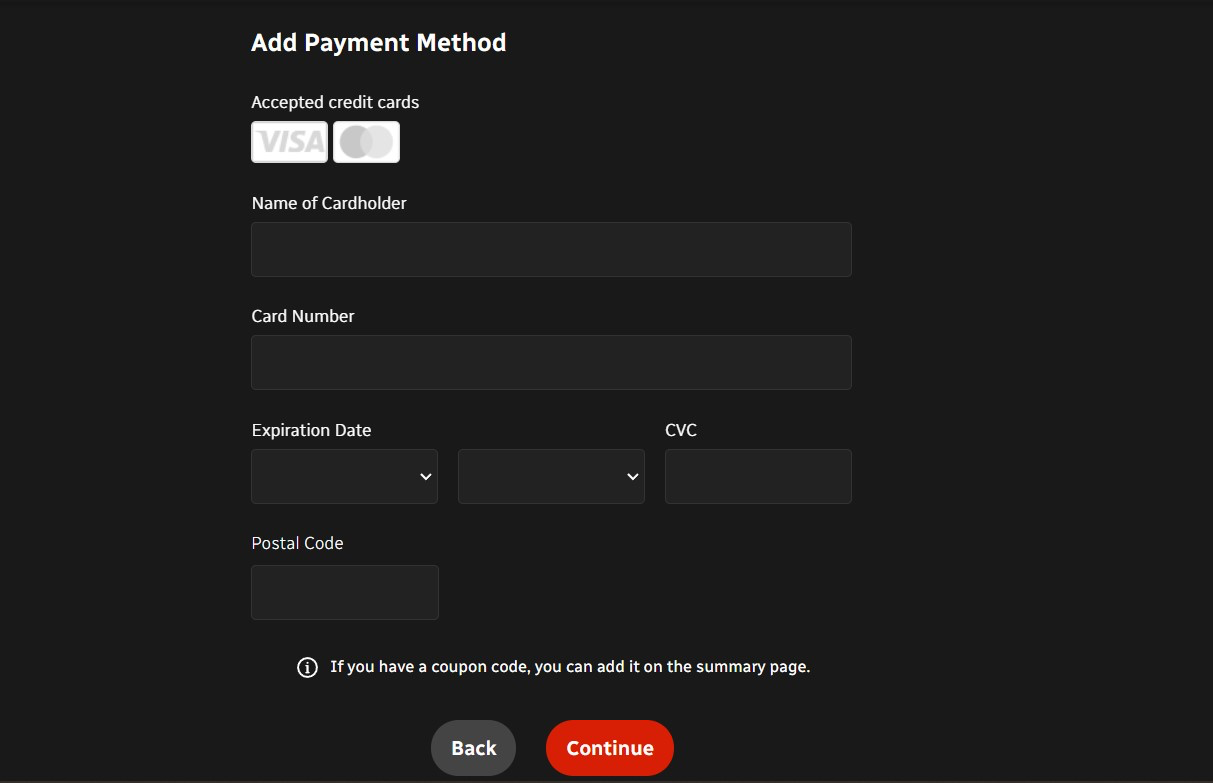
Method 1: Pay for CBC with a Canadian Debit/Credit Card
For this method, the debit or credit card used needs to be associated with a Canadian billing address. Here’s what to do:
- Get a VPN that unblocks CBC outside Canada (we recommend NordVPN).
- Install the VPN app and connect to any Canadian server.
- Access the CBC Gem website and sign up for an account.
- During checkout, pay with your Canadian debit/credit card.
- Pick any title and enjoy!
Method 2: Pay for CBC with a Canadian PayPal Account
If you want to pay with PayPal for your CBC plan, you’ll need 2 things. First, you need a Canadian PayPal account that is linked to a suitable device (PayPal payments can only be done through the app, not the website). Secondly, you need a reliable VPN. Here are the exact steps you have to follow:
- Subscribe to a VPN that works with CBC (we recommend NordVPN).
- Install the VPN (depending on your device, you may need to install on a router).
- Pick any Canadian VPN server to connect to.
- Download the CBC Gem app on Android, Apple TV, iPad, iPhone, or Roku.
- After the installation process is complete, log into your CBC Gem app.
- During checkout, choose your PayPal account to complete the purchase.
- Pick any video and start watching!
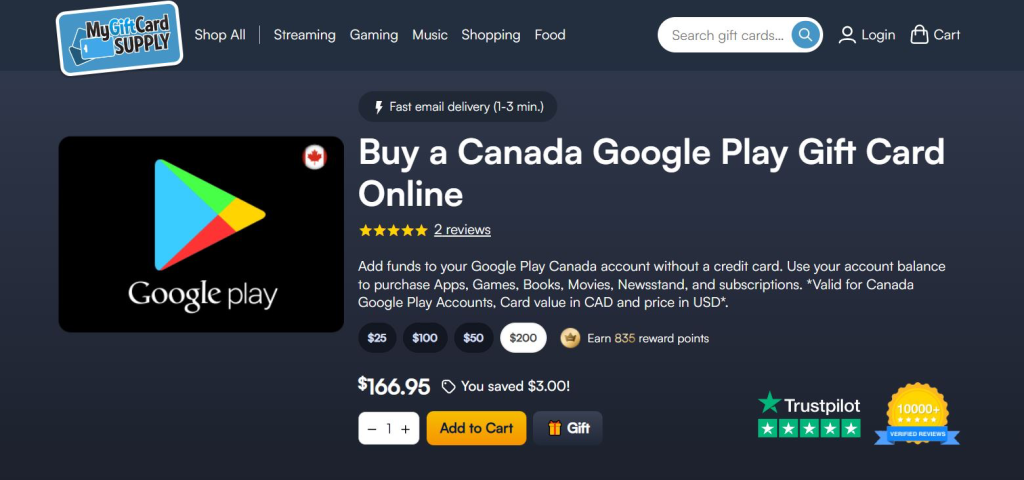
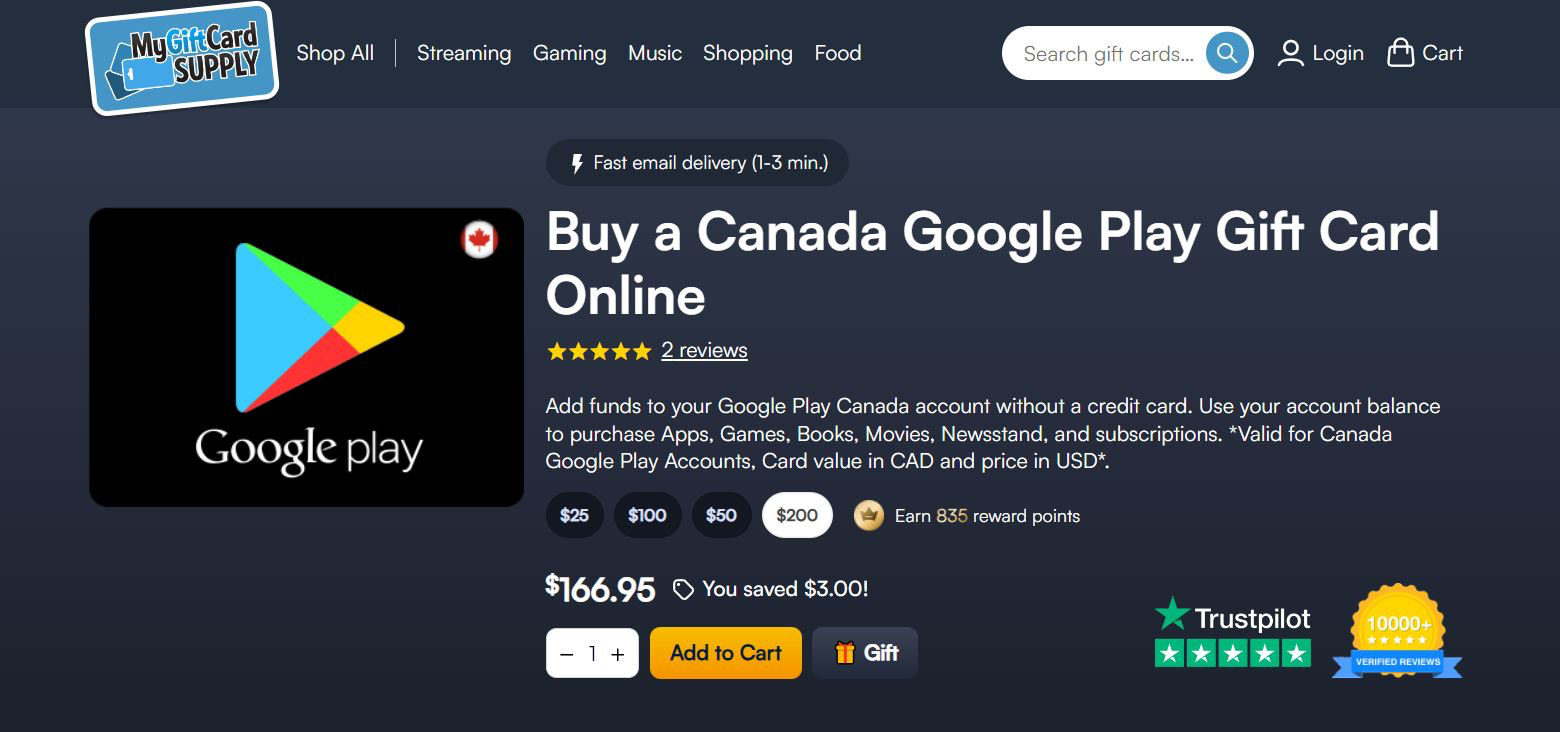
Method 3: Pay for CBC with a Canada Google Play Gift Card
After you subscribe to a VPN, you can create a Canadian-based Google account and get a Canadian Google Play Gift card to redeem it. Since this payment is linked to your Android device, you’ll automatically be able to pay for CBC. Here are the exact steps:
- Grab a VPN that works on Android (we recommend NordVPN).
- Download and install the VPN on your Android device.
- Choose a server from Canada to connect to.
- Buy a Canadian Google Play Gift card fromMyGiftCardSupply or similar stores.
- Create a new Canadian-based Google account.
- Redeem the gift card funds in your Canadian Play Store.
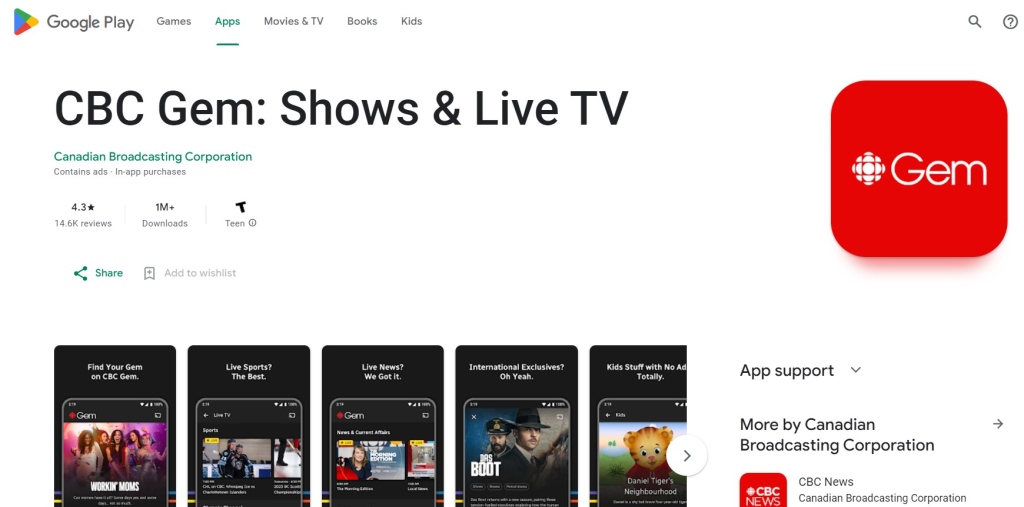
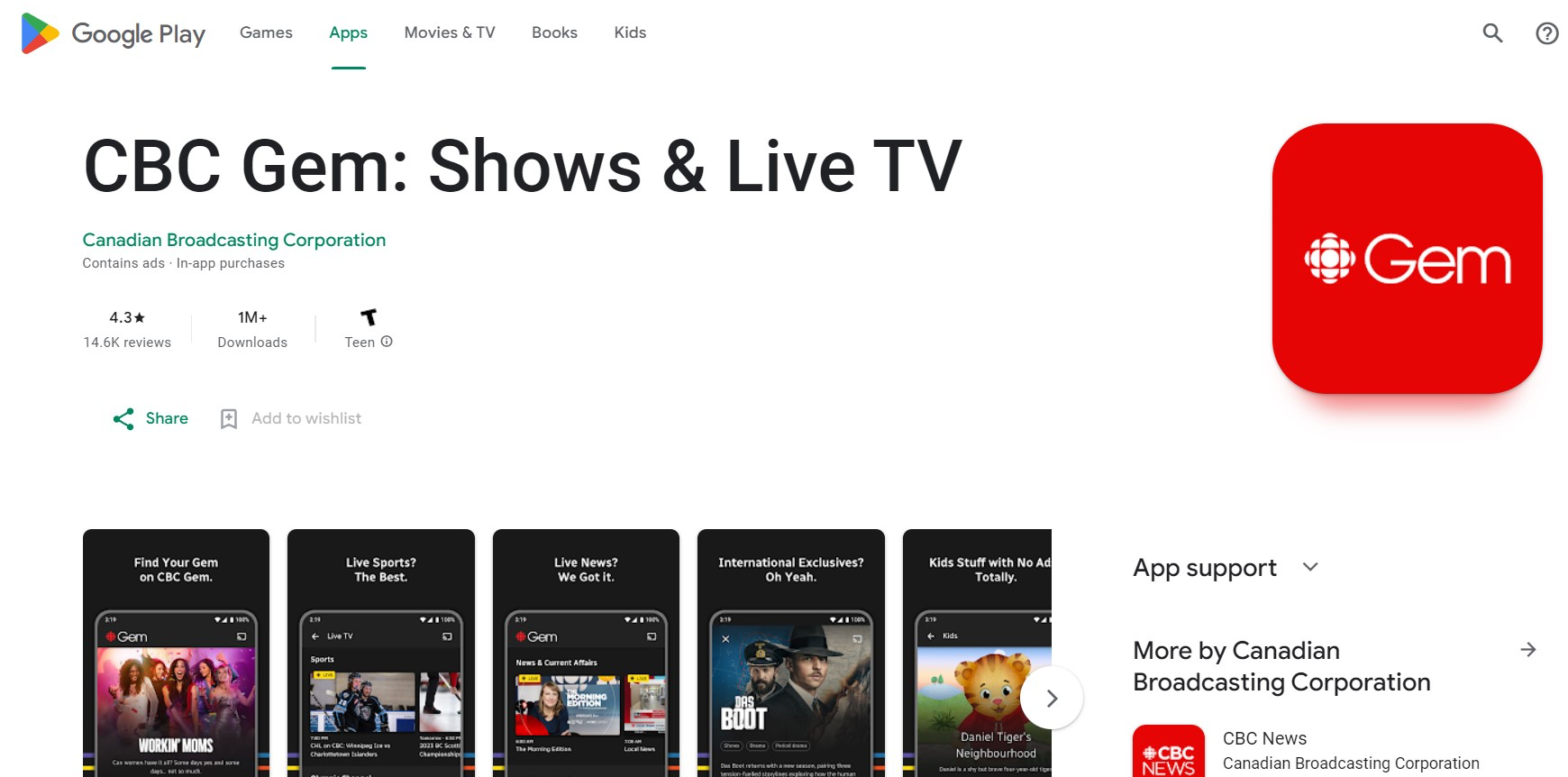
- Get the CBC Gem app from the Play Store.
- Install the CBC app on your Android device.
- Launch the app and during check, pay with your gift card funds.
- Start streaming your favorite videos!
Method 4: Pay for CBC with a Canada iTunes Gift Card
For this option, you’ll need to create a Canadian Apple ID, buy a Canadian Apple gift card, and pay with it for your CBC Gem app. Here’s a step-by-step guide:
- Subscribe to a VPN that has a dedicated iOS app (we recommend NordVPN).
- Install the VPN app on your iOS device.
- Connect to a Canadian server in any city.
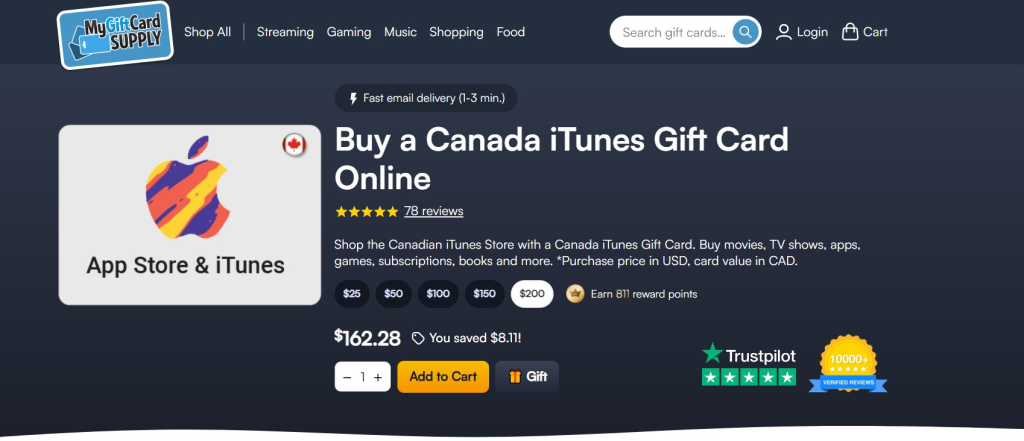
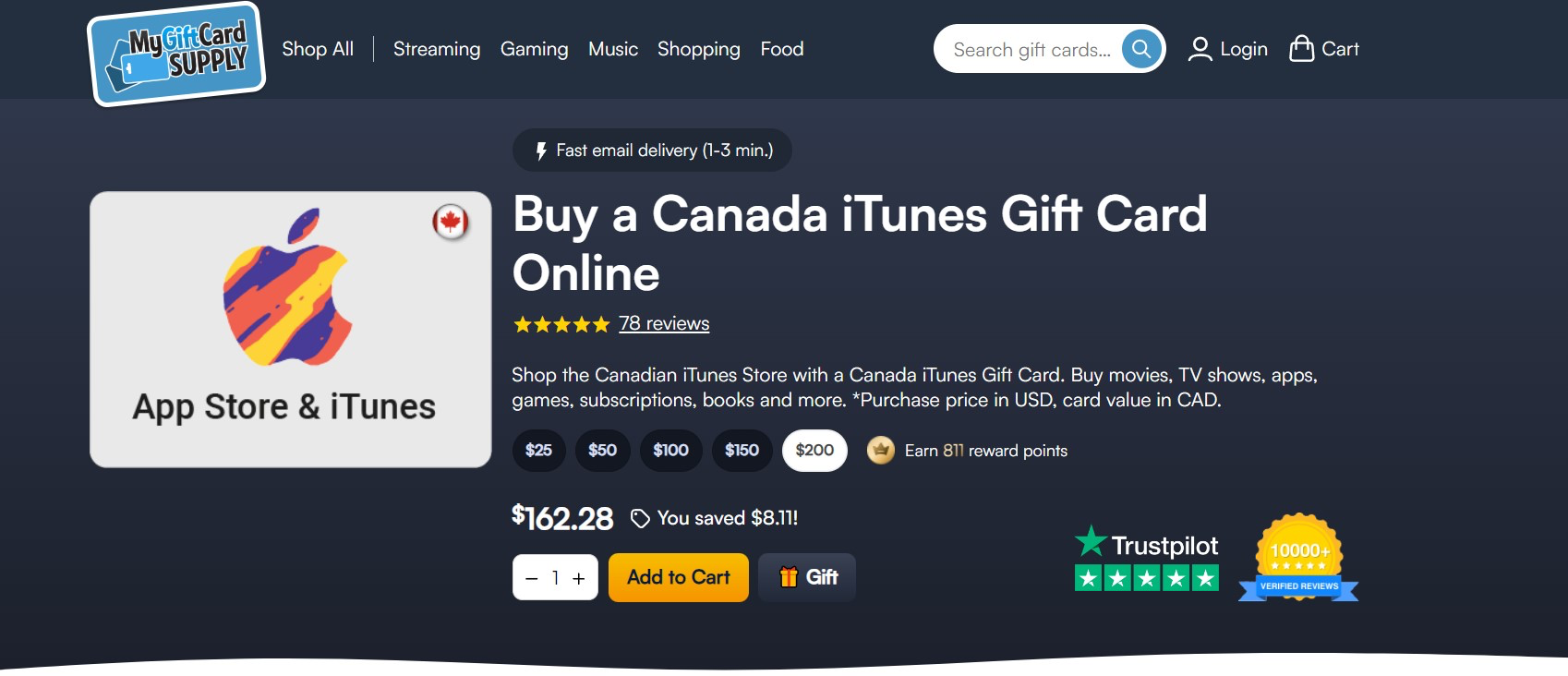
- Get a Canadian Apple gift card from an online store.
- Create a new Apple ID that has a Canadian-based address.
- Redeem your gift card in the Canada App Store.
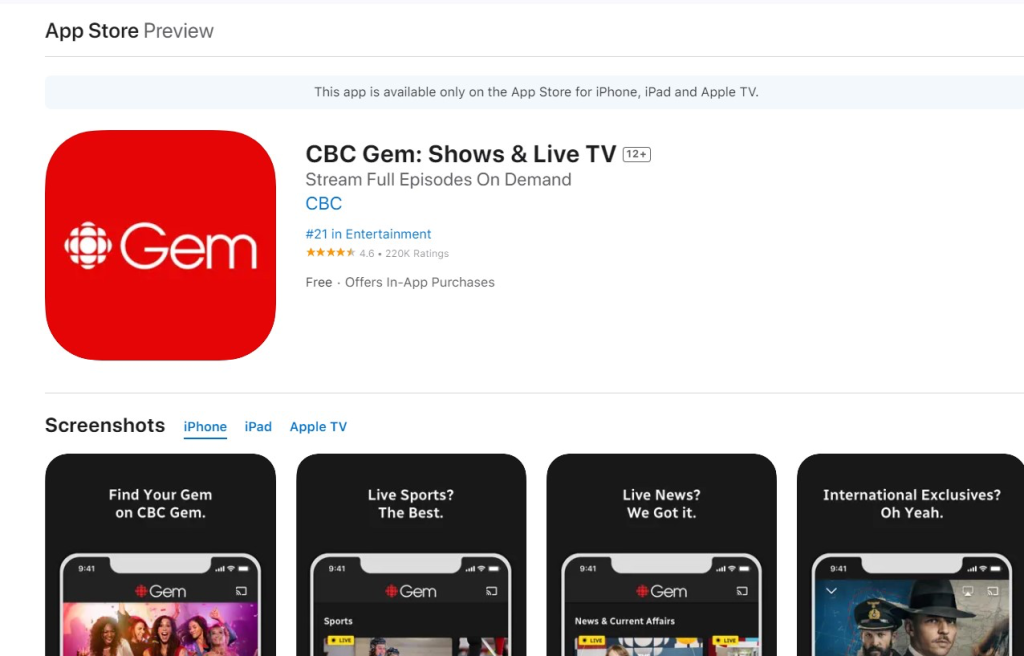
- Download the CBC Gem app from the App Store on your device.

- Log into your CBC Gem App once the installation is complete.
- During checkout, pay with your preloaded funds.
- Pick any title and start streaming!
How to Get CBC in the USA on Your Devices?
To get CBC in the USA on your devices, you’ll need to download and install a VPN. Then, all you have to do is connect to a Canadian VPN server to access CBC, CBC Gem, and other digital services restricted to Canada only. Extra steps may be required in some cases, so here are some individual guides.
How to Get CBC on Windows or Mac
In this case, to get CBC in the US on Windows or macOS, all you need to do is connect to a Canadian VPN server, create an account on CBC Gem, and start watching. Here’s the step-by-step process:
- Subscribe to a VPN that can unblock CBC in the US (we recommend NordVPN).
- Download and install the VPN on your Windows PC or Mac.
- Launch the app and connect to a Canadian server from the provider’s list.
- Go to gem.cbc.ca and sign up for a CBC Gem account (it’s free).
- Sign in, select a show, and start streaming.
How to Get CBC on Android
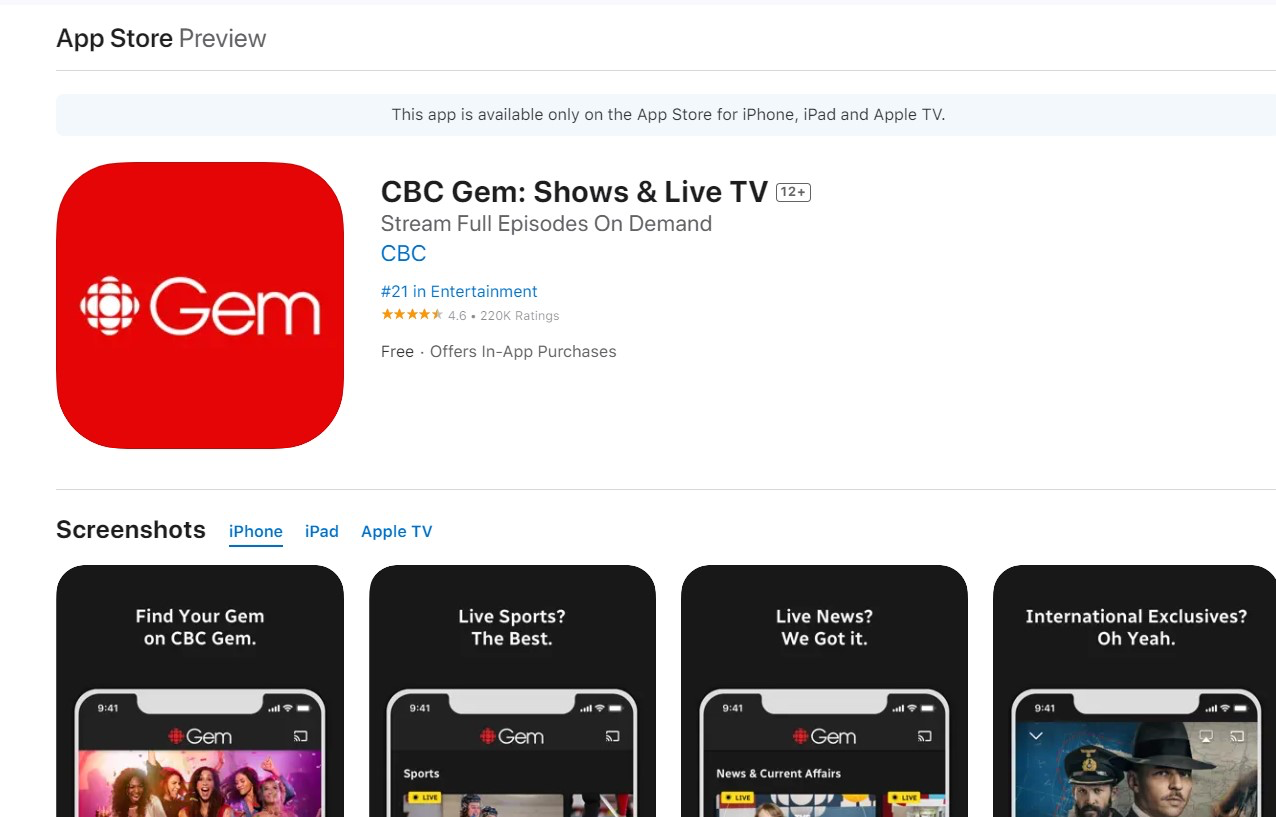
CBC Gem is available as a free app for Android. Use a VPN to connect to a Canadian server, create a Canadian Google account, then download the app to watch:
- Sign up for a reliable CBC VPN (we recommend NordVPN).
- Download the VPN on your Android device.
- Open the app and connect to a Canadian server.
- Create a new Google account and set your region to Canada.
- Download the CBC Gem app from the Play Store.
- Choose a show and have fun watching CBC outside Canada.
How to Get CBC on iOS
You can only watch CBC Gem in the USA through the dedicated iOS app, available with a Canada Apple ID. Connect to a Canadian VPN server, download the app, and start watching:
- Subscribe to a VPN that lets you stream CBC (we recommend NordVPN).
- Download the VPN on your Apple device.
- Launch the VPN and select a Canadian server.
- Set up a new Apple ID with Canada as your country.
- Download the CBC Gem app from the App Store.
- Sign in and enjoy dozens of Canada-only shows on iOS.
How to Get CBC on Roku
Since Roku doesn’t support VPNs, you’ll need to set one up on your router and set your region to Canada to get CBC on Roku in the USA. Here’s what you need to do:
- Sign up for a CBC VPN with a reliable router app (we recommend NordVPN).
- Set it up on your router by following your provider’s setup guide.
- During the setup, make sure your region is set to Canada.
- Turn on your Roku streaming device and connect to the VPN-enabled Wi-Fi.
- Create a new Roku account with a Canadian address.
- Add the CBC Gem app to your home screen.
- Sign in to CBC, then relax with all your favorite shows or live TV streams.
How to Get CBC on a Smart TV
Many smart TVs don’t directly support VPNs, so you’ll have to go the router installation route. Then you can set your TV’s region to Canada. Follow these steps:
- Get a VPN with a router app (we recommend NordVPN).
- Set the VPN up on your router by following your provider’s setup guide.
- During the configuration, set your region to Canada.
- Turn on your smart TV and connect to the VPN-protected Wi-Fi network.
- Change your TV’s region to Canada in its system settings.
- Download the CBC Gem app from your TV’s app store.
- Sign in to your CBC account and start streaming.
How to Get CBC on Apple TV
To watch CBC outside Canada on your Apple TV, you’ll need a separate, Canadian Apple ID first. Then you’ll want to install a VPN. Here’s what to do:
- Subscribe to a VPN that unblocks CBC (we recommend NordVPN).
- Install the VPN on your Apple TV.
- Connect to a VPN server in Canada.
- Create a new Apple ID and set your region to Canada.
- Log in with your Canadian Apple ID on your Apple TV.
- Download the CBC Gem app from the tvOS store.
- Log in and enjoy streaming CBC in the USA on your Apple TV.
What Can You Watch on CBC?
On CBC, you can watch some of the most beloved Canadian programming, offering a rich blend of entertainment, education, and cultural insights.
For example, you can enjoy popular shows like Schitt's Creek and Run the Burbs. You can also stream original CBC movies that showcase the best of Canadian talent and storytelling like Long Time Running and 120 BPM.
The service also offers a comprehensive news network, ensuring you're always up-to-date with the latest happenings like CBC News BC and BC Today.
Here are some more choices of what you can watch with CBC streaming in the USA:
Can You Watch CBC on Hulu in the USA?
Yes, you can watch CBC on Hulu in the USA, but it's important to note that the complete content library is not accessible this way. That means that while you can access a selection of CBC shows on Hulu, you won't be able to enjoy the full spectrum of programming available directly on CBC's platforms in Canada.
The limitations in content availability on Hulu are primarily due to licensing restrictions, which can result in delayed releases or the exclusion of certain CBC titles from the Hulu platform. This can be frustrating if you’re looking to access the latest episodes of your favorite CBC shows.
If you want to access CBC's content from the USA, you can use a reliable VPN with Canadian servers. We recommend NordVPN because it has a vast network of servers in Canada, fast streaming speeds, and strong security features.
Where is CBC Available?
CBC is only available in Canada. This is due to licensing and copyright agreements that restrict CBC's broadcasting rights within Canadian borders. These agreements also impact the availability of certain shows and movies outside of Canada, with rights often sold to different broadcasters or streaming platforms like Hulu in other countries.
If you want to watch CBC outside Canada, you must navigate around these restrictions. The easiest way to do that is by using a VPN. By connecting to a server in Canada, a VPN allows you to bypass geo-restrictions, making it appear as if you are accessing the Internet from within Canada, thereby granting access to CBC's full library of content.
Final Thoughts
CBC offers a wide range of Canadian programming and wide-acclaimed shows, but you can access it only inside Canada. So if you’re in the US or traveling outside Canada anywhere, you won’t be able to watch your favorite shows. Fortunately, you can stream CBC outside Canada by using a VPN.
We recommend NordVPN as the best VPN to watch CBC in the USA. It has 480+ Canadian servers to prevent overcrowding, fast speeds for smooth streaming, and strong security features to prevent IP leaks.
That’s all for how to watch CBC in the USA or anywhere outside Canada. If you have any questions or comments, leave them in the comment section below. Thanks for reading!
Related